AI BrandGen Help Illustration: Checking Photo Details Up Close
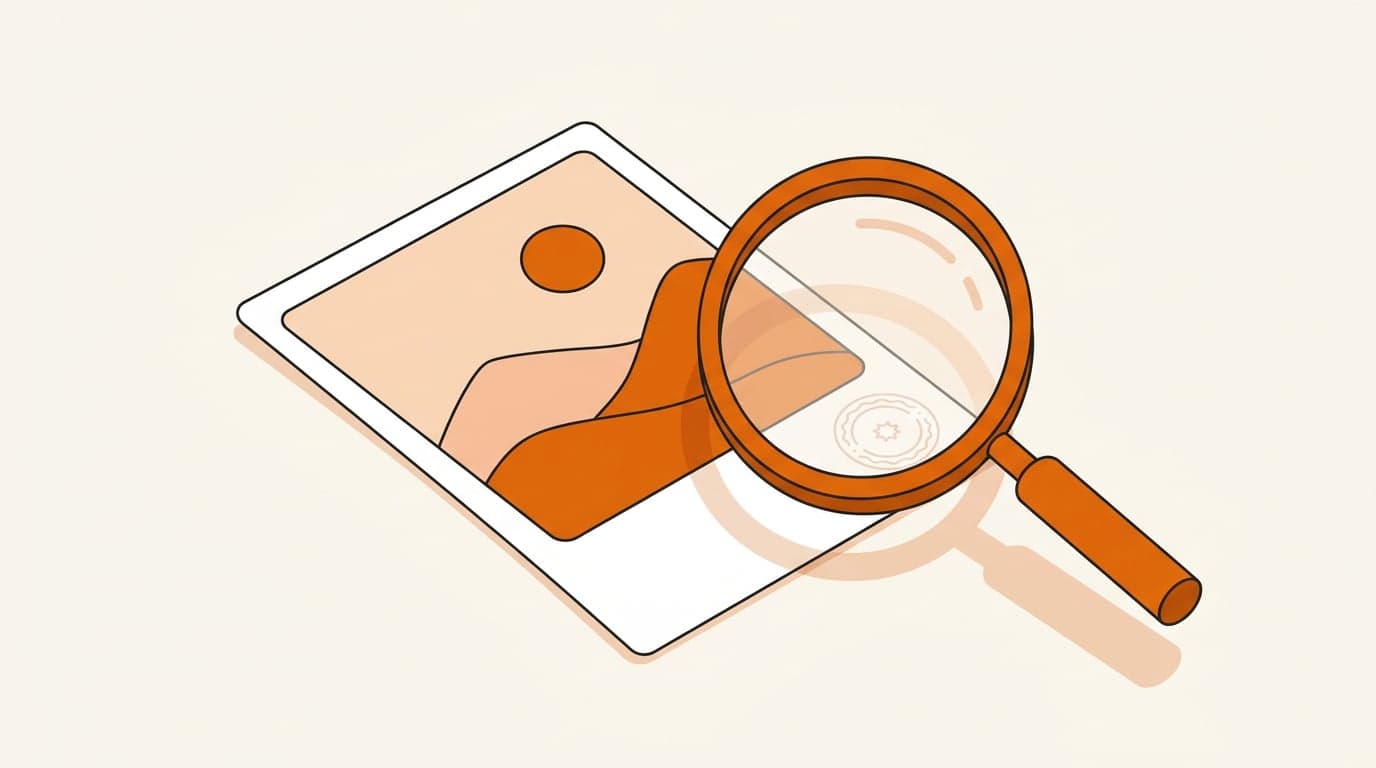
See an AI-generated illustration of a printed photo with a small faint circular stamp in its corner and a magnifying glass over it, made with Nano Banana 2.1 from written brand guidelines.
Example breakdown
Why it stays on-brand
A big orange magnifying glass and orange landscape on a printed photo, with soft shadows on a cream ground, matches the written palette and style, with a small circular stamp as the one detail to find.
Marketing use
Use it for a help article on checking the details of an image up close, or a guide to reviewing an image before publishing.
Prompt
A printed photo lying on a table with a small faint translucent circular stamp in its bottom-right corner, and a magnifying glass hovering over that corner. Help-centre thumbnail illustration on a warm cream background. No text, no numbers, no letters, no logos.
How this was generated
Brand DNA came from written guidelines using the same style of preset as in the live app. That DNA was applied as rules on top of the prompt used for this asset (shown in the Prompt section above).
- 1Written guidelinesBrand DNA source
Guidelines path: BrandGen turns pasted or typed brand specs into structured DNA.
Preset exampleBrandGen help-centre illustration guidelinesBrandGen is a brand-consistent AI image generator for small businesses and marketers. Visual style for help-centre thumbnails: clean, modern flat editorial illustration with soft depth and gentle shadows, simple rounded geometric shapes, generous negative space, one clear central metaphor per image. Palette: warm orange #E6650A as the accent, warm cream #FBF9F6 background, near-black #1A1A1A for outlines and details, soft peach #F6D9C3 for secondary shapes. Calm, friendly, trustworthy tone. Never put words, letters, numbers or logos in the image.
- 2Apply DNA to the prompt
Every generation runs through that DNA as hard constraints (colors, type, visual style, tone). The creative intent is entirely in the prompt already shown above.
- 3Final outputIllustration & Concept Art
The same wording with different DNA would look like a different brand. This image used the Brand DNA from step 1.