AI Ploverleaf Hardcover Notebook Desk Product Photo
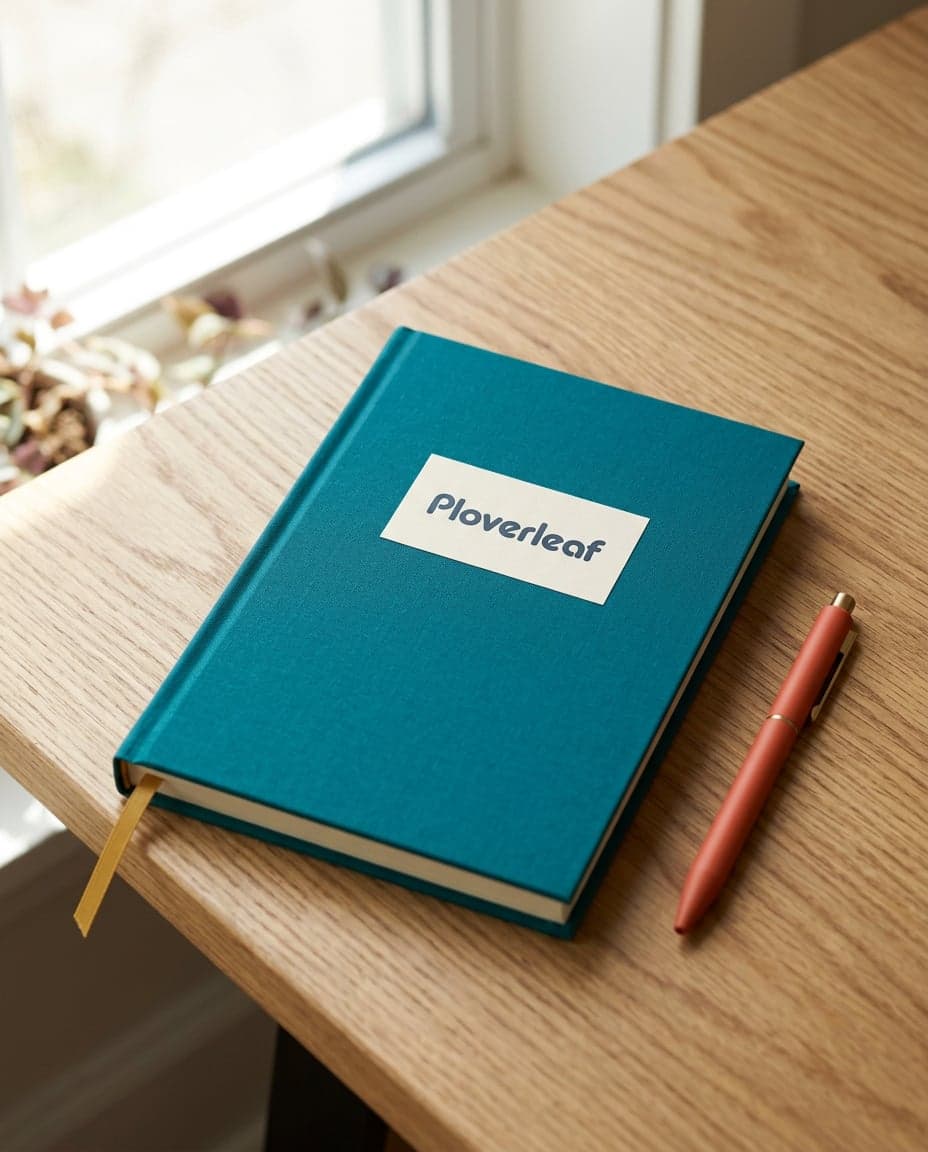
See an AI-generated product photo of a Ploverleaf hardcover notebook and pen on a wooden desk by a window, made with Nano Banana 2.1 from written brand guidelines.
Example breakdown
Why it stays on-brand
The teal cover with a cream Ploverleaf label, the coral pen and the gold ribbon bookmark use the written palette, and the bright natural daylight on a simple desk matches the photography style.
Marketing use
Use it on a notebook product page, in an online shop or as a lifestyle post for a stationery brand.
Prompt
Product photo of a Ploverleaf hardcover notebook and a pen on a wooden desk by a window, soft natural daylight. No text other than the notebook's own cover label.
How this was generated
Brand DNA came from written guidelines using the same style of preset as in the live app. That DNA was applied as rules on top of the prompt used for this asset (shown in the Prompt section above).
- 1Written guidelinesBrand DNA source
Guidelines path: BrandGen turns pasted or typed brand specs into structured DNA.
Preset examplePloverleaf stationery guidelinesBRAND: Ploverleaf, a small paper-goods company making notebooks, greeting cards and desk stationery. Name always written "Ploverleaf".
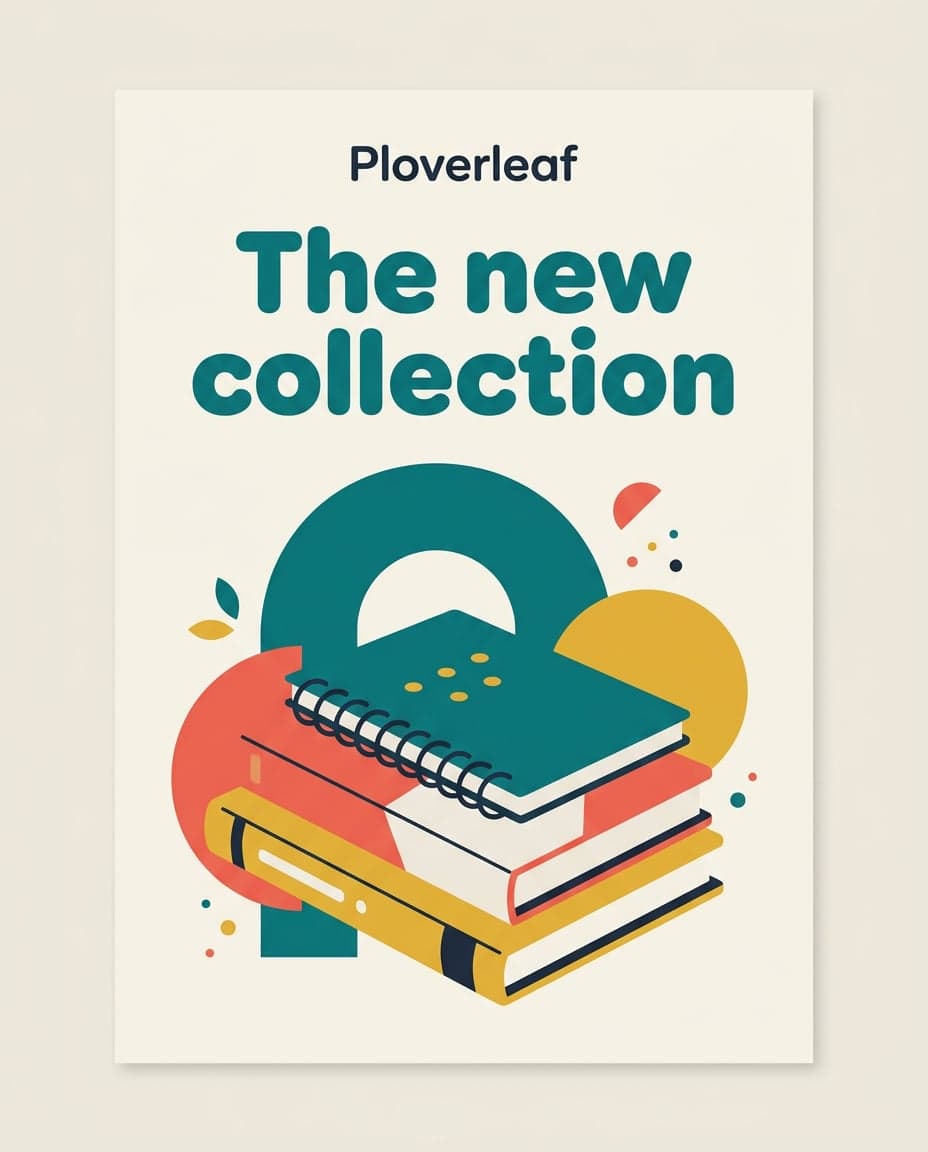
COLORS Primary: #0F7C80 Secondary: #F26B5B Accent: #E3B23C Foreground: #1E2A3A Background: #F6F1E7
TYPOGRAPHY: rounded geometric sans-serif for headlines, a clean sans-serif for small text.
STYLE: flat, bold geometric shapes with generous whitespace. Photography is bright, natural daylight, simple desk scenes.
- 2Apply DNA to the prompt
Every generation runs through that DNA as hard constraints (colors, type, visual style, tone). The creative intent is entirely in the prompt already shown above.
- 3Final outputDesign & Creative
The same wording with different DNA would look like a different brand. This image used the Brand DNA from step 1.