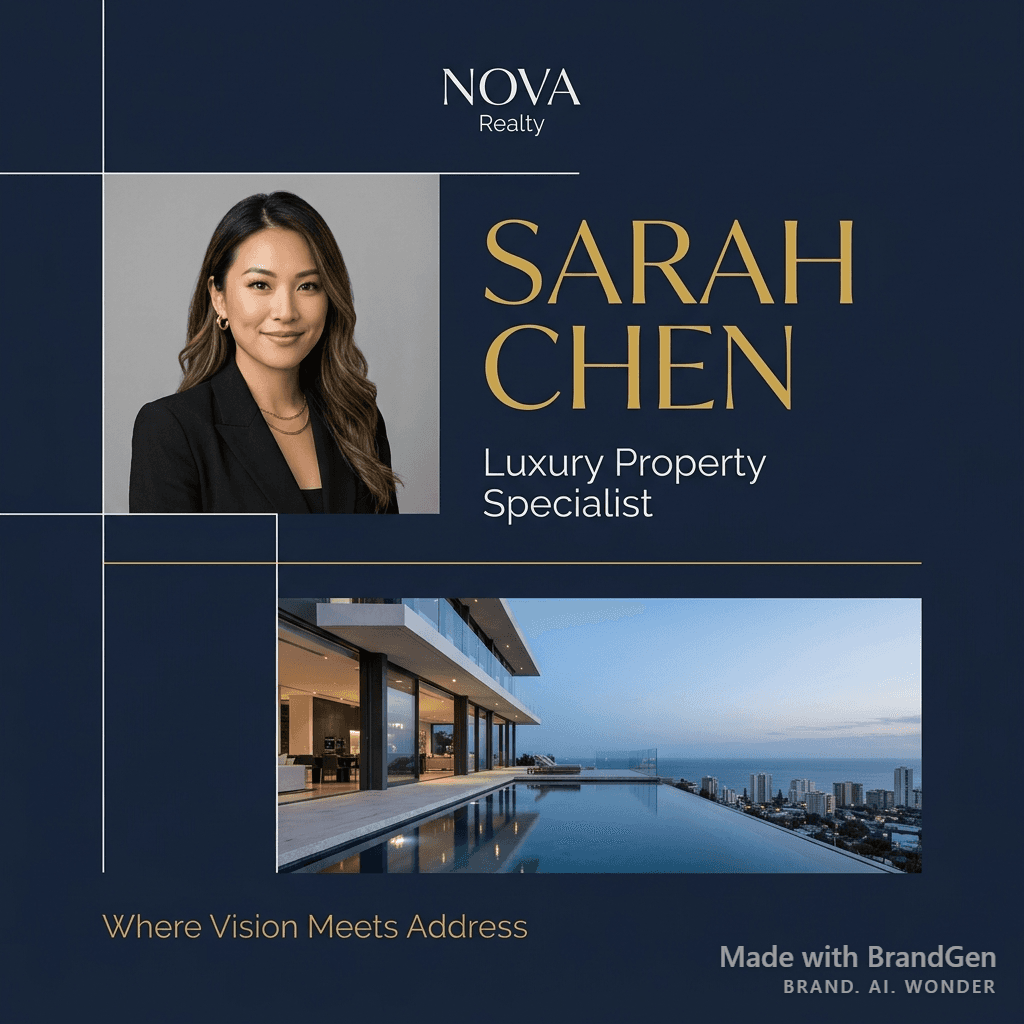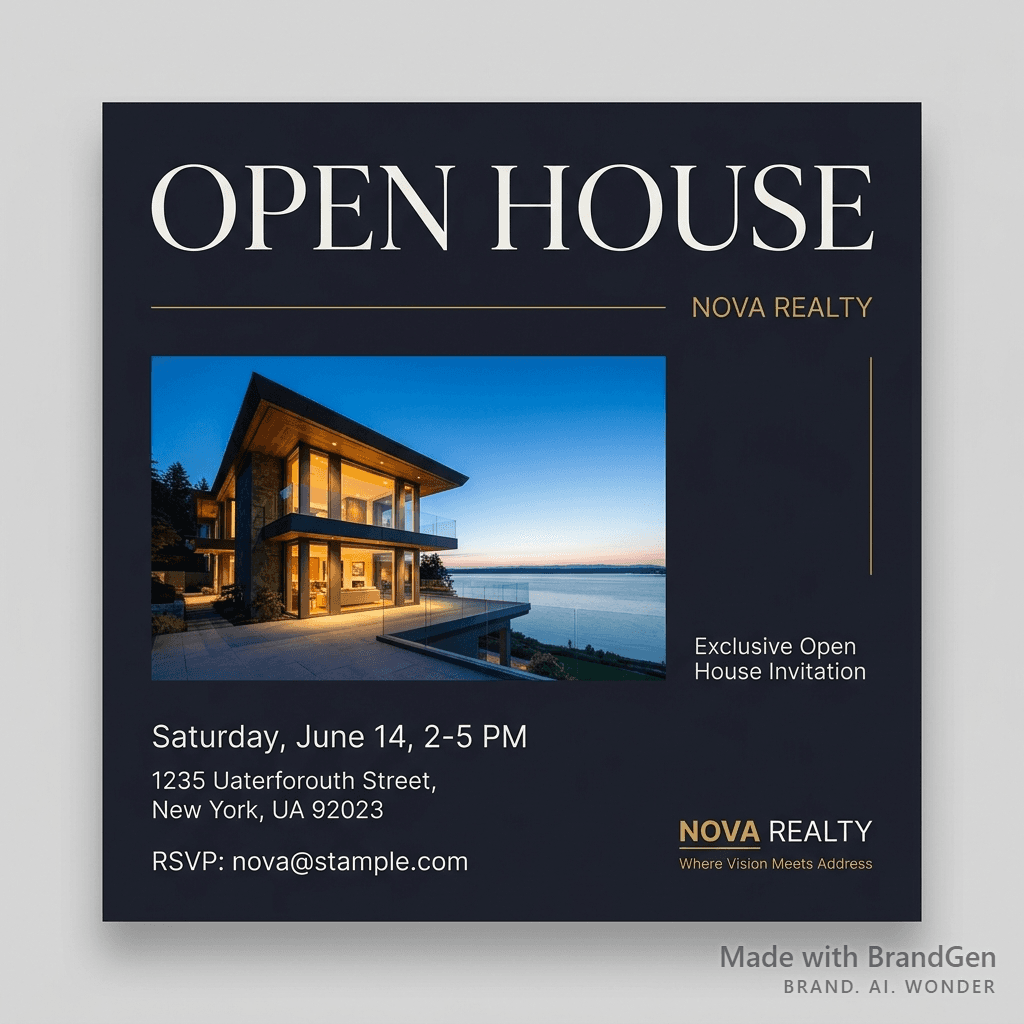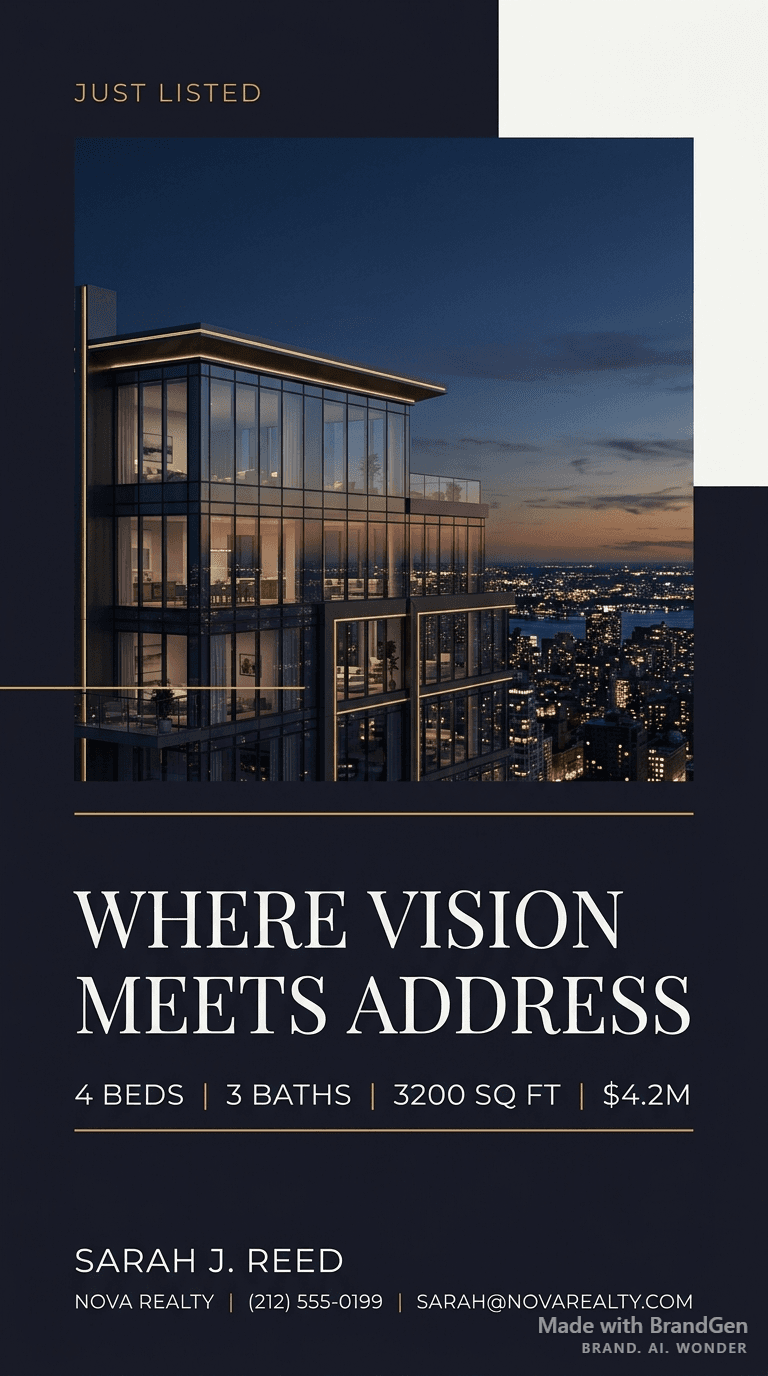
AI Luxury Real Estate Sold Graphic
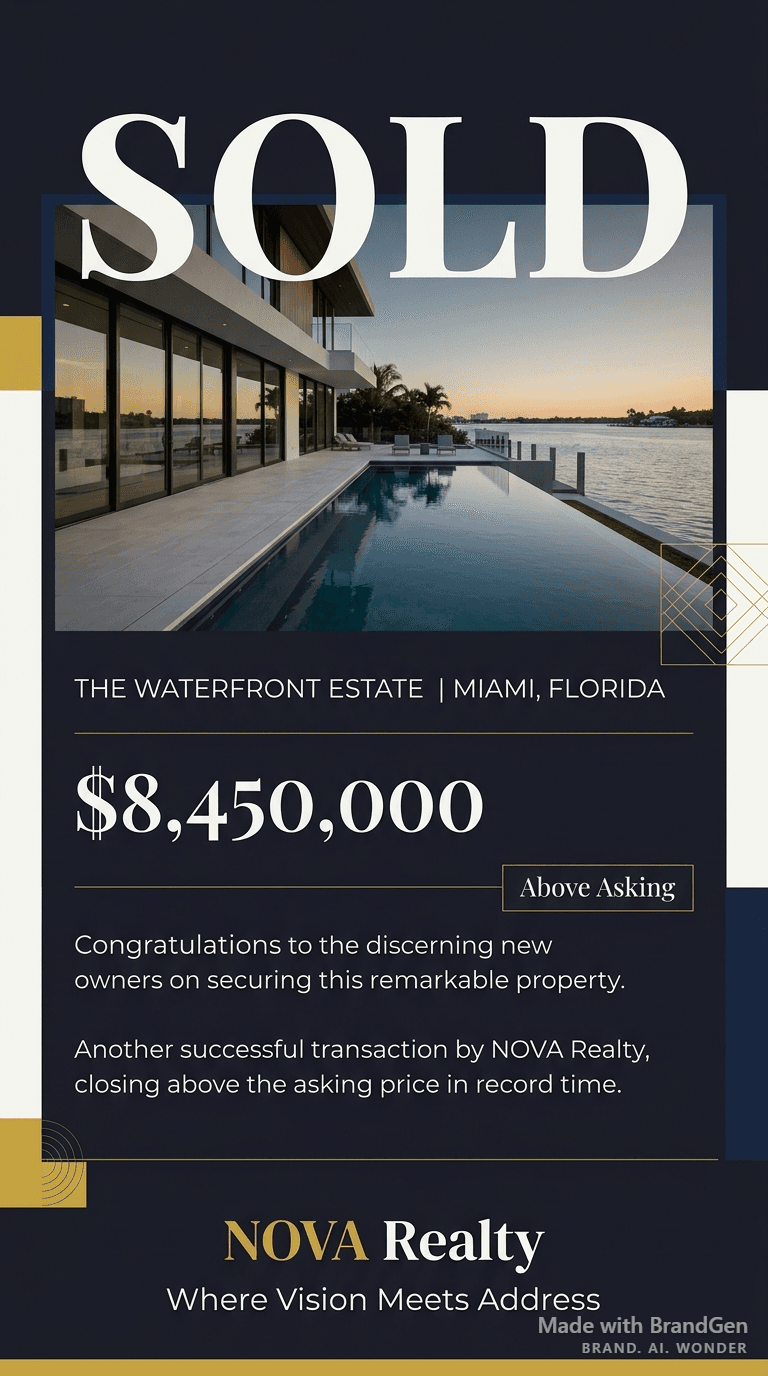
See an AI-generated sold celebration graphic for a luxury property campaign.
Example breakdown
Why it stays on-brand
The celebratory overlay stays polished and premium instead of becoming a generic real estate template.
Marketing use
Use it for sold announcements, agent credibility posts, market wins, or client success campaigns.
Prompt
A 'SOLD' celebration social media graphic for a luxury waterfront home, large bold 'SOLD' text overlay on property photo, final sale price displayed, 'Above Asking' badge, congratulatory premium design, clean and celebratory.
How this was generated
Brand DNA came from written guidelines using the same style of preset as in the live app. That DNA was applied as rules on top of the prompt used for this asset (shown in the Prompt section above).
- 1Written guidelinesBrand DNA source
Guidelines path: BrandGen turns pasted or typed brand specs into structured DNA.
Preset exampleLuxury / PremiumColor Palette
- Primary: Black #0D0D0D
- Secondary: Warm gold #C9A227
- Accent: Cream #FAF8F5
Typography Elegant serif or refined sans-serif. High-end, timeless. Generous letter-spacing.
Style Minimal, sophisticated, timeless, exclusive.
Composition Generous negative space. Centered or asymmetric elegance. Nothing busy or crowded.
Imagery High-end product or editorial. Muted, refined color. Quality and craftsmanship in frame.
Visual elements Restraint over decoration. Fine lines, subtle texture. No bright colors or playful elements.
Do's Emphasize restraint, quality, and craftsmanship. Timeless over trendy.
Don'ts Avoid bright colors, playful elements, busy layouts, or anything that feels mass-market.
- 2Apply DNA to the prompt
Every generation runs through that DNA as hard constraints (colors, type, visual style, tone). The creative intent is entirely in the prompt already shown above.
- 3Final outputReal Estate
The same wording with different DNA would look like a different brand. This image used the Brand DNA from step 1.