
How do credits and billing work?
Understand how BrandGen credits work, what each plan includes, how to view your balance, and how to upgrade or top up.
What are credits?
One credit equals one generated image. Each generation request (new image, variant, or refine) consumes one credit per output. A four-variant batch costs four credits.
Credits are per-account and shared across all your projects.
Plans and credit allowances
BrandGen plans may include starter credits, recurring credits, model access, variant limits, and top-up eligibility. The current plan lineup is shown on Pricing, which is the source of truth for prices and allowances.
Your active plan details are also visible inside the app, including your current balance and any upcoming refresh date.
Viewing your credit balance
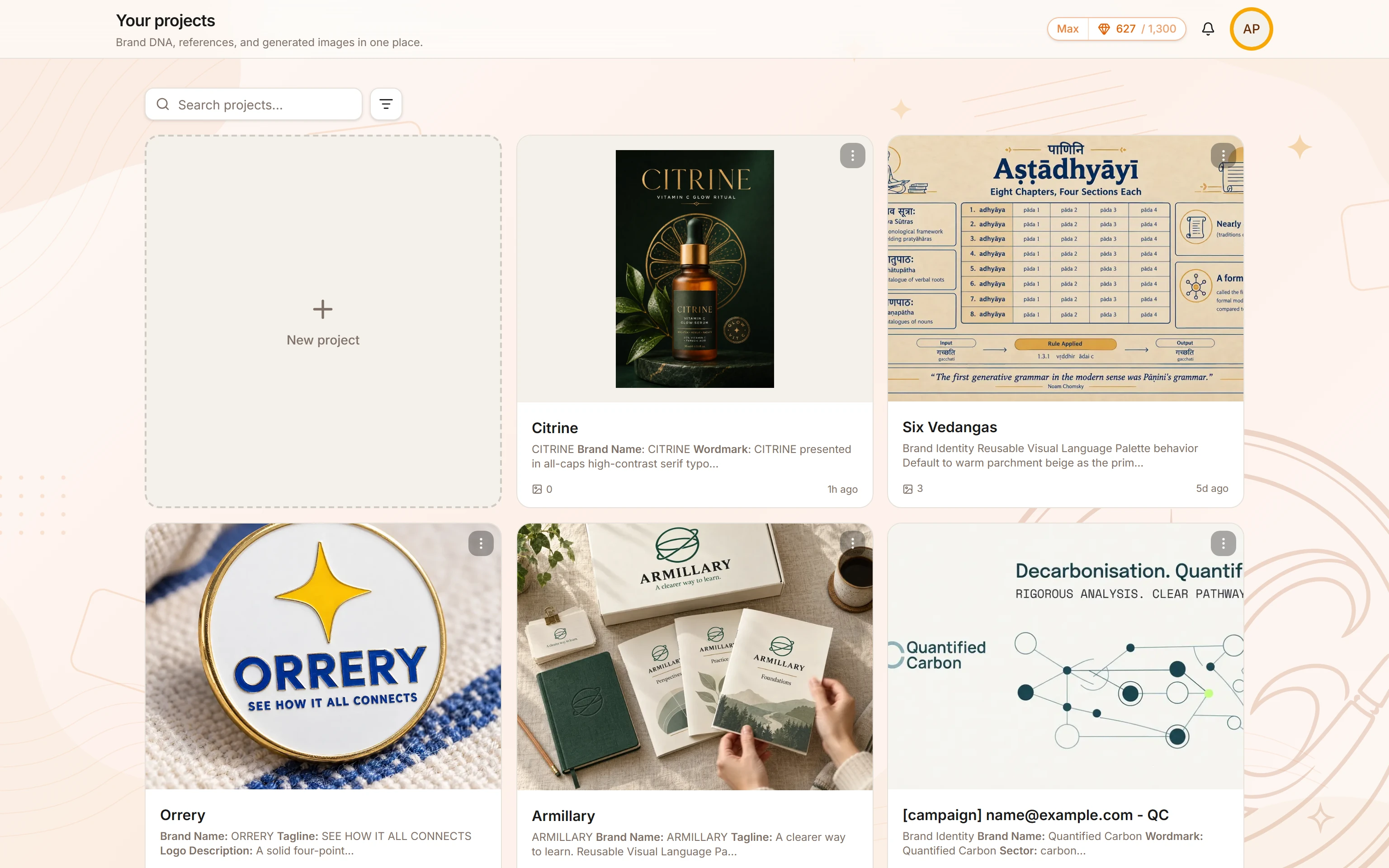
Your current balance appears in the credit pill in the top bar of the workspace (/app). Click it to open your plan details.
Upgrading your plan
To upgrade, click the credit pill or visit /pricing. Select a plan and complete secure checkout. Your plan changes are reflected in the app after checkout completes.
Top-up packs
Some paid plans can purchase one-time top-up packs if they run low before their billing period ends. Current pack availability and sizes are shown in the app.
Related articles
- How do I create my first project?Learn how to create a new project in BrandGen, set up your Brand DNA, and generate your first on-brand image.Getting started - 2 min read
- How do I set up my Brand DNA?Brand DNA is the extracted color palette, visual style, and tone that BrandGen applies to every image it generates for your brand.Brand DNA - 2 min read