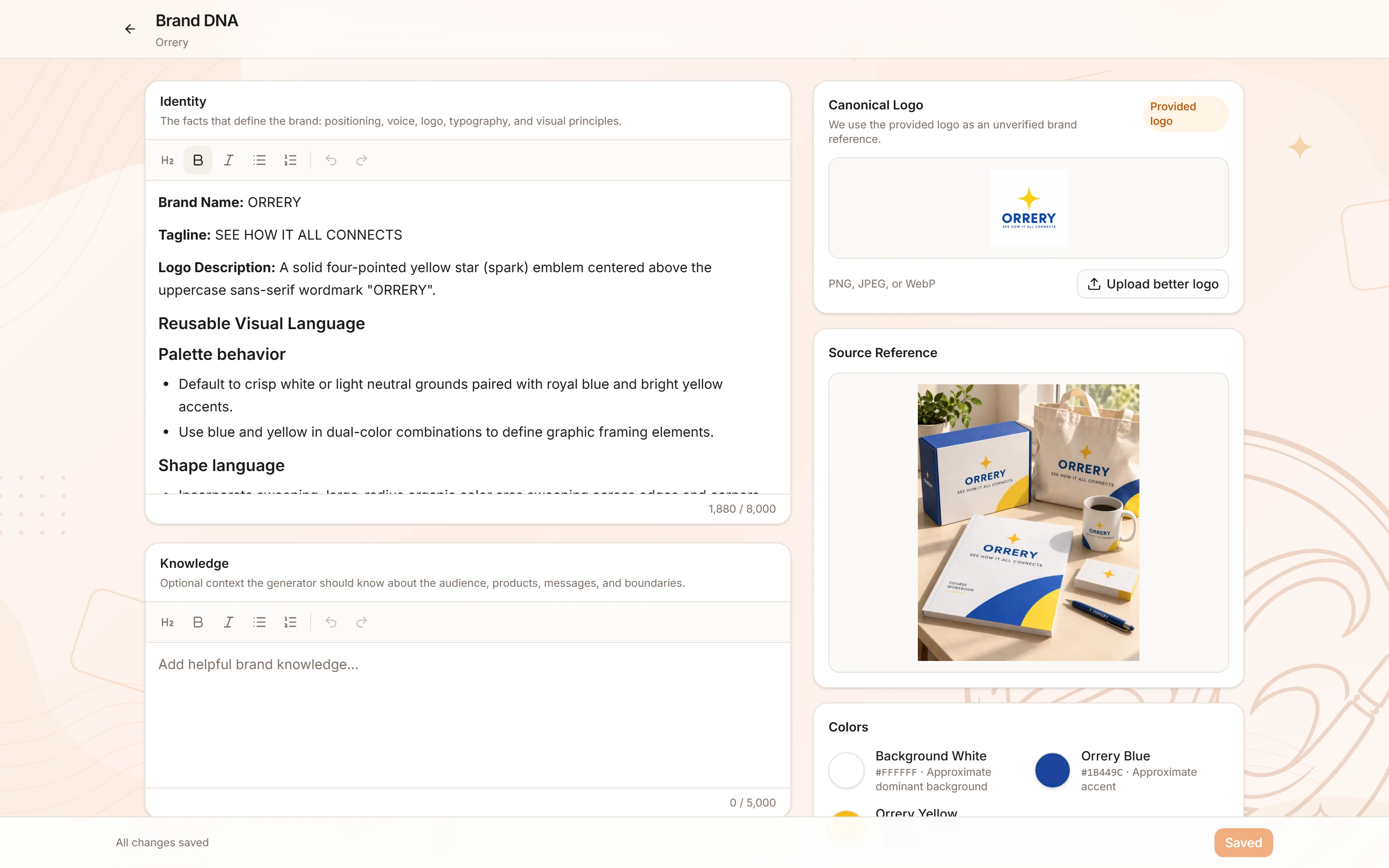
How do I set up my Brand DNA?
Brand DNA is the extracted color palette, visual style, and tone that BrandGen applies to every image it generates for your brand.
What is Brand DNA?
Brand DNA is a structured snapshot of your brand's visual identity - colors, style, tone, and visual do's and don'ts. BrandGen extracts it once and then applies it automatically to every image you generate in that project.
Without Brand DNA, generated images match the text of your prompt but have no brand context. With Brand DNA, outputs feel like they belong together.
Two ways to add Brand DNA
Navigate to the Brand tab inside your project (/p/[id]/brand) at any time to add or update your Brand DNA.

1. Upload a reference image
Drop a logo, hero image, marketing creative, or brand photo. BrandGen's extraction model reads the dominant colors, visual weight, and style of the image and turns them into structured brand context.
Tip: A logo or hero image is usually the best single input. It has the clearest signal for colors and visual style. Avoid screenshots of text-heavy documents.
2. Write guidelines manually
Type your brand guidelines directly into the text field. Be as specific or as general as you like. Examples: "Minimalist, high contrast, black and white with red accents. Photography-forward." or a full brand guide excerpt.
Coming soon: extract from a website
Pasting a public URL and letting BrandGen read the page is on the way. Until it ships, the Website option in the New project dialog is marked Coming soon and cannot be selected.
What BrandGen extracts
Related articles
- How do I create my first project?Learn how to create a new project in BrandGen, set up your Brand DNA, and generate your first on-brand image.Getting started - 2 min read
- How do I generate and refine images?Write better prompts, choose the right model, generate multiple variants, and refine any image into a new version - all from the BrandGen canvas.Generating & refining - 2 min read