
How do I share an image?
Generate a public share link for any image and send it to people who need to view it.
Sharing an image
You can share a generated image as a public, read-only link. Viewers do not need a BrandGen account to open the link.
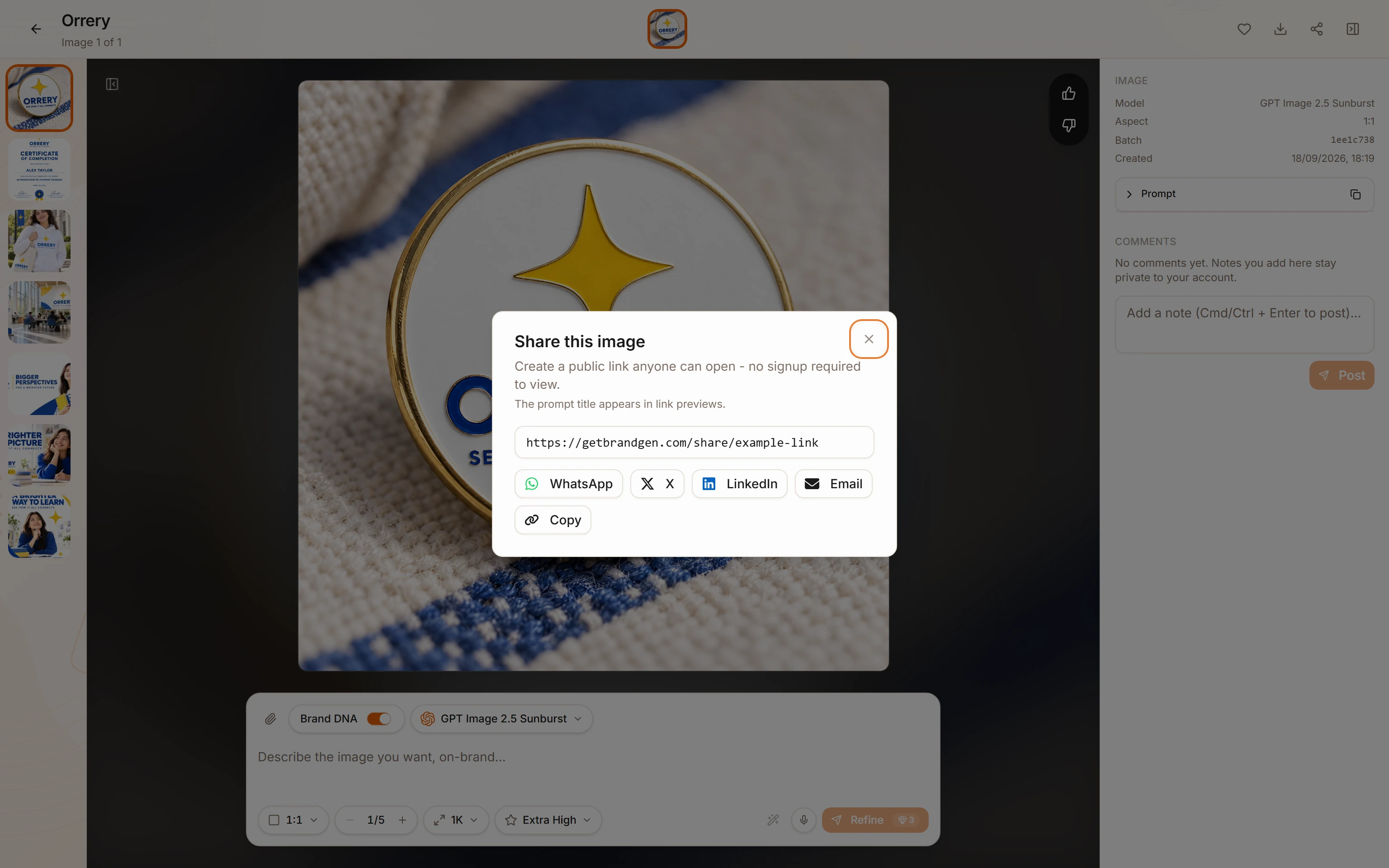
- Open the image editor for the image you want to share (
/p/[id]/edit/[imageId]). - Click Share in the editor toolbar. A dialog opens.
- Click Generate public link. BrandGen creates a unique public URL and copies it to your clipboard automatically.
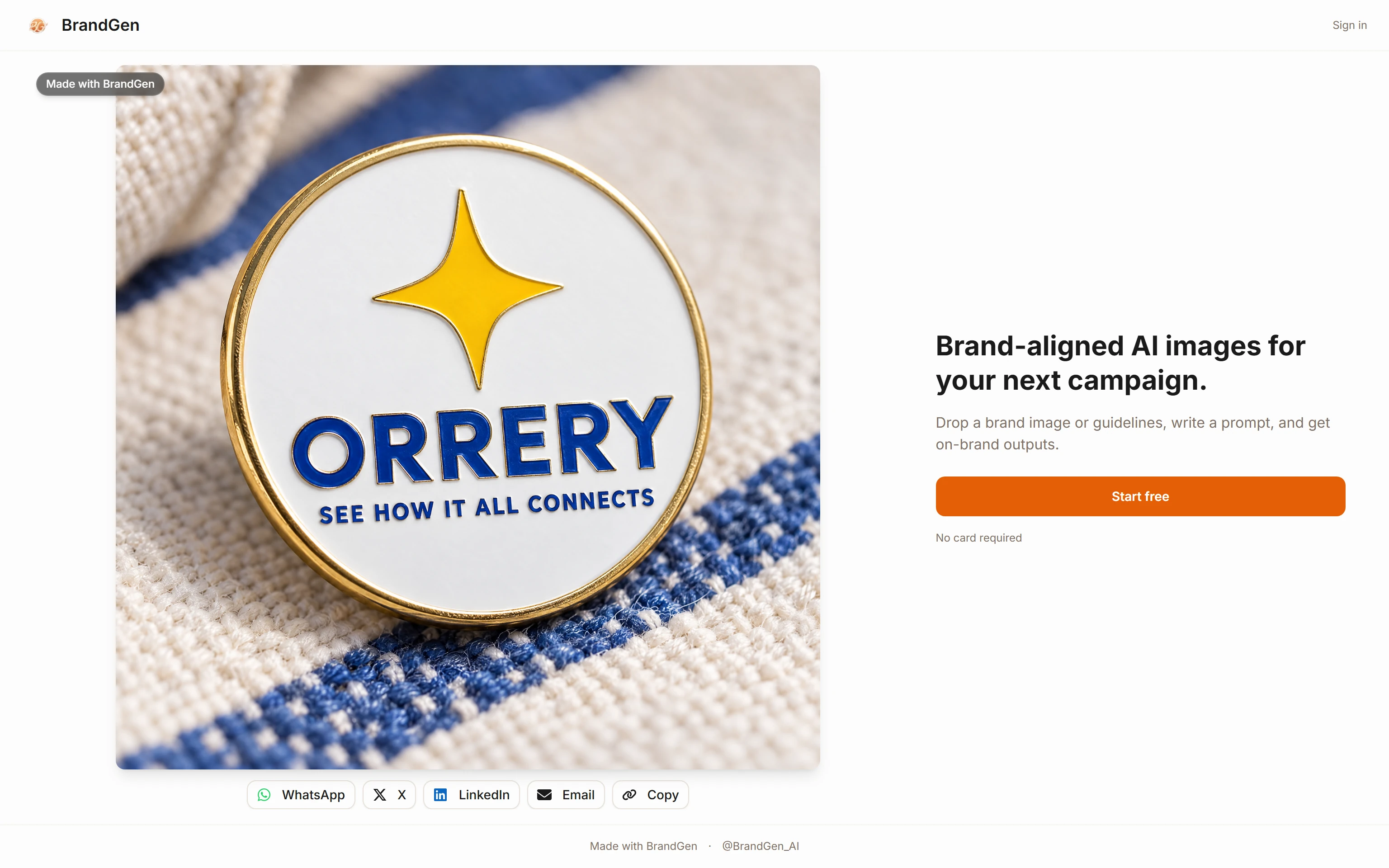
The link format is /share/[token]. Anyone with the link can view the image in the share viewer. No login required.
The share viewer
The share viewer at /share/[token] shows the shared image and BrandGen attribution. It is read-only - viewers cannot edit your project or browse other images in your workspace from that link.
Sending the link
After the public link exists, the Share dialog shows quick actions for WhatsApp, X, LinkedIn, Email, native sharing, and copy. Use whichever channel fits your workflow.
Inactive links
If a shared link is no longer active, ask the owner for a fresh share link. The original image is unaffected and remains in the owner's project unless they delete it.
Related articles
- How do I create my first project?Learn how to create a new project in BrandGen, set up your Brand DNA, and generate your first on-brand image.Getting started - 2 min read
- How do I set up my Brand DNA?Brand DNA is the extracted color palette, visual style, and tone that BrandGen applies to every image it generates for your brand.Brand DNA - 2 min read