Black Forest Labs image models
FLUX
Change one thing. Keep everything else.
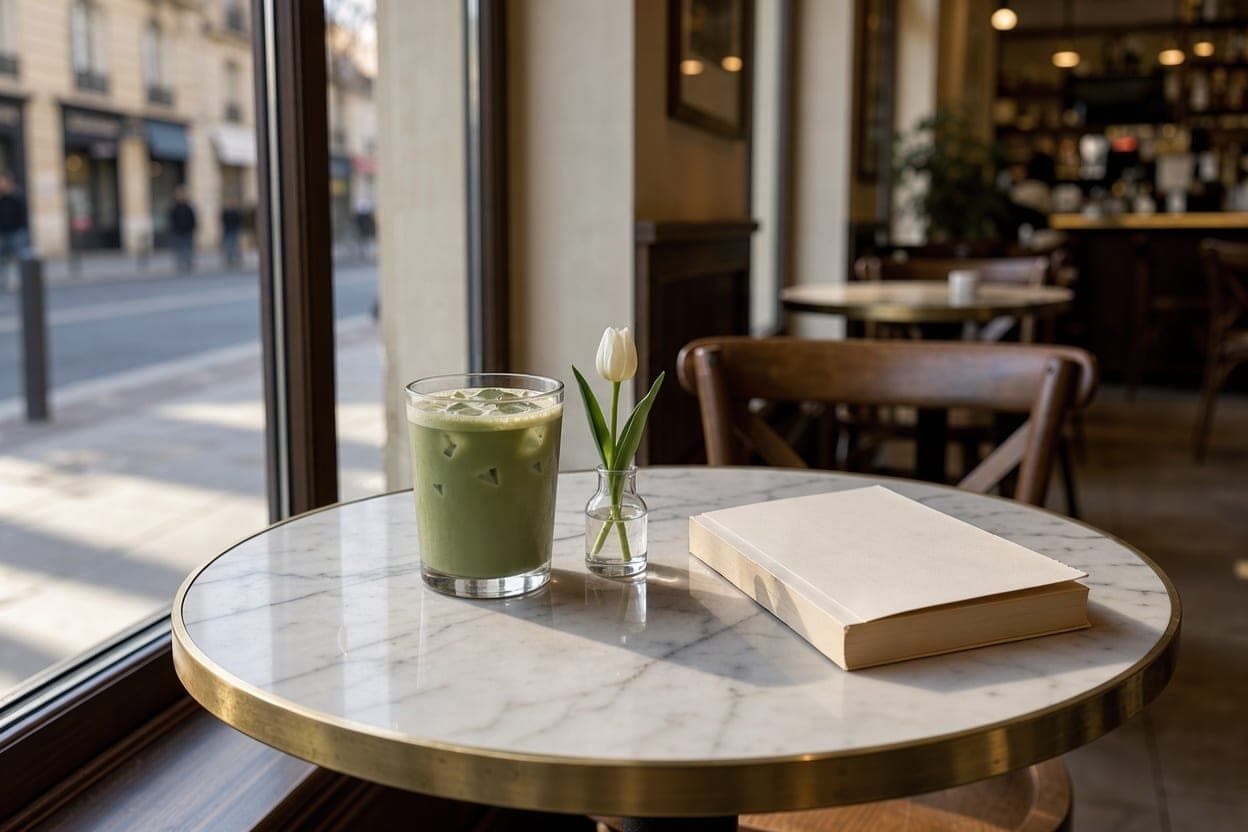
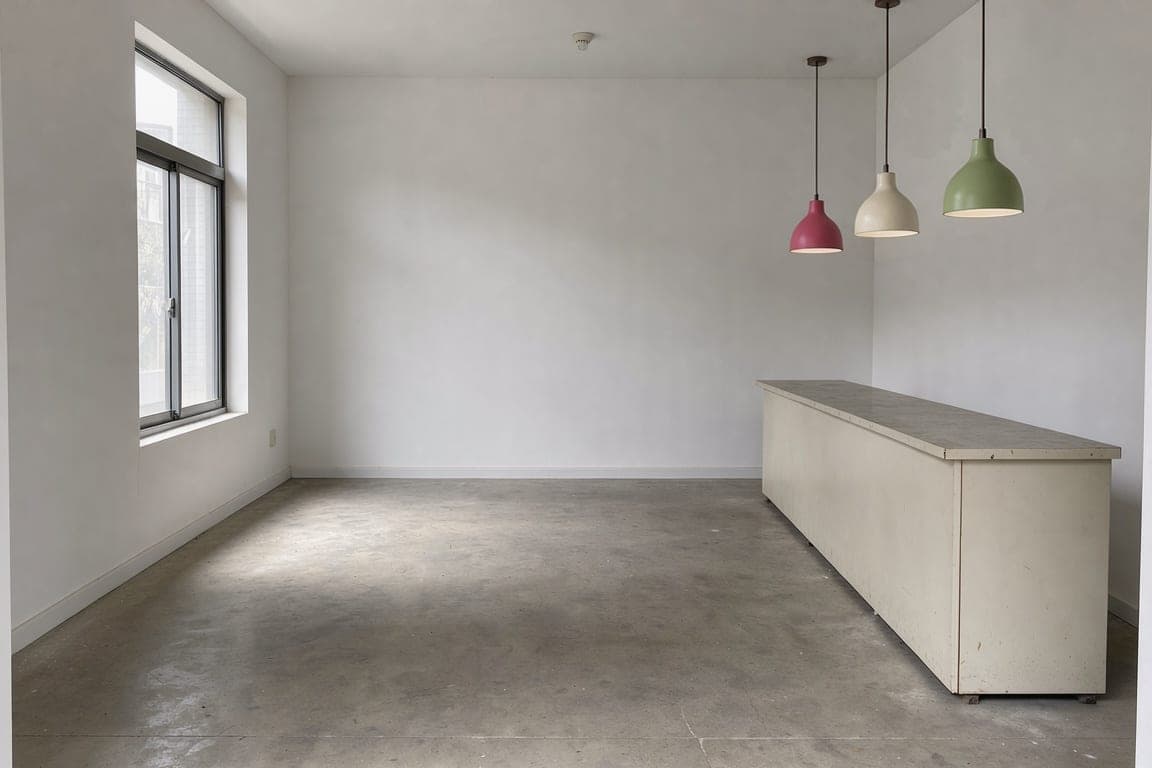
Every output on this page was made in BrandGen with FLUX 3 Image: a first image, then a one-line edit that changes one thing and leaves the rest of the picture alone.
- model
- 1
- model
- real outputs
- 8
- real outputs
- credits / image, from
- 2
- credits / image, from
Black Forest Labs · Model 1 of 1
FLUX 3 Image
Black Forest Labs' FLUX 3 image model. Renders natively at 2K and 4K, and edits with your brand references.
- real outputs
- 8
- credits / image
- 2
- plan and up
- Pro
One-line edits
One detail at a time.
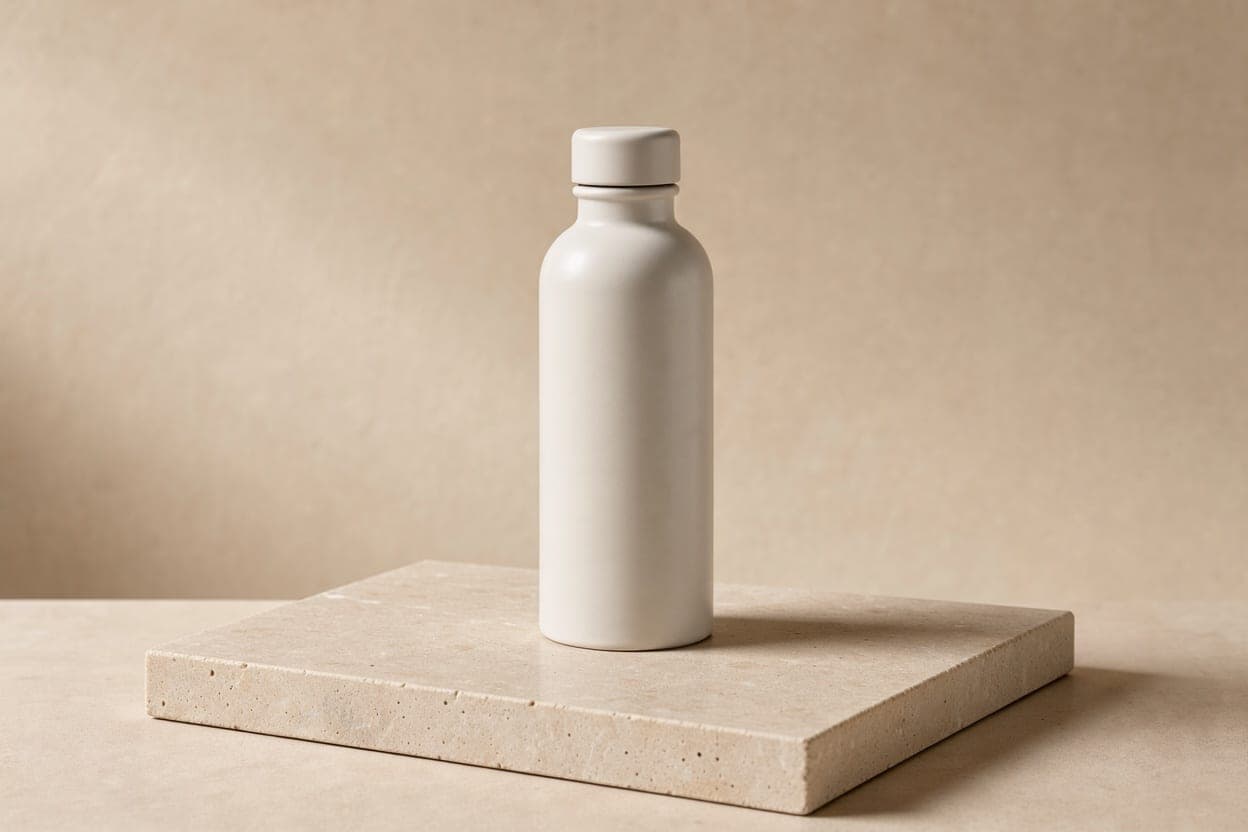
A colour, a pair of laces, one product: each edit lands on its own while the light, the shadows and the backdrop stay put.
The rest of the image is kept. Drag the handle to check.
 BeforeAfter
Specs
FLUX 3 Image credits and settings
- Credits per image
- 2
- 2-23 by settings
- Available on
- Pro
- and every plan above it
- Aspect ratios
- 7
- auto / 1:1 / 4:5 / 9:16 / 16:9 / 3:4 / 3:2
- Resolution
- 3 levels
- 1K, 2K, 4K (Max+)
How it works
Three steps to on-brand
- 1Add your brandUpload one brand image, or paste written guidelines. BrandGen turns it into the project's Brand DNA.
- 2Write a promptDescribe the image you need and pick FLUX 3 Image in the model menu.
- 3Edit in one lineName the one thing to change. Everything else in the image is kept.
FLUX FAQ
Try FLUX on your brand
Add one brand image, write a line, and get on-brand images back.