Ideogram
Type that lands. In any language.
Every output on this page was made in BrandGen with Ideogram 4.5: a first image, then one-line edits on it. New colours, new copy, other languages and new formats, with the rest of the design kept.
- model
- 1
- model
- real outputs
- 23
- real outputs
- credits / image, from
- 2
- credits / image, from
Ideogram · Model 1 of 1
Ideogram 4.5
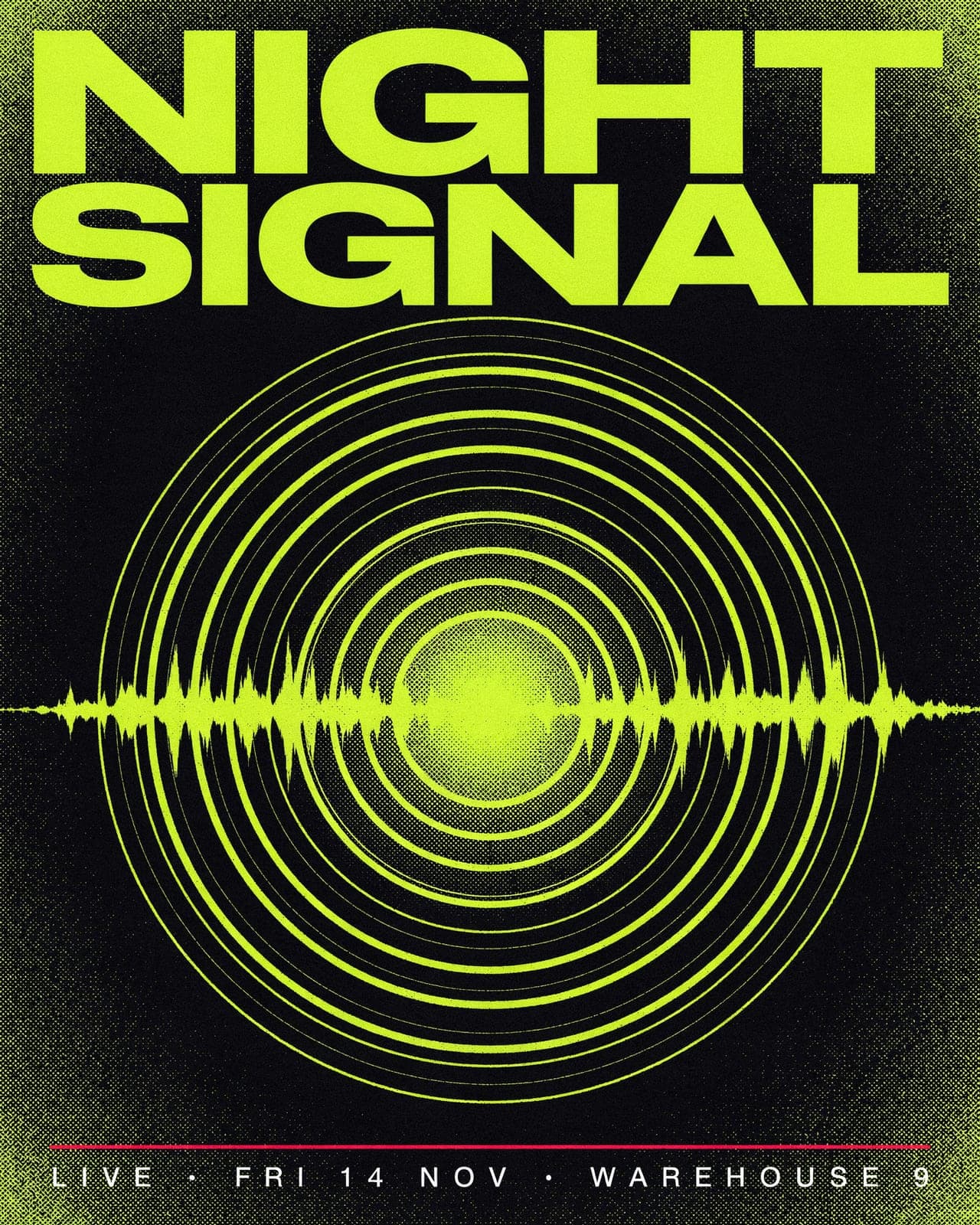
Ideogram's image model. Precise multi-turn edits where untouched areas stay the same, faithful reproduction of your uploaded brand logo, and accurate text inside the image.
- real outputs
- 23
- credits / image
- 2
- plan and up
- Pro
Examples
One brand in. A whole campaign out.
Real outputs made in BrandGen with Ideogram 4.5.
One-line edits
Change one line. Keep everything else.
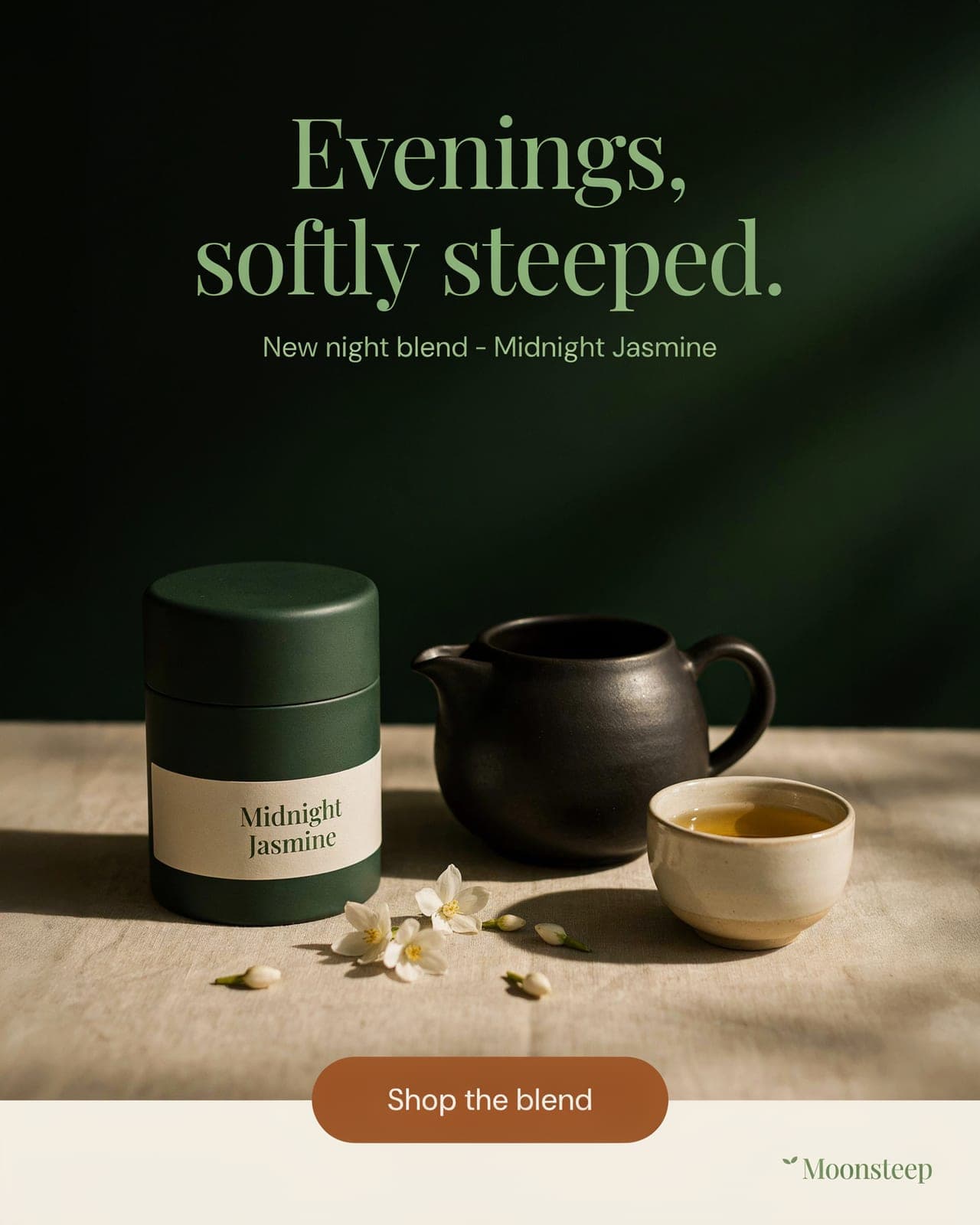
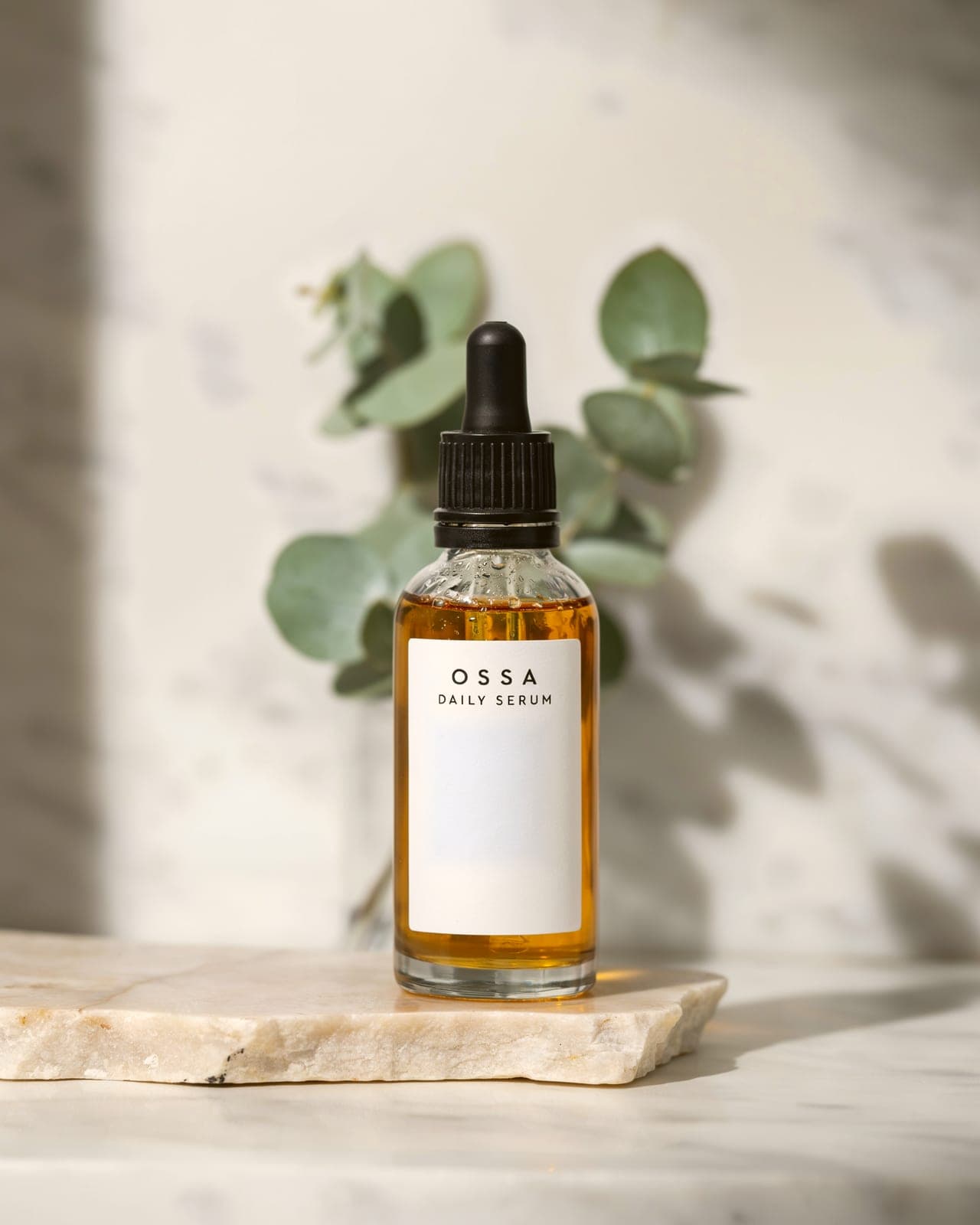
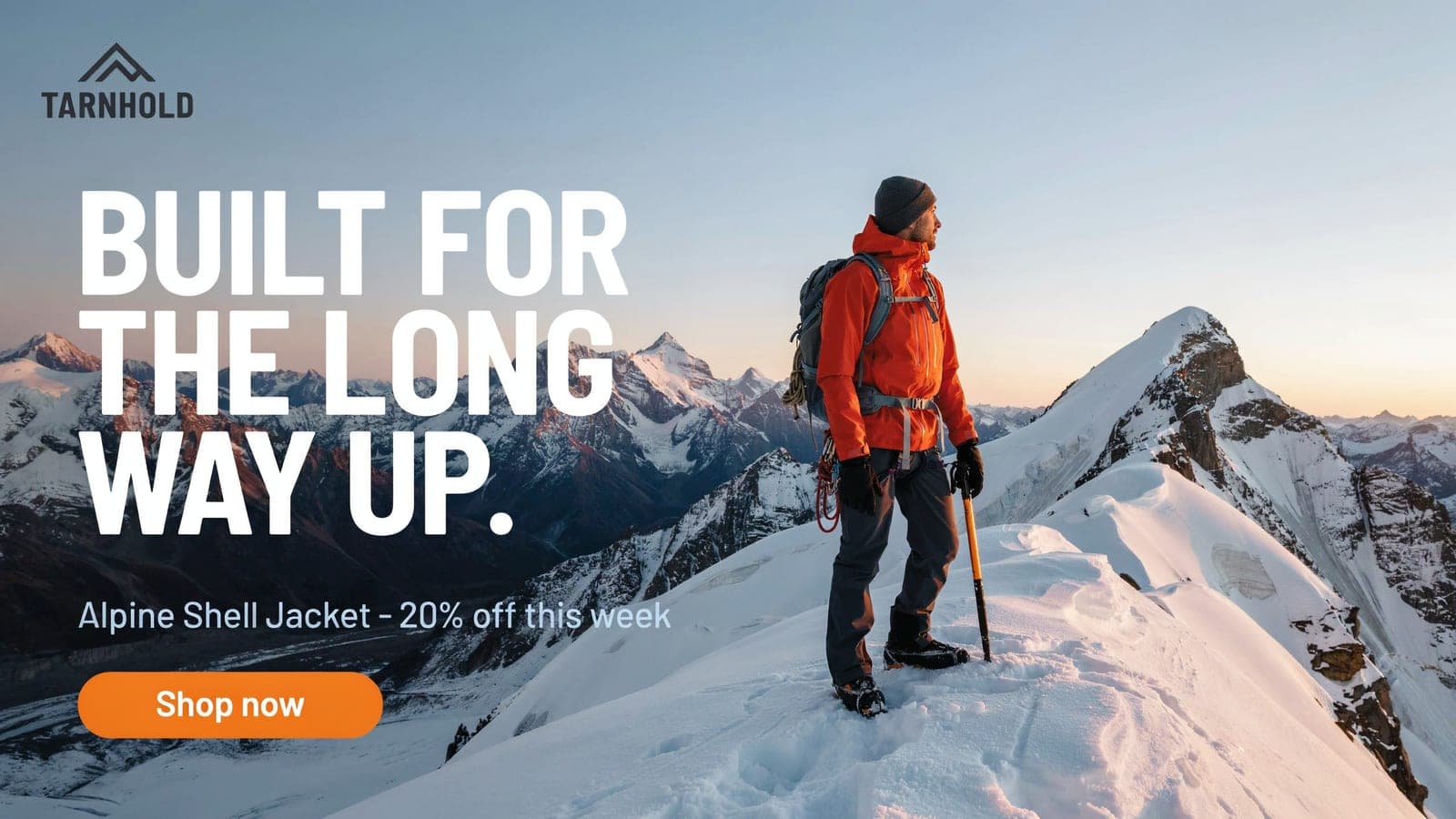
Four products, four edits. Each one changes a single thing while the layout, the light and the lettering stay put.
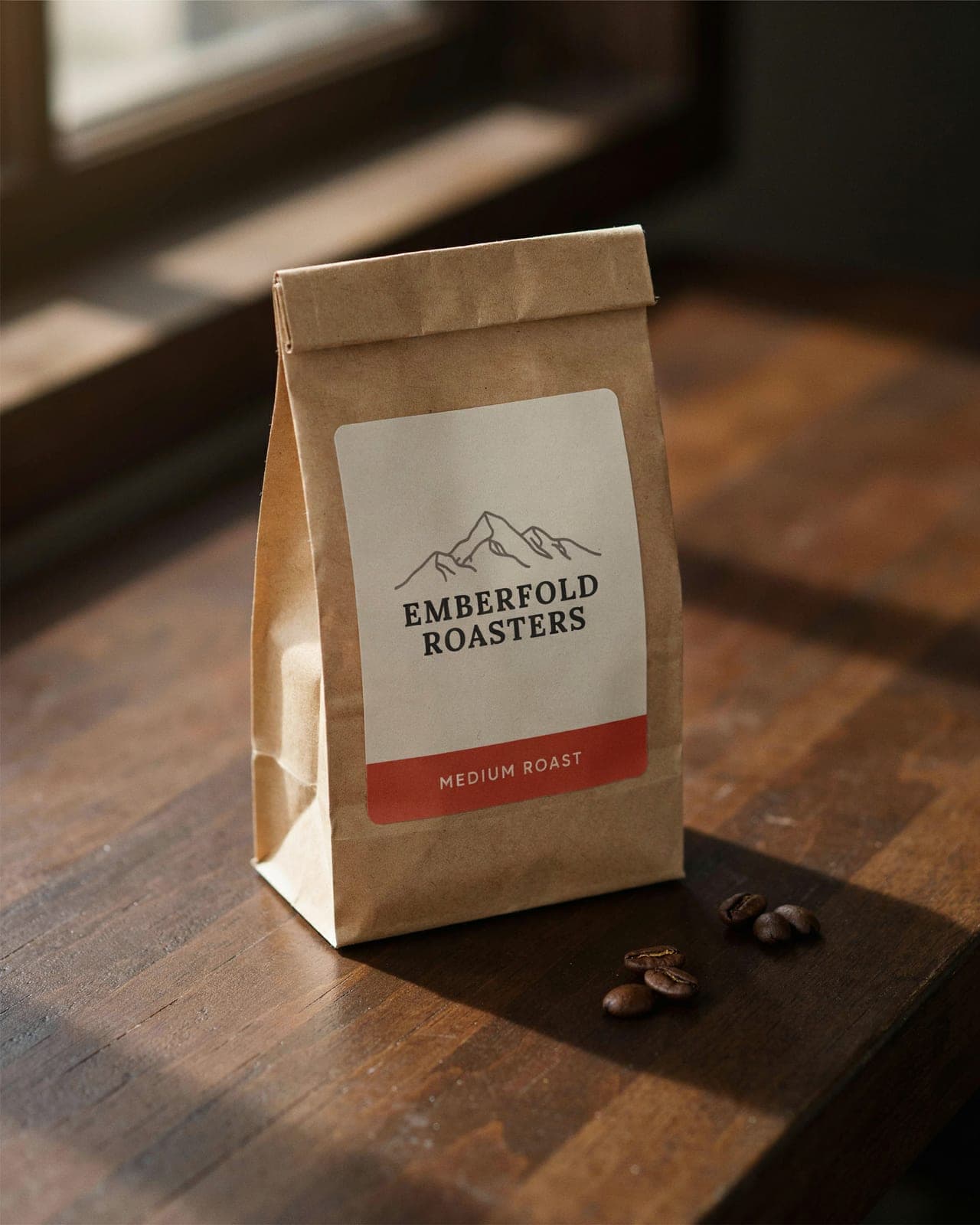
The rest of the image is kept. Drag the handle to check.
 BeforeAfter
Strengths
What it is good at
 Copy in any languageThe same tea ad with every word redrawn in Simplified Chinese. The layout does not move.
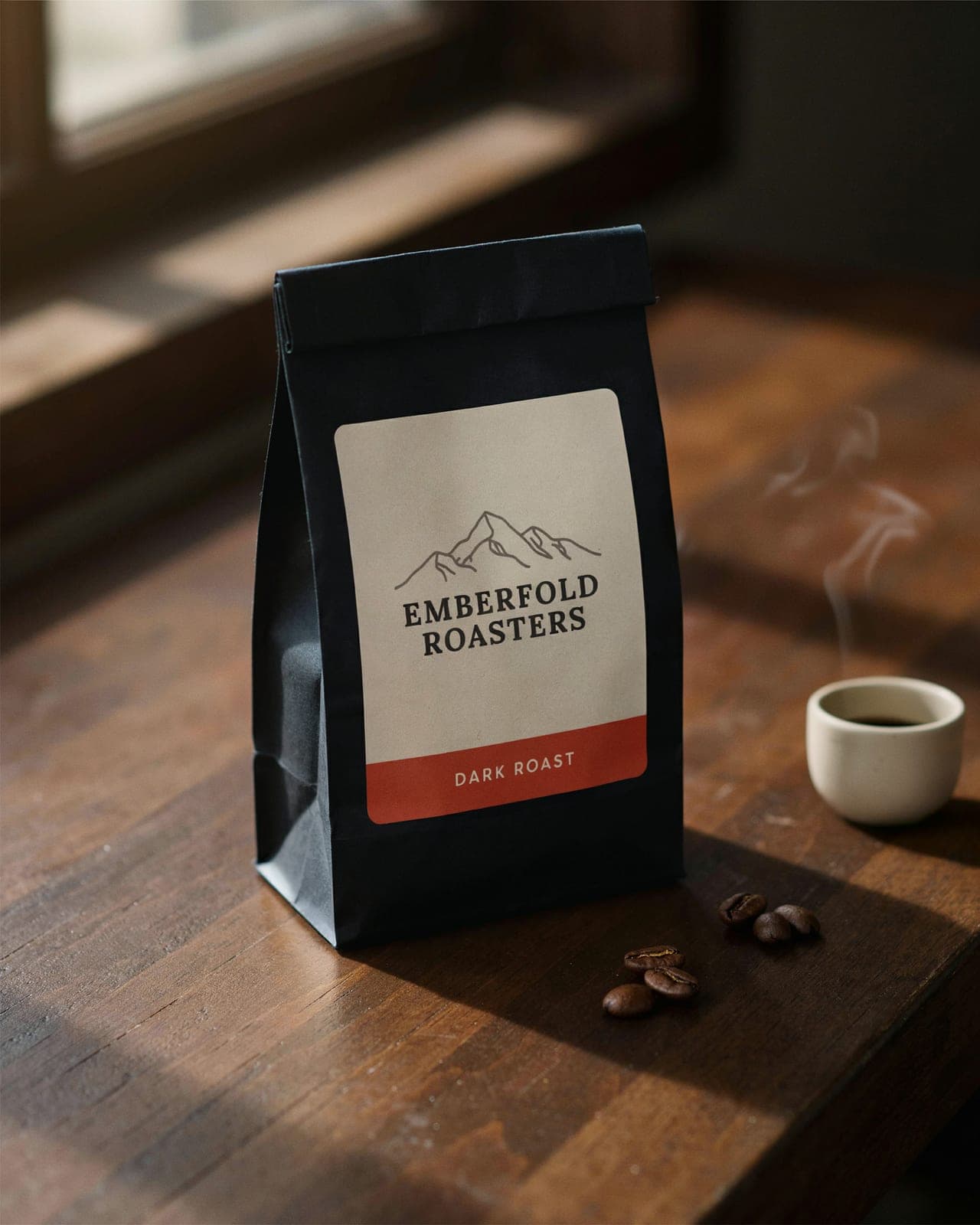
 Label text you can trustMedium Roast becomes Dark Roast in the label's own type, and nothing else on the bag changes.
 Small details, added cleanlyFine water droplets on the glass, with the bottle, label and light left as they were.
Specs
Ideogram 4.5 credits and settings
- Credits per image
- 2
- 1-7 by settings
- Available on
- Pro
- and every plan above it
- Aspect ratios
- 7
- auto / 1:1 / 4:5 / 9:16 / 16:9 / 3:4 / 3:2
- Quality
- 3 levels
- Low, Medium, High
How it works
Three steps to on-brand
- 1Add your brandUpload one brand image, or paste written guidelines. BrandGen turns it into the project's Brand DNA.
- 2Write a promptDescribe the image you need, headline included, and pick Ideogram 4.5 in the model menu.
- 3Edit in one lineTranslate the copy, swap a colour or reframe it for a story. The rest of the design is kept.
Ideogram FAQ
Try Ideogram on your brand
Add one brand image, write a line, and get on-brand images back.