- Refine
Change one line. Keep the rest.
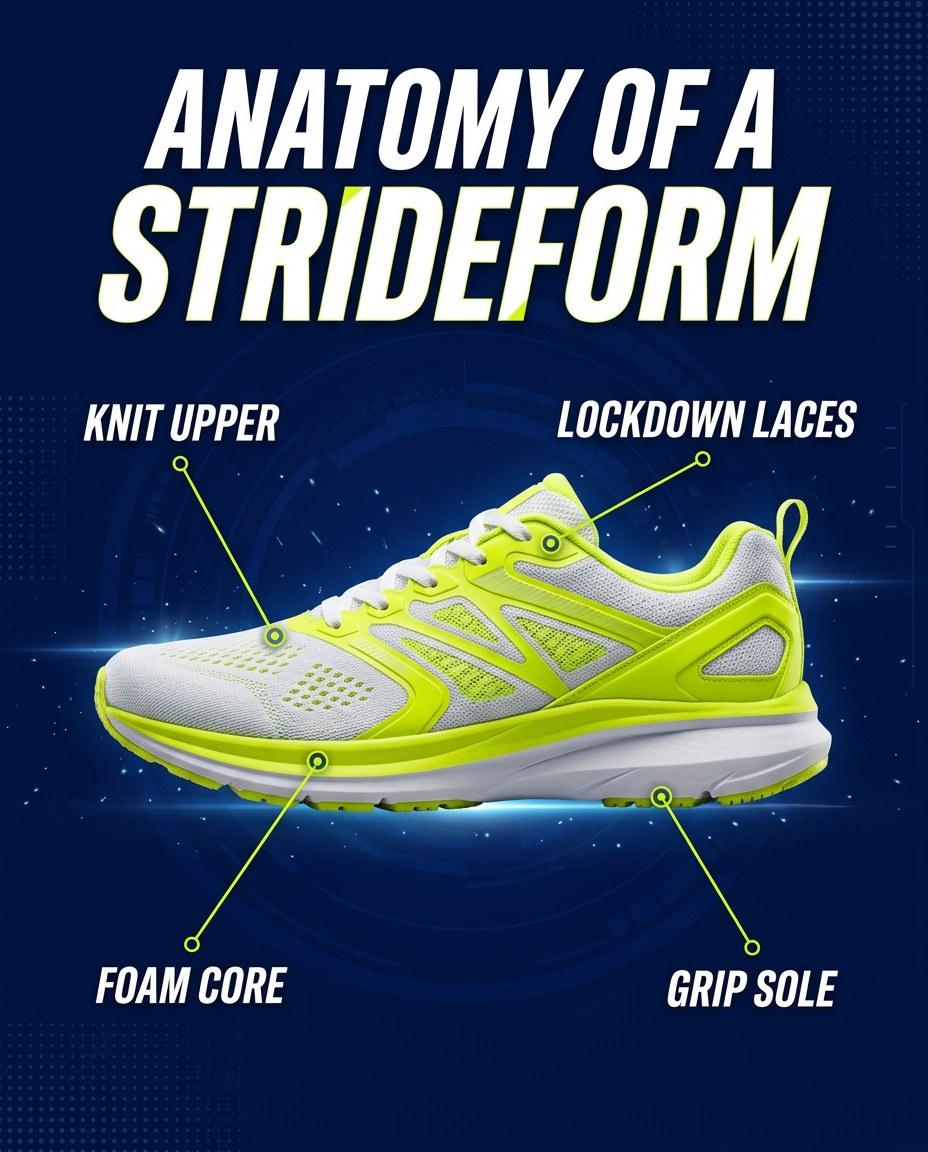
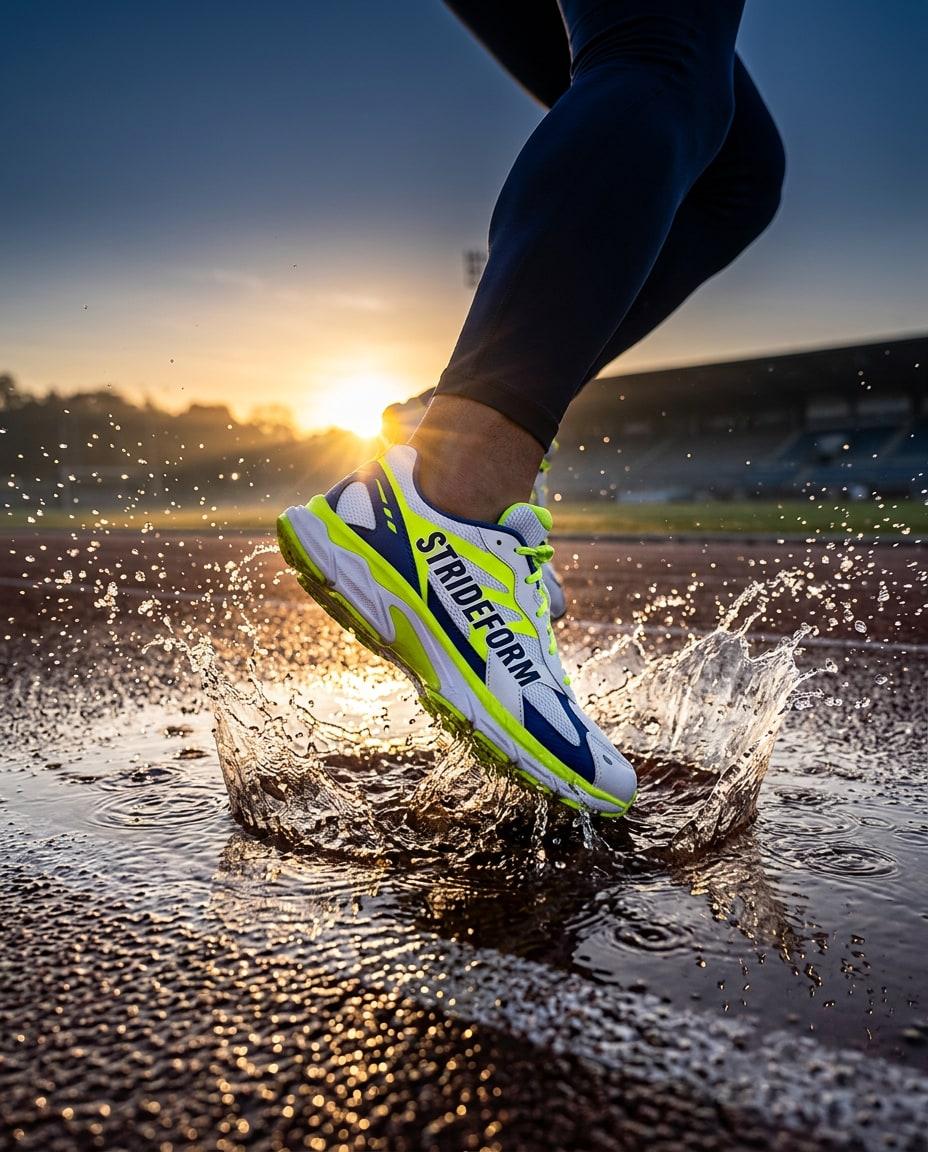
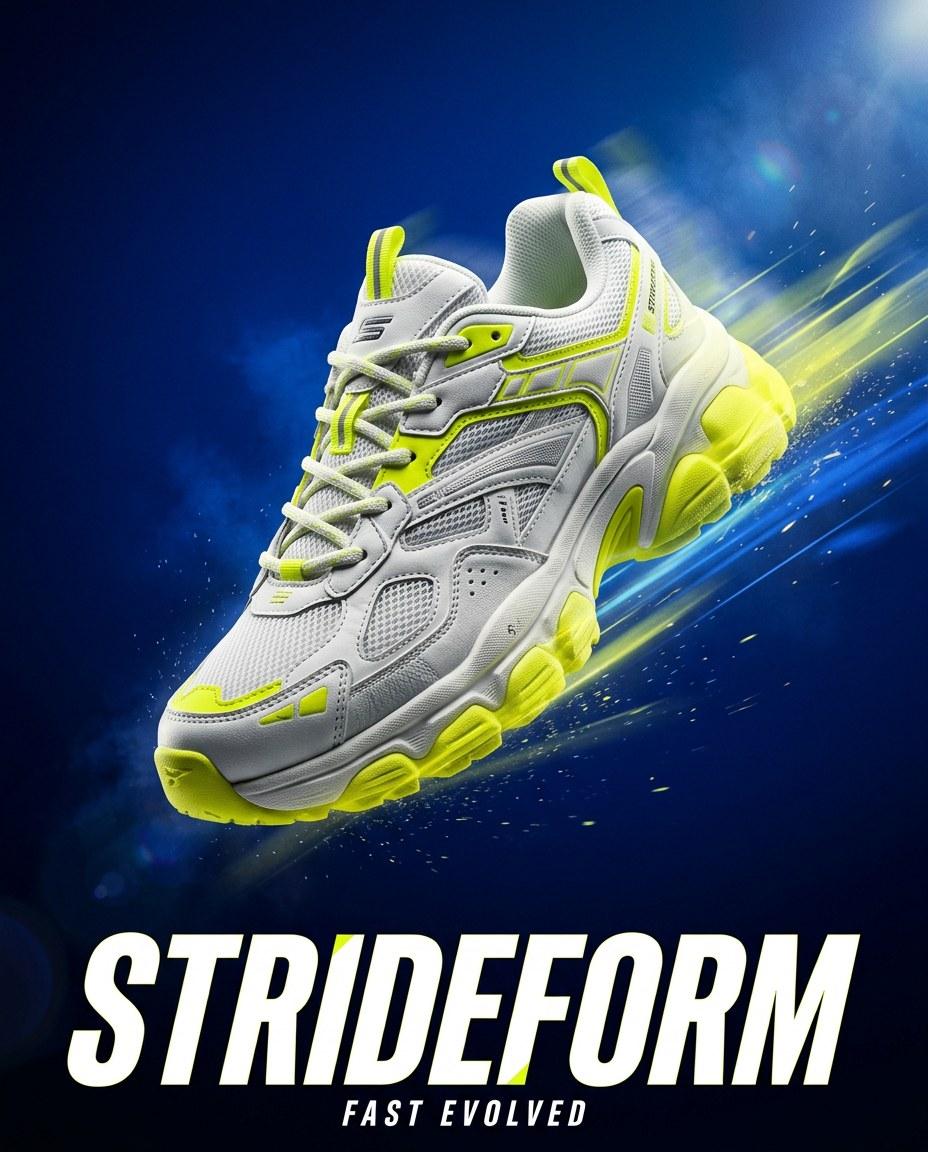
Open the poster, type the new headline in Refine, and only the headline changes.
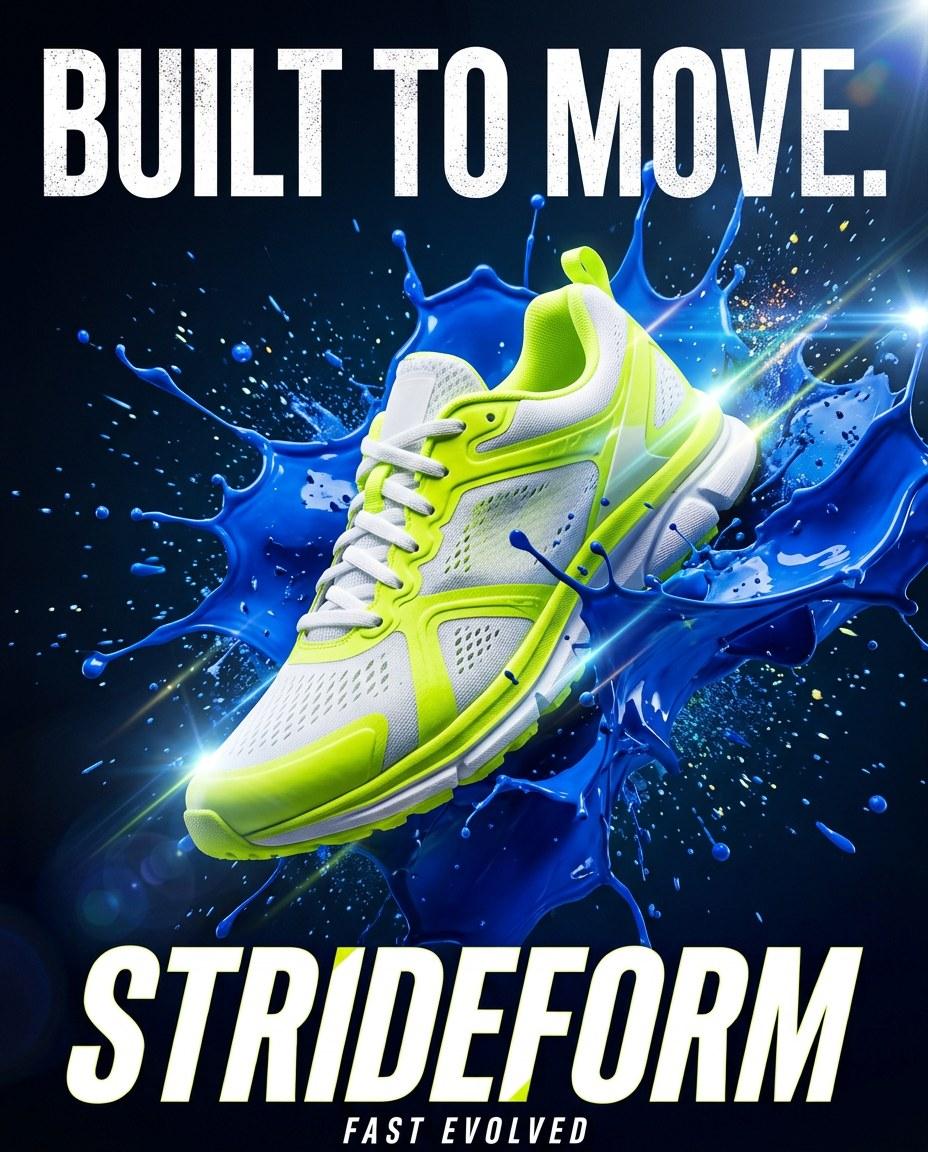
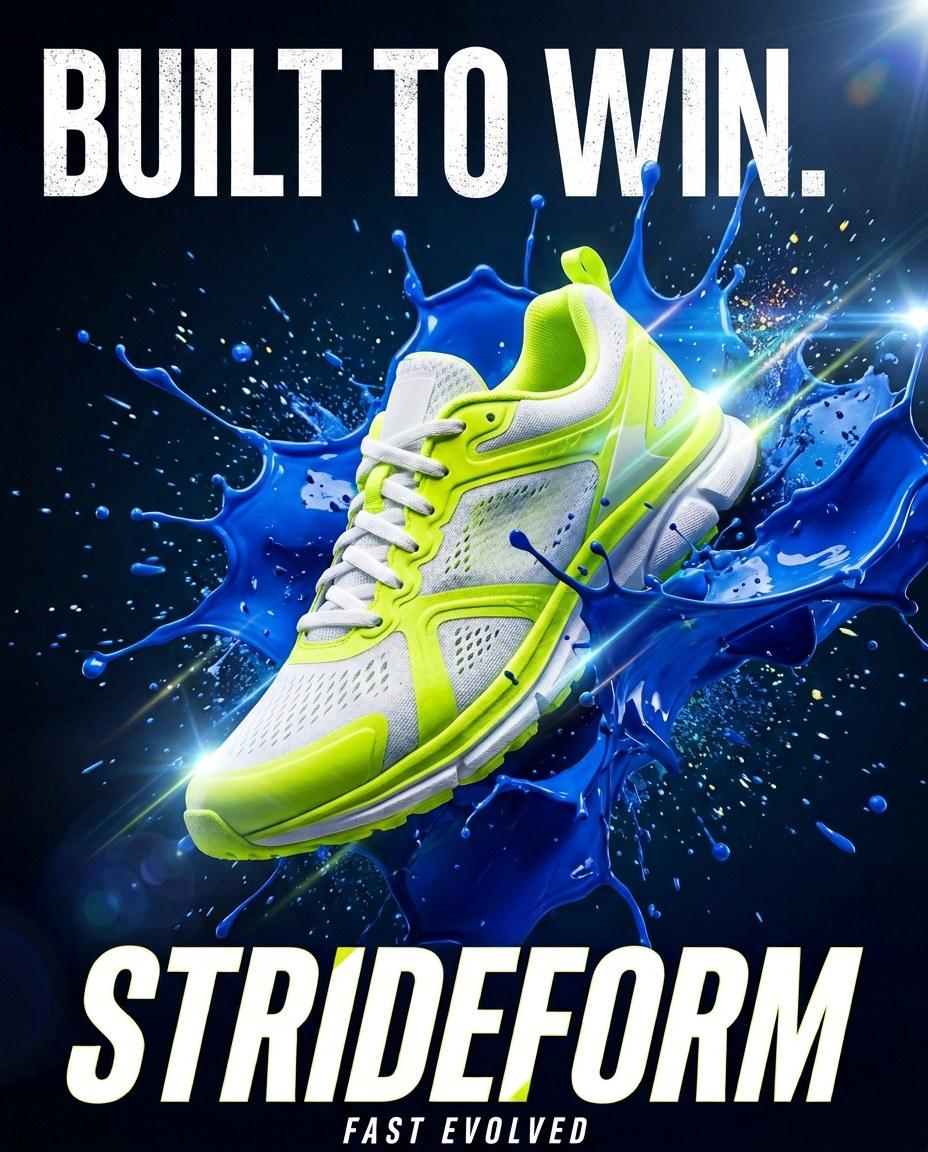 BeforeAfter
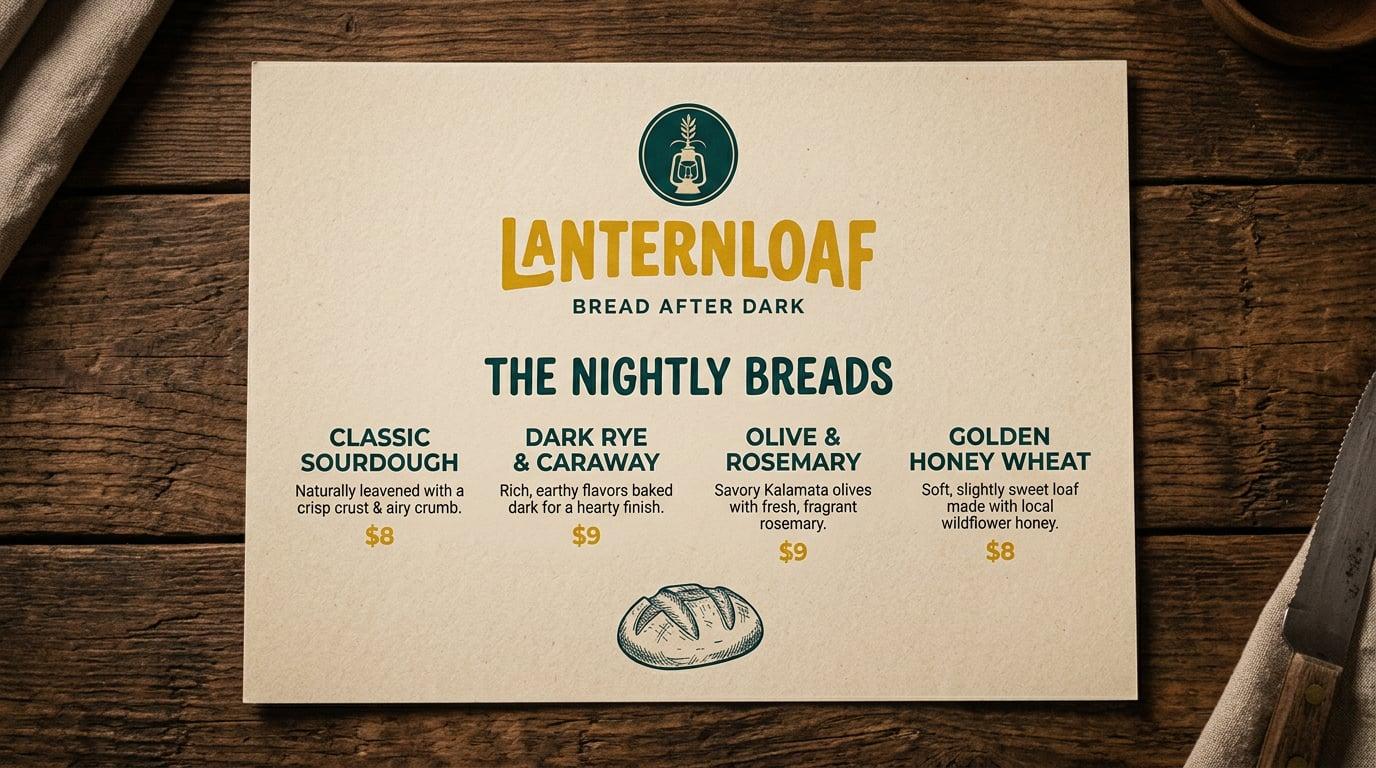
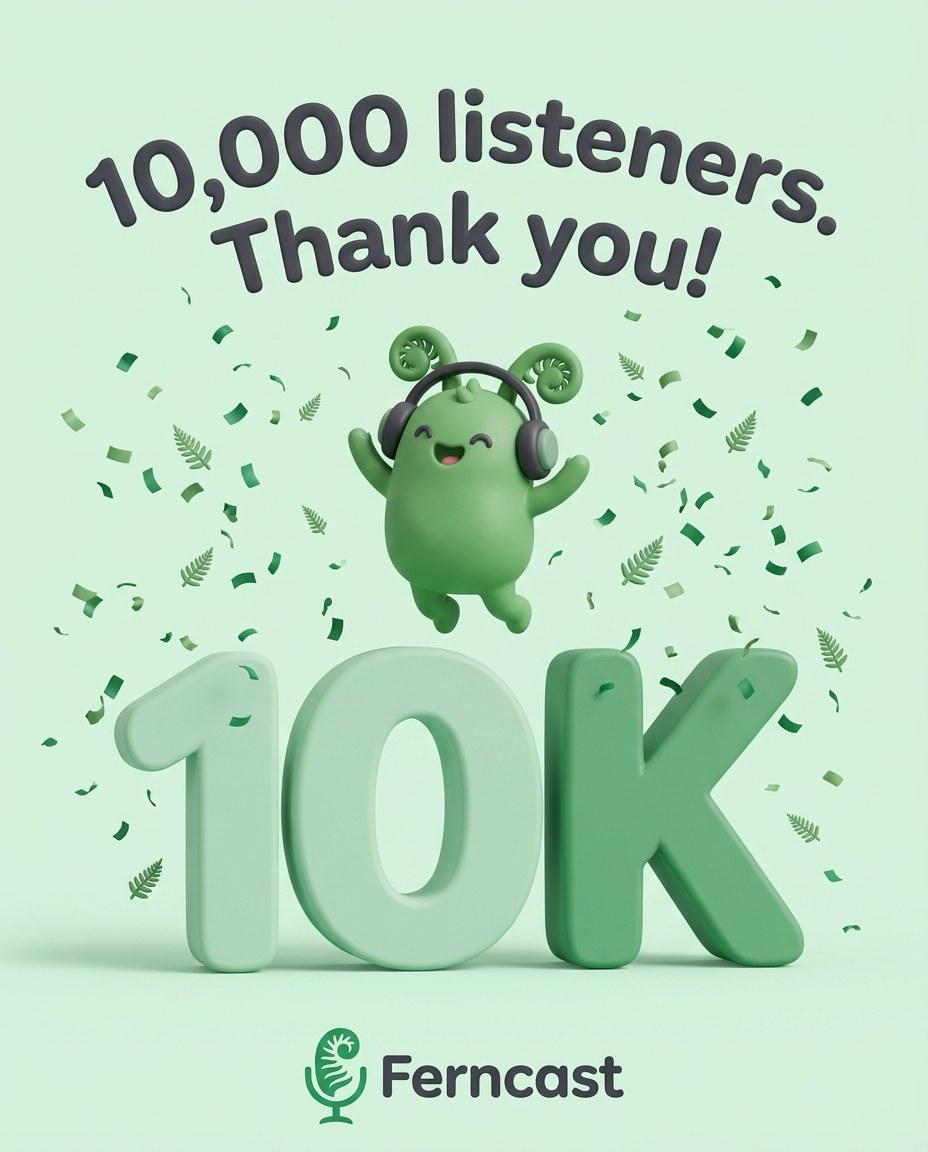
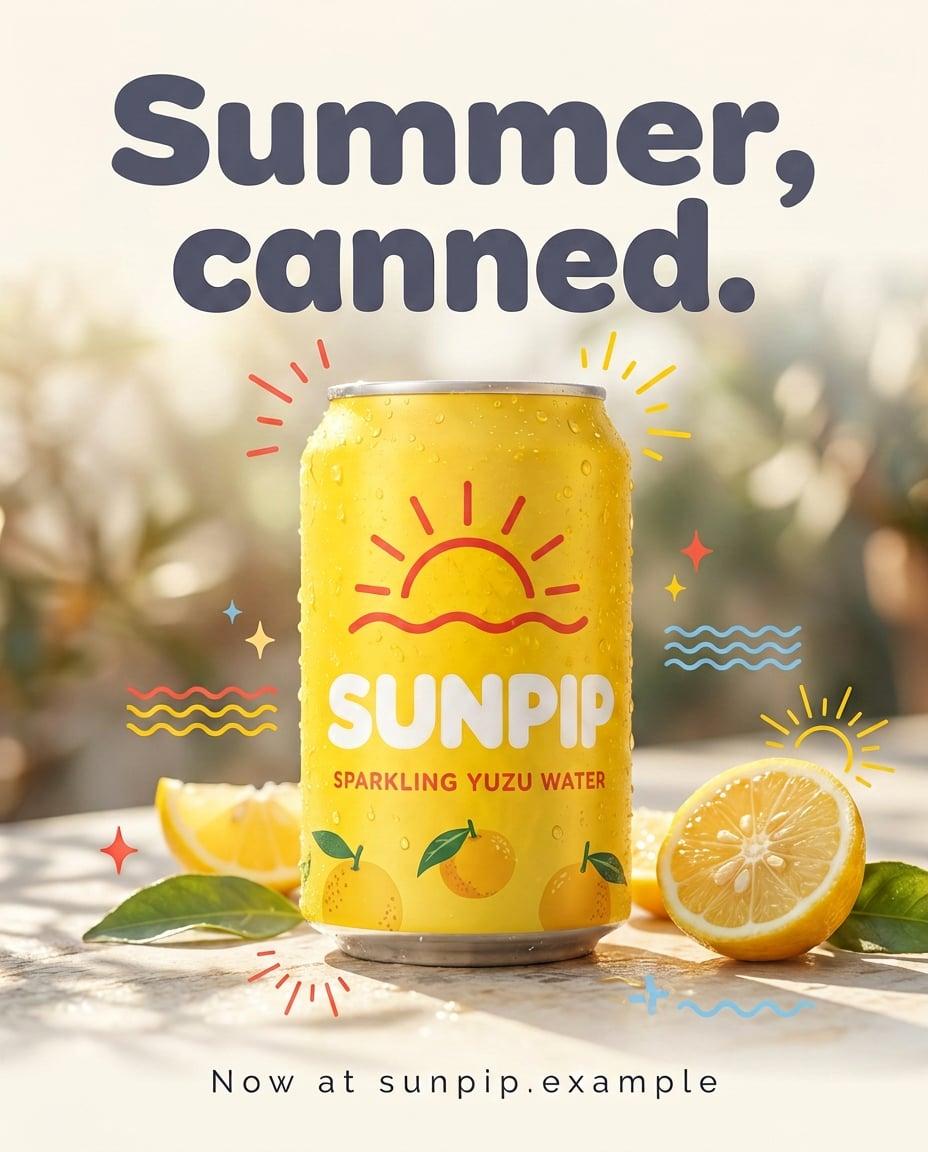
Readable headlines, charts with real numbers and the same mascot in every post. On the Free plan, from 2 credits an image.
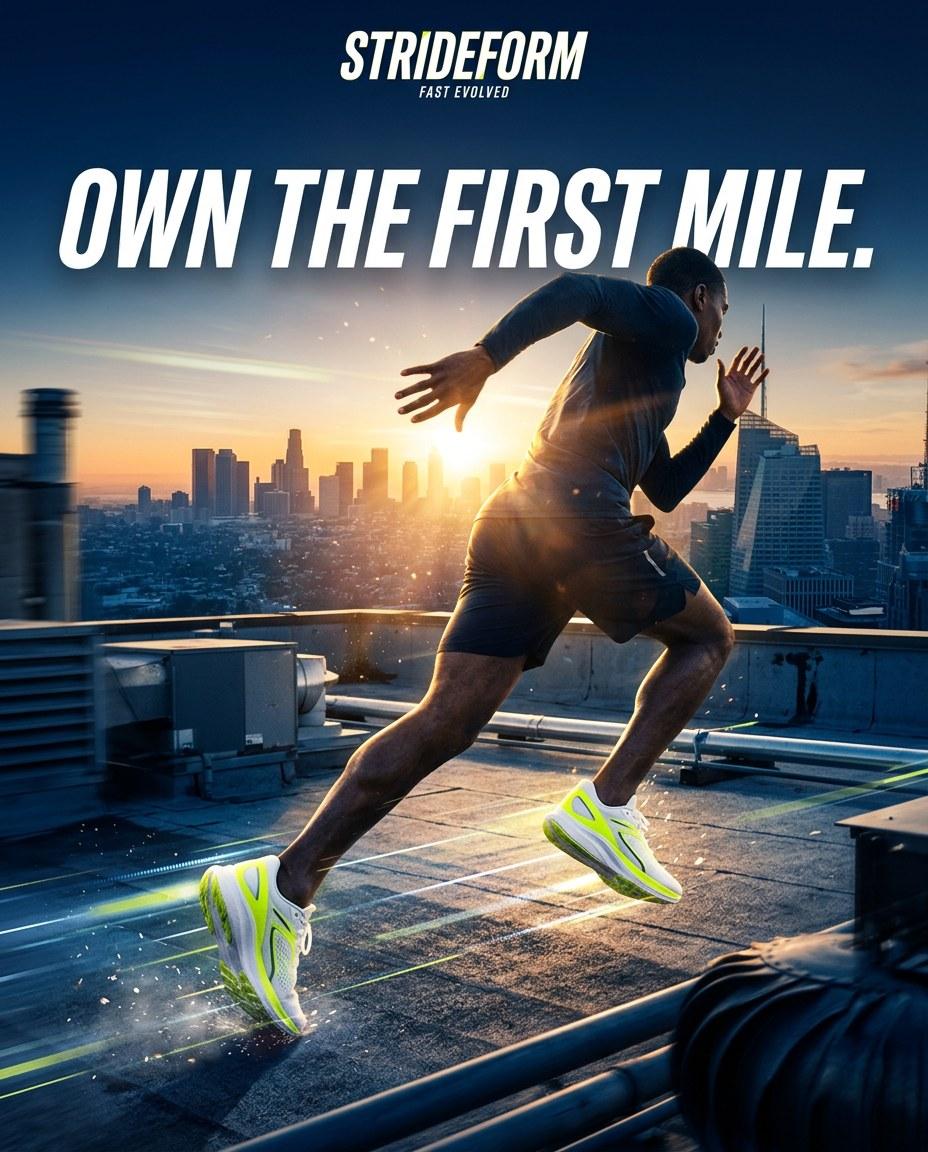 Strideform
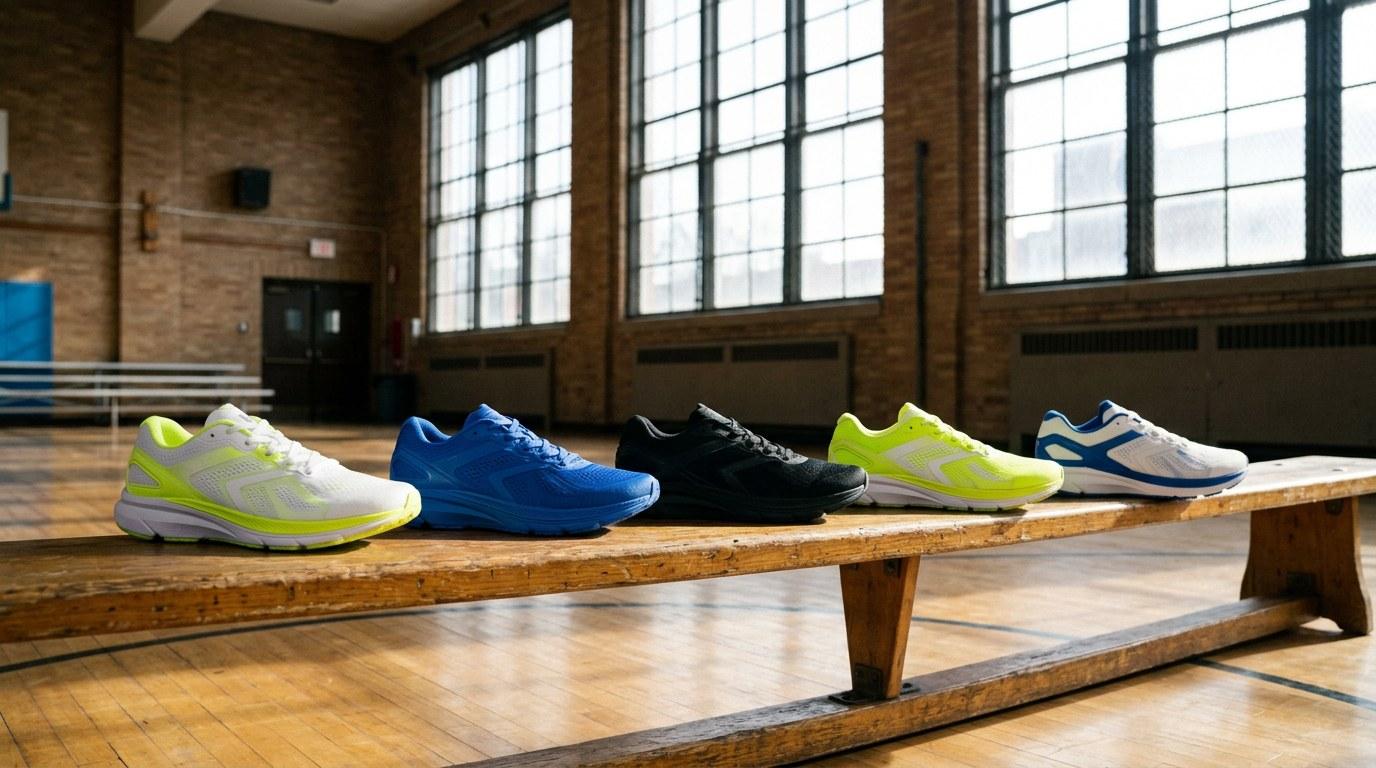

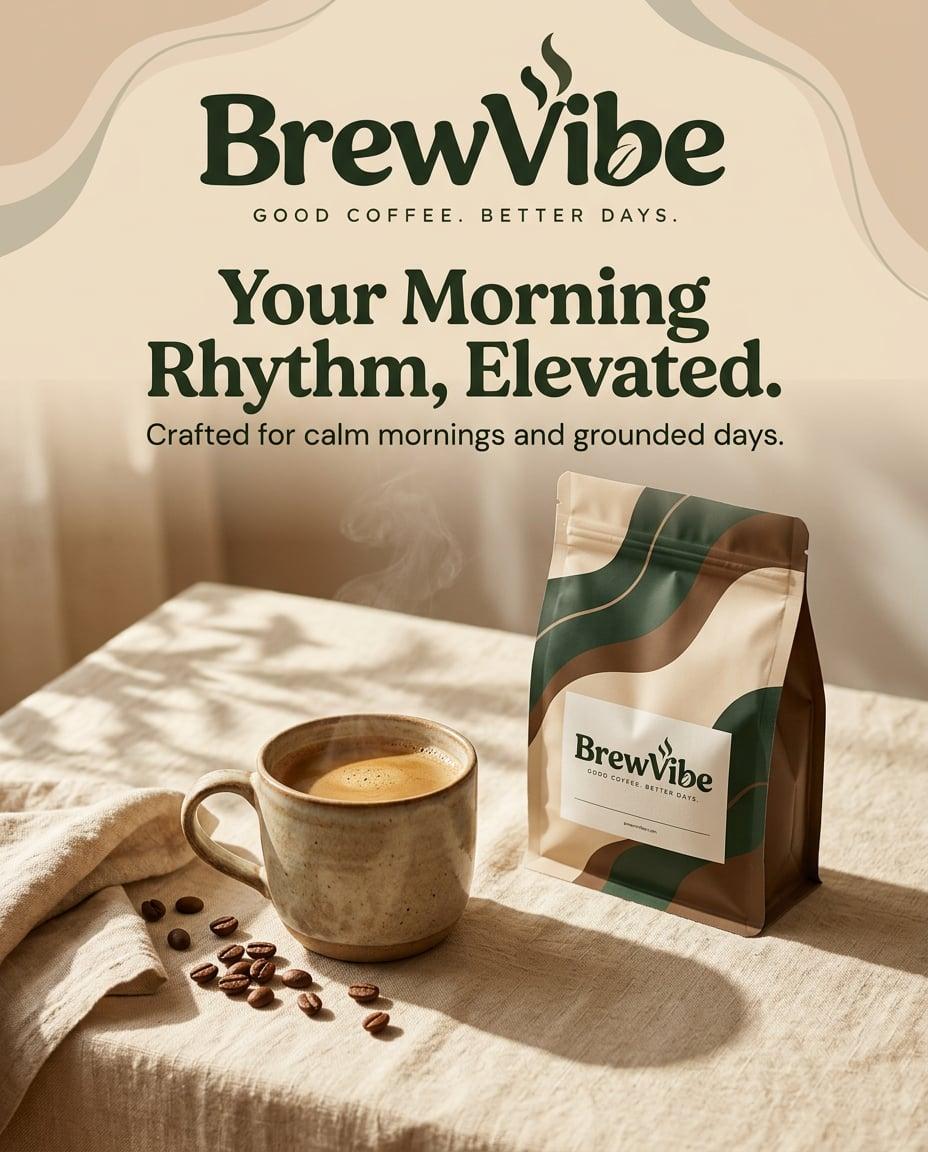
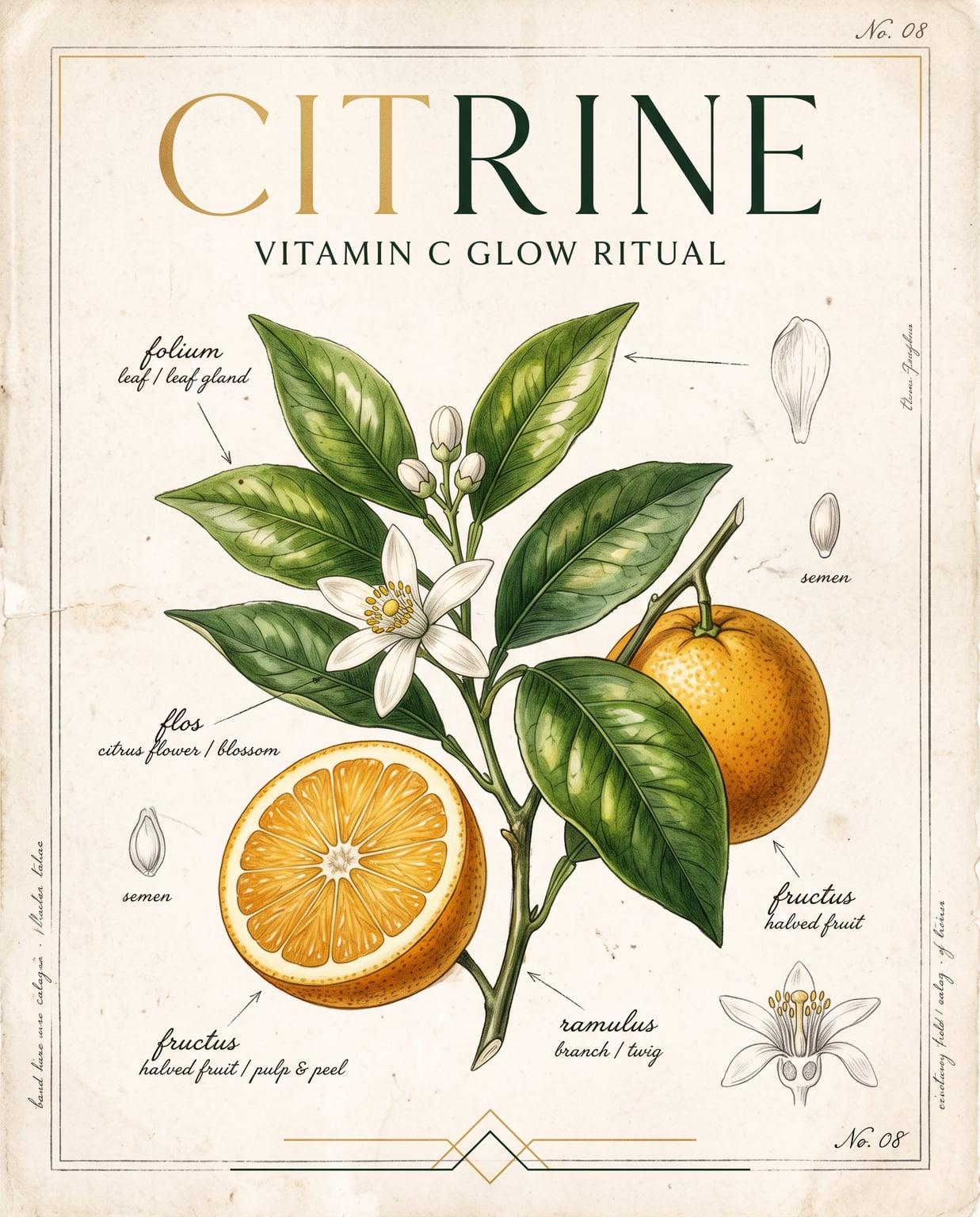
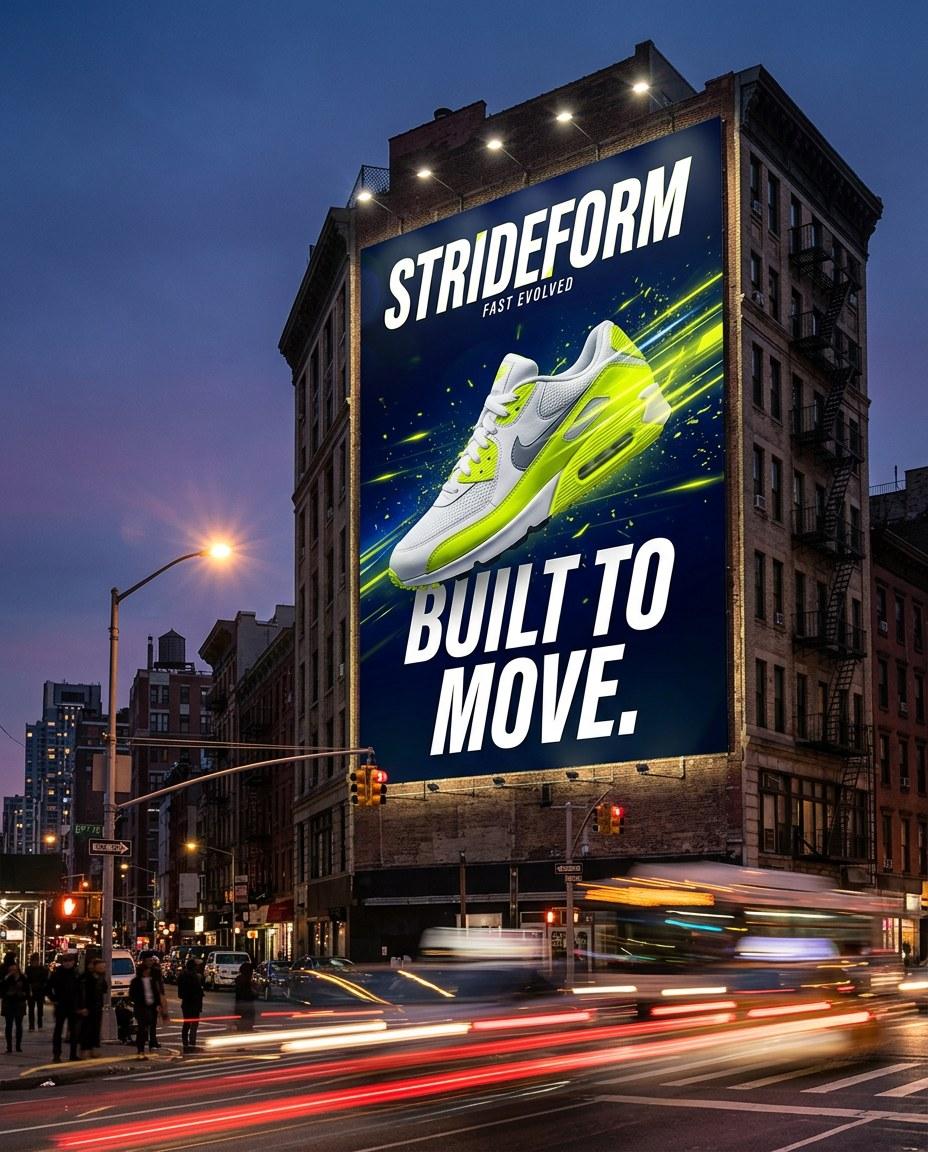
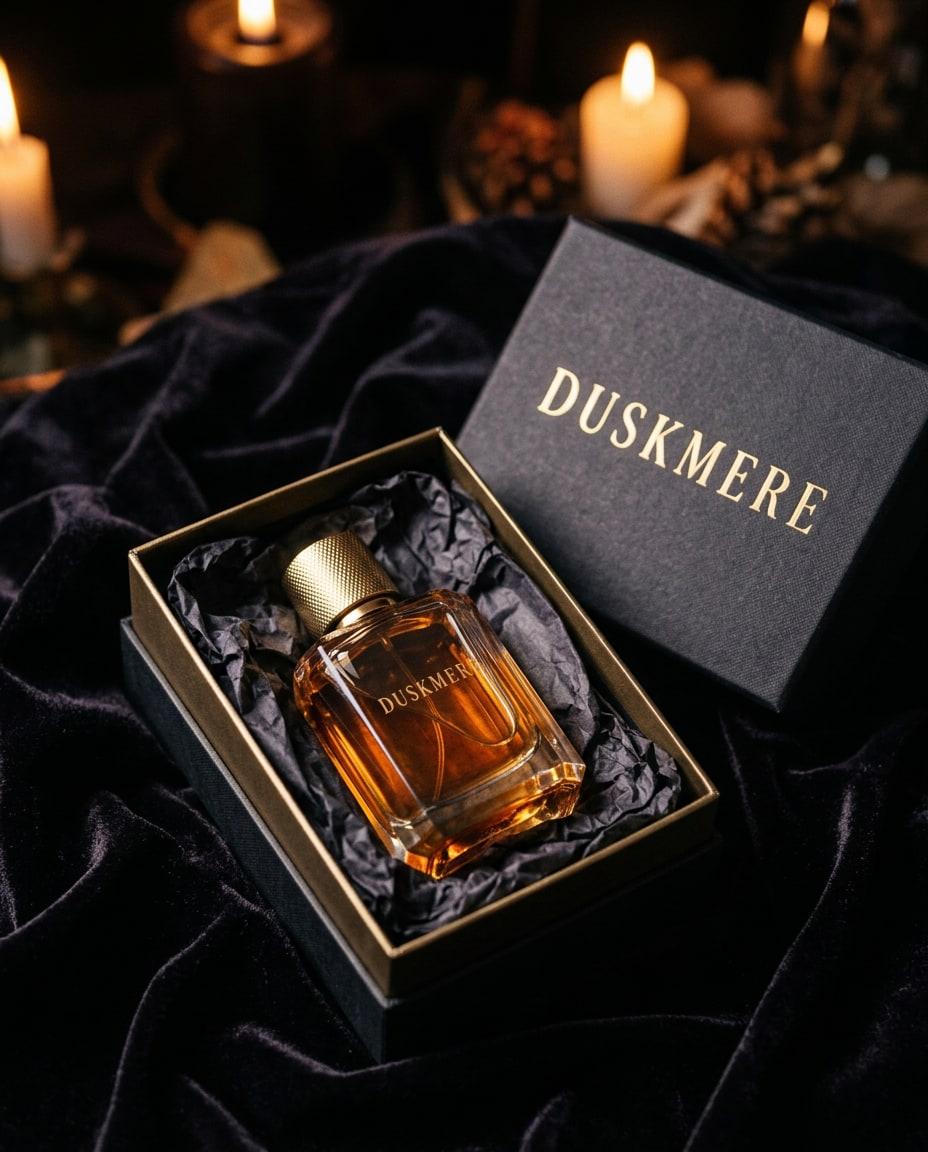
Plays muted when it scrolls into view. Tap to unmute.
Open the poster, type the new headline in Refine, and only the headline changes.
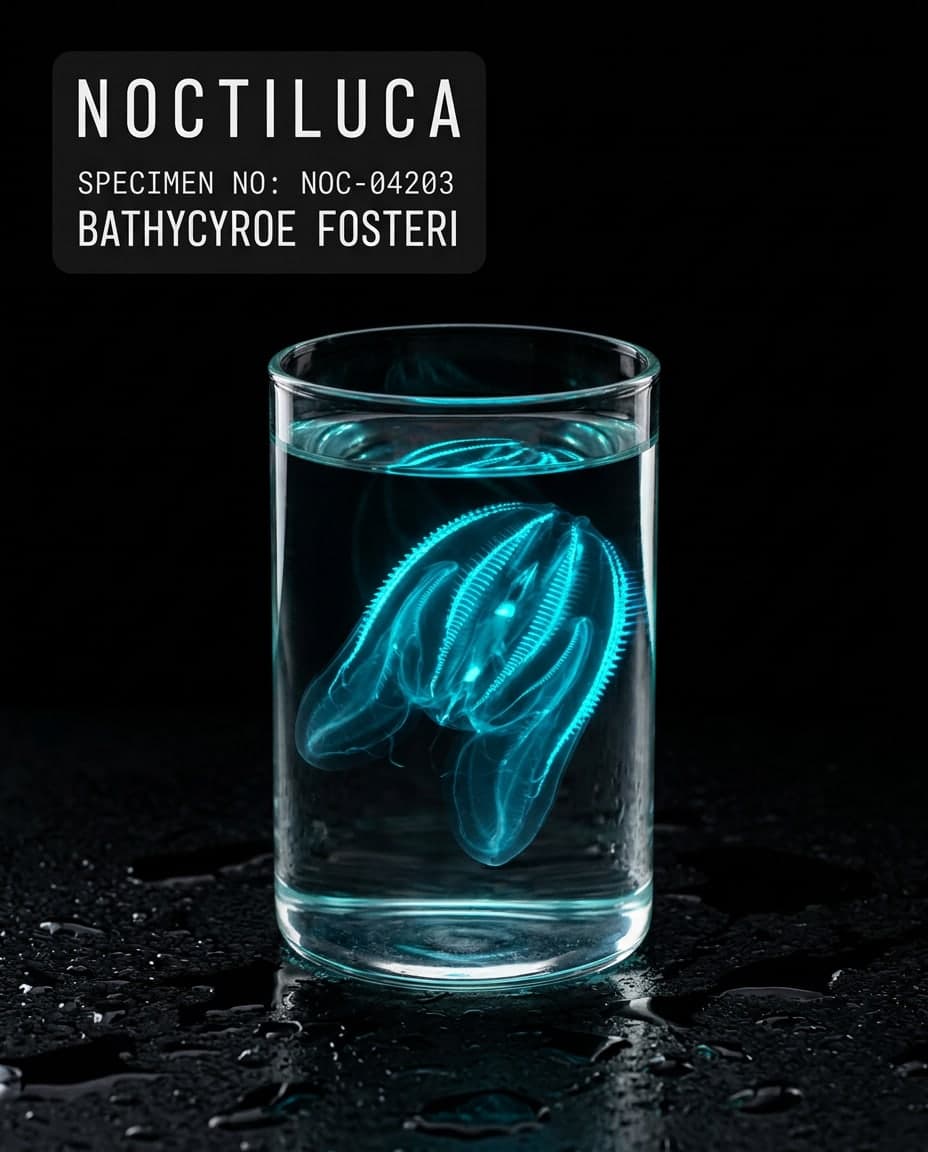
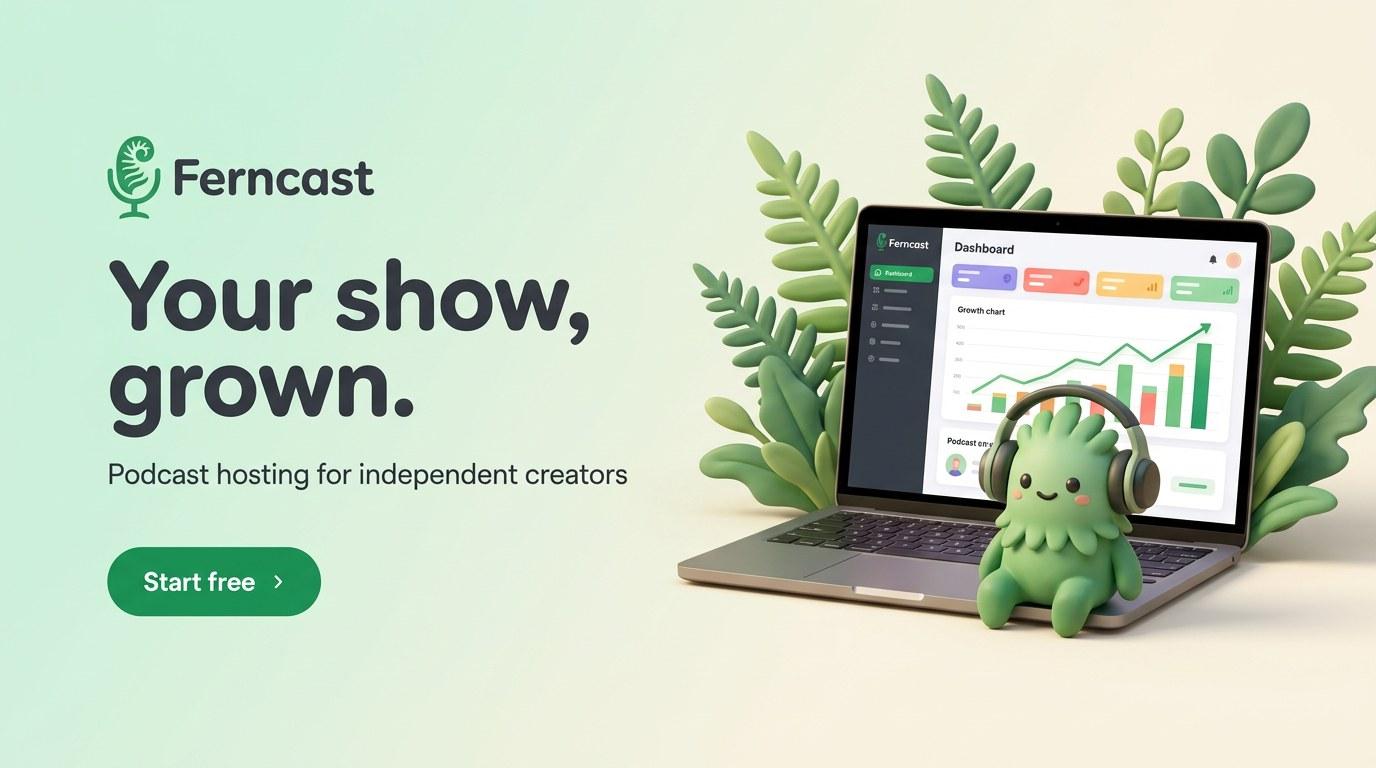
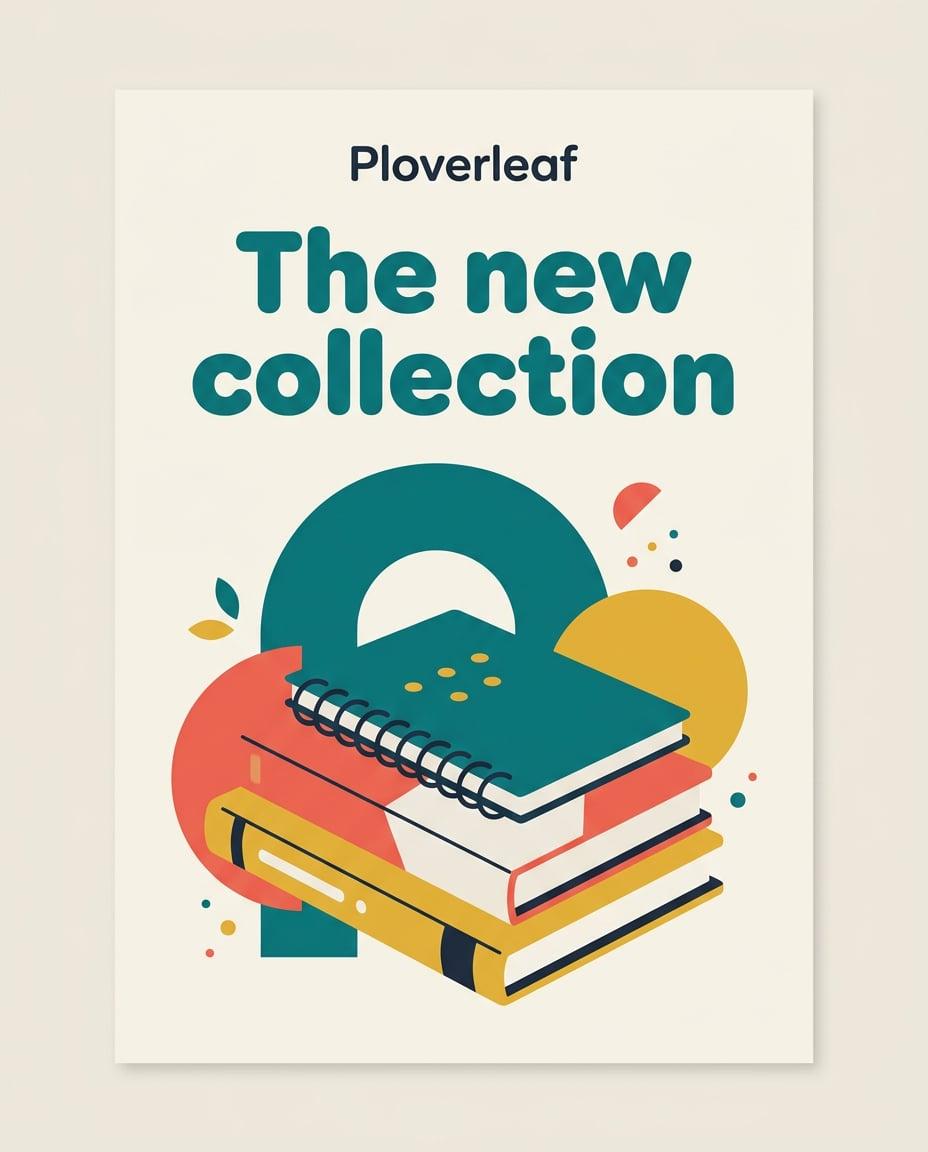
BeforeAfterWrite the labels and values in your prompt. Brand DNA brings the colours and the mascot.
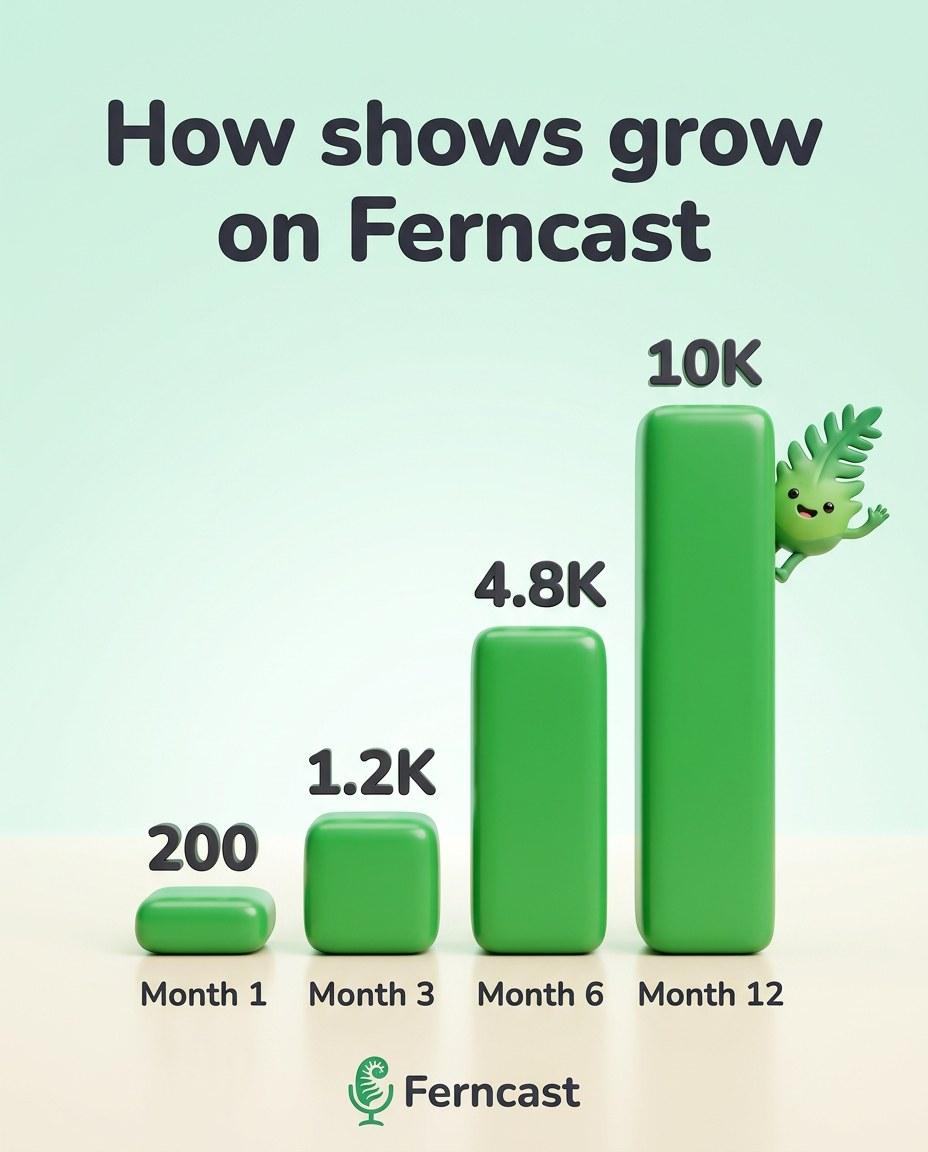
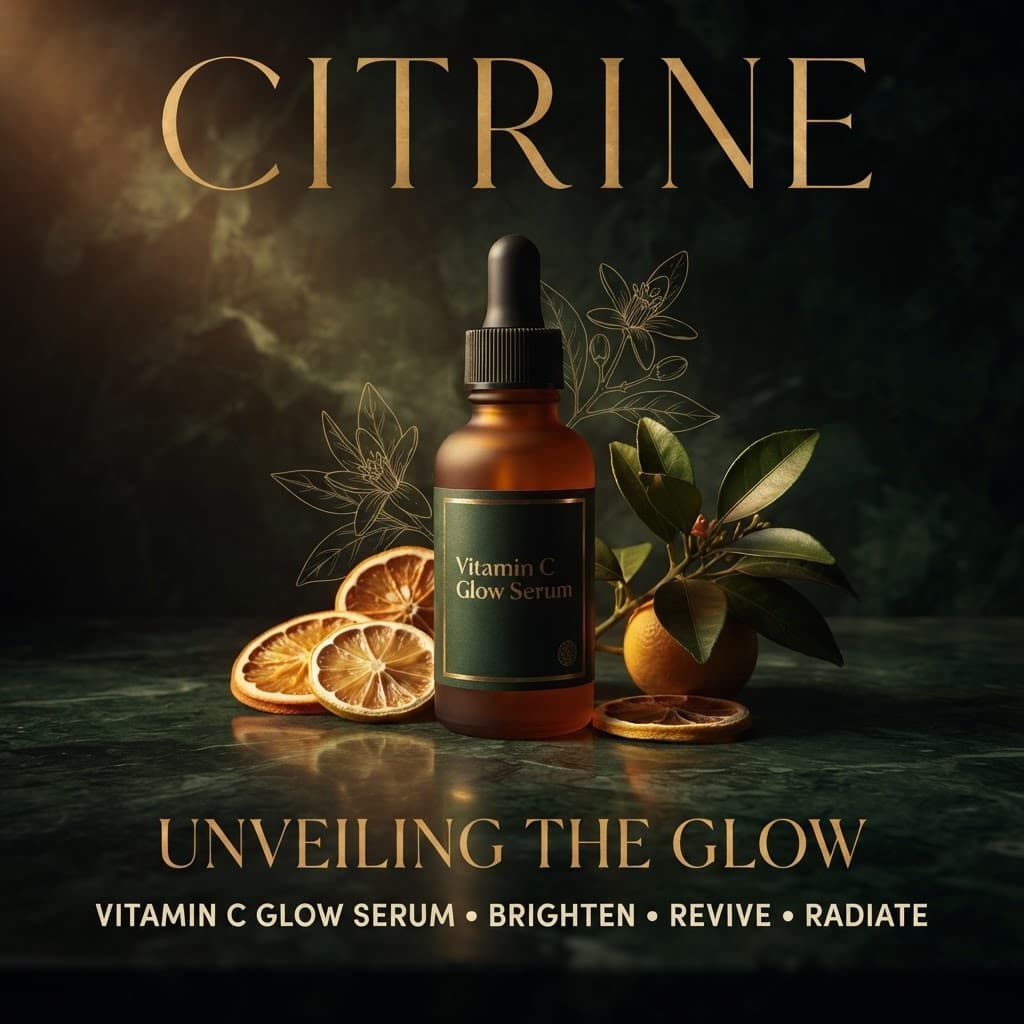
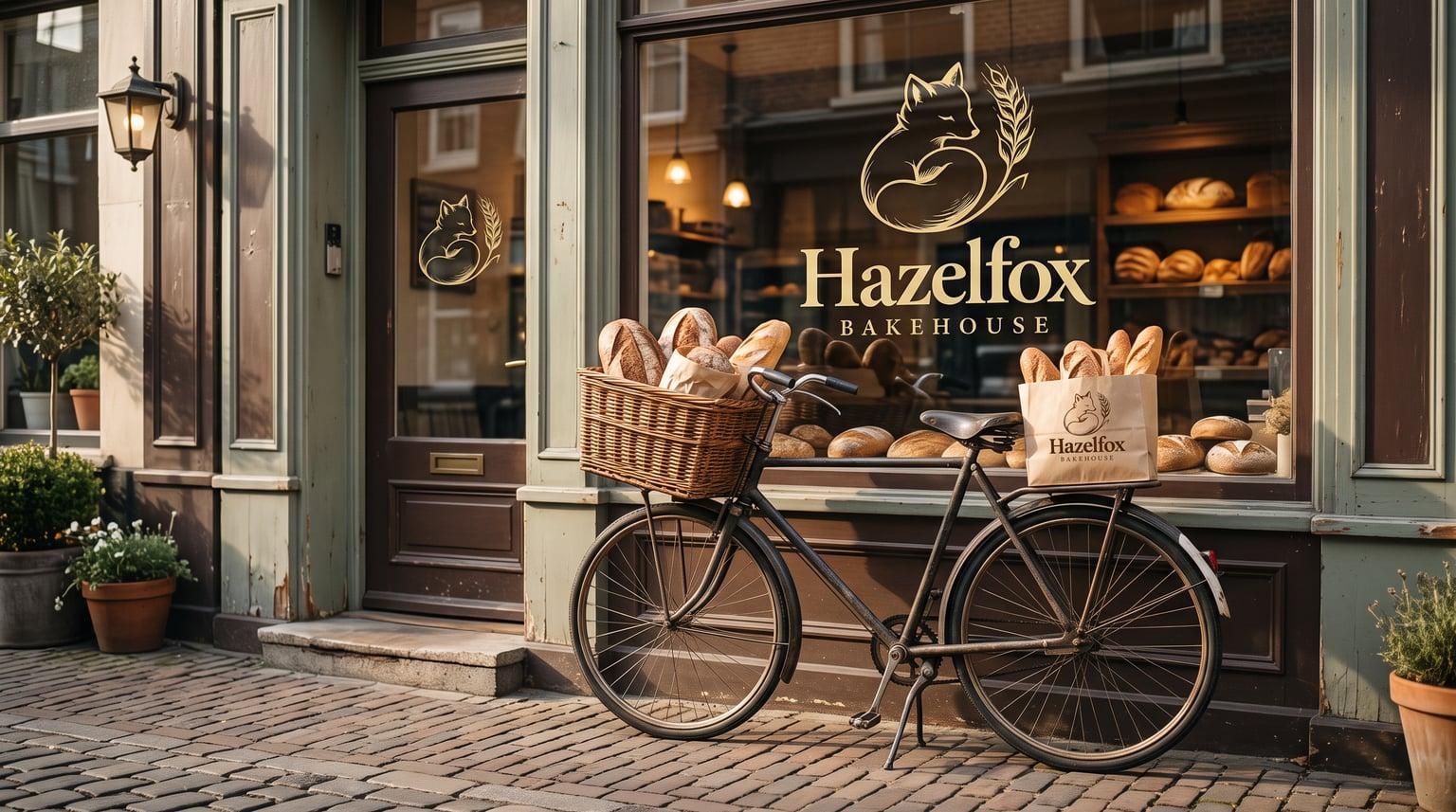
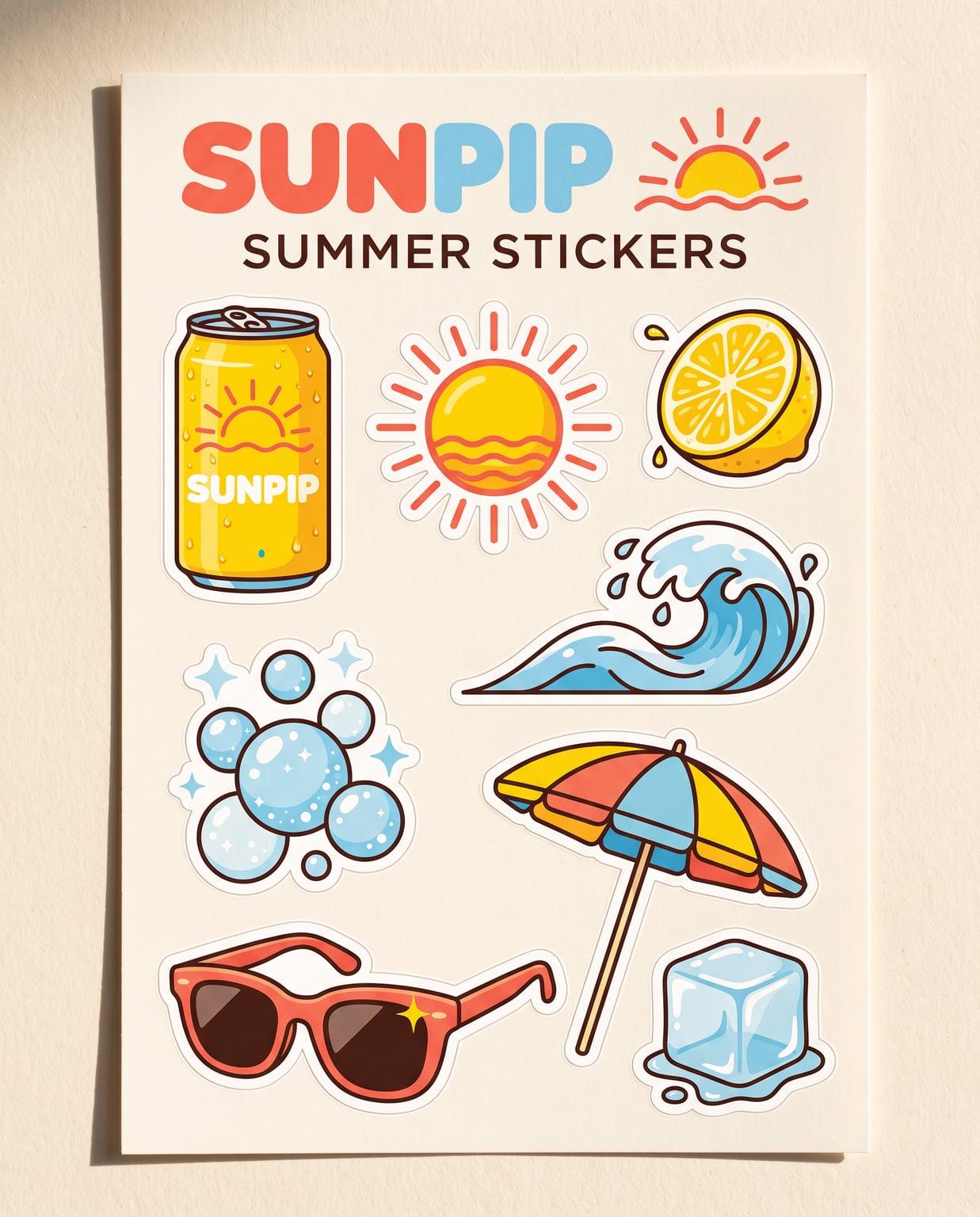
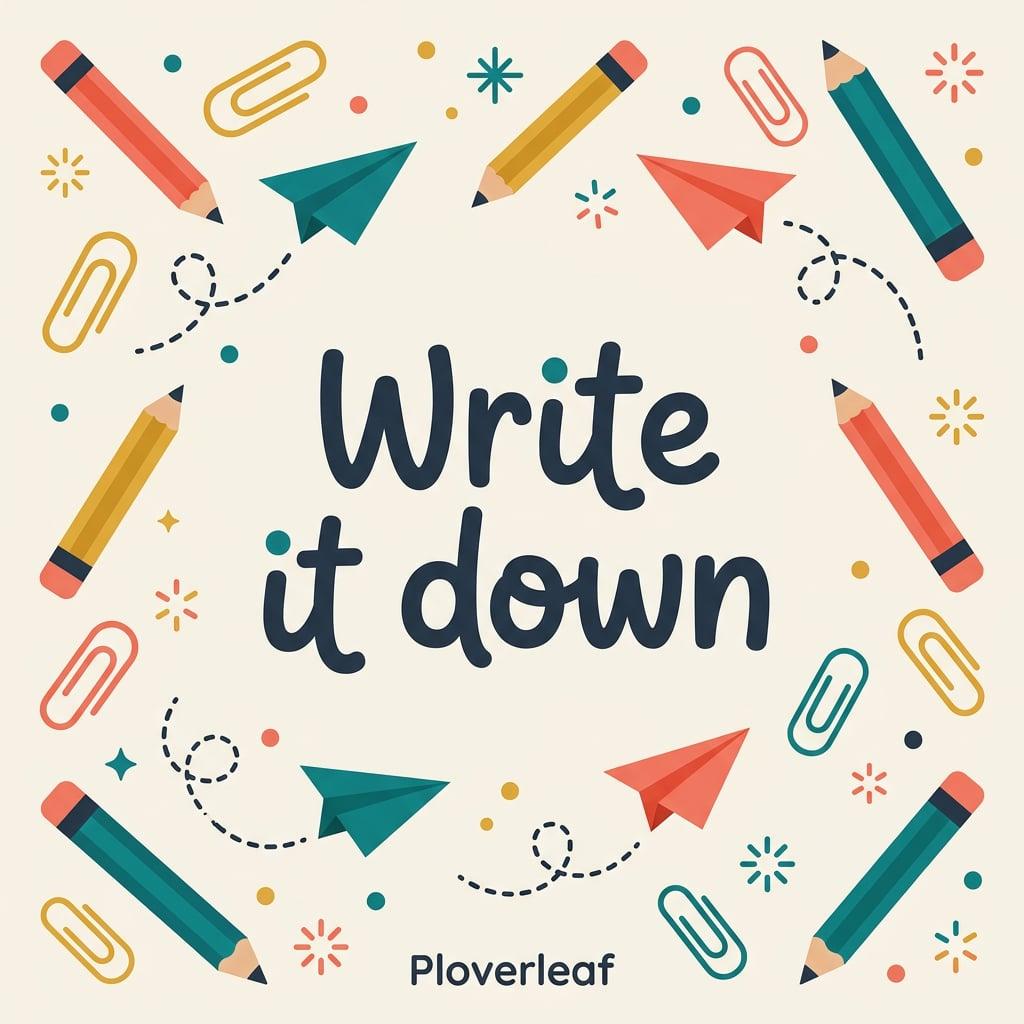
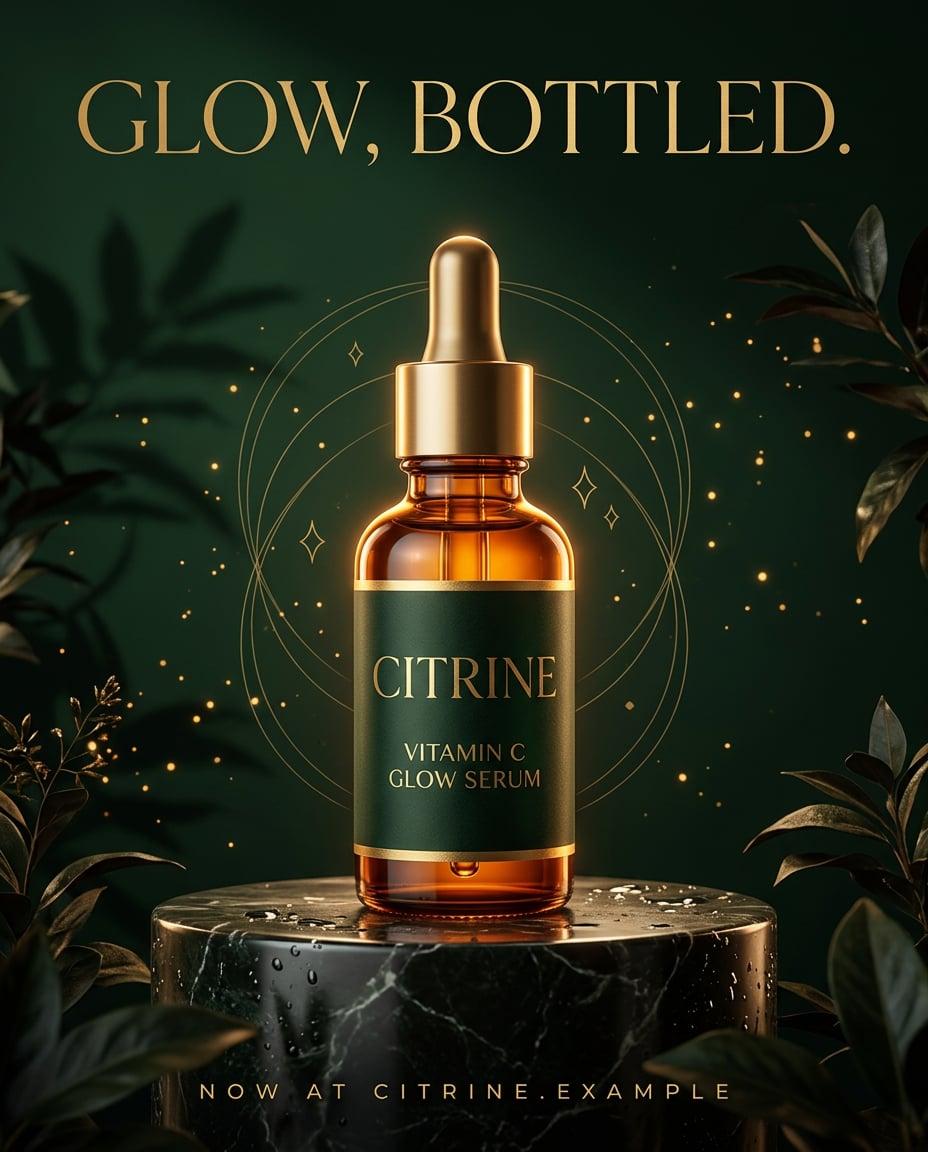
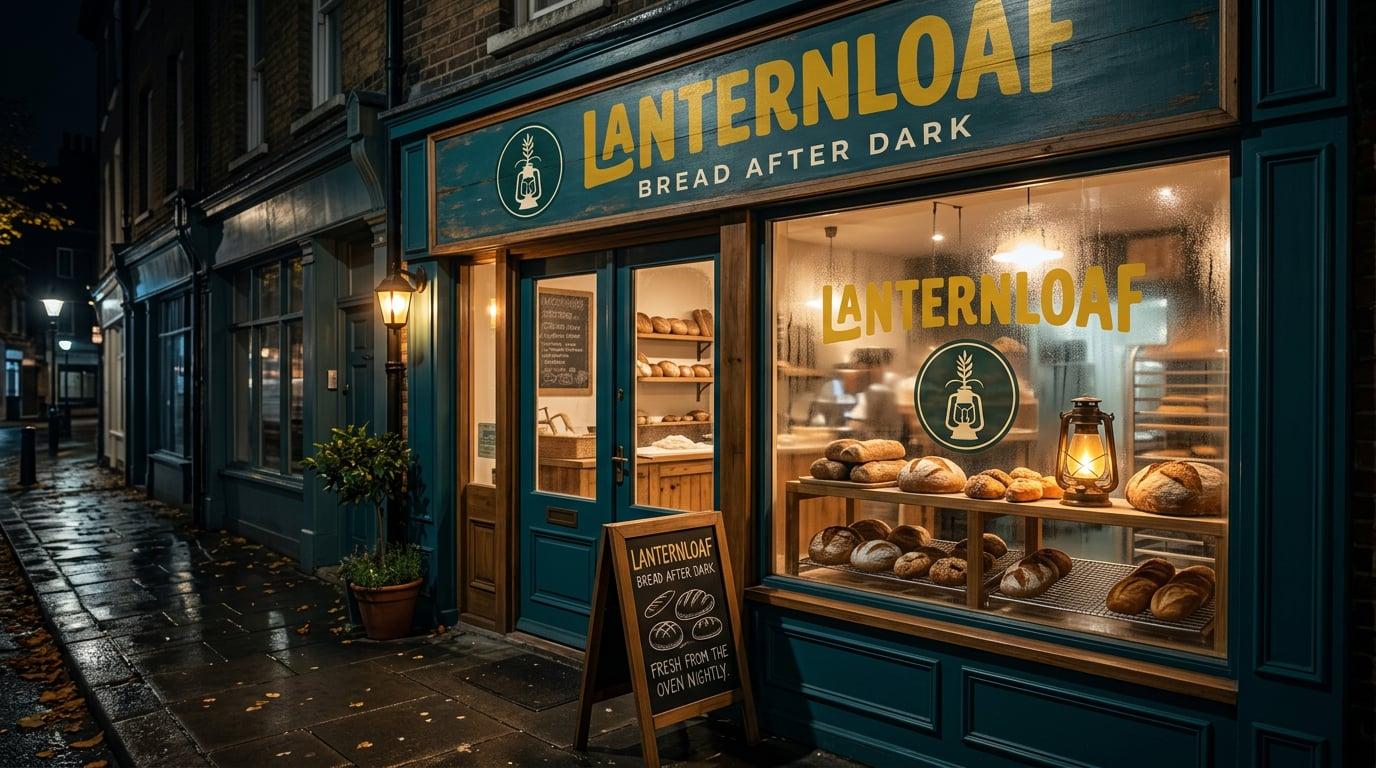
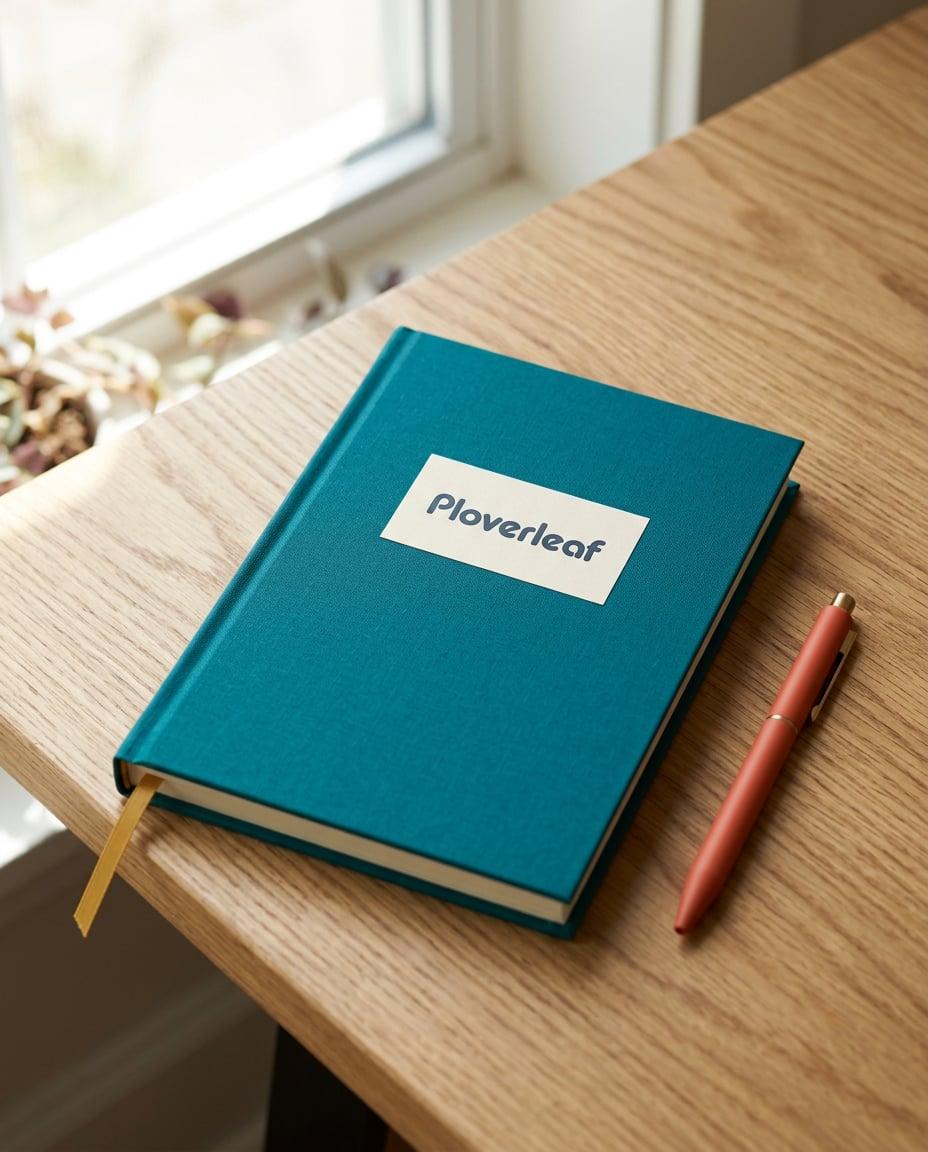
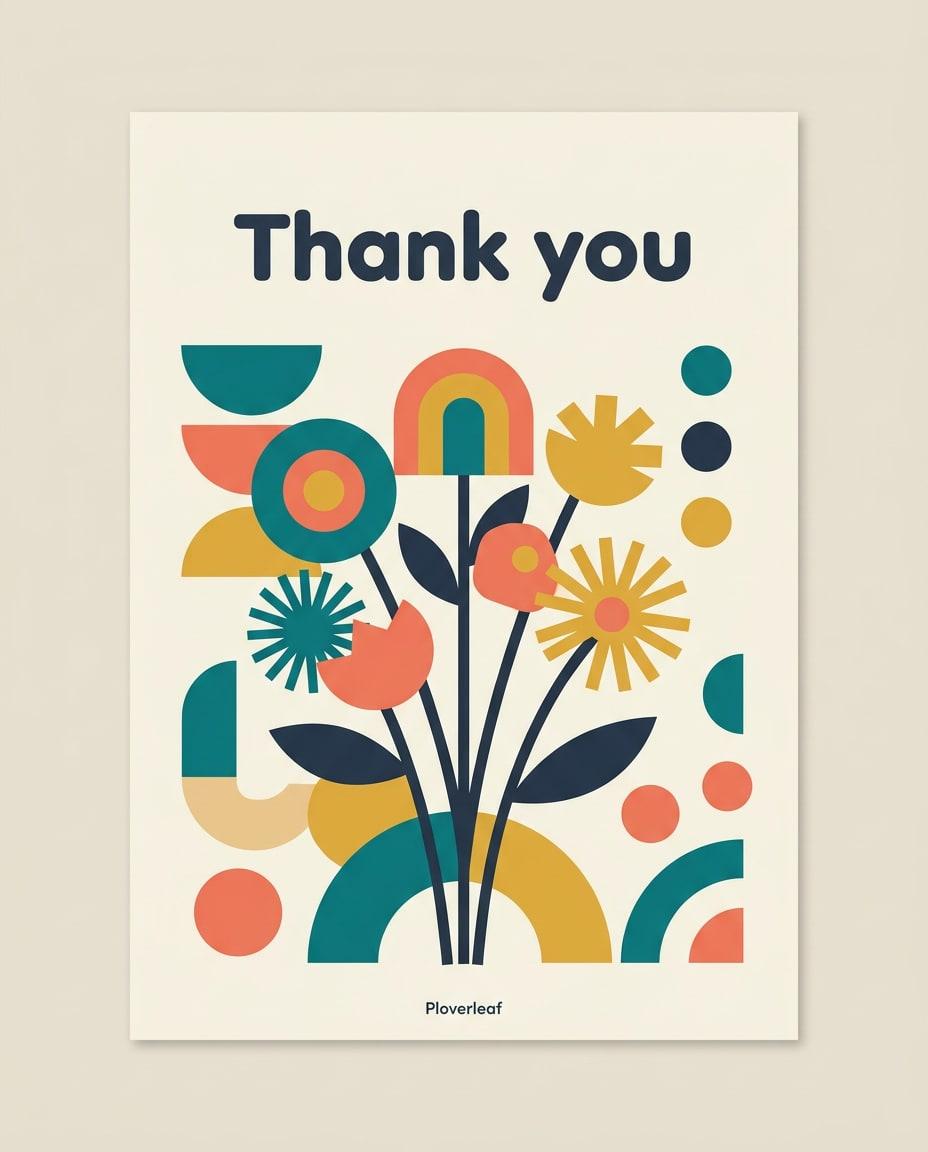
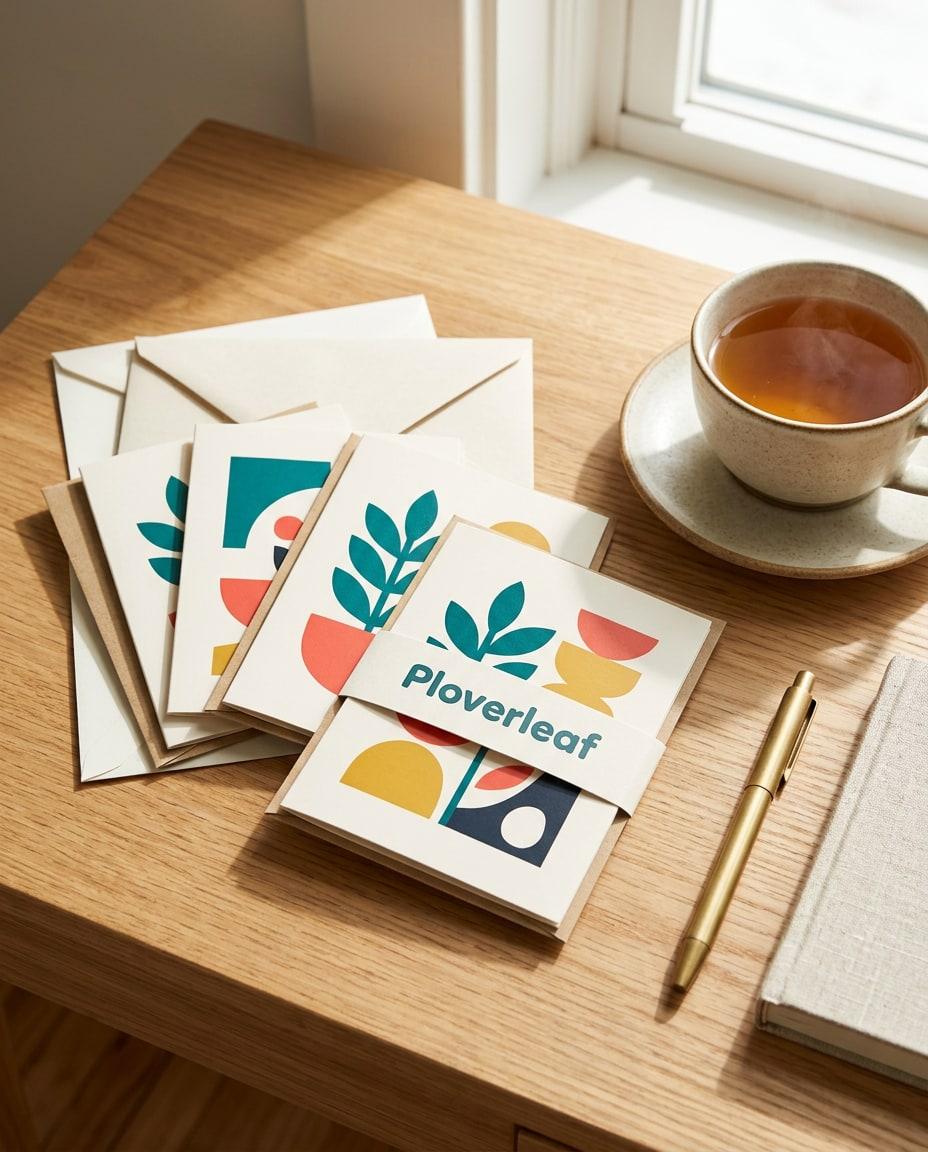
Write the guidelines yourself instead of uploading a picture. These three came from text only.
Credits are what one image costs when you press Generate, at default settings. Each plan includes everything below it.
Default settingNeeds a higher plan
Resolution
Thinking
Aspect ratio
Thinking
Aspect ratio
Resolution
Aspect ratio
Resolution
Thinking
Aspect ratio
BrandGen reads your brand once, then applies it to every image you make in that project.
New project
Start from your website, or pick another way.
Reading your brand
0:41This takes about a minute. Keep this window open.
Found your logo
Upload a brand image, paste your website or write your guidelines. BrandGen reads the colours, type and logo into Brand DNA.
Describe the image in plain words. Brand DNA adds the colour codes, type and logo, so the prompt needs none of them.
DNANano Banana 2.1Change one thing in one line, like the headline. The shoe, the colours and the logo stay as they were.
BrandGen is an independent product and is not affiliated with Google. BrandGen uses Nano Banana as one of its image models to create the images you request. Nano Banana is a trademark of Google.
Credits, plans, and how Brand DNA keeps every image on brand.
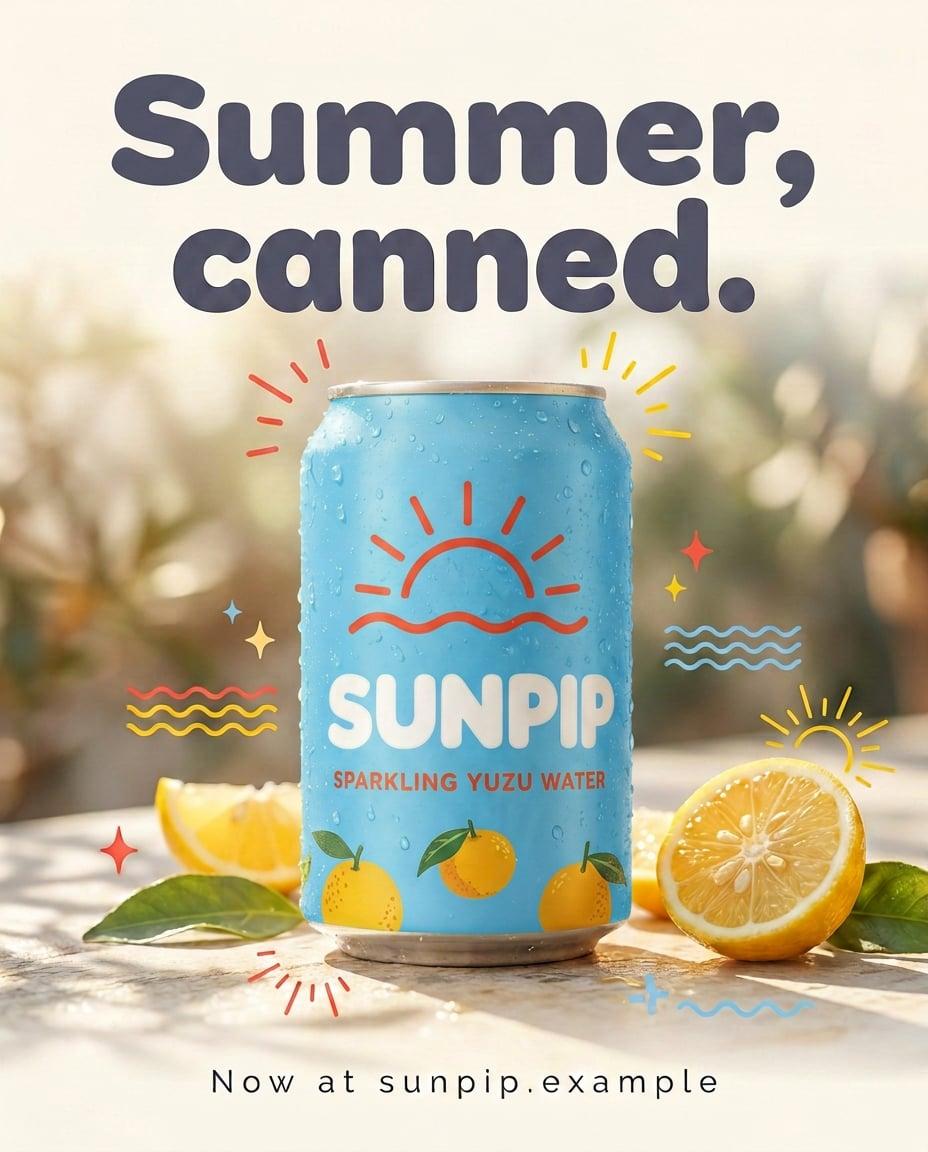
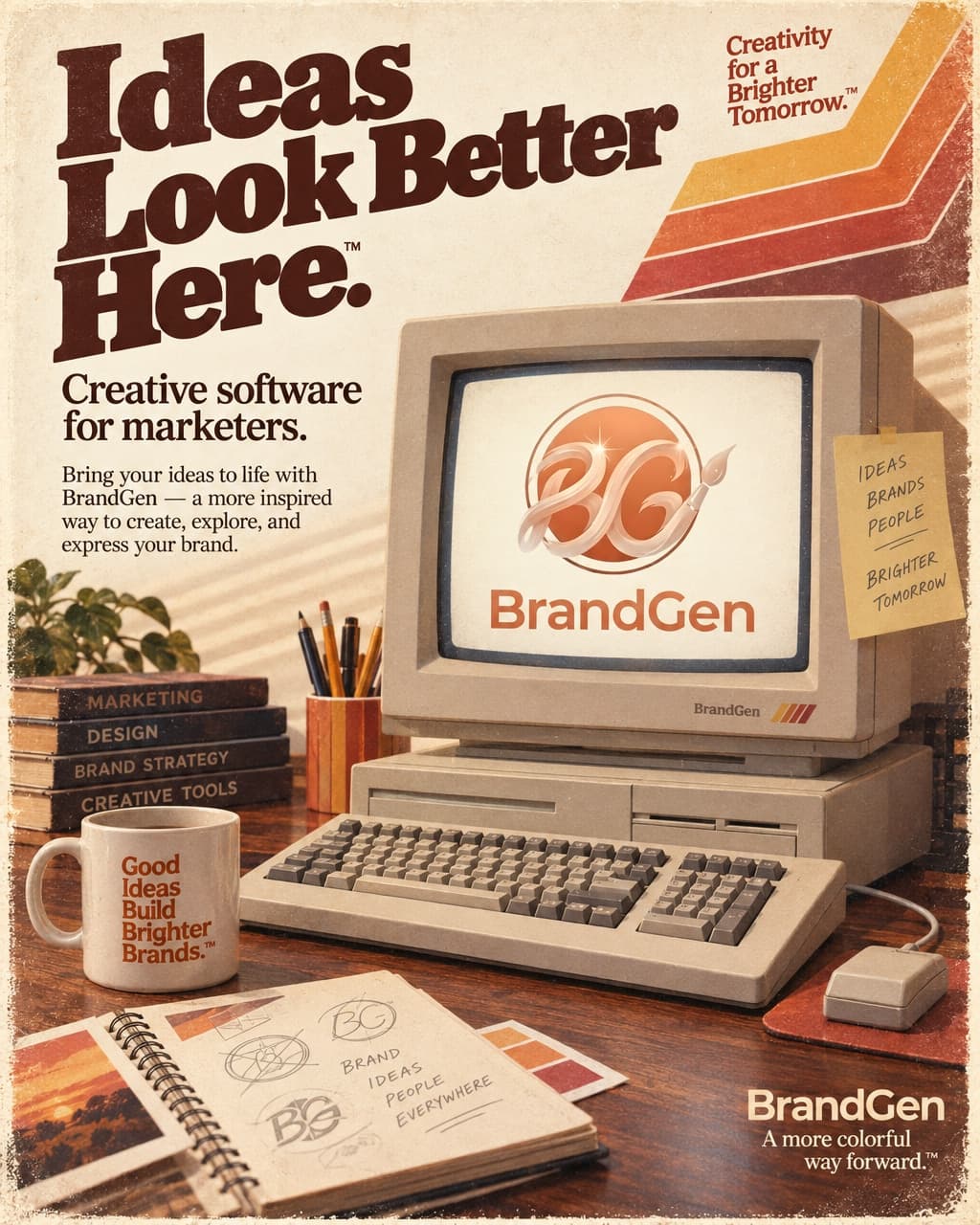
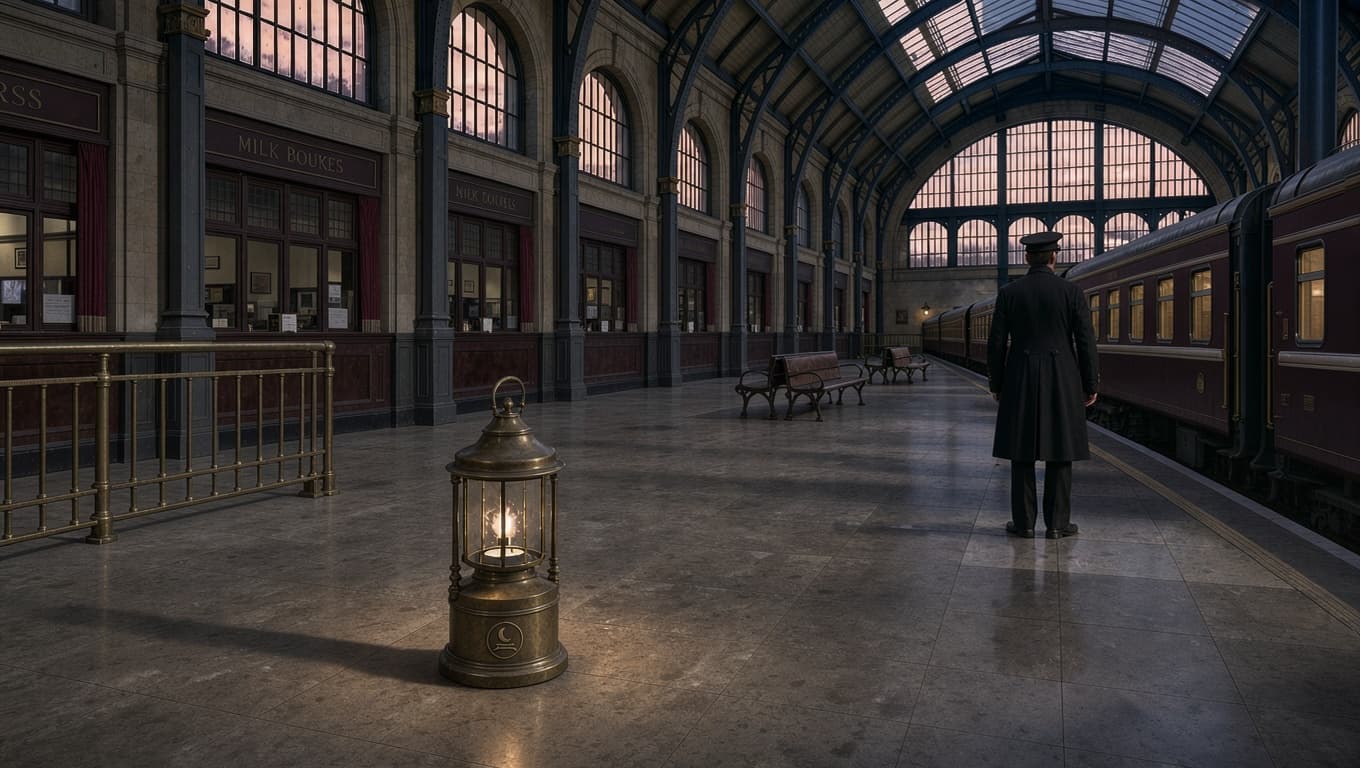
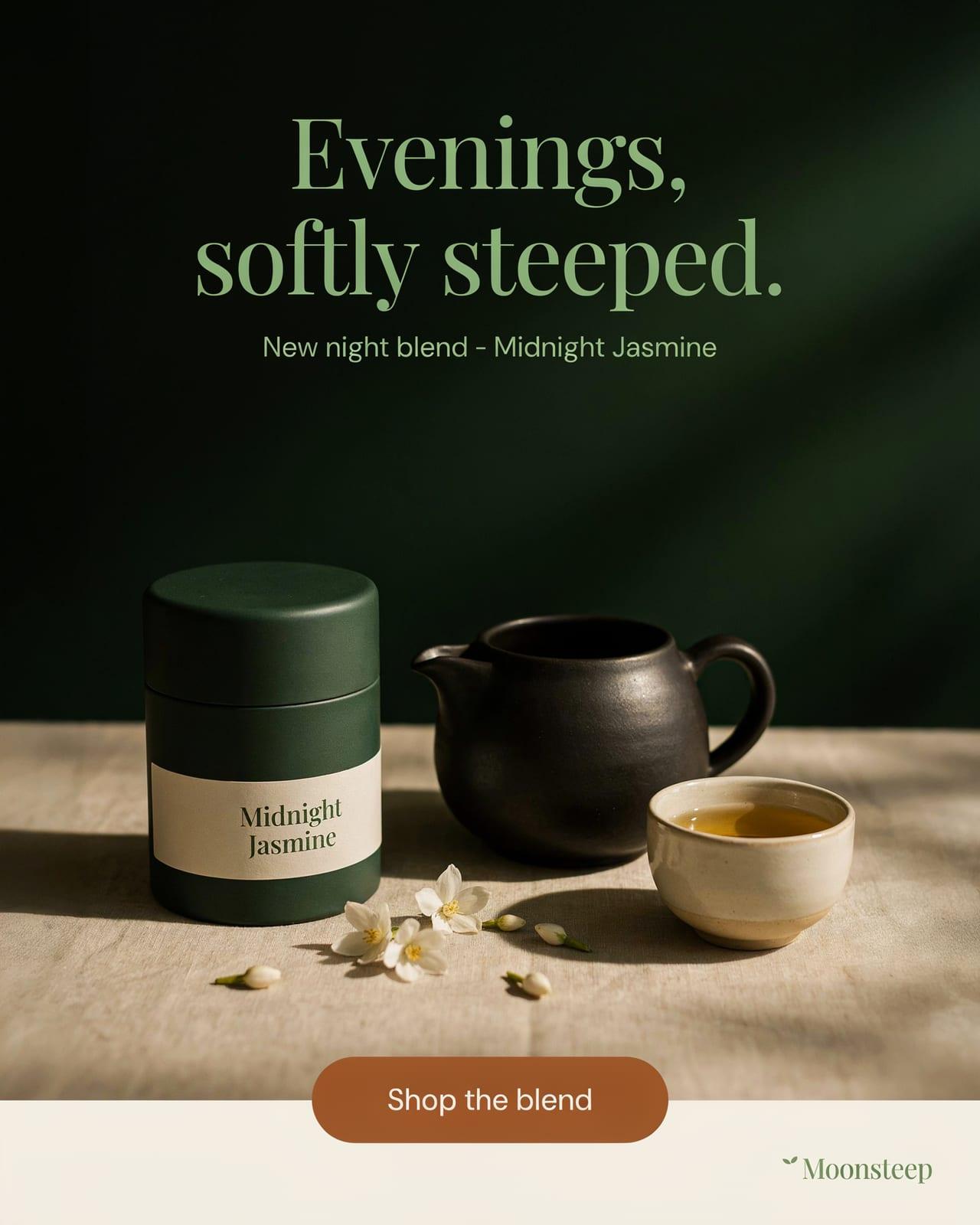
Nano Banana 2.1 is Google's update to Nano Banana 2 and BrandGen's everyday model for on-brand work: posters, social posts, product shots and illustrations. Nano Banana 2 is the earlier version. Nano Banana Pro is the flagship, for the sharpest text, like the bilingual soda poster below. Nano Banana 2 Lite is for quick drafts. Every image on this page is a real output, labelled with the model that made it.
Every BrandGen project carries Brand DNA, taken from a brand image, your website or written guidelines, and every generation uses it. You do not repeat colours, fonts or the logo in your prompt.
Yes. Describe the change in one line, like a new headline or a different colour, and the rest of the image stays as it was. The Strideform poster above shows one: only the headline changed.
2 credits per image on default settings, from 2 to 5 depending on the settings you pick. Available on every plan from Free up.
2 credits per image on default settings, from 1 to 2 depending on the settings you pick. Available on every plan from Free up.
4 credits per image on default settings, from 4 to 7 depending on the settings you pick. Available on every plan from Pro up.
3 credits per image on default settings, from 2 to 6 depending on the settings you pick. Available on every plan from Basic up.