GPT Image
Your brand in. Campaign out.
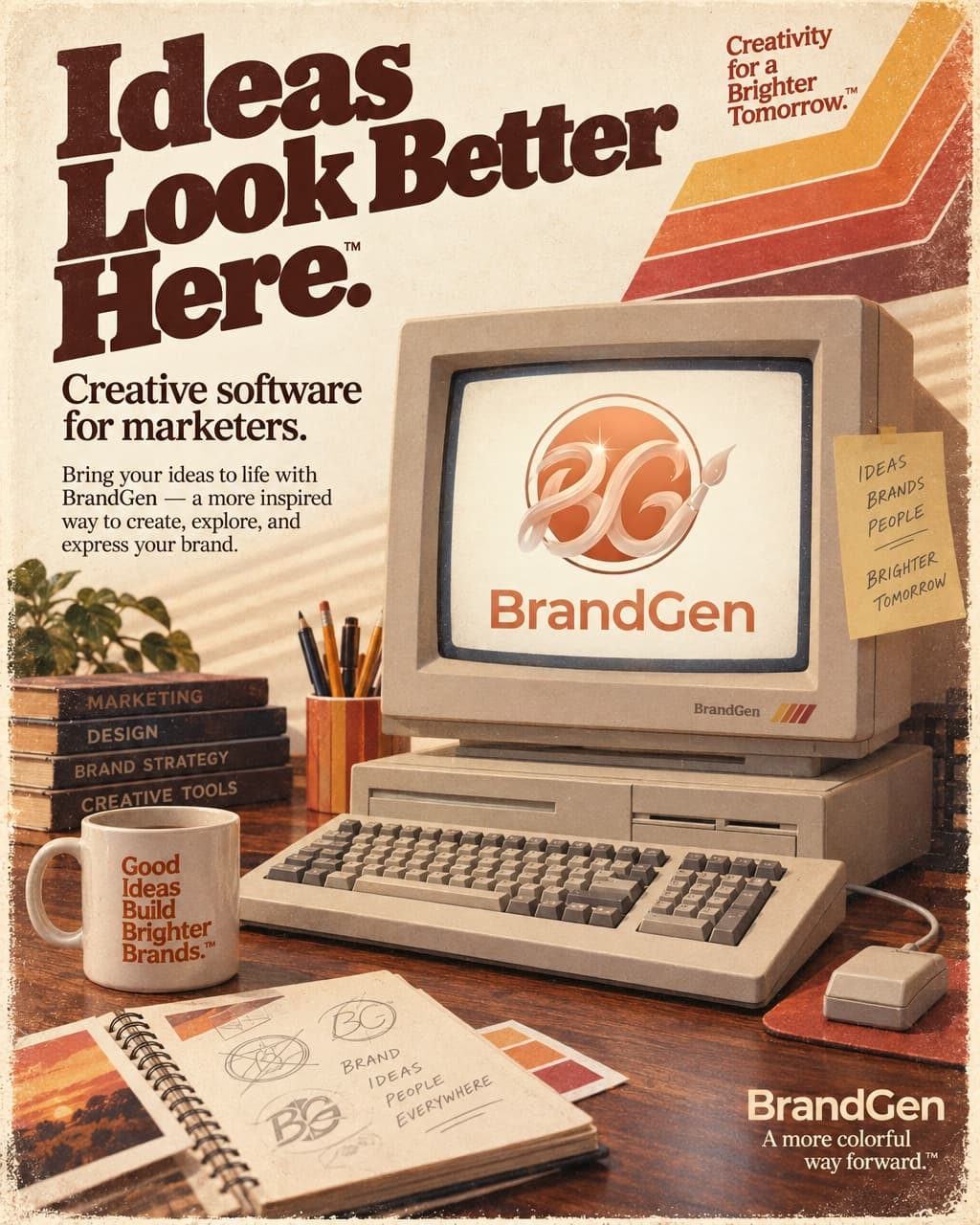
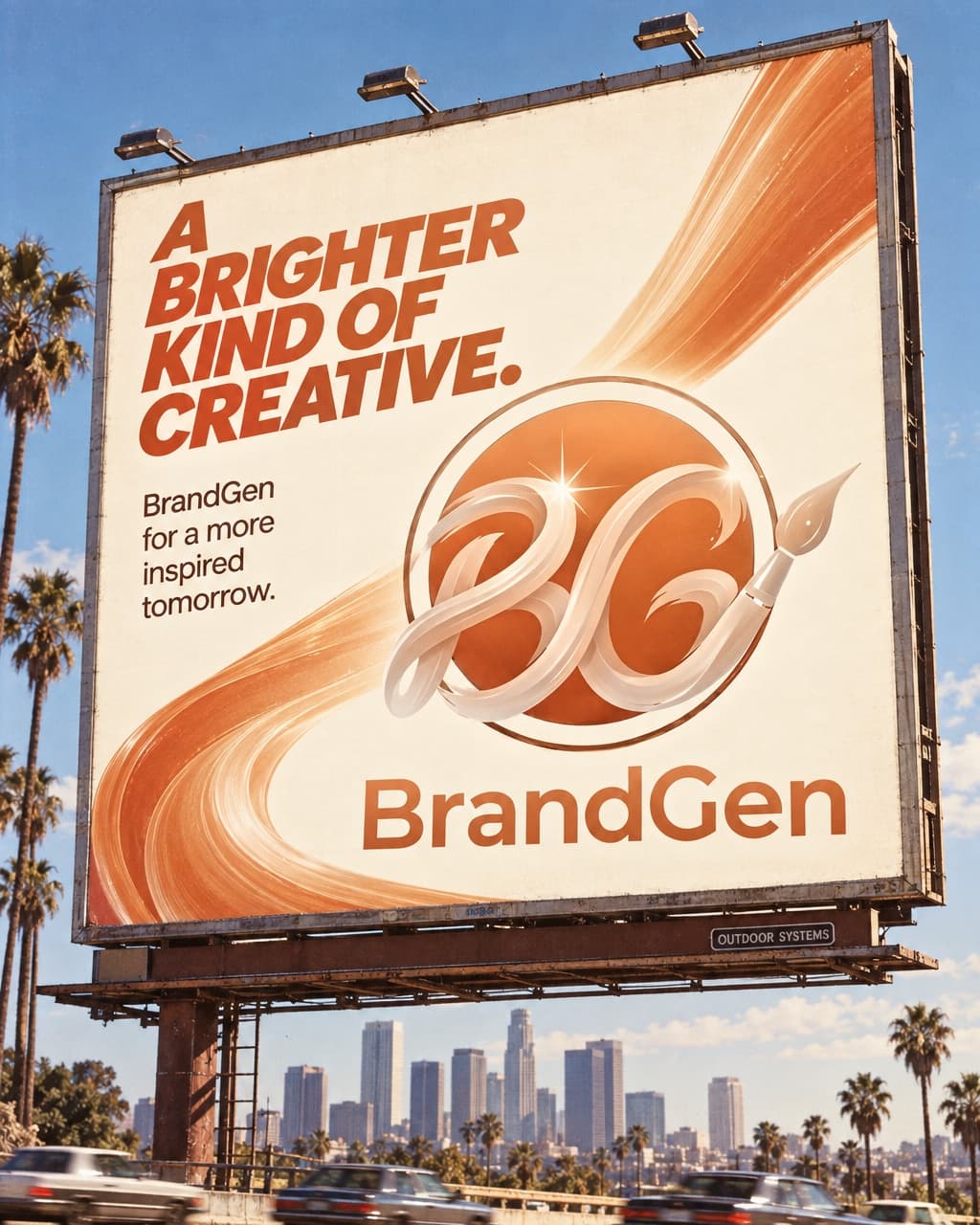
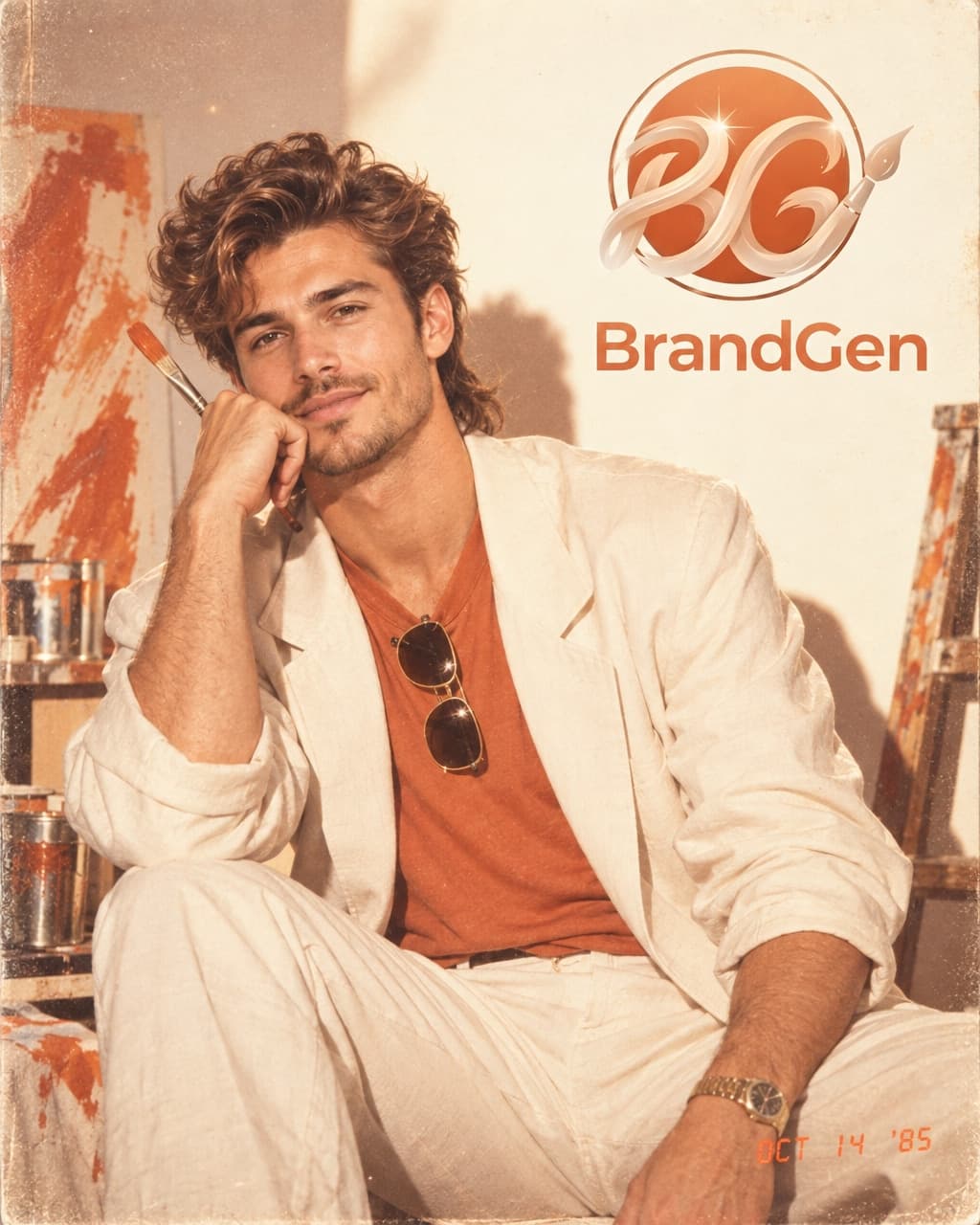
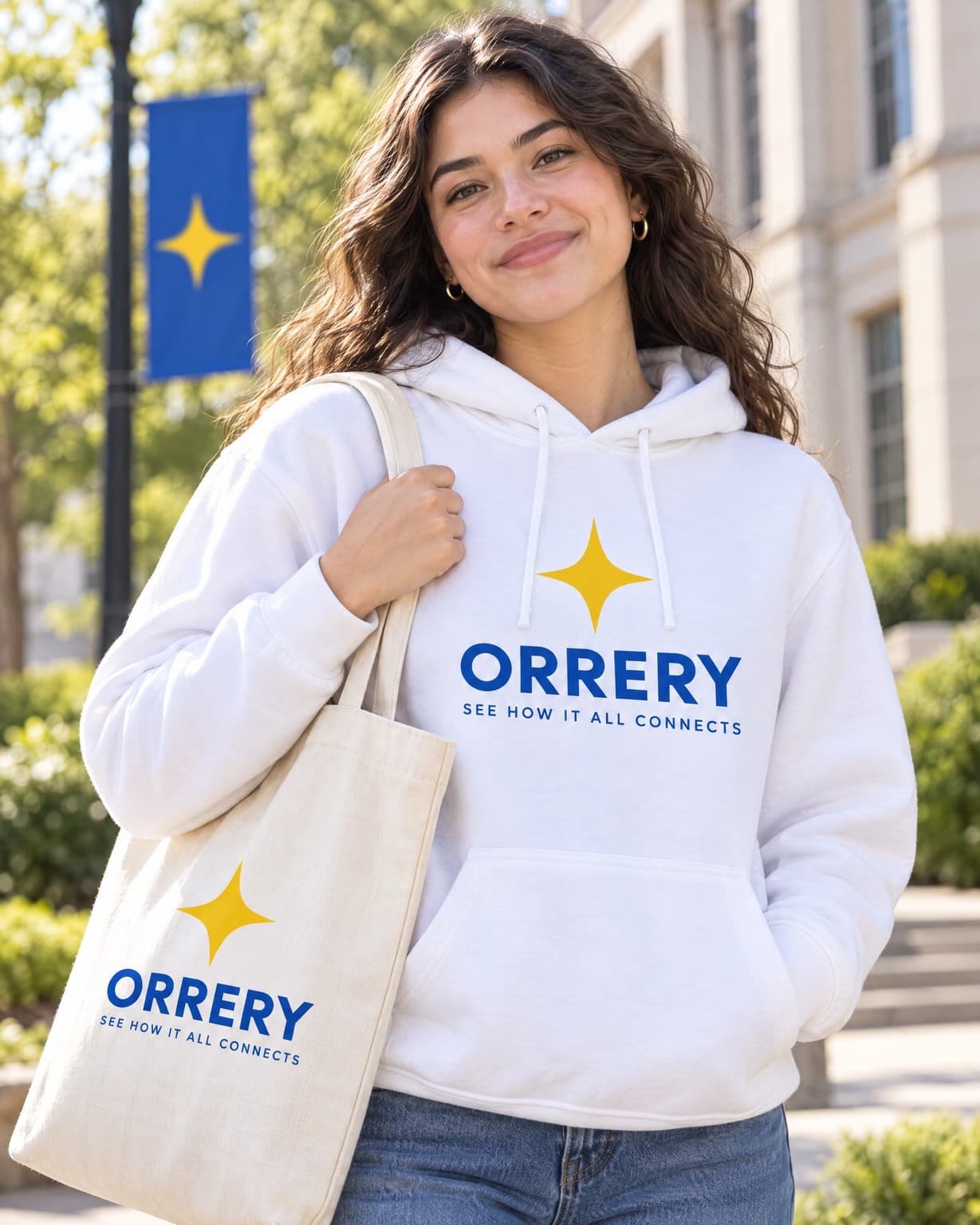
Every output on this page was generated in BrandGen with a GPT Image model, each one from a single uploaded brand reference. Sunburst and Flare ran the same prompts, so their sections show the same briefs one after the other.
- models
- 3
- models
- real outputs
- 22
- real outputs
- credits / image, from
- 3
- credits / image, from
OpenAI · Model 1 of 3
GPT Image 2.5 Sunburst
OpenAI's precision tier for GPT Image 2.5. The most faithful edits and finest detail, at the same price as Flare but slower.
- real outputs
- 13
- credits / image
- 3
- plan and up
- Pro
Examples
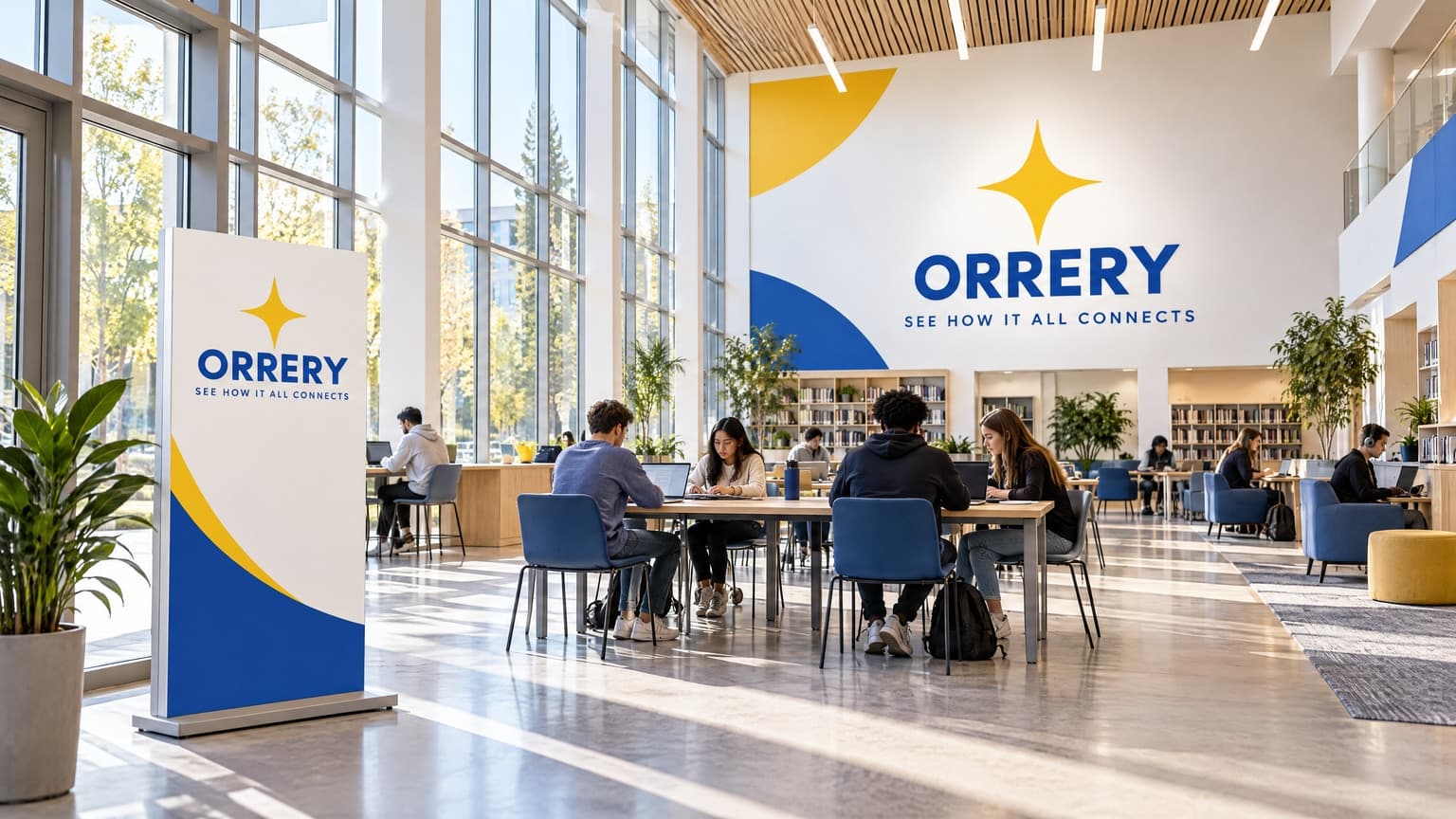
One brand in. A whole campaign out.
Real outputs made in BrandGen with GPT Image 2.5 Sunburst.
Specs
GPT Image 2.5 Sunburst credits and settings
- Credits per image
- 3
- 1-13 by settings
- Available on
- Pro
- and every plan above it
- Aspect ratios
- 6
- 1:1 / 4:5 / 9:16 / 16:9 / 3:4 / 3:2
- Quality
- 5 levels
- Low, Medium, High, Extra High, Max
- Resolution
- 3 levels
- 1K, 2K, 4K (Max+)
OpenAI · Model 2 of 3
GPT Image 2.5 Flare
OpenAI's speed tier for GPT Image 2.5. Everyday on-brand images with strong text rendering, faster than Sunburst at the same price.
- real outputs
- 7
- credits / image
- 3
- plan and up
- Pro
Examples
One brand in. A whole campaign out.
Real outputs made in BrandGen with GPT Image 2.5 Flare.

Specs
GPT Image 2.5 Flare credits and settings
- Credits per image
- 3
- 1-13 by settings
- Available on
- Pro
- and every plan above it
- Aspect ratios
- 6
- 1:1 / 4:5 / 9:16 / 16:9 / 3:4 / 3:2
- Quality
- 5 levels
- Low, Medium, High, Extra High, Max
- Resolution
- 3 levels
- 1K, 2K, 4K (Max+)
OpenAI · Model 3 of 3
GPT Image 1.5
Agency-grade hero images with crisp typography
- real outputs
- 2
- credits / image
- 4
- plan and up
- Pro
More outputs
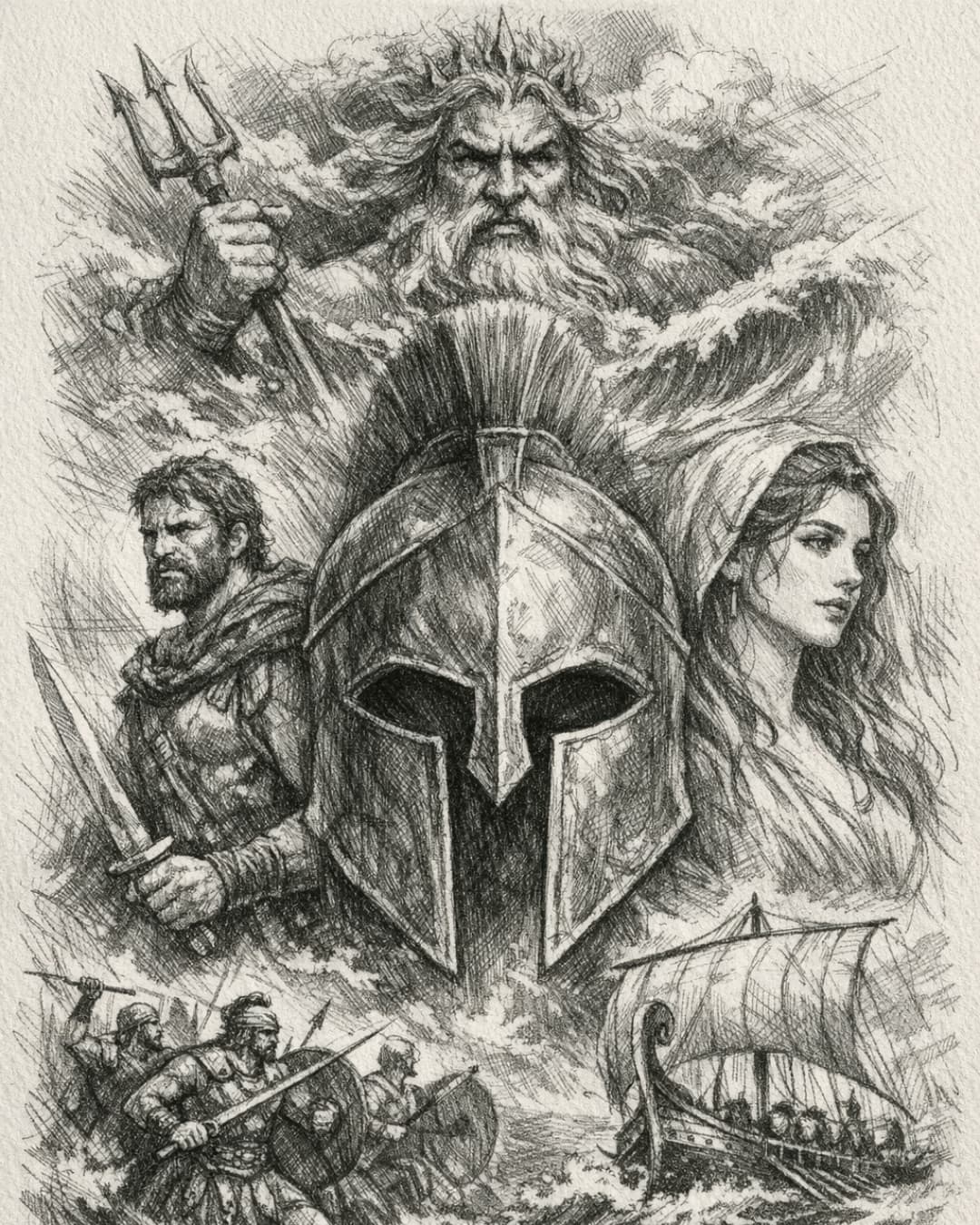
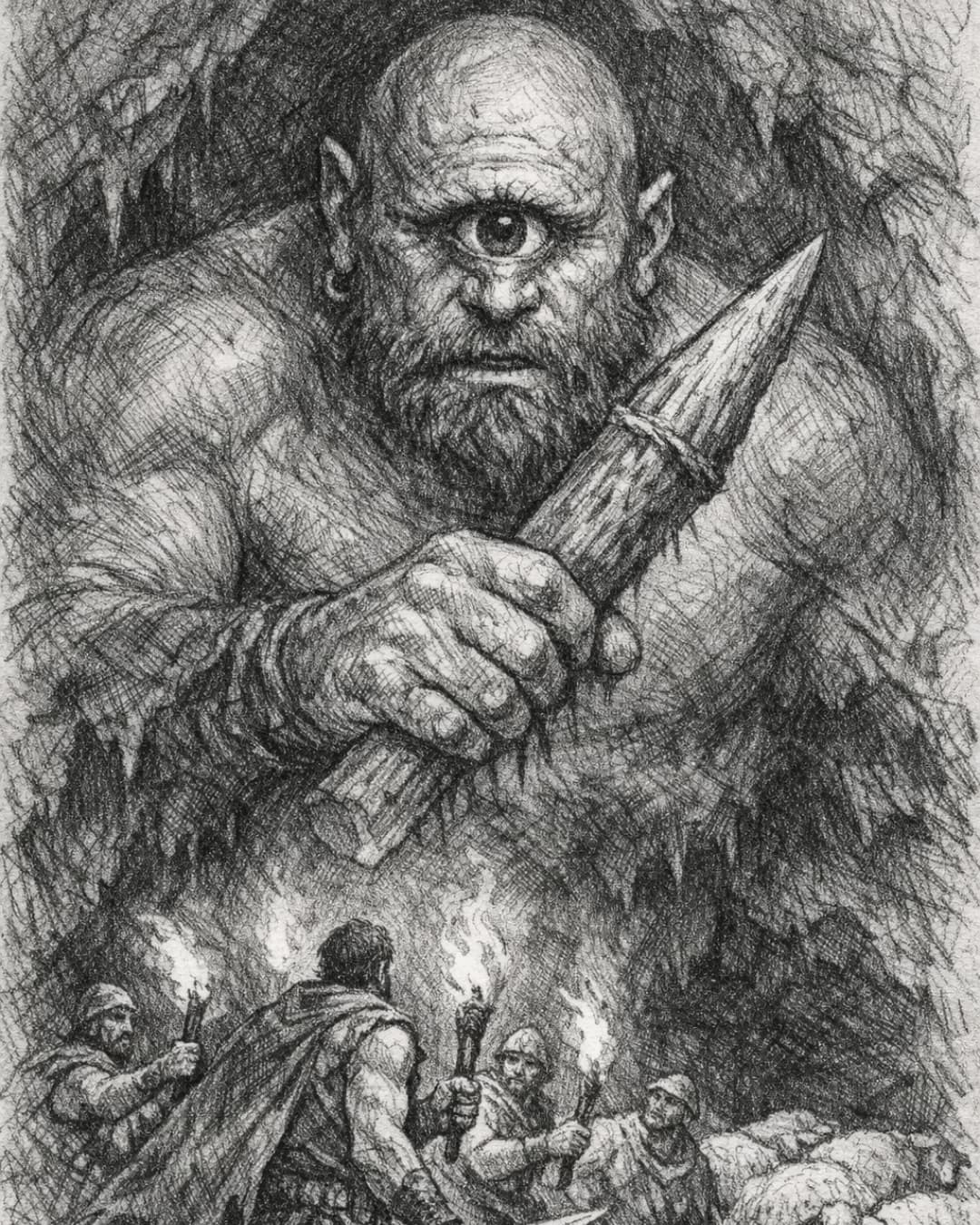
More from GPT Image 1.5
Open any image for its prompt.
Specs
GPT Image 1.5 credits and settings
- Credits per image
- 4
- 2-4 by settings
- Available on
- Pro
- and every plan above it
- Aspect ratios
- 6
- 1:1 / 4:5 / 9:16 / 16:9 / 3:4 / 3:2
- Quality
- 3 levels
- Low, Medium, High
How it works
Three steps to on-brand
- 1Add your brandUpload one brand image, or paste written guidelines. BrandGen turns it into the project's Brand DNA.
- 2Write a promptDescribe the image you need and pick a GPT Image model in the model menu.
- 3Generate, then editGet variants, then change a headline or a colour in one line without starting over.
GPT Image FAQ
Try GPT Image on your brand
Add one brand image, write a line, and get on-brand images back.