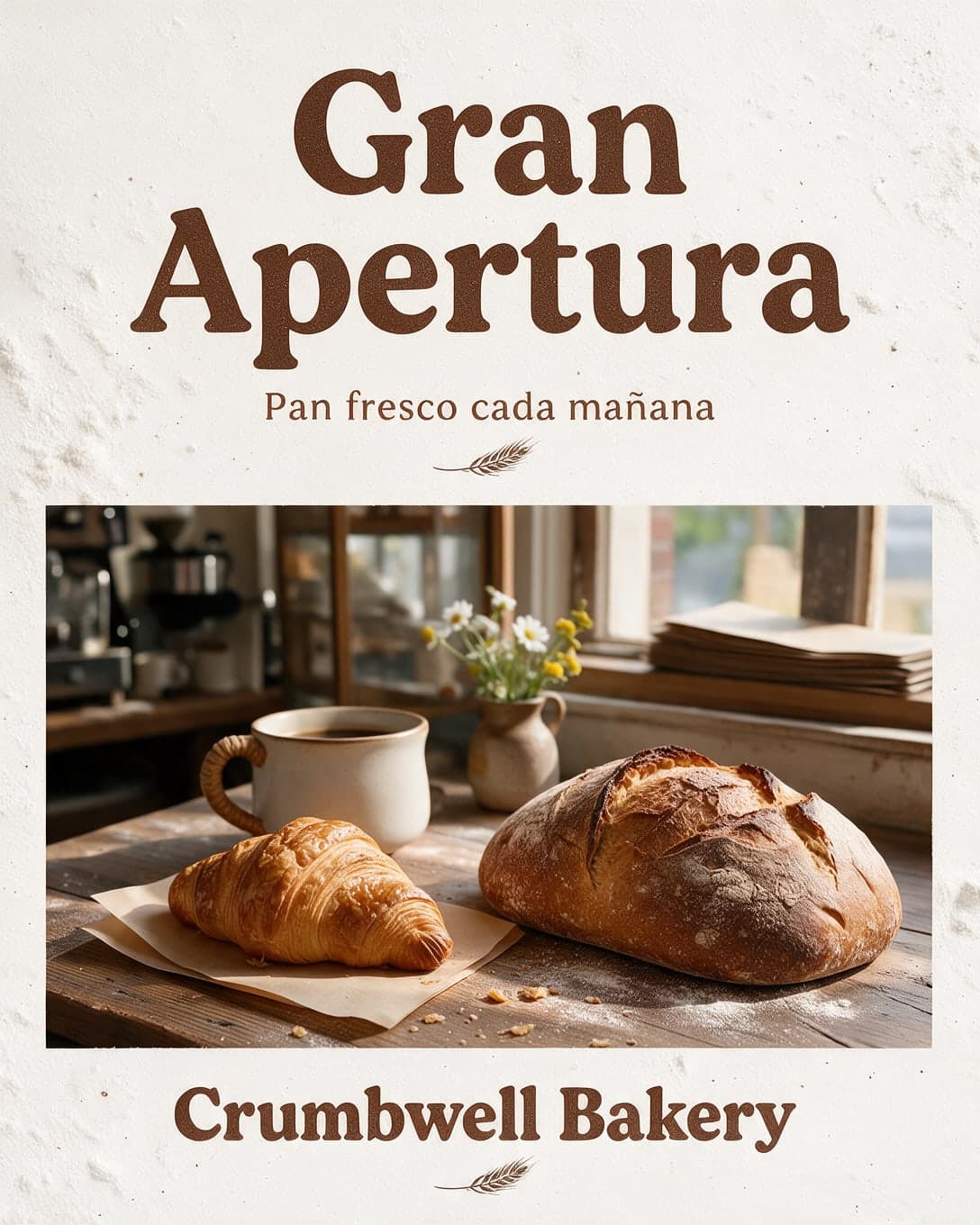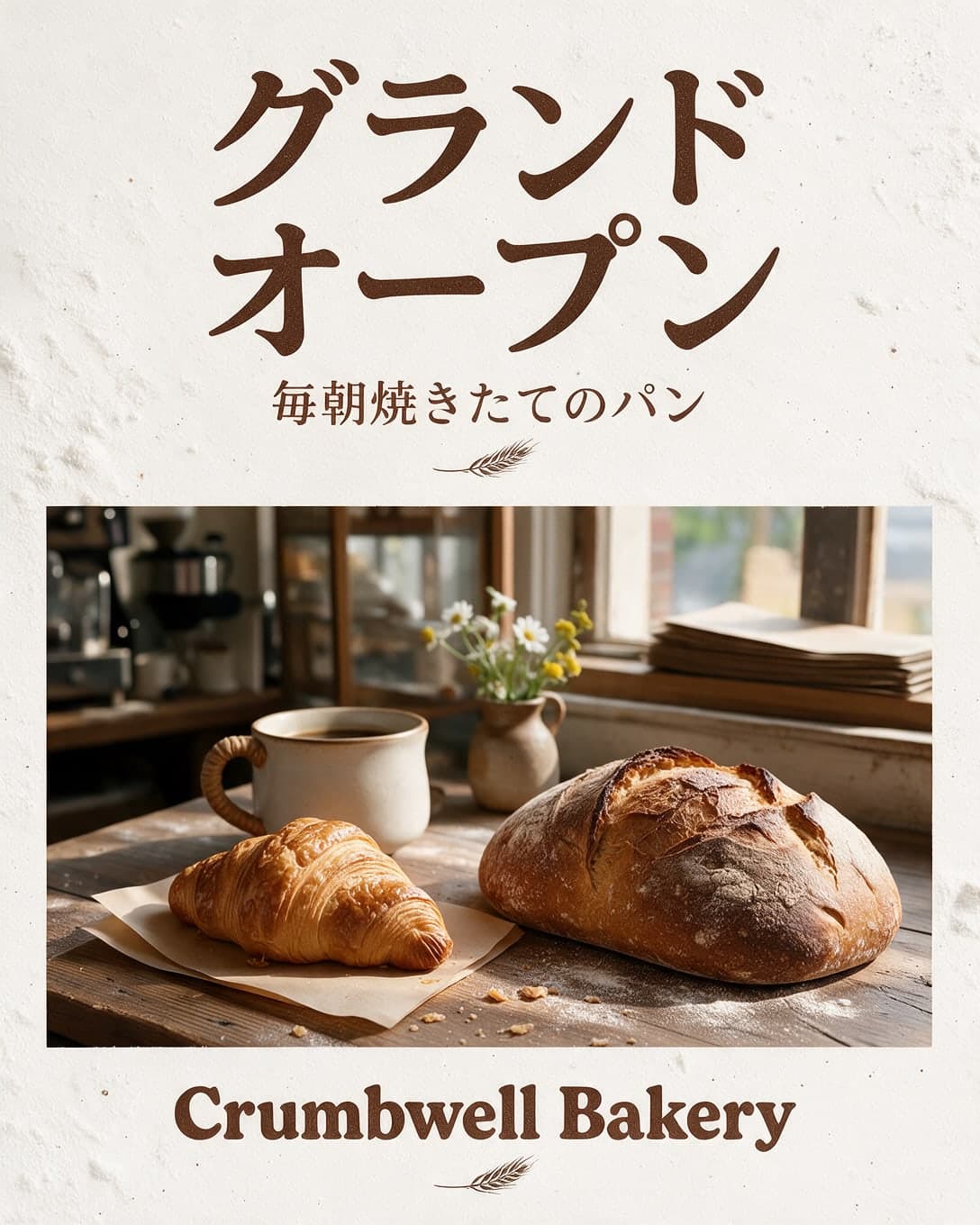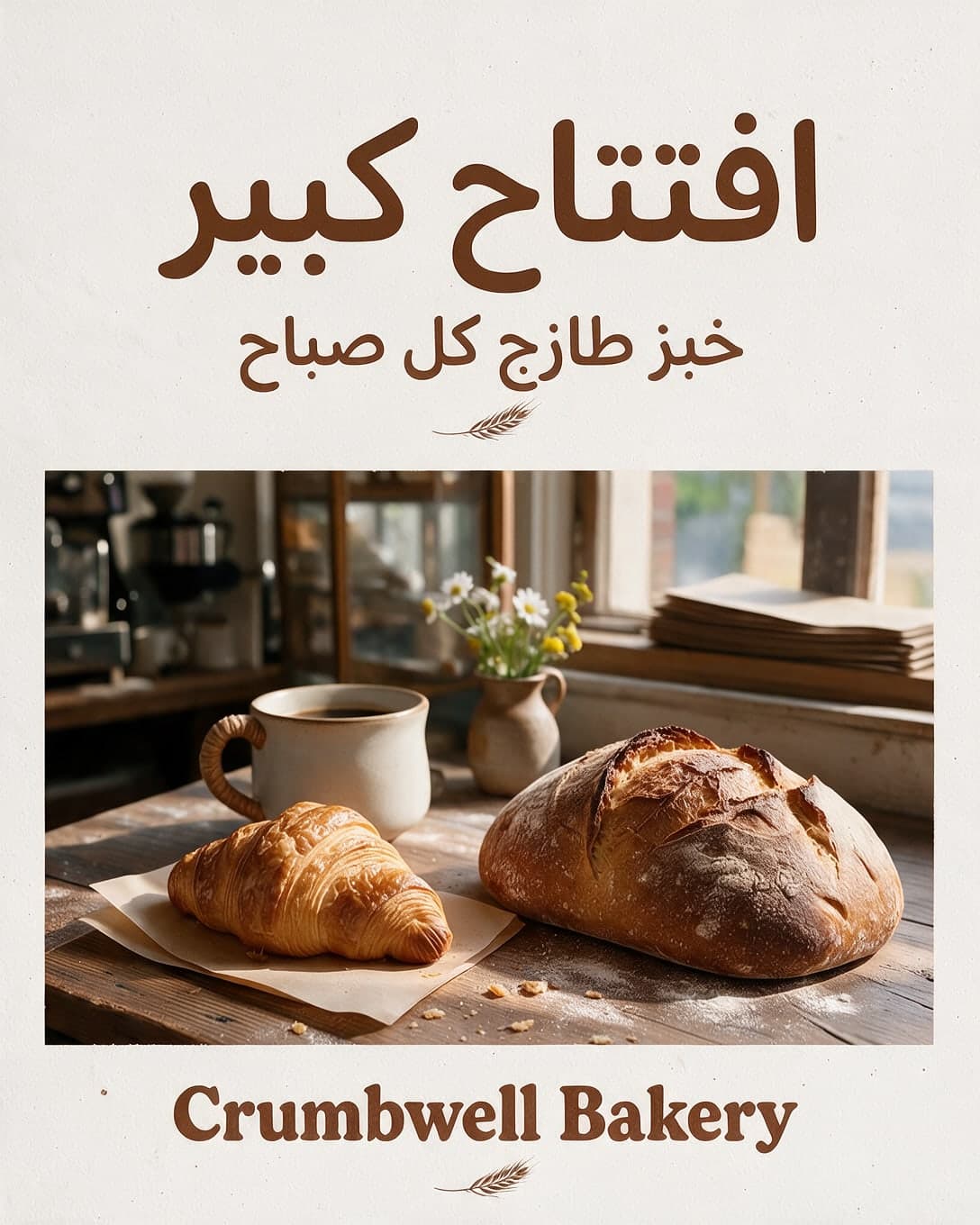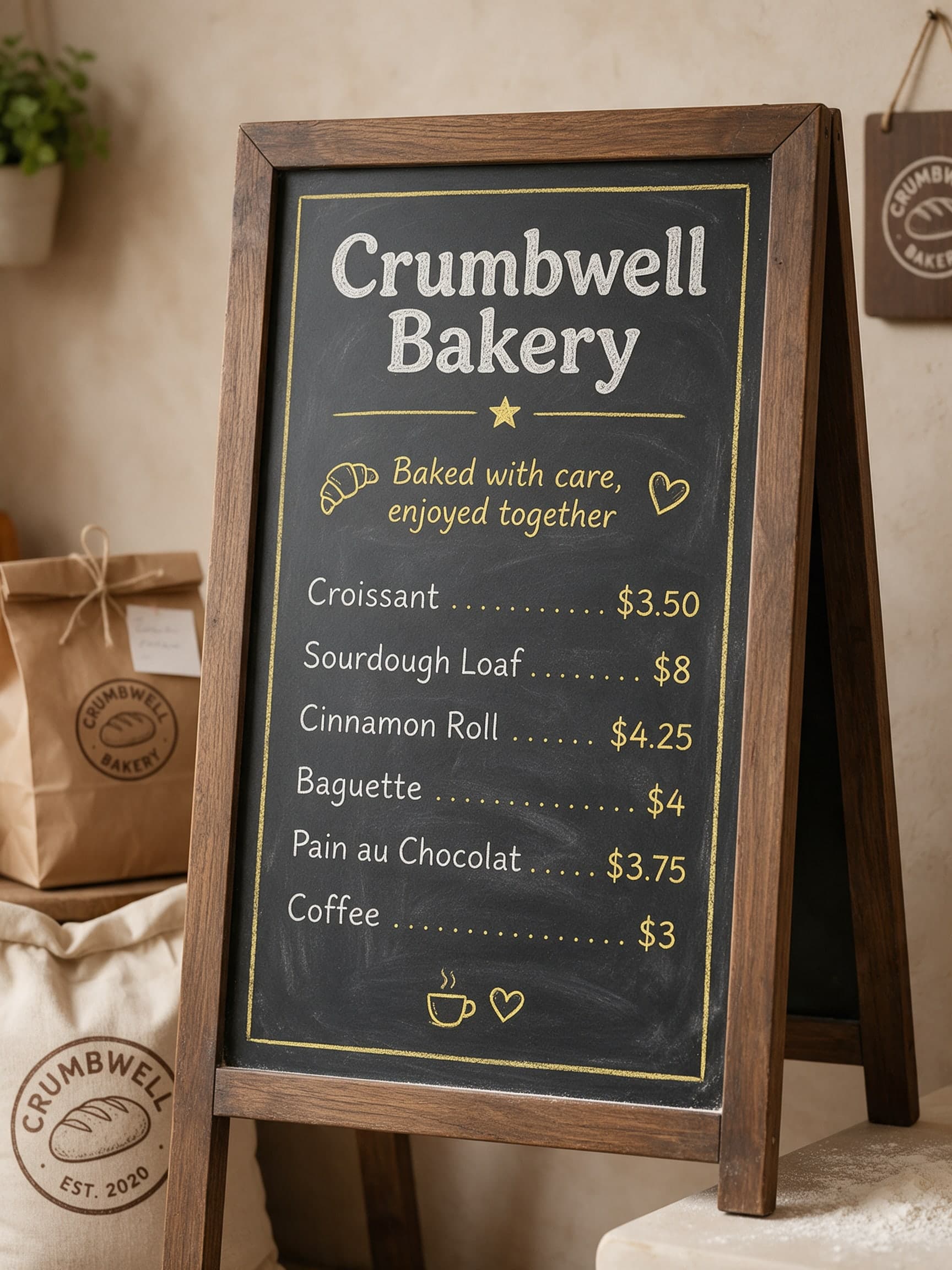
AI Illustrated Bakery Menu Board, Second Variant
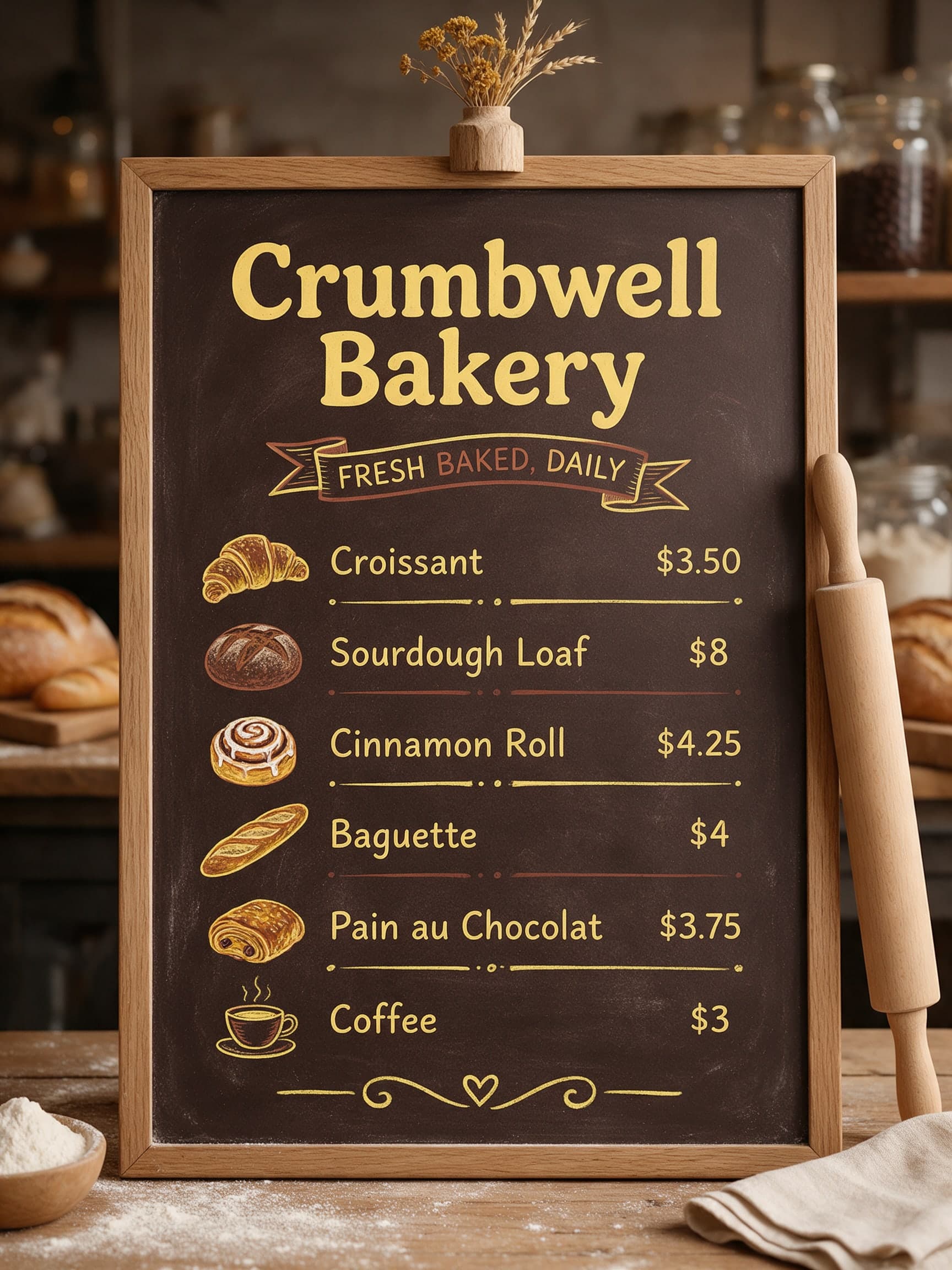
View the second Seedream 5.0 Pro variant of the Crumbwell menu prompt, with a small illustration beside each item and every price as asked.
Example breakdown
Why it stays on-brand
Butter yellow headings and a ribbon banner on a brown board, with hand-drawn bread icons that match the bakery's homely, handmade mood.
Marketing use
Use it for a digital menu screen, a website menu section, or a printed A-frame sign.
Prompt
make a chalkboard menu board for our bakery with these items and prices: "Croissant $3.50", "Sourdough Loaf $8", "Cinnamon Roll $4.25", "Baguette $4", "Pain au Chocolat $3.75", "Coffee $3"
How this was generated
Brand DNA came from written guidelines using the same style of preset as in the live app. That DNA was applied as rules on top of the prompt used for this asset (shown in the Prompt section above).
- 1Written guidelinesBrand DNA source
Guidelines path: BrandGen turns pasted or typed brand specs into structured DNA.
Preset exampleCrumbwellCrumbwell Bakery is a neighbourhood artisan bakery. Palette: butter yellow, deep brown, flour white. Typography: rounded friendly serif headlines, simple sans-serif body. Mood: warm, homely, handmade. Keep the product exactly as it appears in the uploaded photo.
- 2Apply DNA to the prompt
Every generation runs through that DNA as hard constraints (colors, type, visual style, tone). The creative intent is entirely in the prompt already shown above.
- 3Final outputFood & Beverage
The same wording with different DNA would look like a different brand. This image used the Brand DNA from step 1.
Related examples
More from this brand
Other outputs generated from the same brand reference.