Why did my generation fail, and do I get my credits back?
If BrandGen can't make your image, the credits go straight back to your balance. Here is what each message means, how to check the refund, and what to try next.
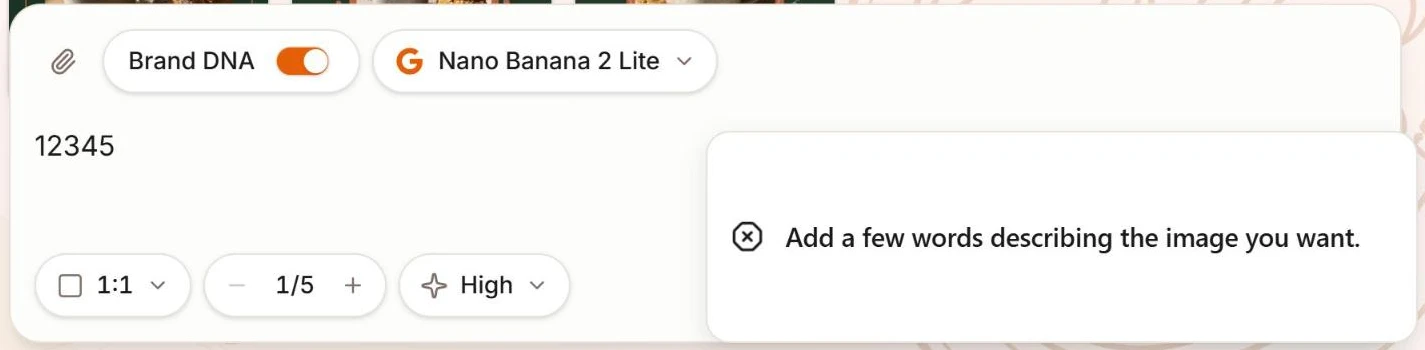
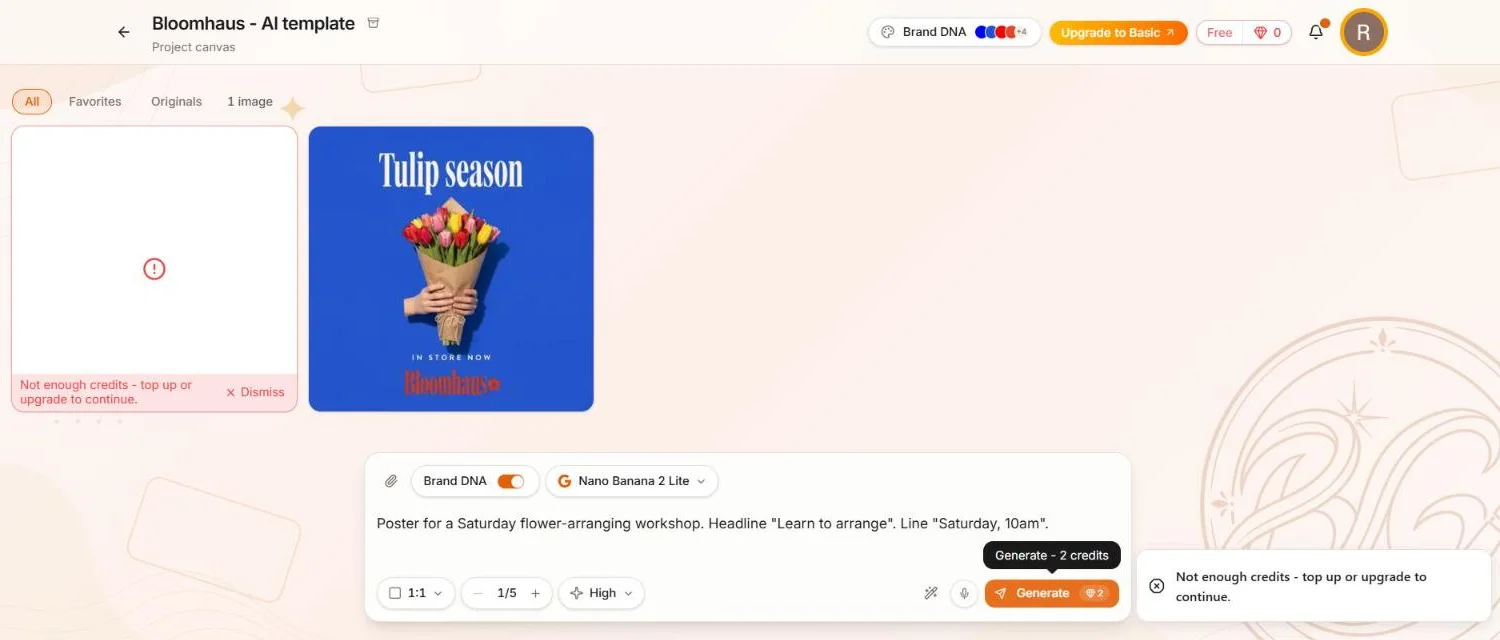
Short answer: yes. If BrandGen fails to make your image, the credits for it go straight back to your balance, automatically. And prompts that BrandGen can't use, like a row of numbers or random letters, are stopped before any credits are spent.
What happens when a generation fails?
The image tile shows a red message instead of a picture:
Something went wrong on our end. Your credits were refunded - please try again.
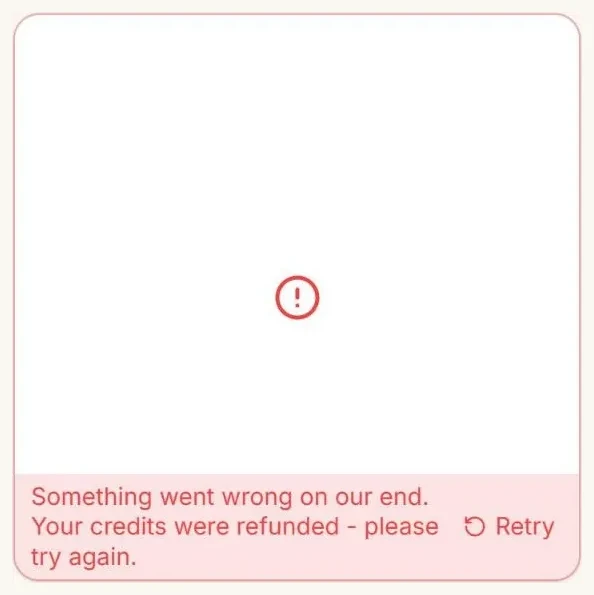
- Your credits are already back. You don't need to do anything.
- Your prompt stays in the prompt bar, so you can try again without retyping it.
- Click Retry on the tile to send the same prompt again.
How do I check that I got my credits back?
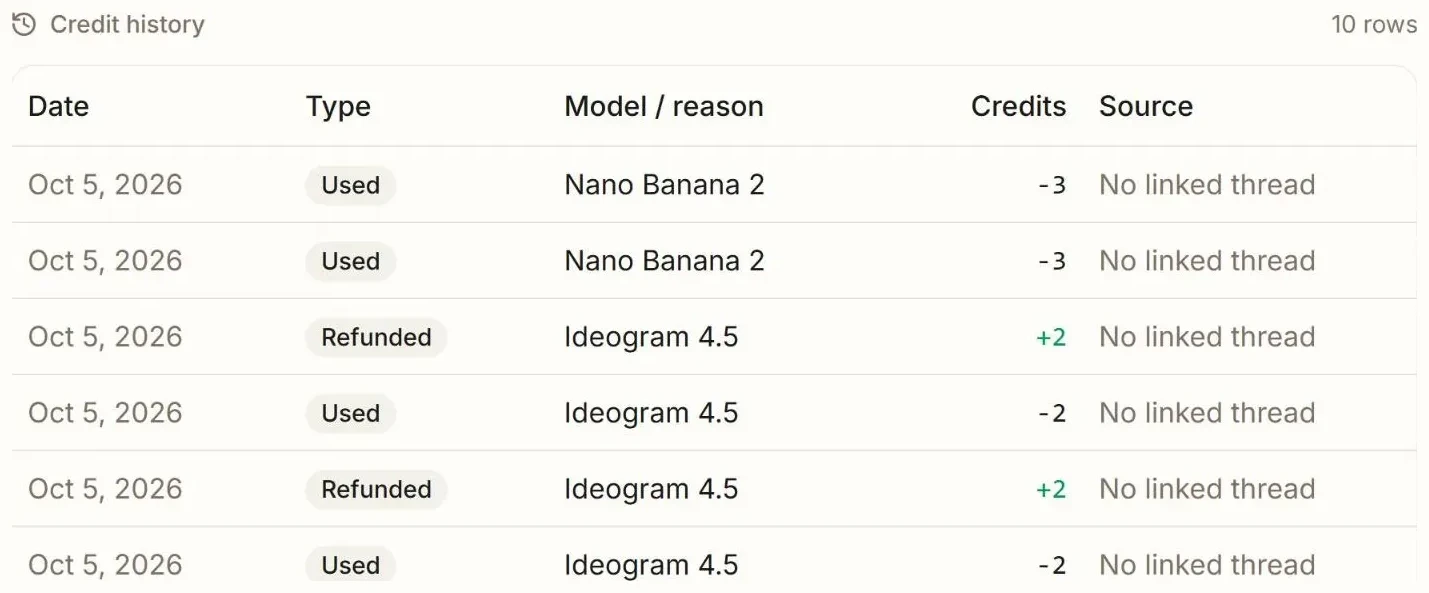
Open the account menu (your avatar, top right), choose Plan & Billing and scroll to Credit history. A failed generation shows up as two rows: a Used row when you clicked Generate, then a Refunded row with the same amount added back.
Why did BrandGen stop my prompt before generating?
Related articles
- How do I add a logo or product photo to my prompt?Click the paperclip in the prompt bar and attach one image, like a product photo or your logo. BrandGen keeps what the image shows and builds the scene from your prompt. Real before and after inside.Generating & refining - 4 min read
- How do I generate and refine images?Write better prompts, choose the right model, generate multiple variants, and refine any image into a new version - all from the BrandGen canvas.