AI Orrery Wide Brand Banner
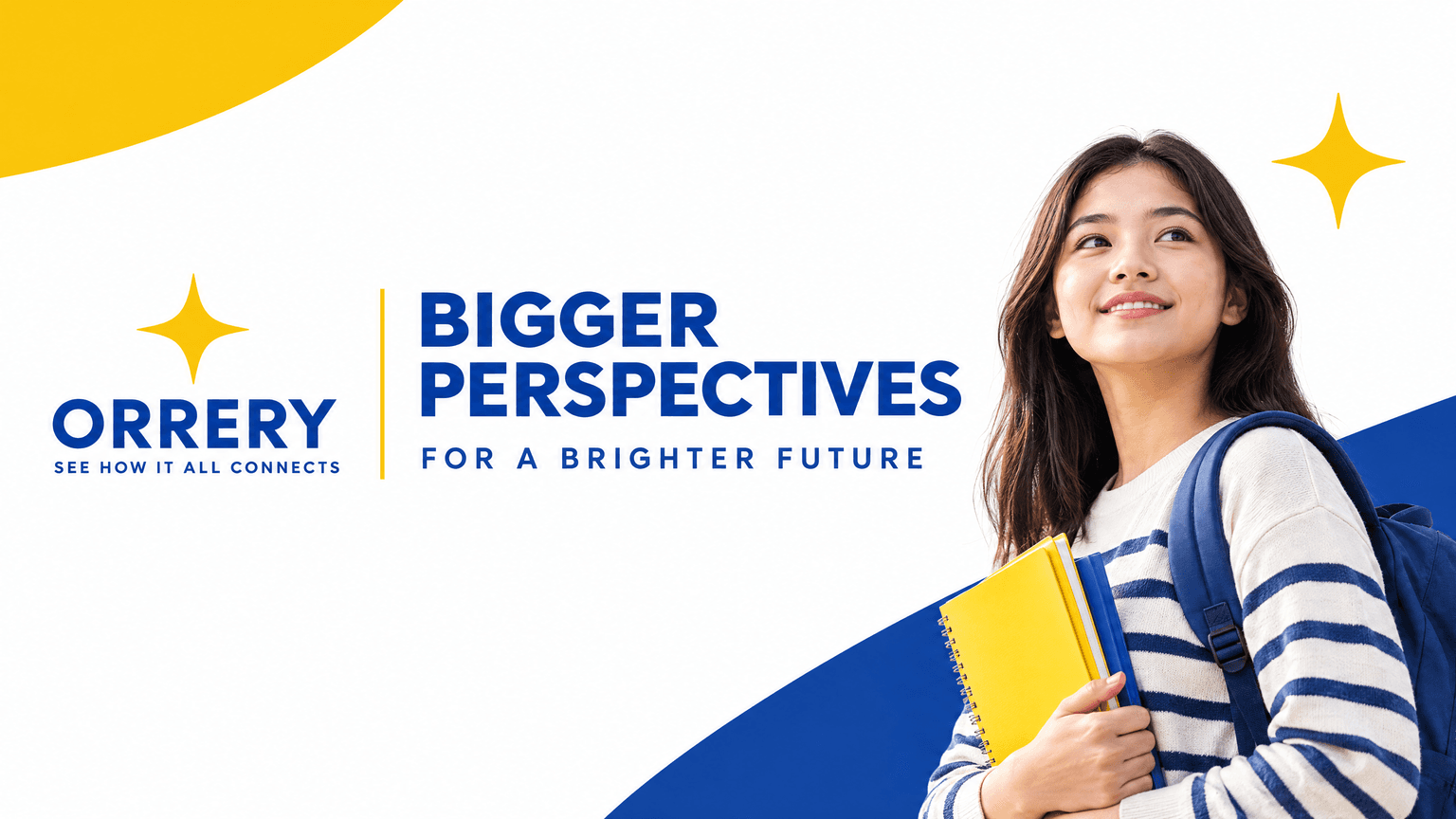
See a wide text-led brand banner generated with GPT Image 2.5, with a headline and supporting line the model wrote from the prompt's structure alone.
 AI-generated
Example breakdown
Why it stays on-brand
The logo lockup, the yellow rule and the arc geometry sit exactly where the brand system would put them, and the copy stays short enough to read at small sizes.
Marketing use
Use it for LinkedIn and social banners, email headers, landing-page hero strips, or campaign mastheads.
Prompt
A LinkedIn banner for an education brand. A clear headline, a short supporting sentence, and the brand's logo, arranged across a wide horizontal composition with generous margins. Text-led and highly legible at small sizes. Flat graphic artwork - no mockup, no photographic scene, no border.
How this was generated
Brand DNA came from your reference visual. That DNA was applied as rules on top of the prompt used for this asset (shown in the Prompt section above).
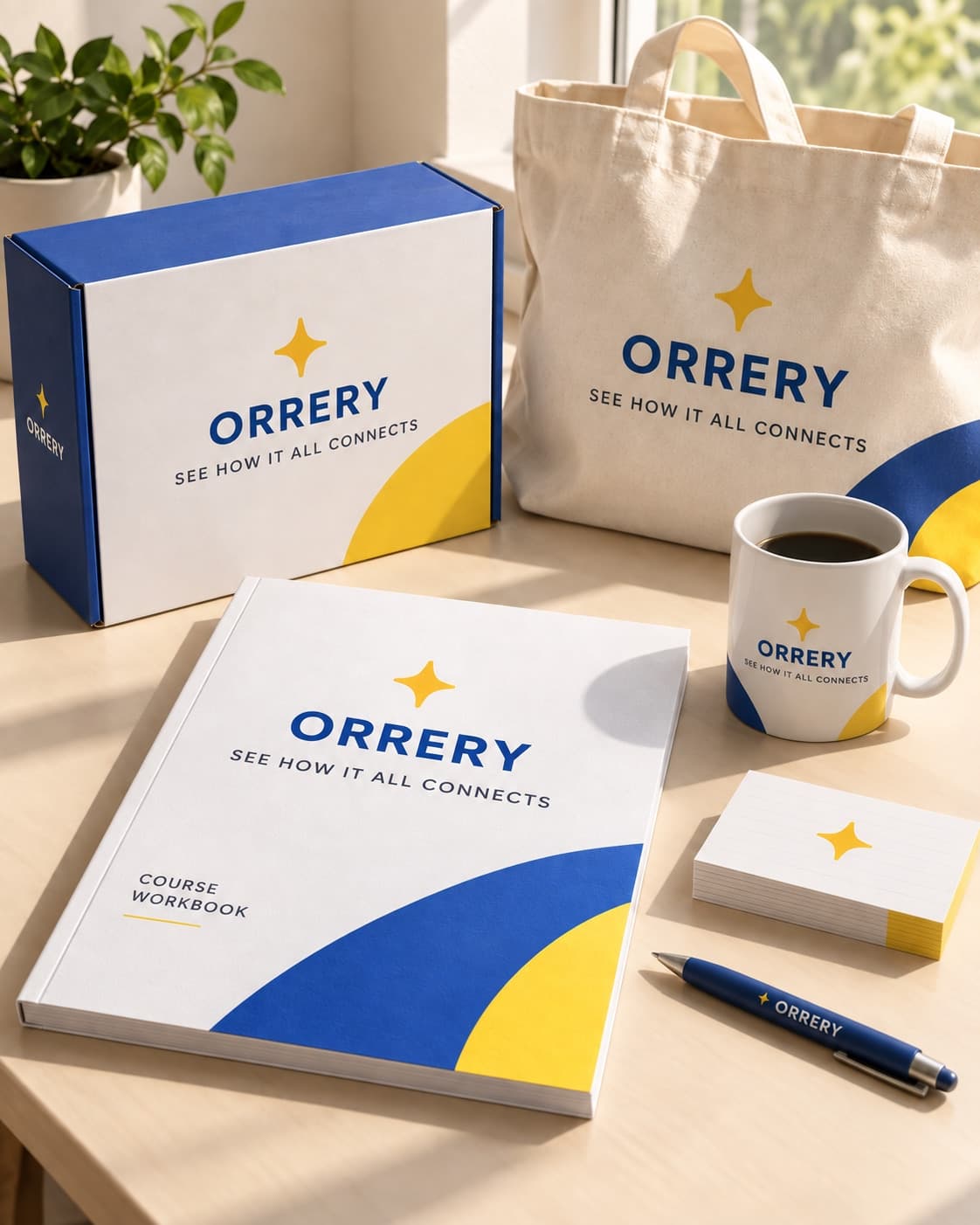
- 1Reference creativeBrand DNA source
Upload path: BrandGen reads palette, typography, and style cues from one reference asset.
- 2Apply DNA to the prompt
Every generation runs through that DNA as hard constraints (colors, type, visual style, tone). The creative intent is entirely in the prompt already shown above.
- 3Final outputEducation
The same wording with different DNA would look like a different brand. This image used the Brand DNA from step 1.
Related guides
Related examples

More from this brand
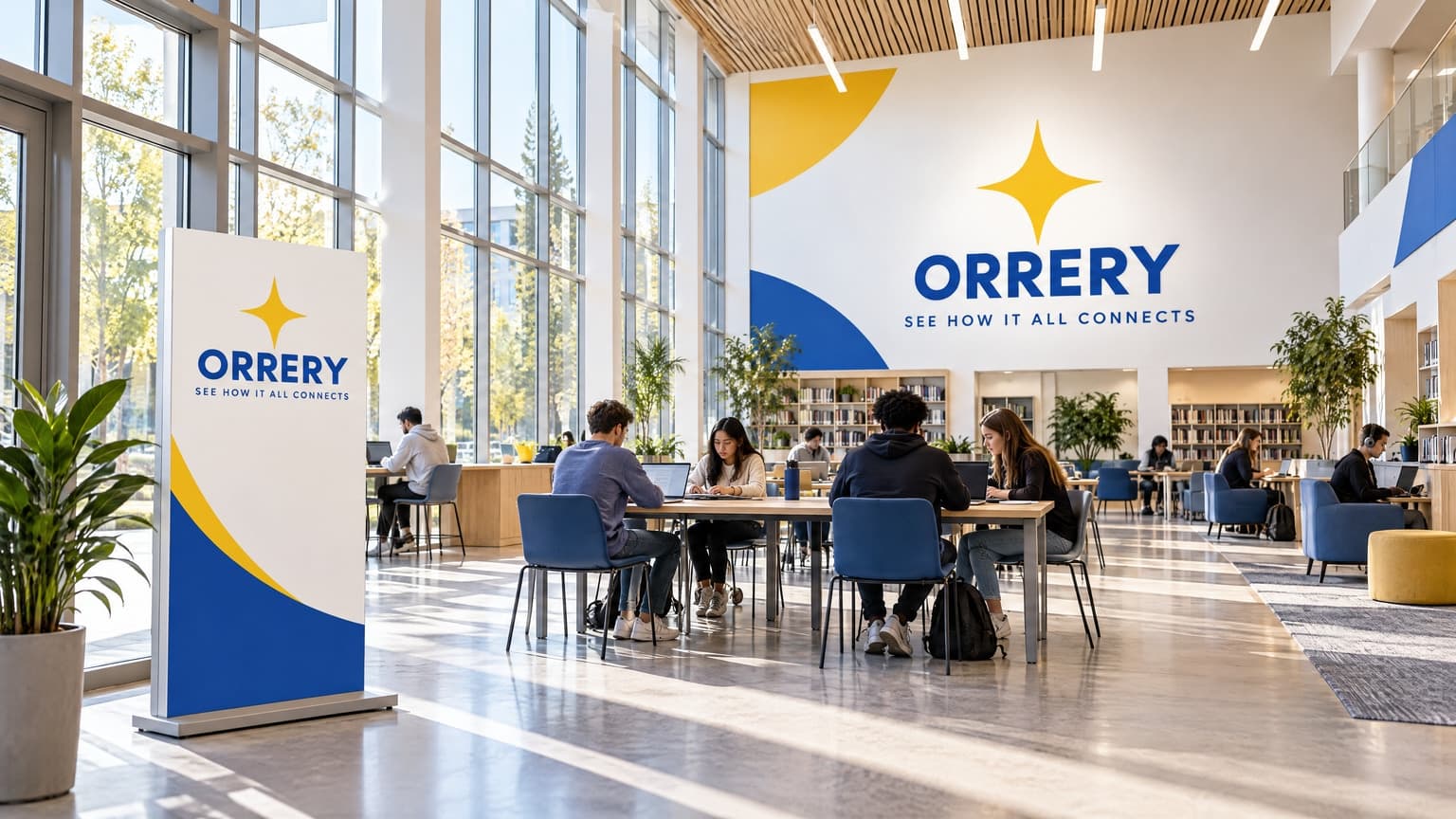
Other outputs generated from the same brand reference.
More examples
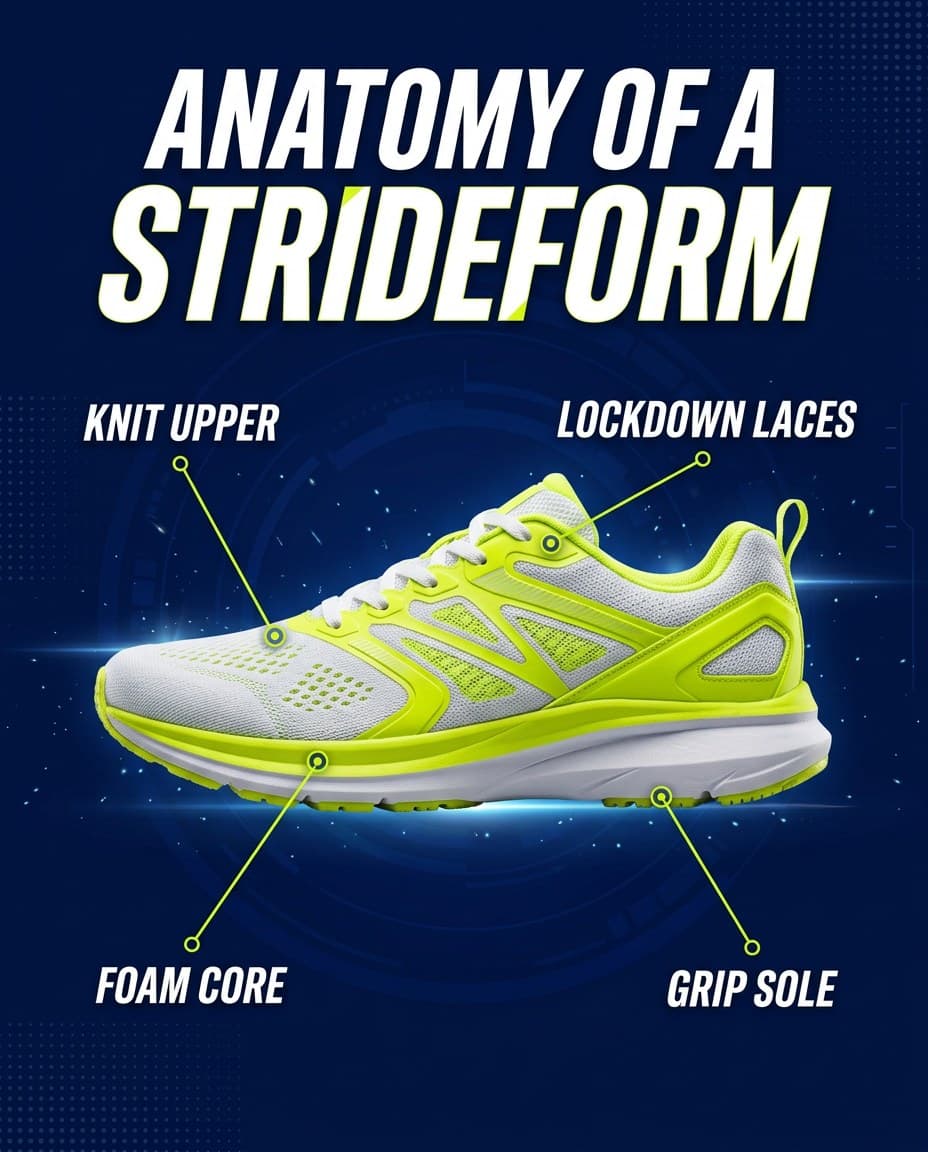
AI Strideform Sneaker Anatomy Infographic
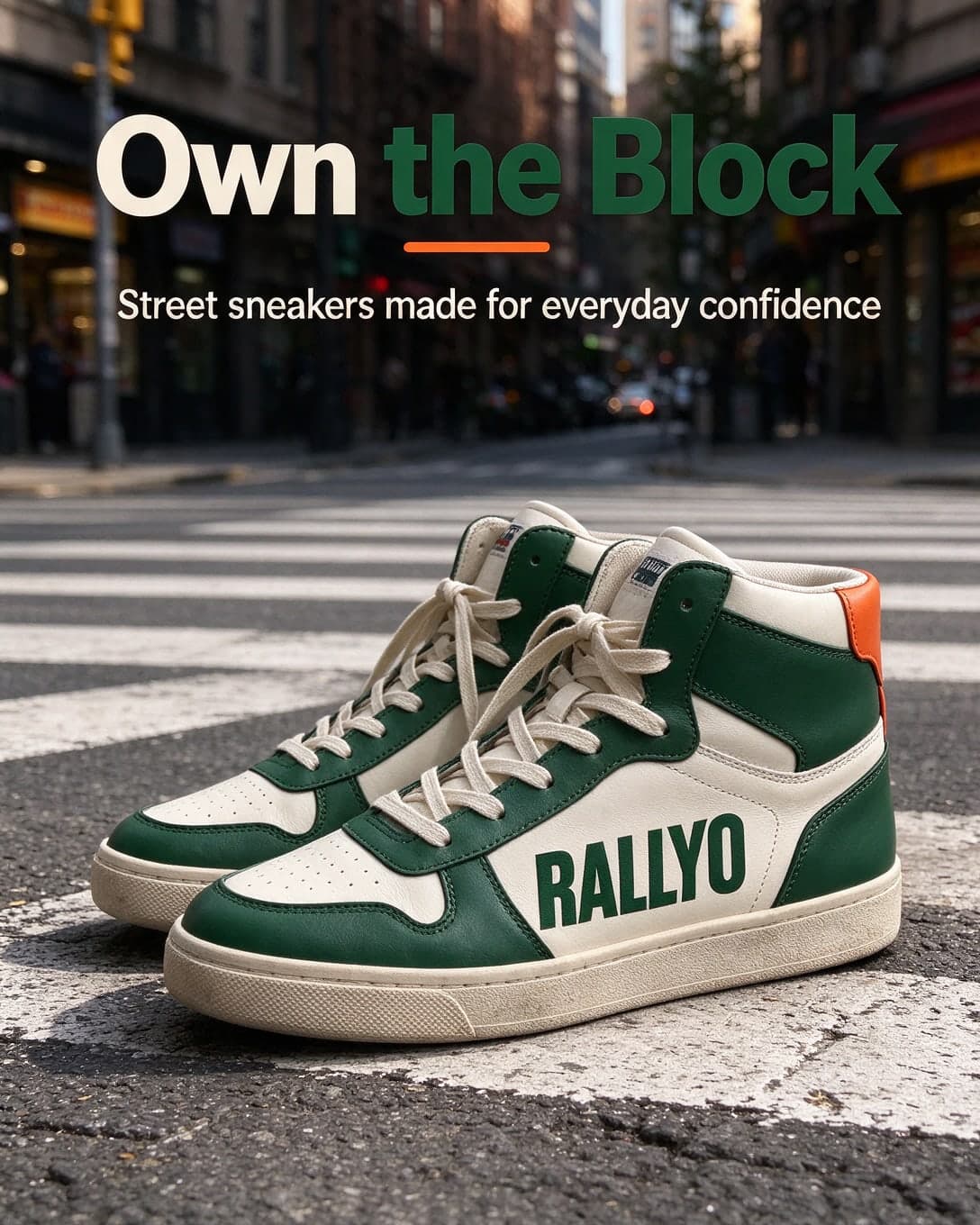
AI Sneaker Pair Ad on a Crosswalk, Second Variant
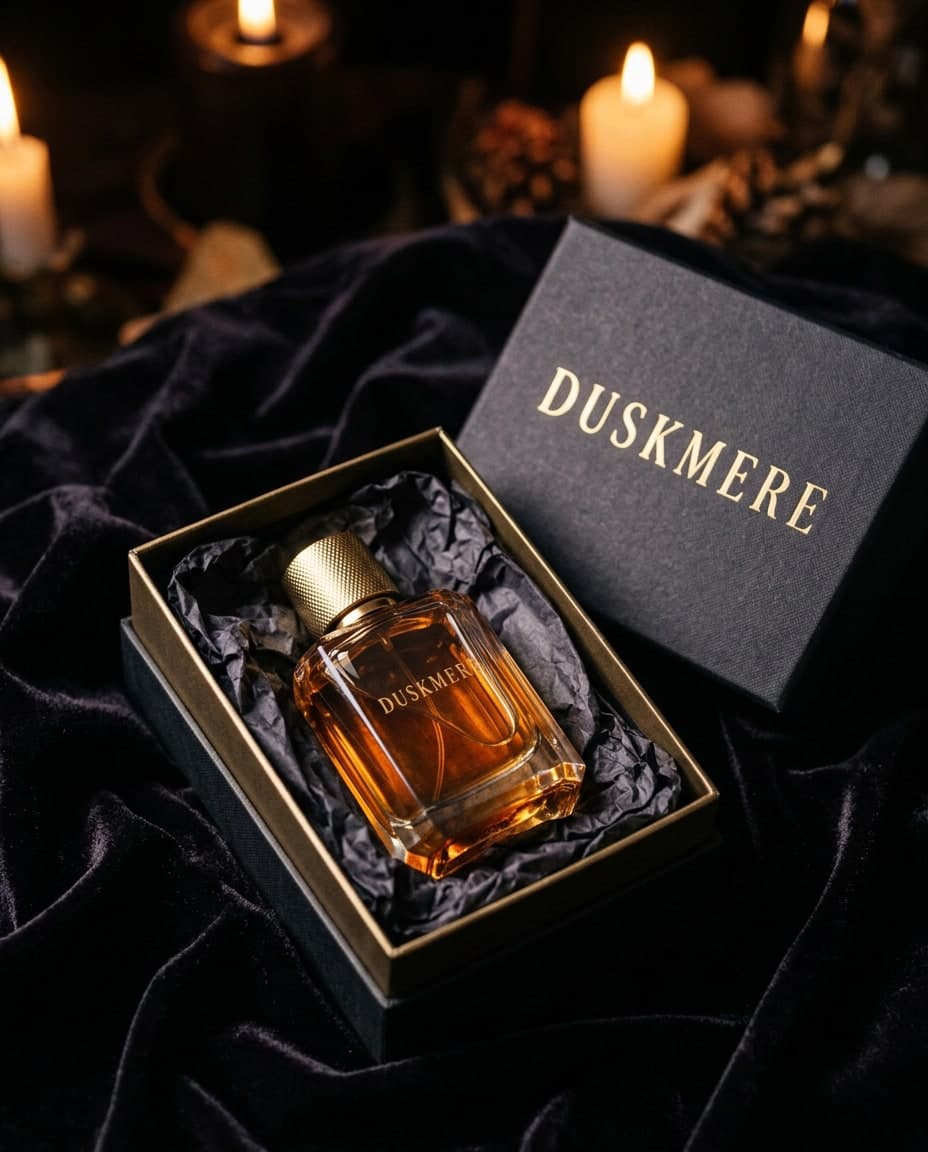
AI Duskmere Perfume Gift Box on Velvet
 AI-generated
AI Green Chilli Taqueria Wall Mural
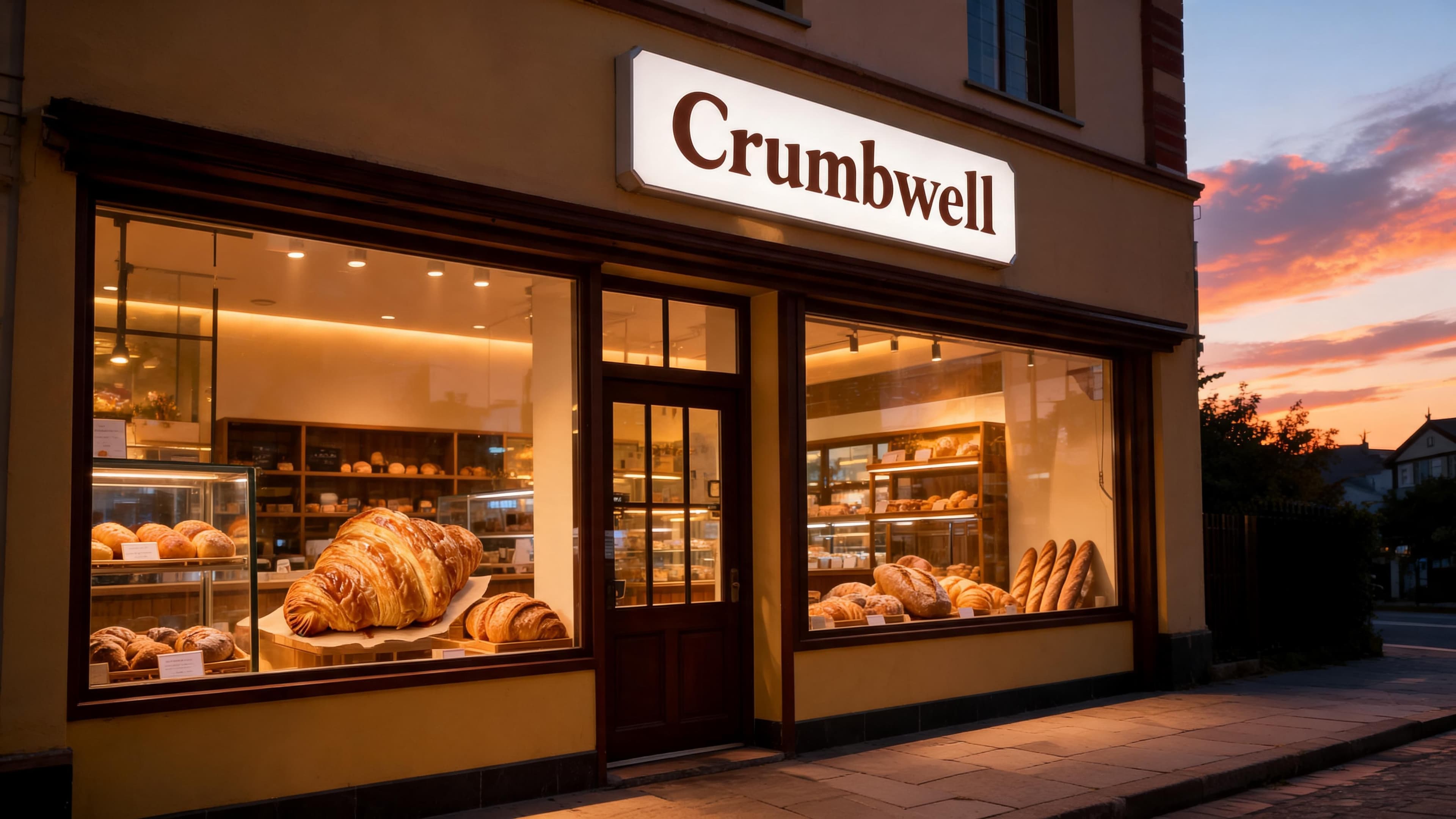
AI Bakery Storefront at Dusk, 4K, for Crumbwell
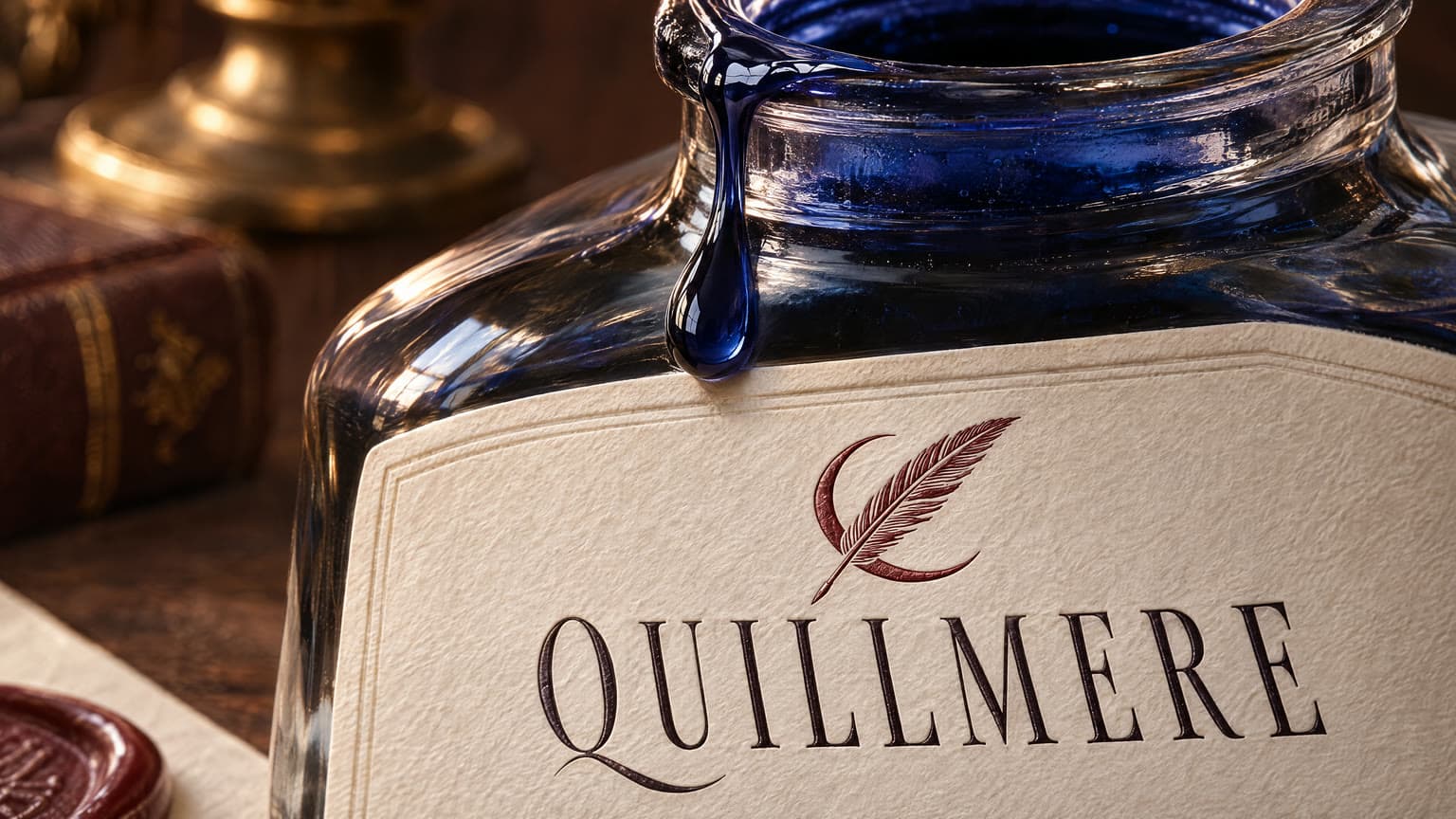
AI Quillmere Ink Bottle Label Close-Up
 AI-generated
AI Spokeling Brass Bicycle Bell Macro
AI Tidewick Candle Jar Label and Wooden Lid