AI Campus Study Commons with Orrery Signage
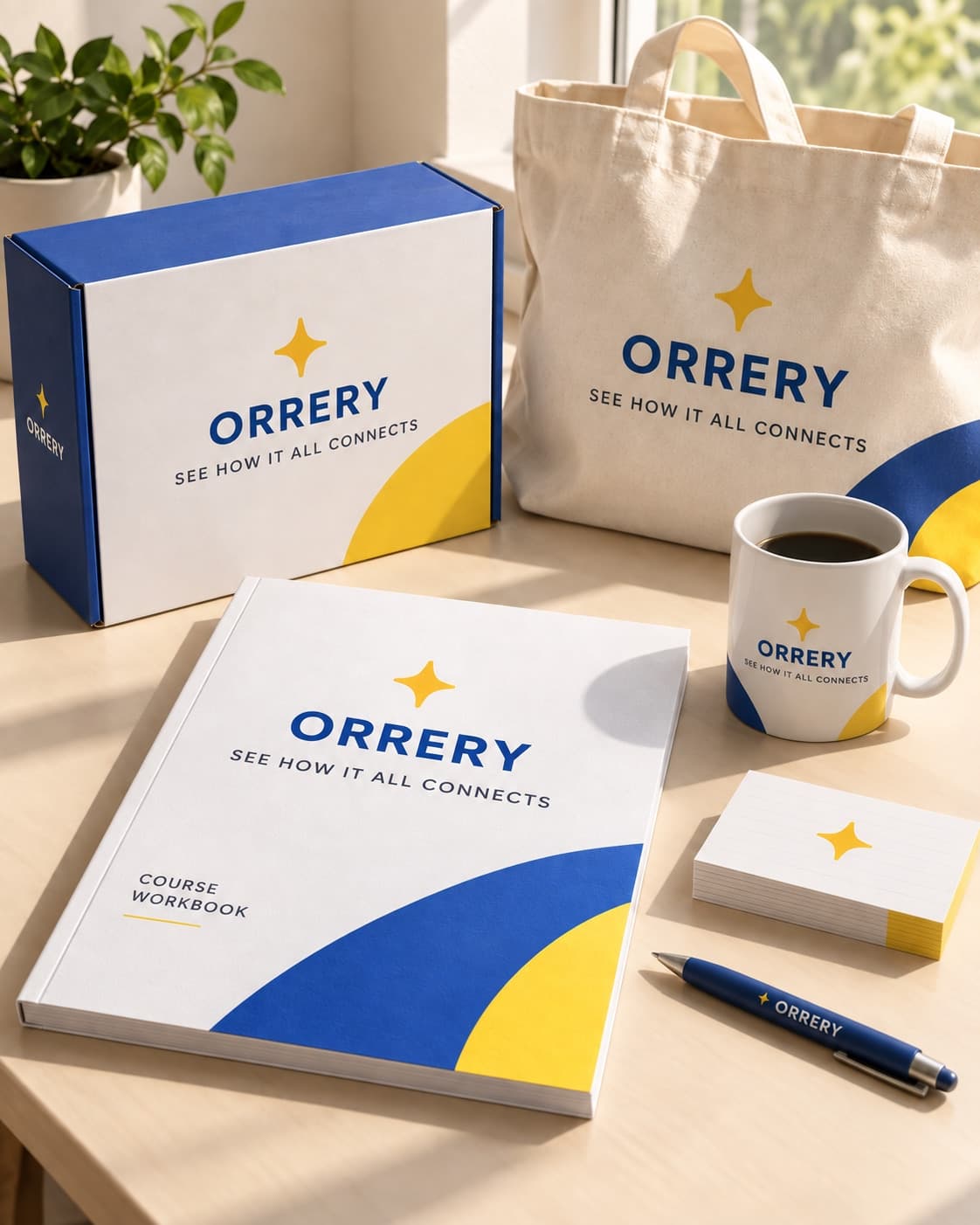
See a branded campus study commons generated with GPT Image 2.5 from one photograph of a course kit, with wall and floor signage the prompt never described.
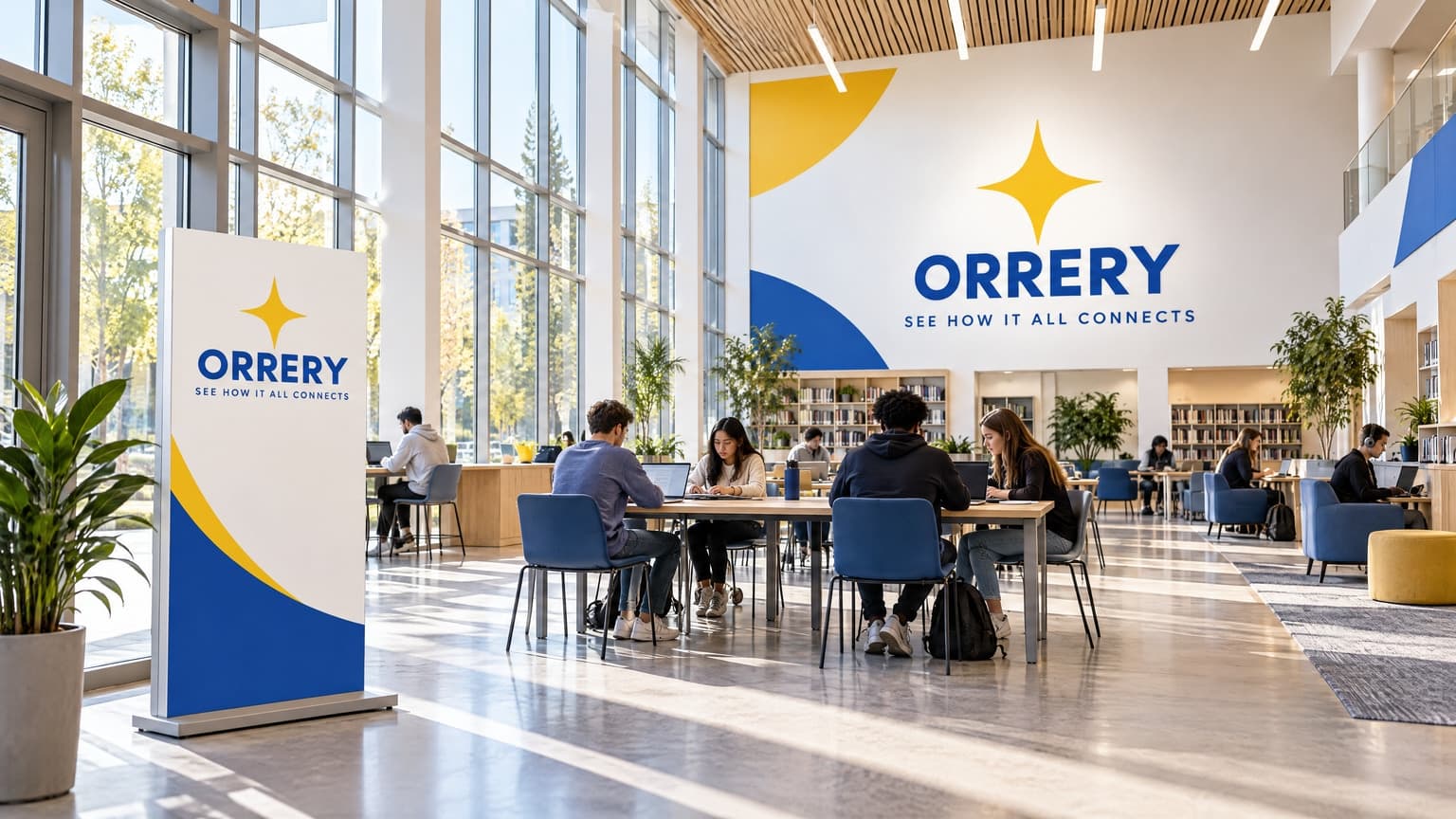 AI-generated
Example breakdown
Why it stays on-brand
The royal blue and yellow, the sweeping arcs and the four-pointed mark all arrive at architectural scale even though the prompt named no colour, typeface or logo.
Marketing use
Use it for campus tours, open-day landing pages, facilities pages, or institutional brand decks.
Prompt
A wide interior view of a study commons with high ceilings and large glazing, the brand's signage mounted on the far wall and a freestanding directional sign near the entrance. Students working at tables in the middle distance. No text or lettering anywhere other than the brand's own signage.
How this was generated
Brand DNA came from your reference visual. That DNA was applied as rules on top of the prompt used for this asset (shown in the Prompt section above).
- 1Reference creativeBrand DNA source
Upload path: BrandGen reads palette, typography, and style cues from one reference asset.
- 2Apply DNA to the prompt
Every generation runs through that DNA as hard constraints (colors, type, visual style, tone). The creative intent is entirely in the prompt already shown above.
- 3Final outputEducation
The same wording with different DNA would look like a different brand. This image used the Brand DNA from step 1.
Related guides
Related examples



More from this brand
Other outputs generated from the same brand reference.


More examples
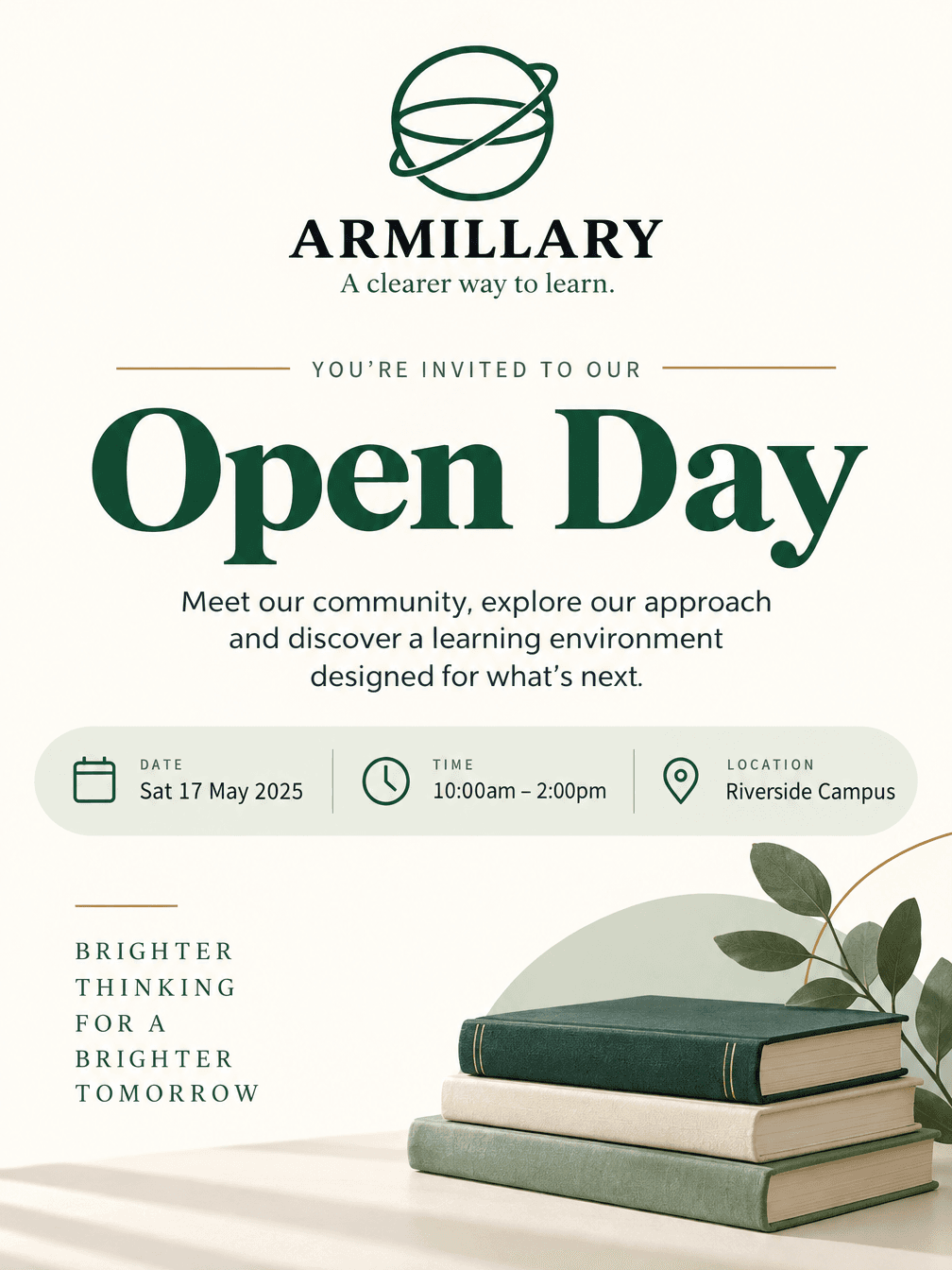
AI Armillary Open-Day Poster, Sunburst Variant

AI Fast Food Grand Opening Now Open Poster
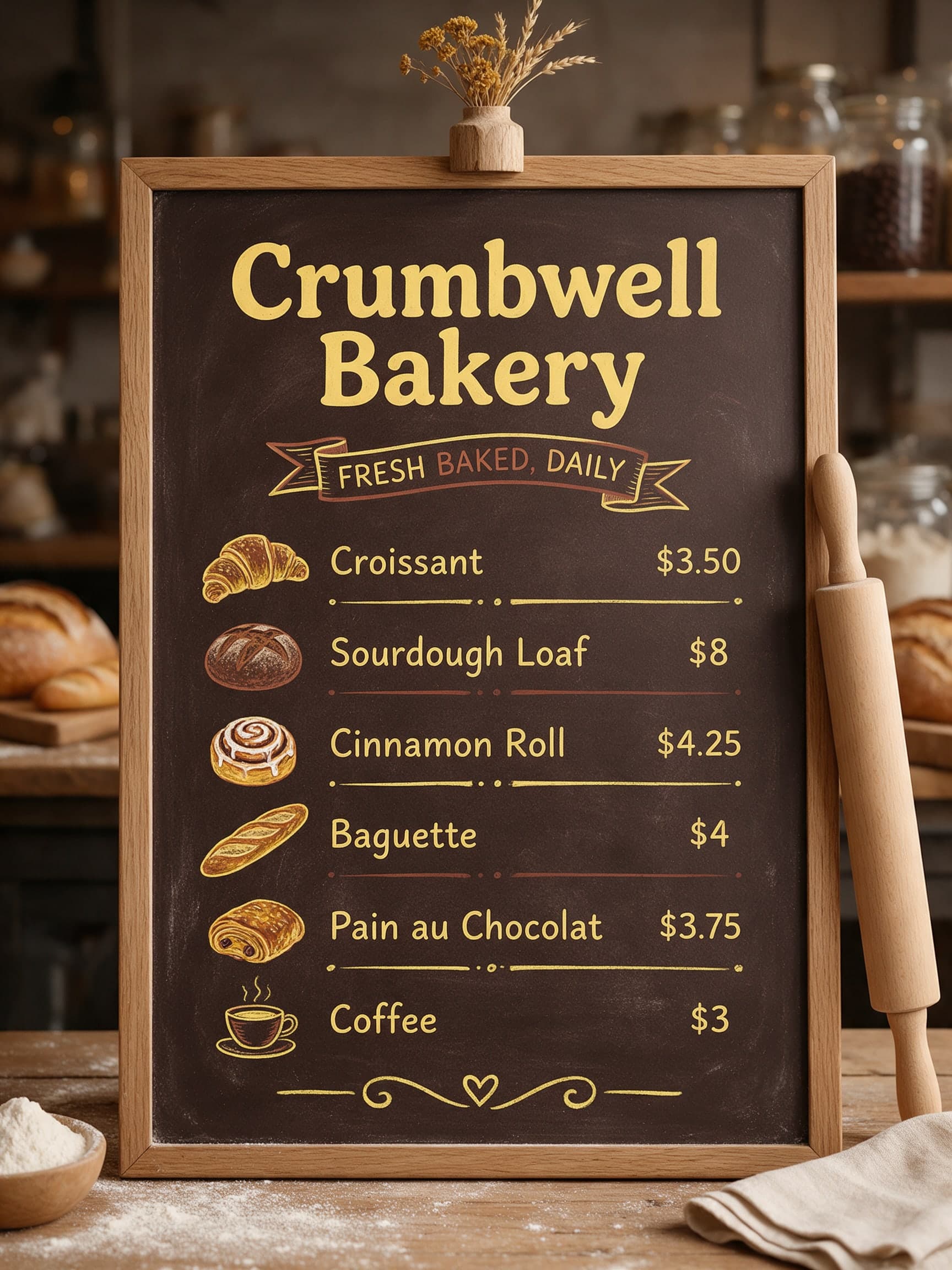
AI Illustrated Bakery Menu Board, Second Variant

AI Strideform Sneaker Anatomy Infographic
AI Sneaker Pair Ad on a Crosswalk, Second Variant

AI Duskmere Perfume Gift Box on Velvet
 AI-generated
AI Green Chilli Taqueria Wall Mural
AI Quillmere Ink Bottle Label Close-Up