AI Document Assistant Service Cover with a Chat Mockup
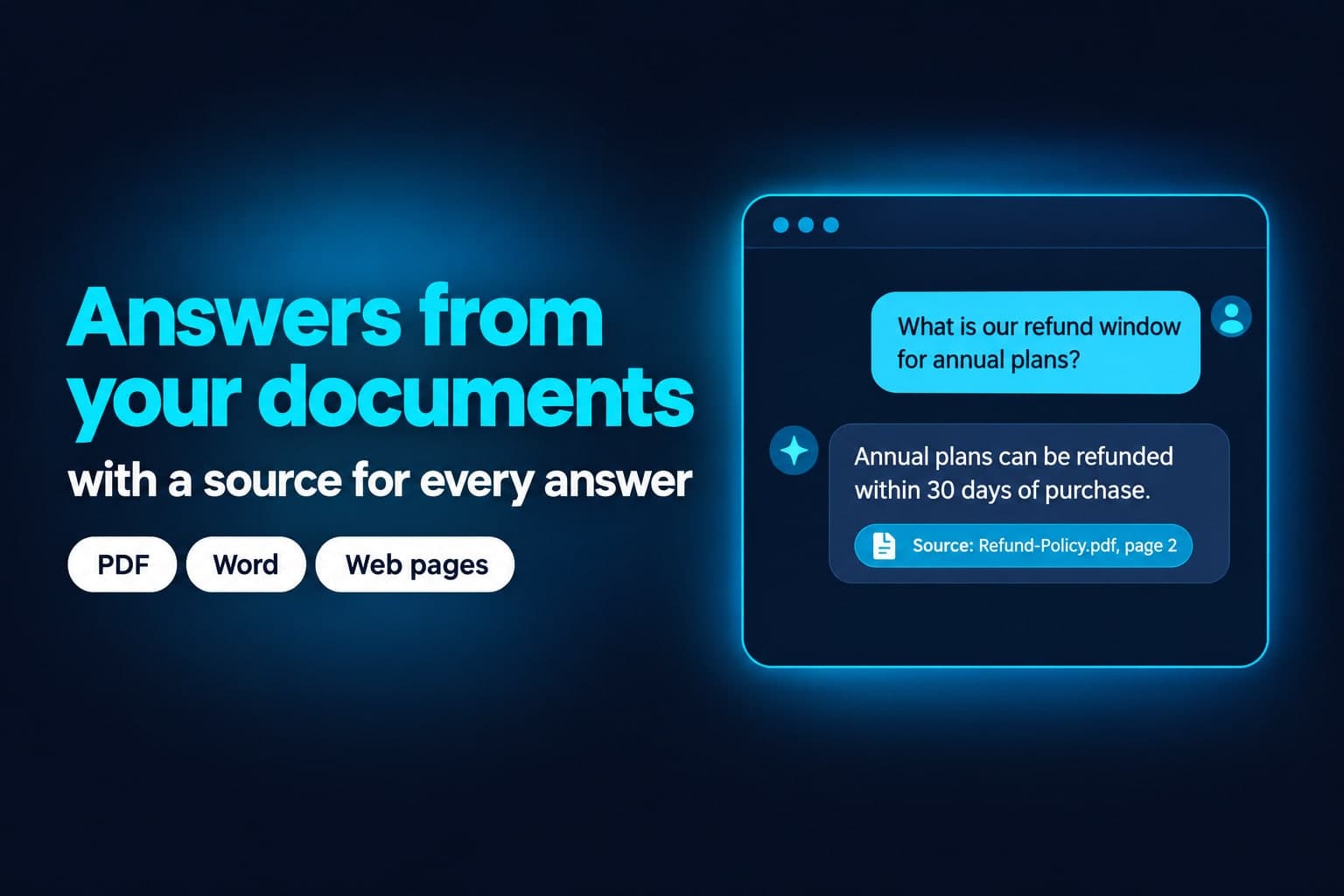
See a dark navy service cover with the headline Answers from your documents and a chat window citing its source, made with GPT Image 2.5 Flare from one brand reference image.
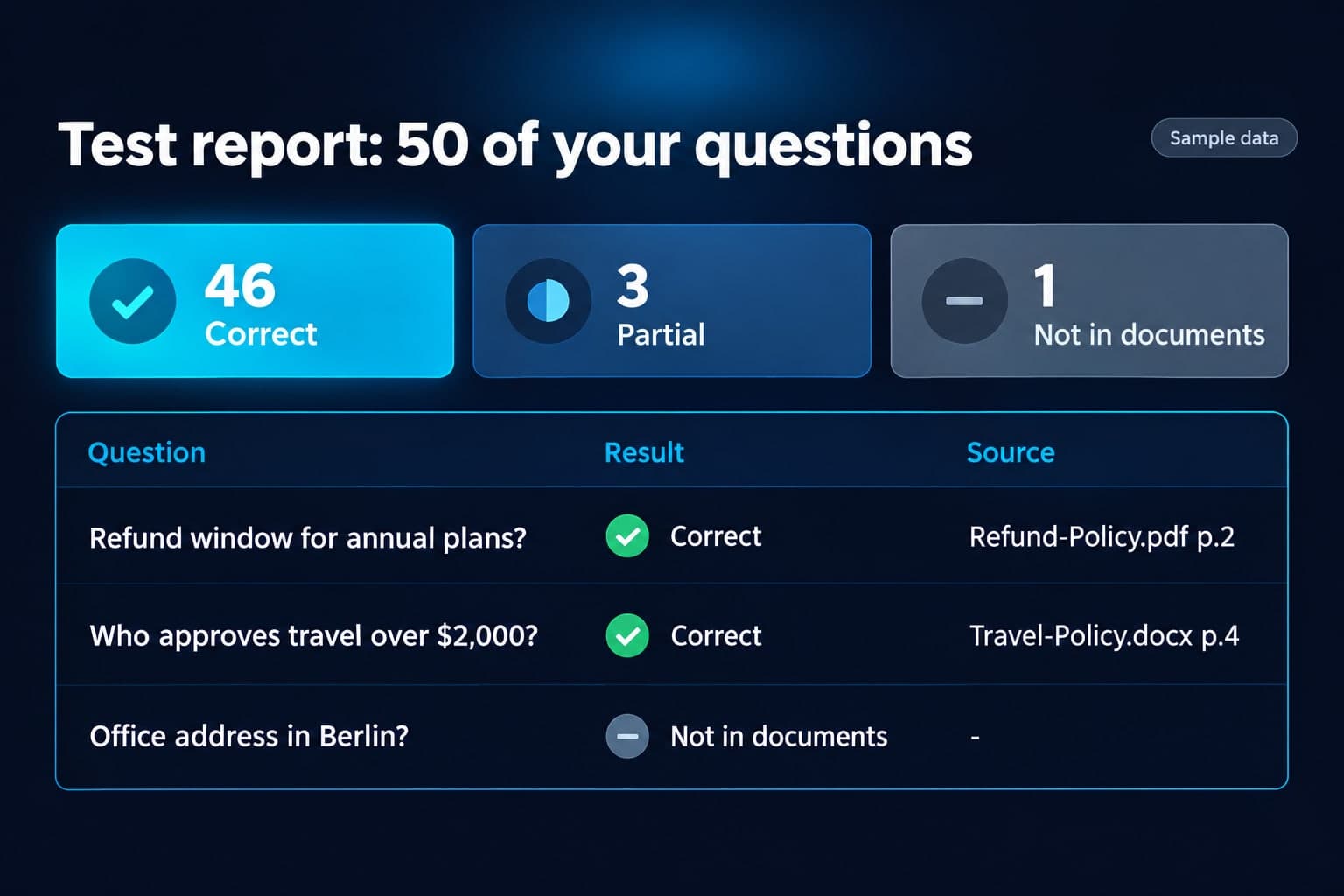
Example breakdown
Why it stays on-brand
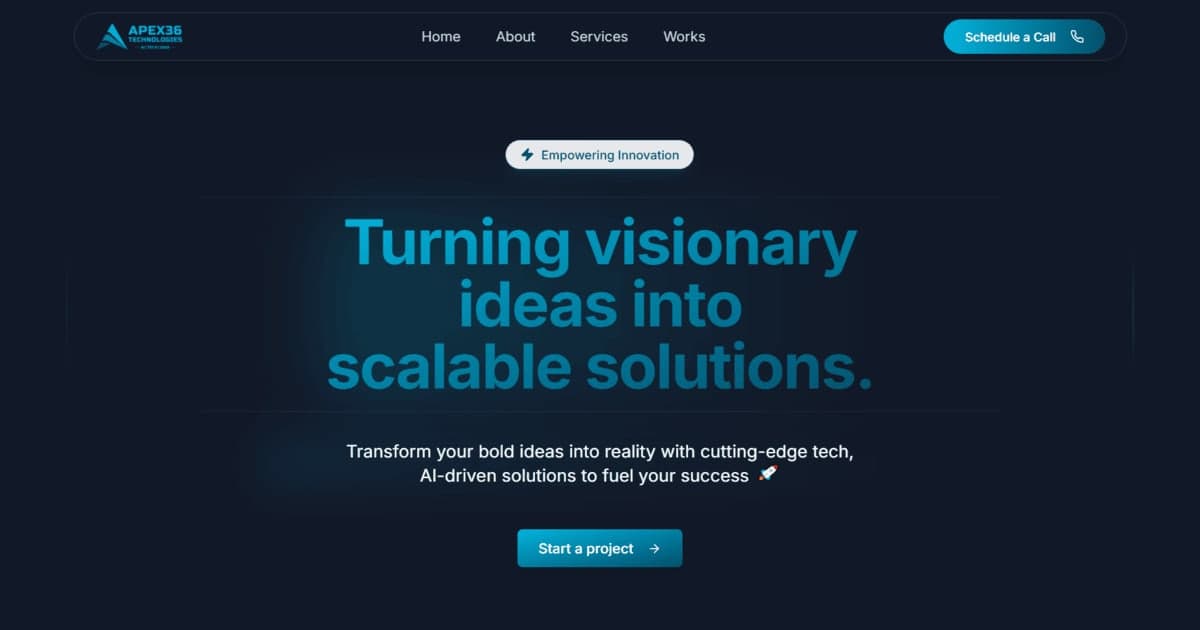
The navy background, cyan accents and clean sans type follow the Apex36 site used as the brand image.
Marketing use
Use it as a freelance listing cover, a SaaS landing page hero, or a product announcement card.
Prompt
Upwork service cover image, landscape. Deep dark navy background (#080E1B) with a soft cyan radial glow. Left side: large bold headline in bright cyan sans-serif: "Answers from your documents" and below it in white: "with a source for every answer". Below that, three small white pill tags: "PDF", "Word", "Web pages". Right side: a clean, modern chat window mockup with rounded corners. User message bubble: "What is our refund window for annual plans?". AI reply bubble: "Annual plans can be refunded within 30 days of purchase." Under the reply, a small cyan citation chip with a document icon: "Source: Refund-Policy.pdf, page 2". Flat, crisp vector UI style, high contrast, generous spacing, all text spelled exactly as given and large enough to read at thumbnail size. No logos, no people, no other text.
How this was generated
Brand DNA came from your reference visual. That DNA was applied as rules on top of the prompt used for this asset (shown in the Prompt section above).
- 1Reference creativeBrand DNA source
Upload path: BrandGen reads palette, typography, and style cues from one reference asset.
- 2Apply DNA to the prompt
Every generation runs through that DNA as hard constraints (colors, type, visual style, tone). The creative intent is entirely in the prompt already shown above.
- 3Final outputTechnology & SaaS
The same wording with different DNA would look like a different brand. This image used the Brand DNA from step 1.
Related guides
Related examples
More examples
AI Fast Food Lunch Combo Poster
AI Lanternloaf Five Loaves Chalkboard Shelf Scene
AI BrewVibe Morning Rhythm Coffee Bag Instagram Ad
AI Bakery Grand Opening Poster for Crumbwell
AI Sparkling Water Summer Ad, Square for Instagram
AI Figma-Style Tokyo Metro Poster
AI Editorial Fashion Brand Poster
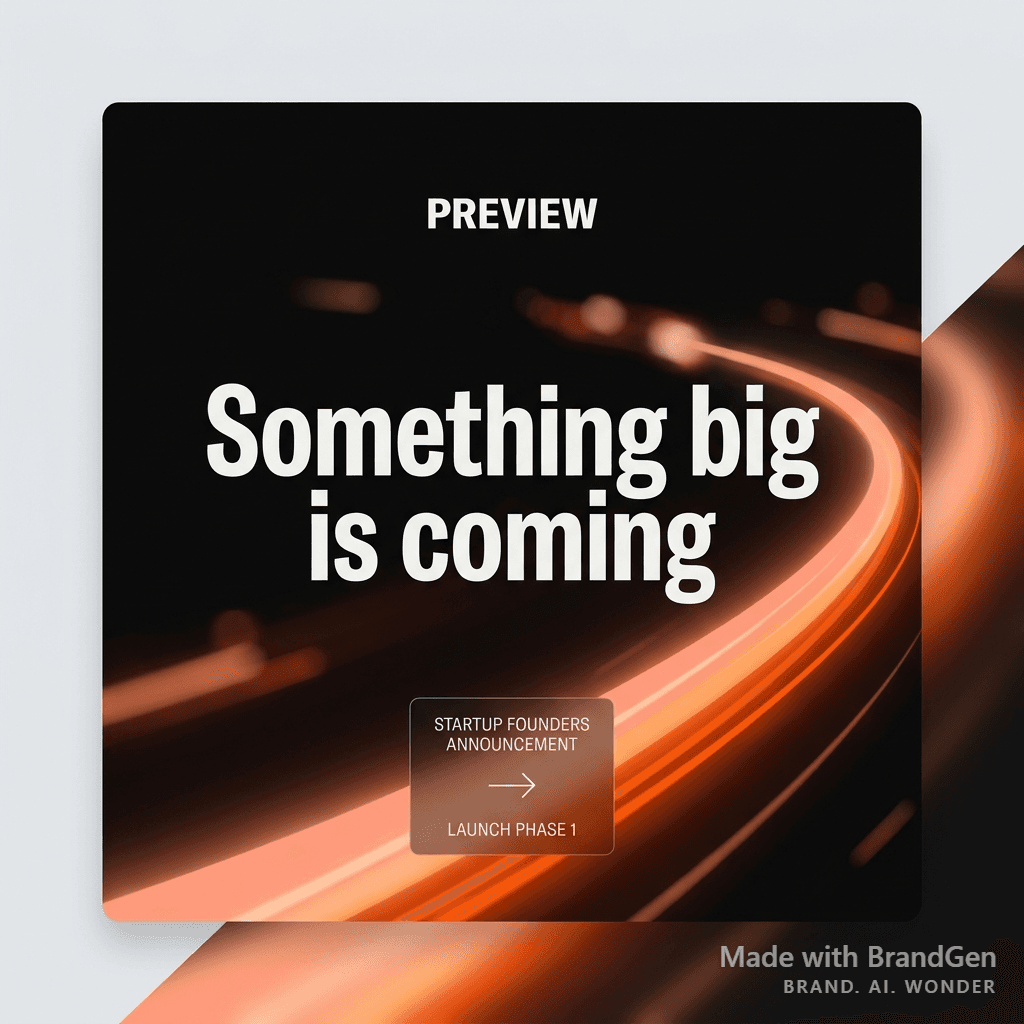
AI Startup Launch Social Post