AI Test Report Dashboard Card for a Document Assistant
See a dashboard card reporting 46 correct, 3 partial and 1 not in documents, with a three-row results table, made with GPT Image 2.5 Flare from one brand reference image.
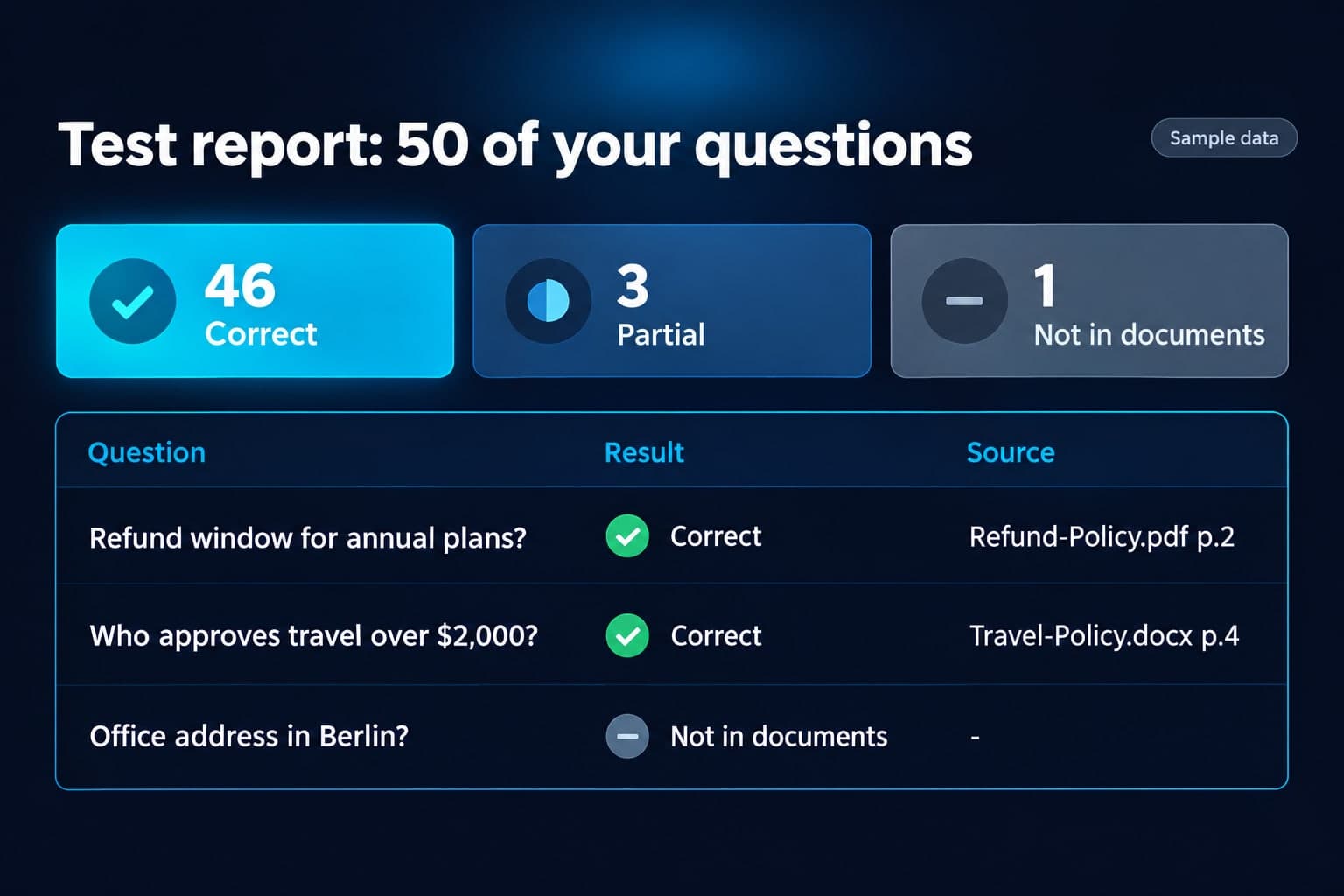
Example breakdown
Why it stays on-brand
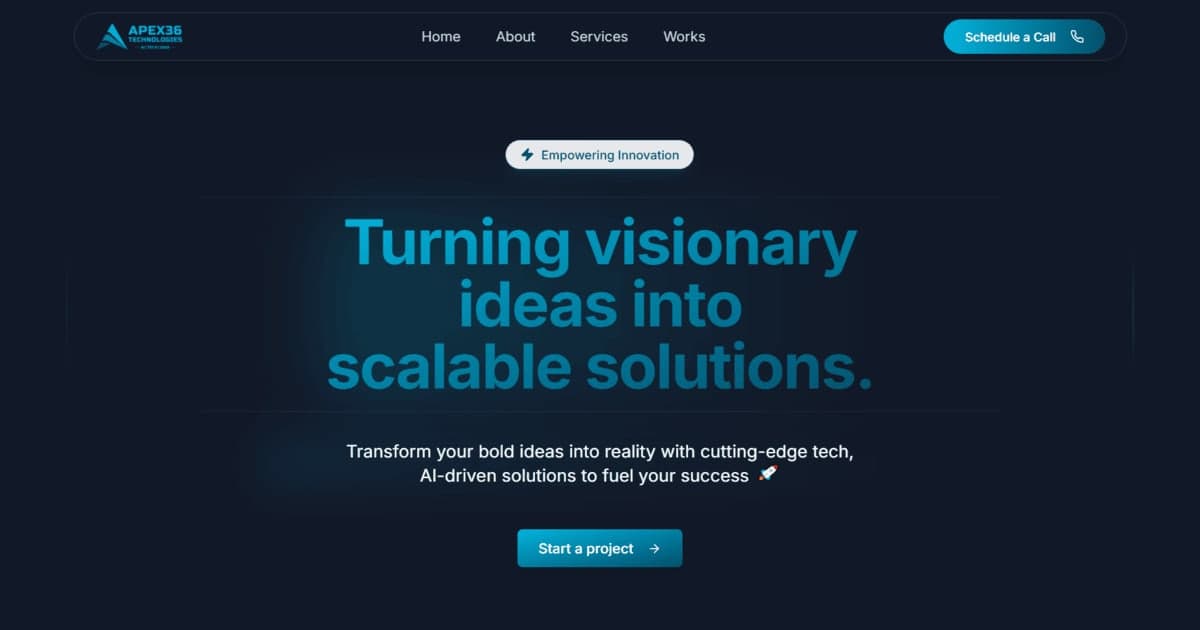
Navy, cyan and white with flat UI styling, matching the Apex36 site used as the brand image.
Marketing use
Use it for a case-study slide, a product screenshot stand-in, or a results section on a sales page.
Prompt
Sample test report shown as a clean dashboard card, landscape. Deep dark navy background (#080E1B), electric cyan accents, white text, flat vector UI style. Top-left title in bold white: "Test report: 50 of your questions". Small grey tag top-right: "Sample data". Row of three stat tiles: cyan tile "46 Correct", amber-free muted blue tile "3 Partial", grey tile "1 Not in documents". Below, a simple table with columns "Question", "Result", "Source", and three rows: "Refund window for annual plans?" / "Correct" with green check / "Refund-Policy.pdf p.2"; "Who approves travel over $2,000?" / "Correct" with green check / "Travel-Policy.docx p.4"; "Office address in Berlin?" / "Not in documents" with grey dash / "-". Large readable text, all words and numbers spelled exactly as given, generous spacing. No logos, no people, no other text.
How this was generated
Brand DNA came from your reference visual. That DNA was applied as rules on top of the prompt used for this asset (shown in the Prompt section above).
- 1Reference creativeBrand DNA source
Upload path: BrandGen reads palette, typography, and style cues from one reference asset.
- 2Apply DNA to the prompt
Every generation runs through that DNA as hard constraints (colors, type, visual style, tone). The creative intent is entirely in the prompt already shown above.
- 3Final outputTechnology & SaaS
The same wording with different DNA would look like a different brand. This image used the Brand DNA from step 1.
Related guides
Related examples
More examples
AI Lanternloaf Five Loaves Chalkboard Shelf Scene
AI BrewVibe Morning Rhythm Coffee Bag Instagram Ad
AI Bakery Grand Opening Poster for Crumbwell
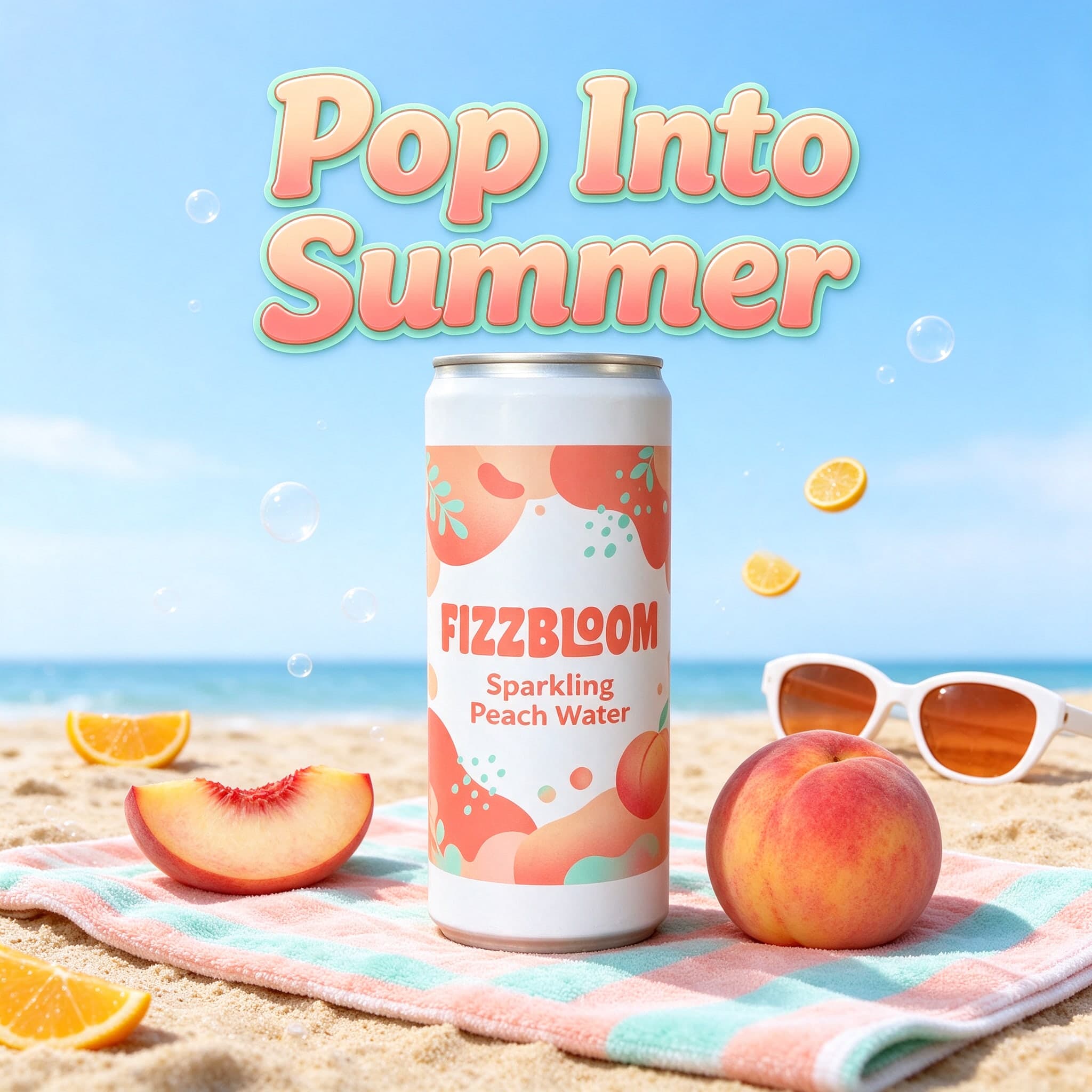
AI Sparkling Water Summer Ad, Square for Instagram
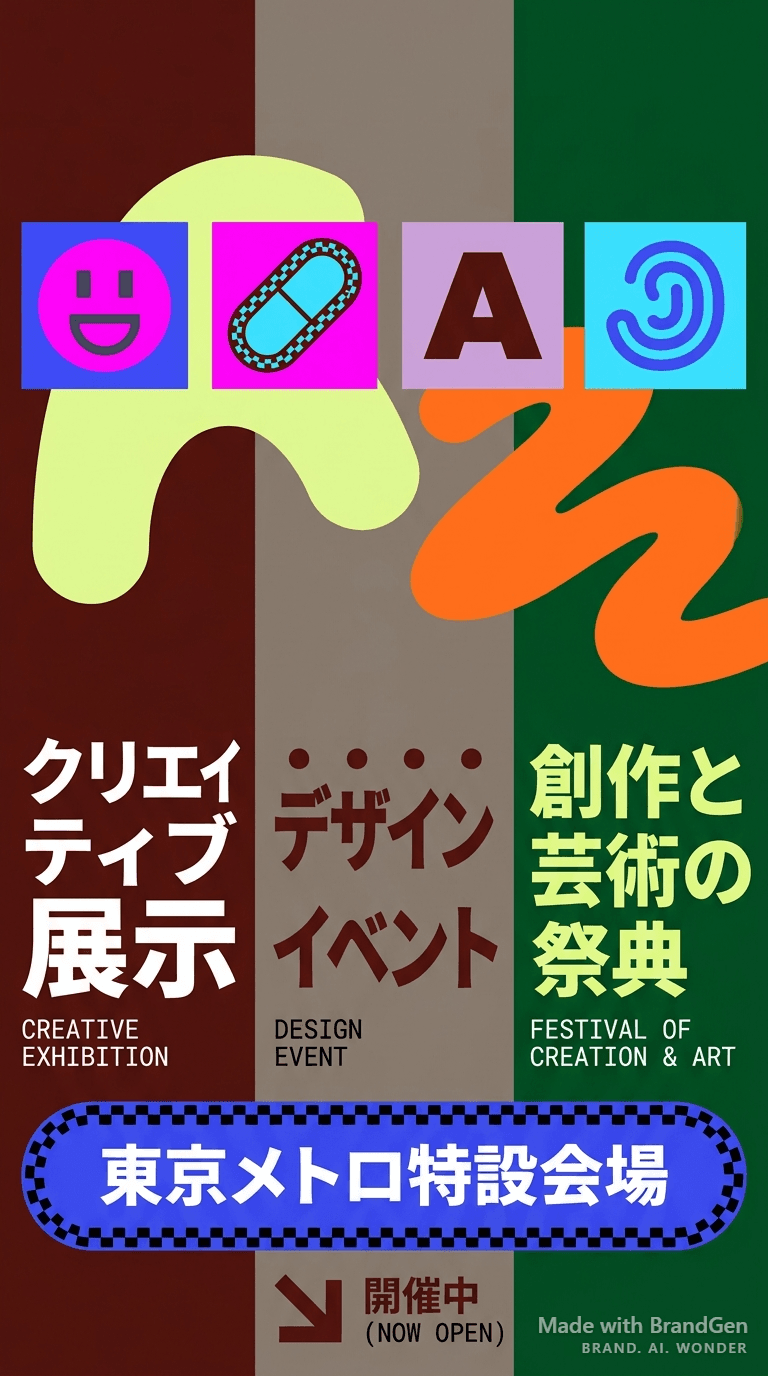
AI Figma-Style Tokyo Metro Poster

AI Editorial Fashion Brand Poster
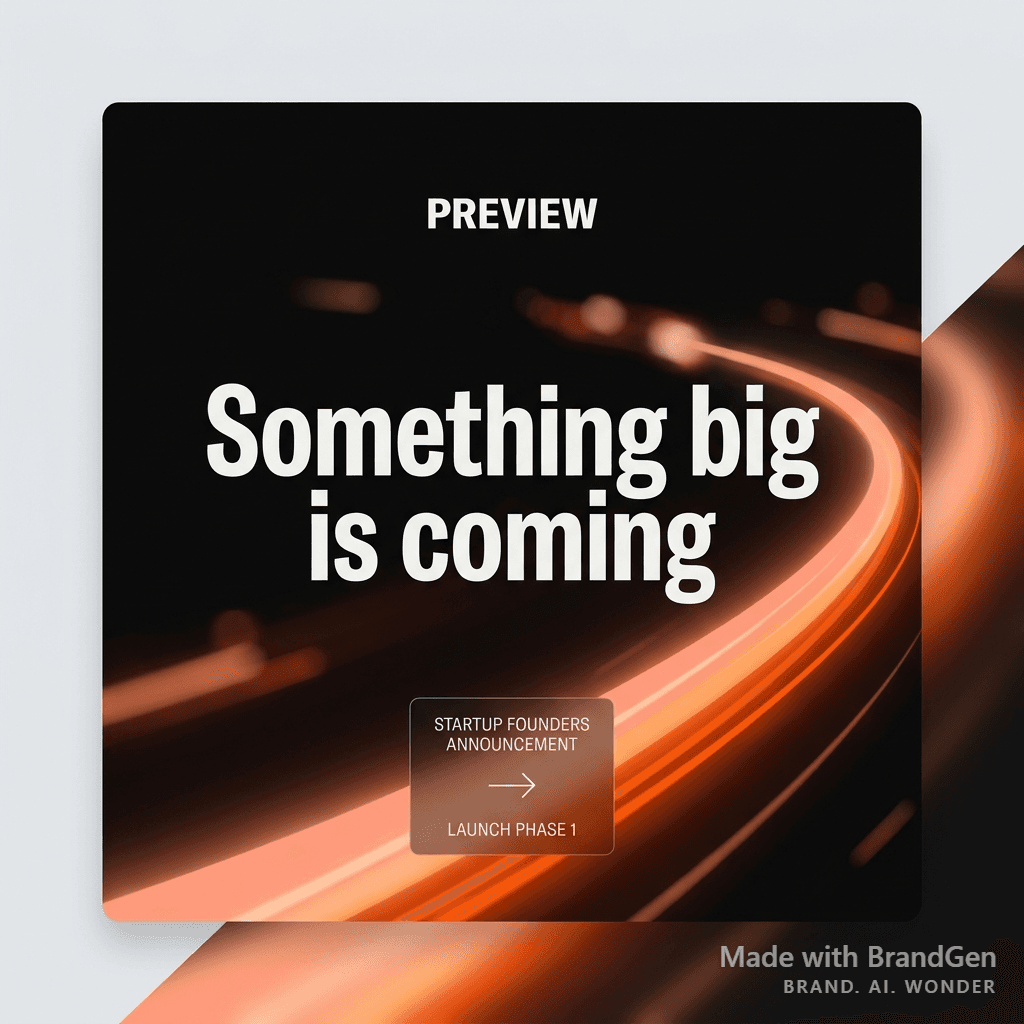
AI Startup Launch Social Post
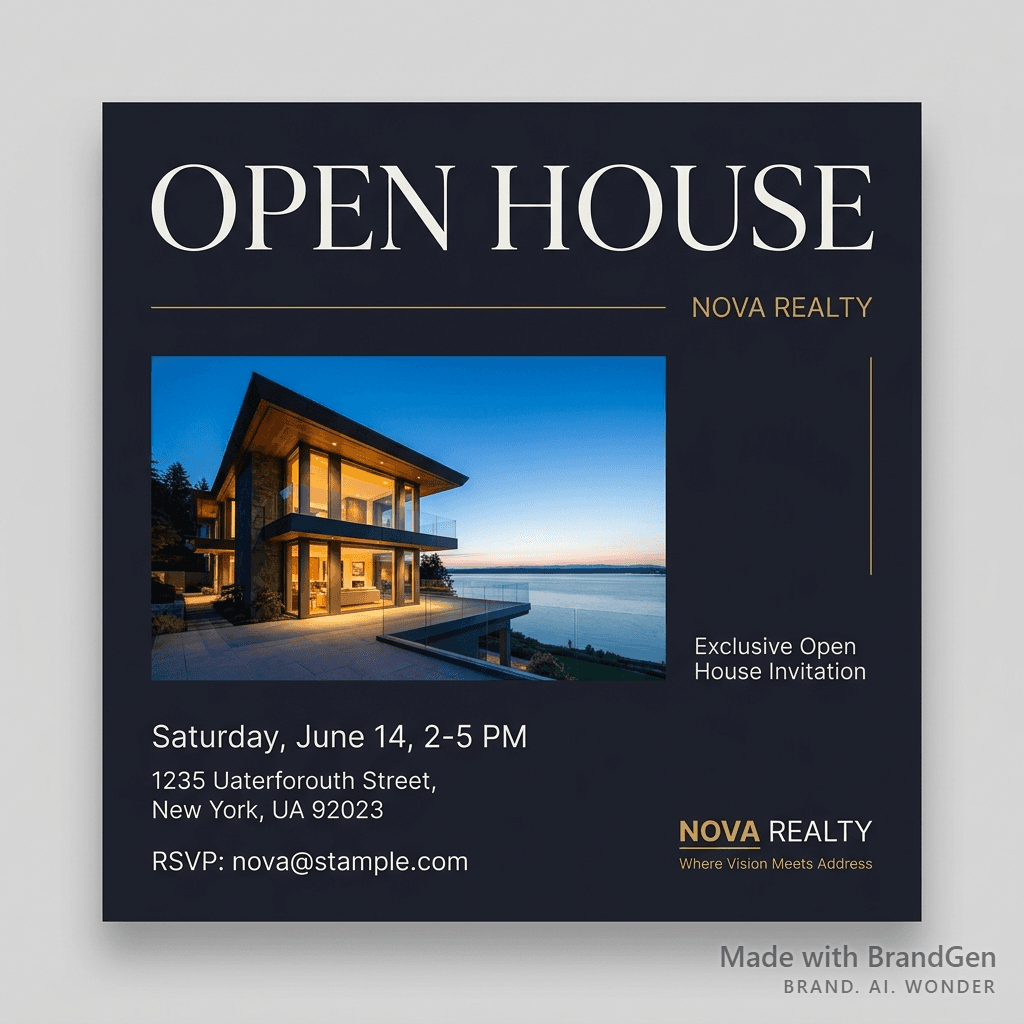
AI Luxury Real Estate Open House Invite