AI Lumen Autumn Blend Coffee Post, GPT Image 2
See an autumn latte announcement for an invented coffee roaster, made with GPT Image 2 from three lines of written brand guidelines.
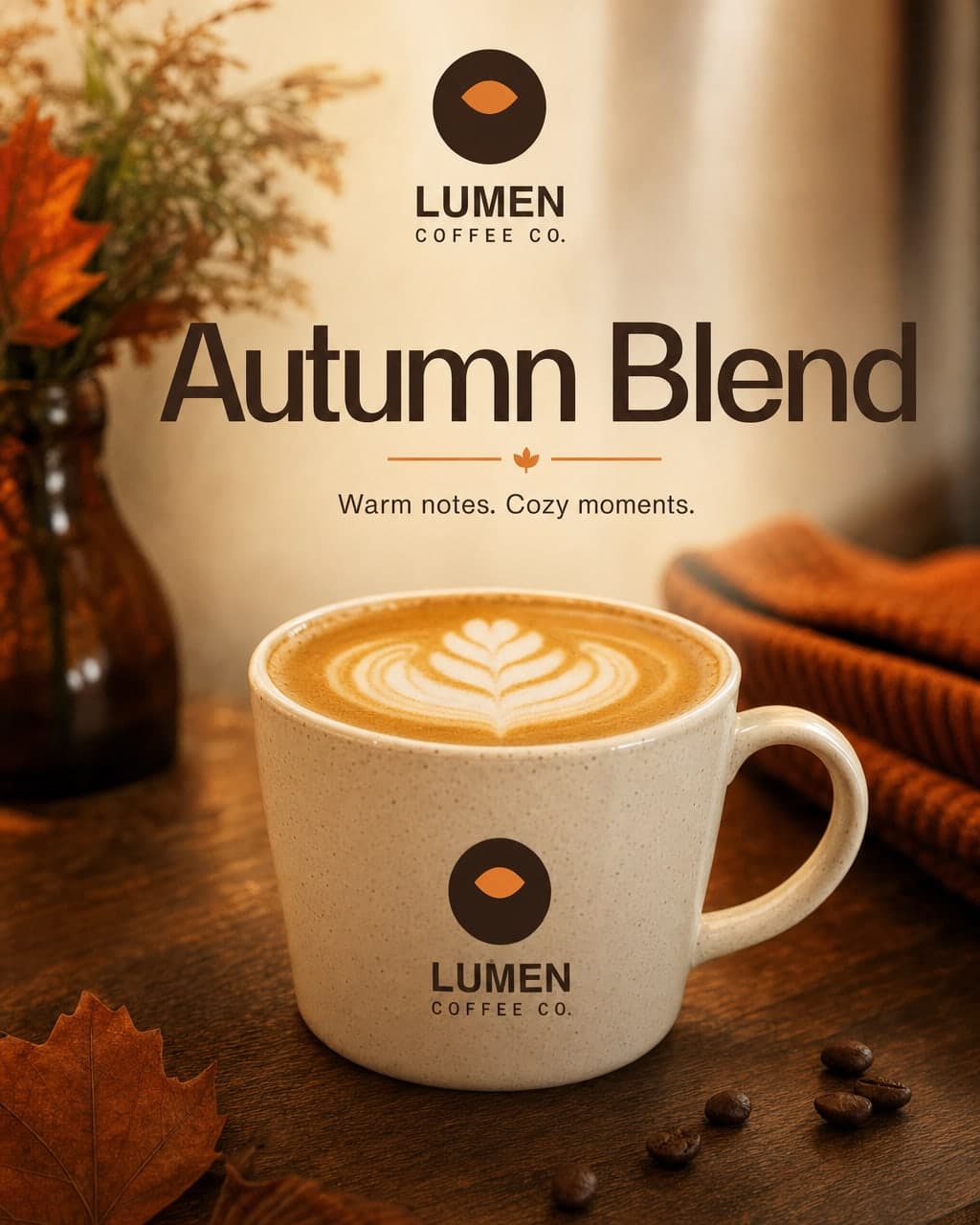
Example breakdown
Why it stays on-brand
Espresso brown, cream and the orange accent from the guidelines, with a clean sans headline and a calm, crafted mood.
Marketing use
Use it for a seasonal menu post, a cafe window poster, or a new-drink announcement.
Prompt
Instagram post for Lumen Coffee Co. announcing the new Autumn Blend latte, headline text 'Autumn Blend', warm product photo on a wooden counter
How this was generated
Brand DNA came from written guidelines using the same style of preset as in the live app. That DNA was applied as rules on top of the prompt used for this asset (shown in the Prompt section above).
- 1Written guidelinesBrand DNA source
Guidelines path: BrandGen turns pasted or typed brand specs into structured DNA.
Preset exampleLumen Coffee Co. guidelinesLumen Coffee Co. is a warm, minimal specialty coffee roaster. Colors: espresso brown #3B2416, cream #F4EBDD, accent orange #E07A2F. Font: Inter. Tone: calm, crafted, inviting.
- 2Apply DNA to the prompt
Every generation runs through that DNA as hard constraints (colors, type, visual style, tone). The creative intent is entirely in the prompt already shown above.
- 3Final outputFood & Beverage
The same wording with different DNA would look like a different brand. This image used the Brand DNA from step 1.
Related guides
Related examples

More examples

AI Flying Roadster Launch Poster for Zephrion
AI Document Assistant Service Cover with a Chat Mockup
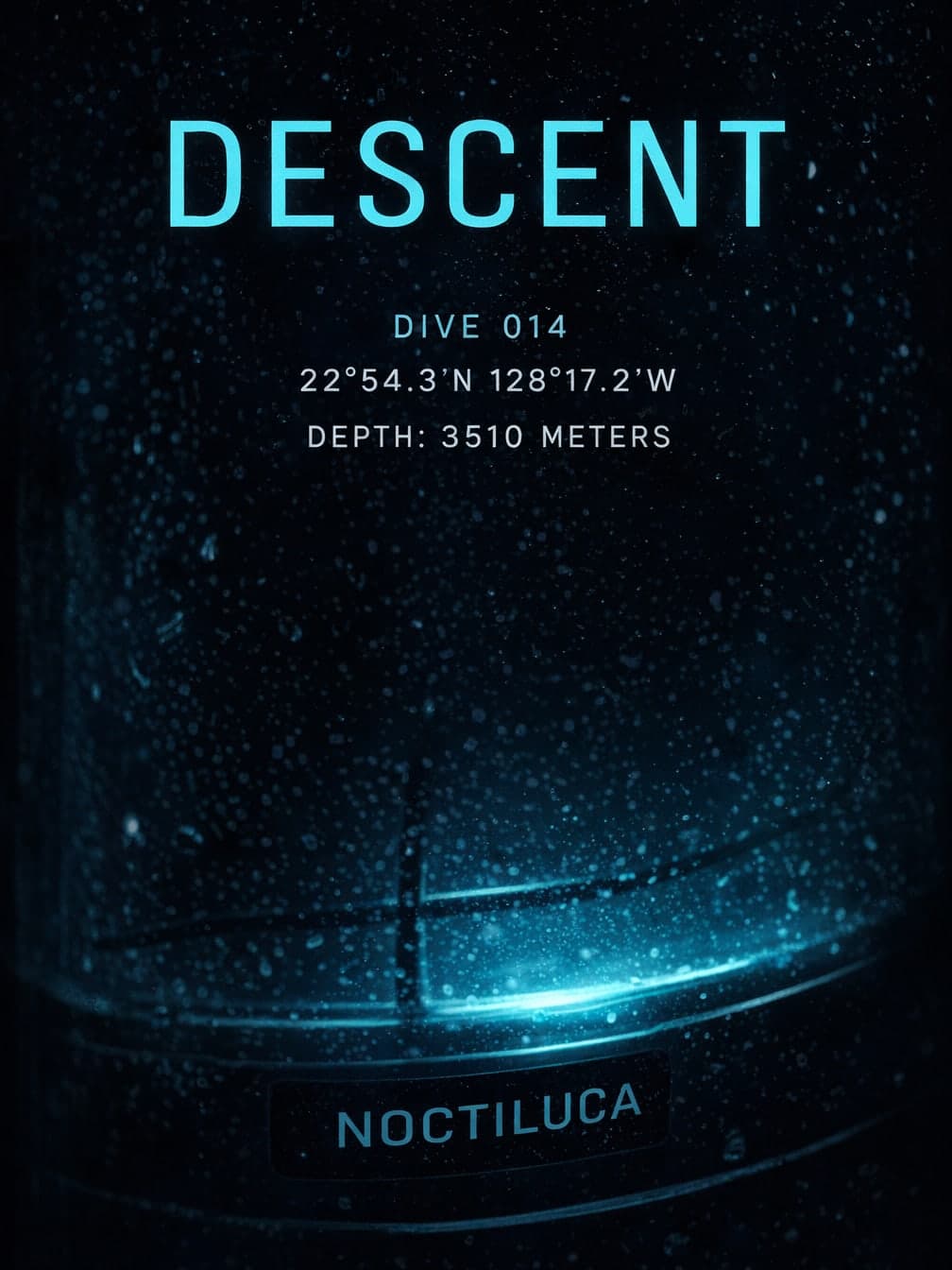
AI Deep-Sea Expedition Poster Headlined DESCENT
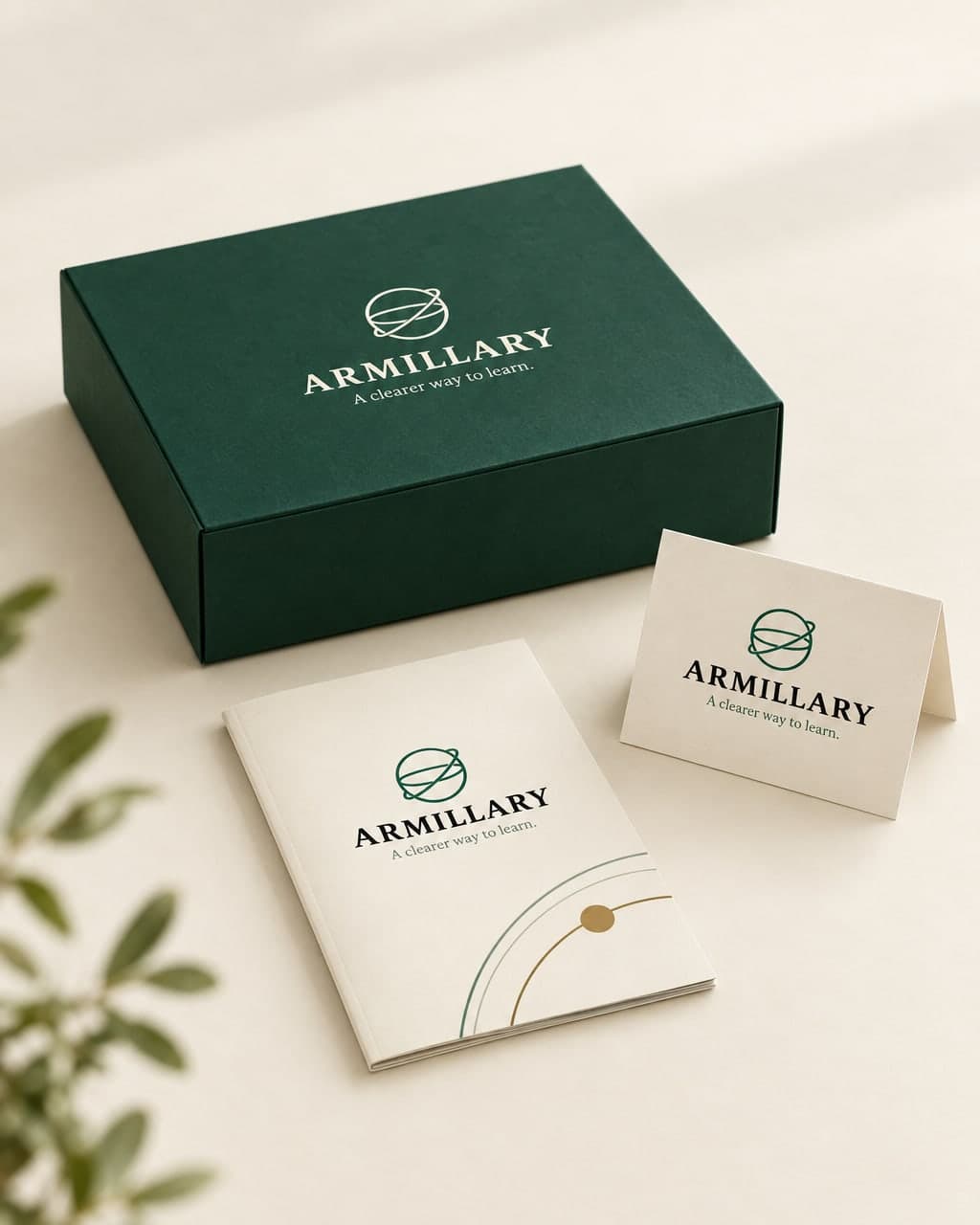
AI Armillary Course-Kit Box Product Photo
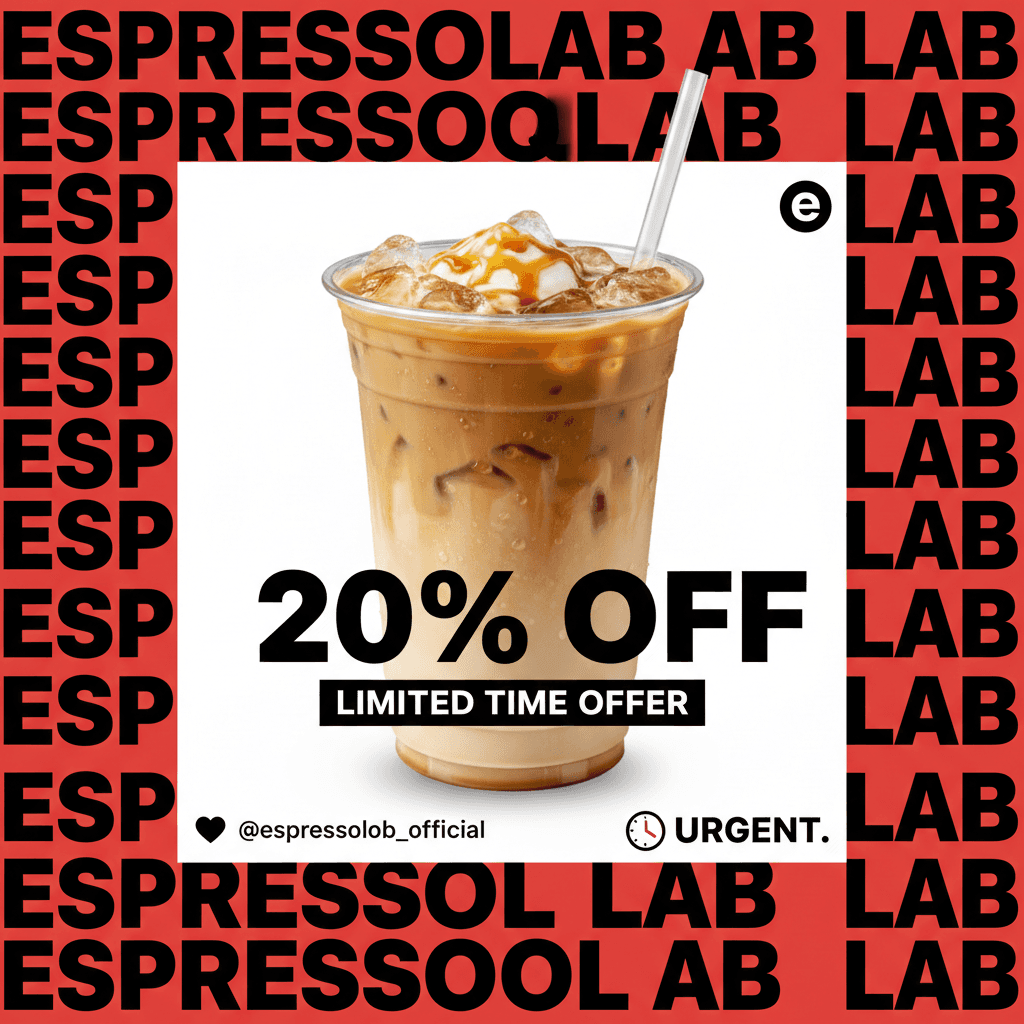
AI Coffee Subscription LinkedIn Post

AI Fast Food Lunch Combo Poster
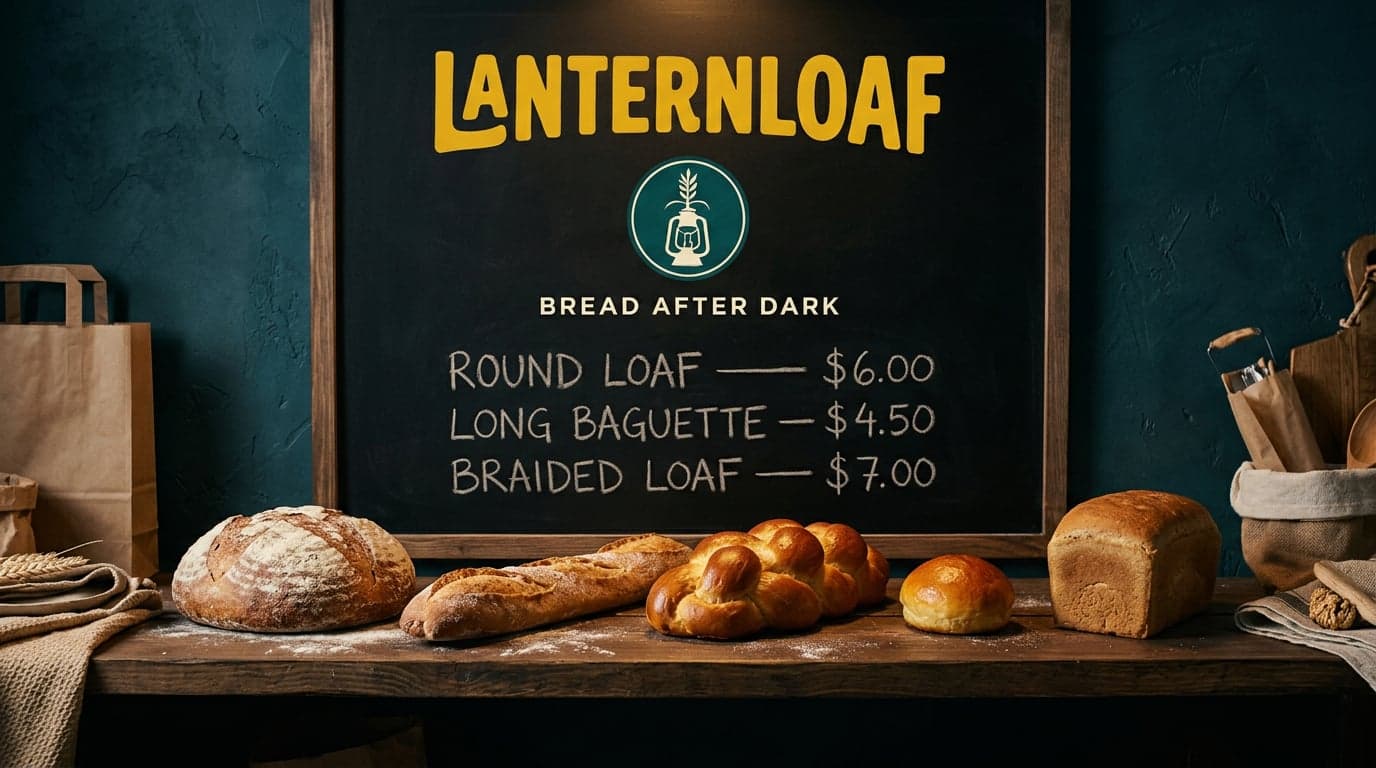
AI Lanternloaf Five Loaves Chalkboard Shelf Scene
AI BrewVibe Morning Rhythm Coffee Bag Instagram Ad