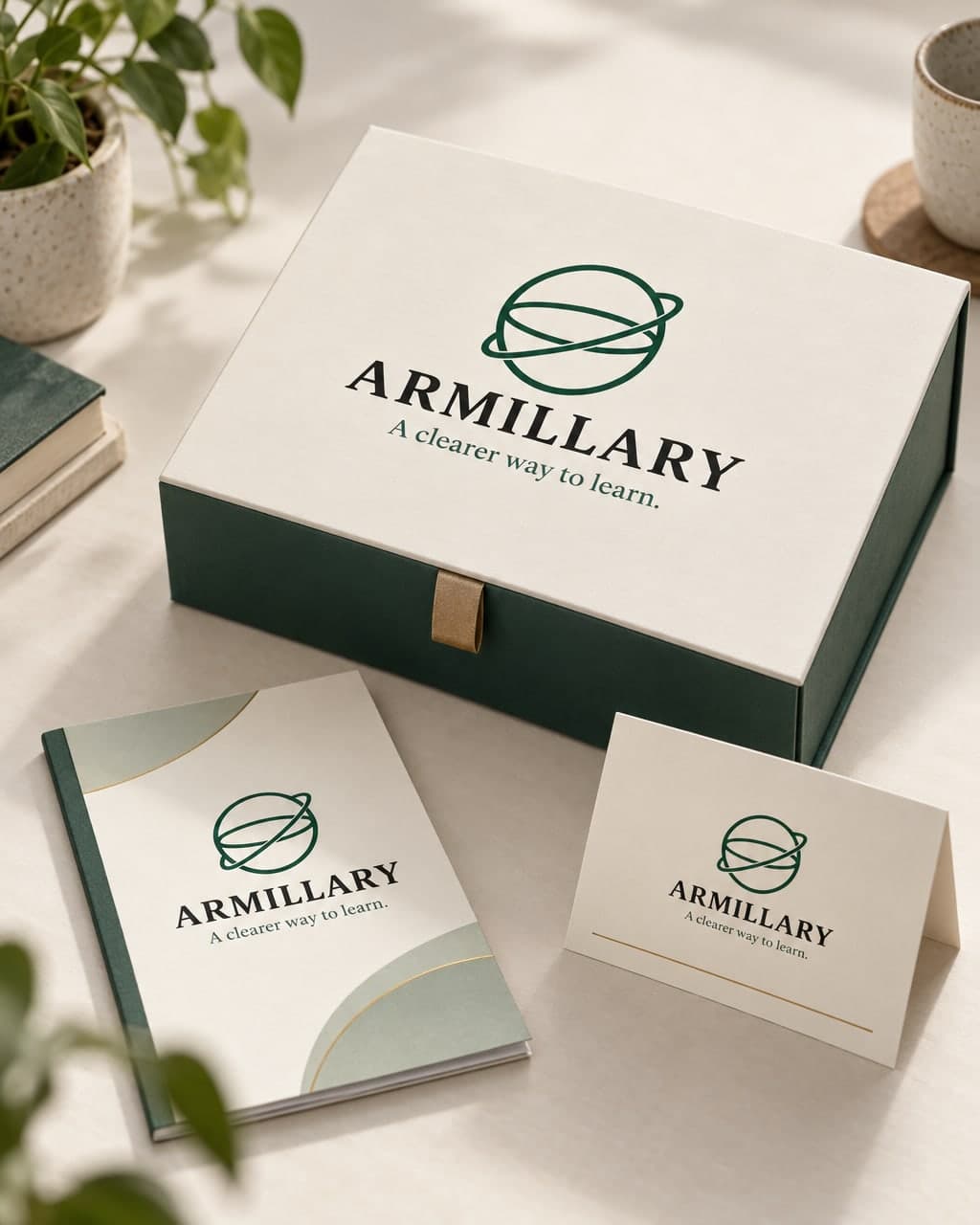
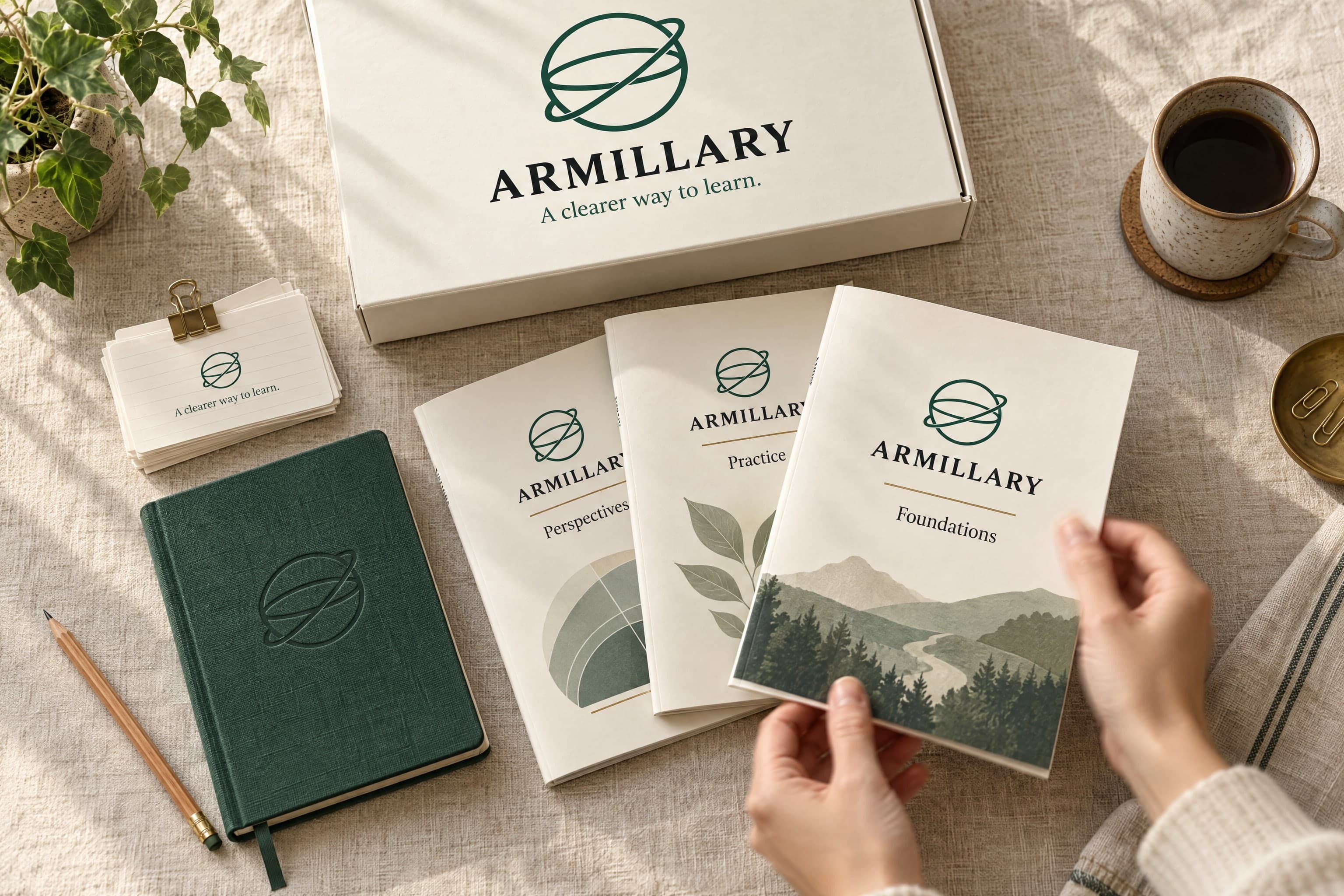
AI Armillary Course-Kit Box, Sunburst Variant
See the same course-kit prompt run through GPT Image 2.5 Sunburst, which framed the box closer and larger in the shot.
Example breakdown
Why it stays on-brand
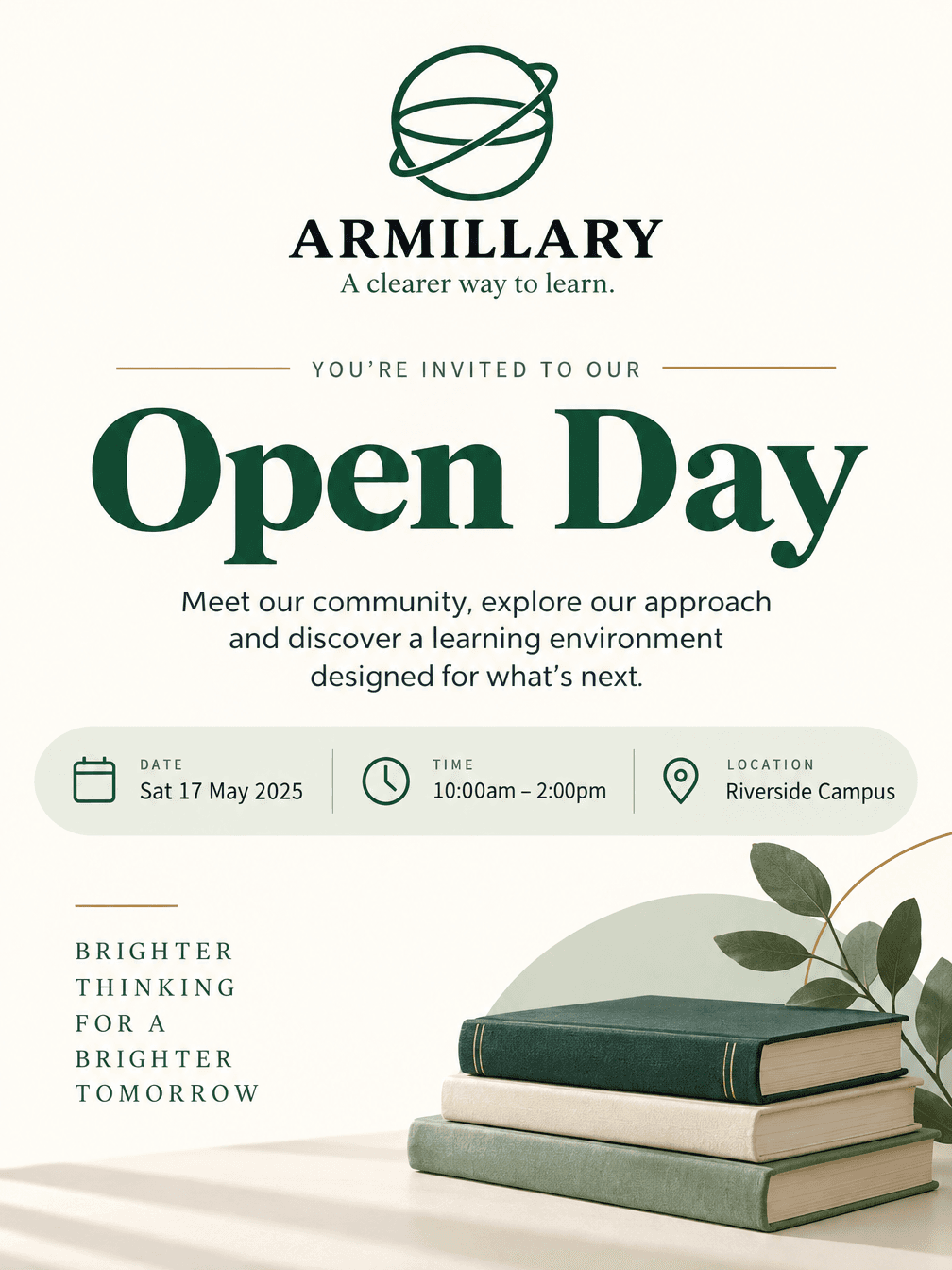
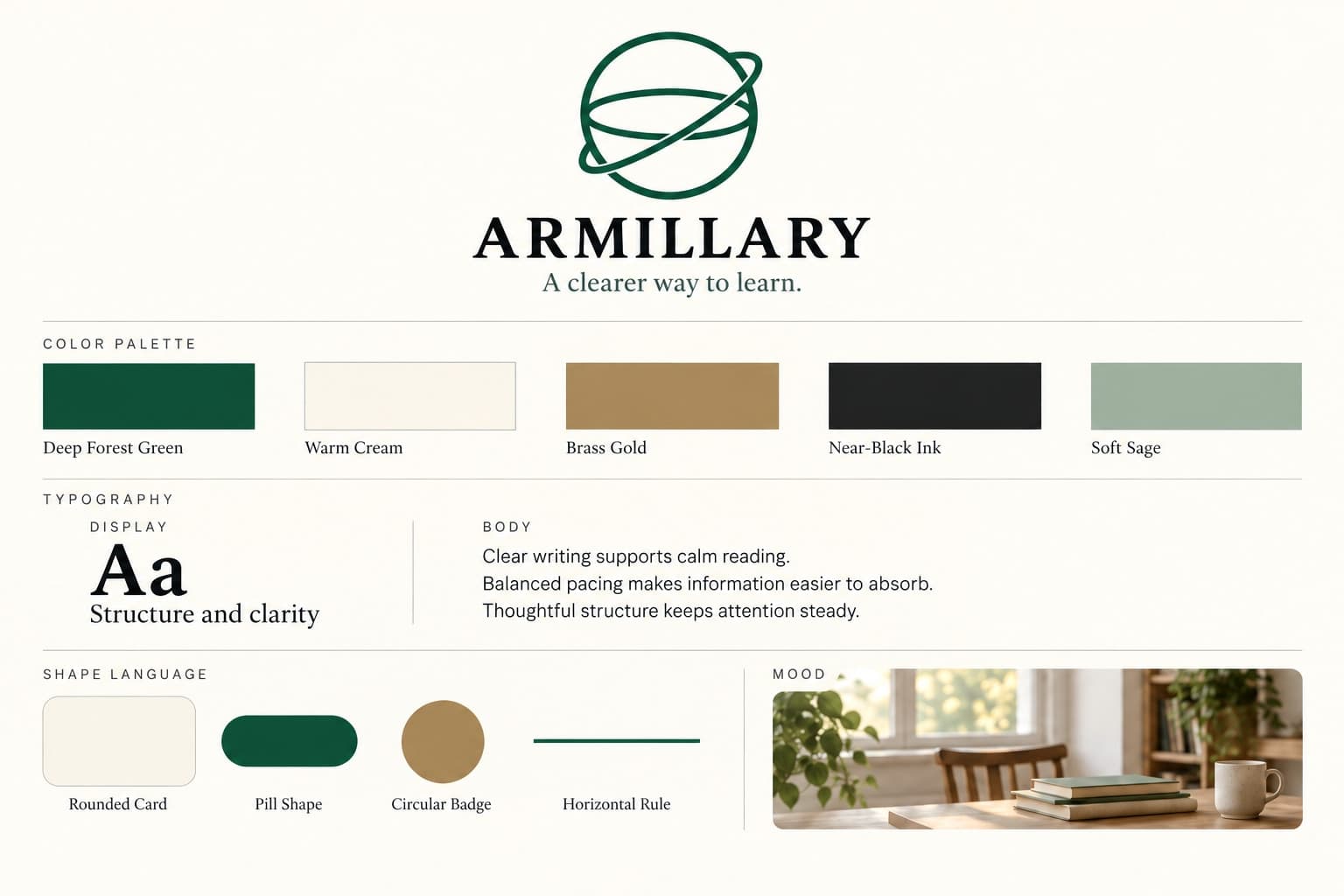
The orbit logo, serif wordmark and green-and-cream palette match the identity sheet on every printed piece.
Marketing use
Use it for packaging A/B tests, an enrolment landing page, or a model comparison with the Flare version.
Prompt
A premium course-kit box for an education brand, photographed on a plain surface in soft natural daylight. The lid carries the brand's logo. Beside the box sit a slim booklet and a folded card. Calm, uncluttered composition with generous empty space, and no text other than the brand's own. Realistic product photography, soft shadows, shallow depth of field.
How this was generated
Brand DNA came from your reference visual. That DNA was applied as rules on top of the prompt used for this asset (shown in the Prompt section above).
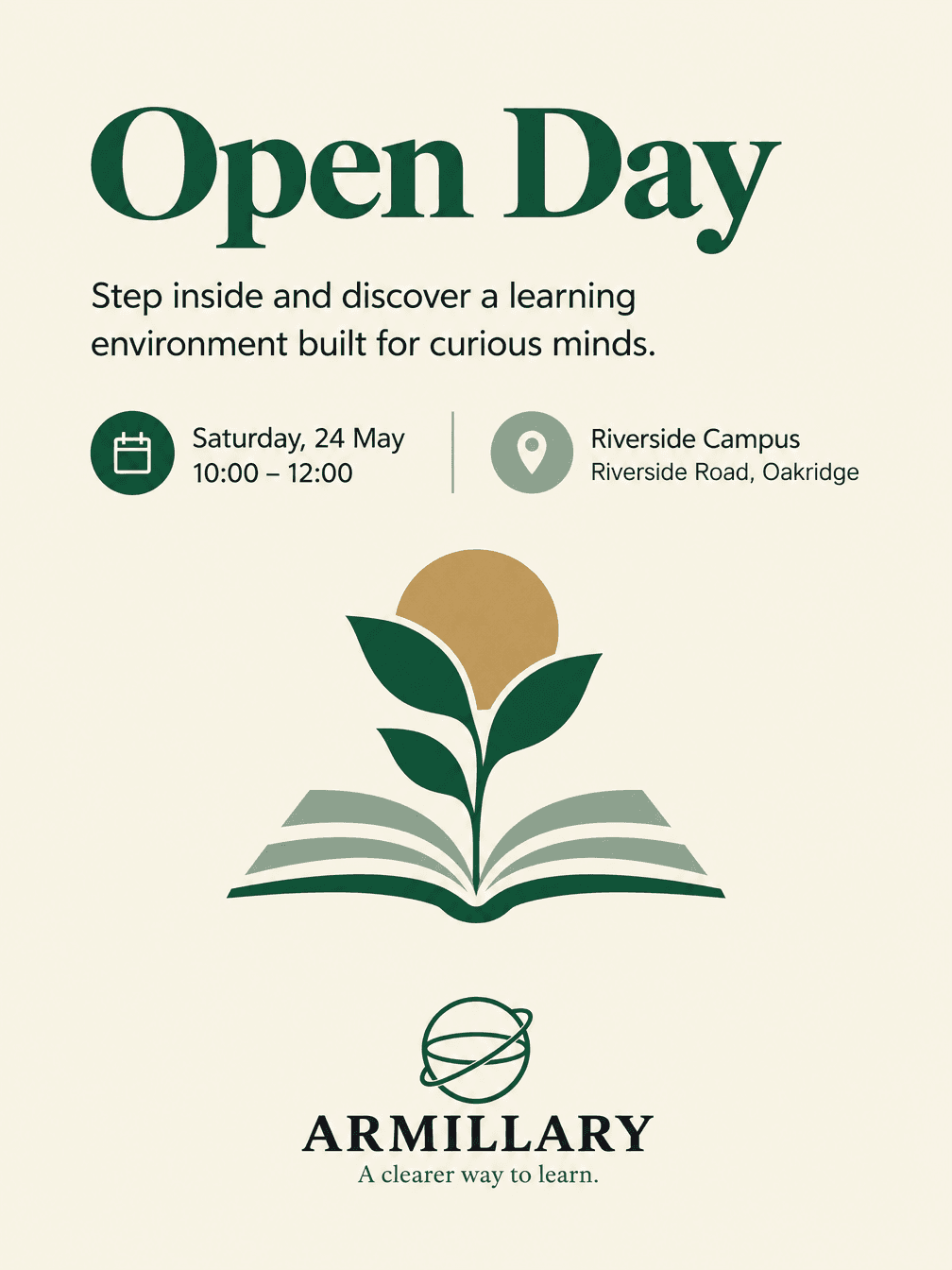
- 1Reference creativeBrand DNA source
Upload path: BrandGen reads palette, typography, and style cues from one reference asset.
- 2Apply DNA to the prompt
Every generation runs through that DNA as hard constraints (colors, type, visual style, tone). The creative intent is entirely in the prompt already shown above.
- 3Final outputEducation
The same wording with different DNA would look like a different brand. This image used the Brand DNA from step 1.
Related guides
Same prompt, other model
The identical prompt and brand reference, run on a second model. Compare how each one handled it.
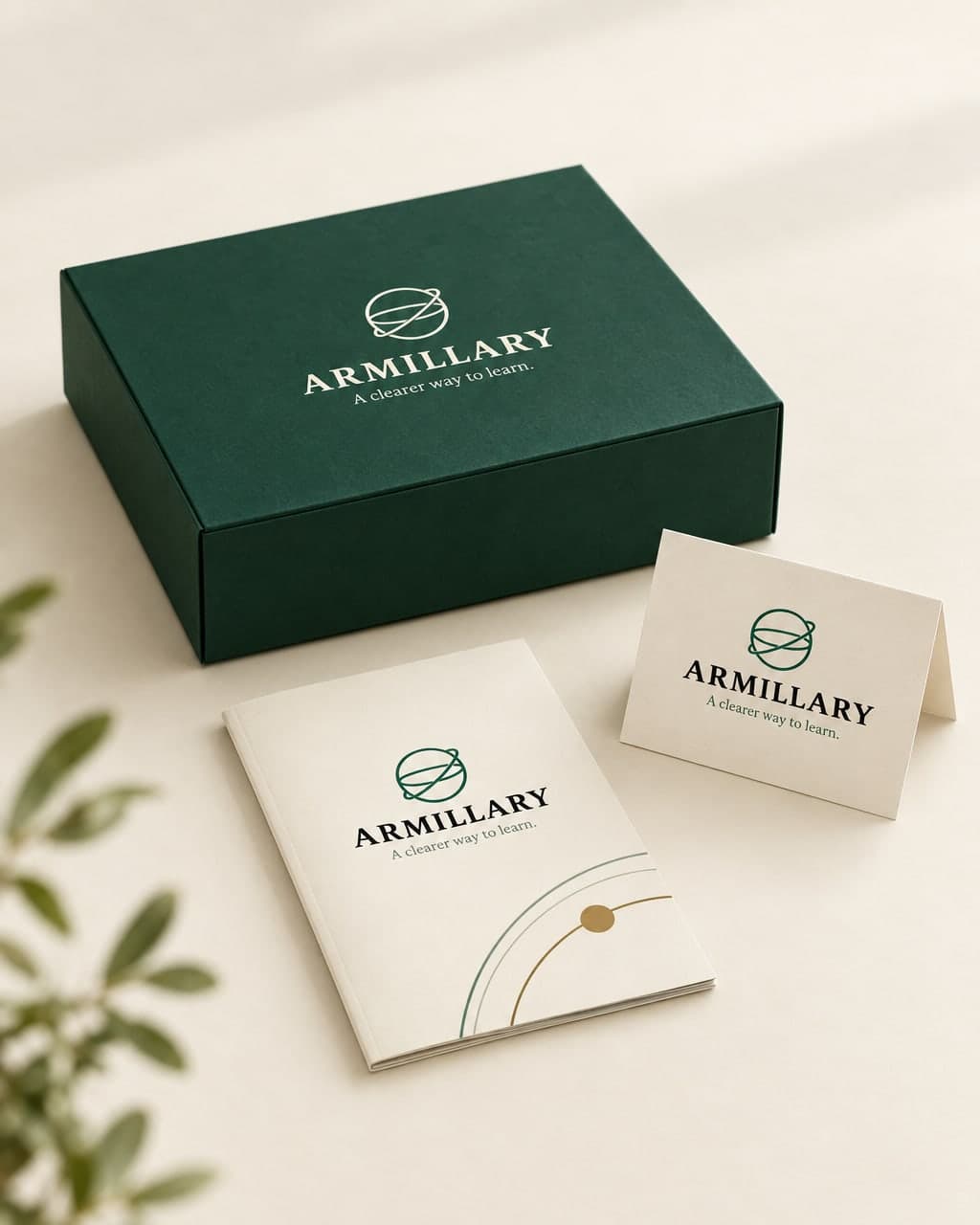 GPT Image 2.5 FlareAI Armillary Course-Kit Box Product Photo
Related examples
More from this brand
Other outputs generated from the same brand reference.