AI University Reading Room with Armillary Glass Signage
See a sunlit university reading room with students at a long oak table and the Armillary logo etched on a glass partition, made with GPT Image 2.5 Sunburst from one identity sheet.

Example breakdown
Why it stays on-brand
The only branding is the orbit logo and wordmark etched small on the glass, as the prompt asked, in the identity sheet's form.
Marketing use
Use it for a campus brochure, a website hero, or wayfinding and signage concepts.
Prompt
Late afternoon in a university reading room. Tall arched windows run down the left wall; low sun throws long parallel shadows across a pale stone floor and lights dust in the air. A long oak table fills the middle distance with brass task lamps at intervals. Two students read at the near end, one turning a page, faces angled down and away. Behind them, floor-to-ceiling shelves recede into softer light. On the right, a frameless glass partition carries the brand's logo and wordmark, etched small at eye height. Shot on a 35mm lens at f/4 from standing height, available light only, deep focus through the room, fine grain.
How this was generated
Brand DNA came from your reference visual. That DNA was applied as rules on top of the prompt used for this asset (shown in the Prompt section above).
- 1Reference creativeBrand DNA source
Upload path: BrandGen reads palette, typography, and style cues from one reference asset.
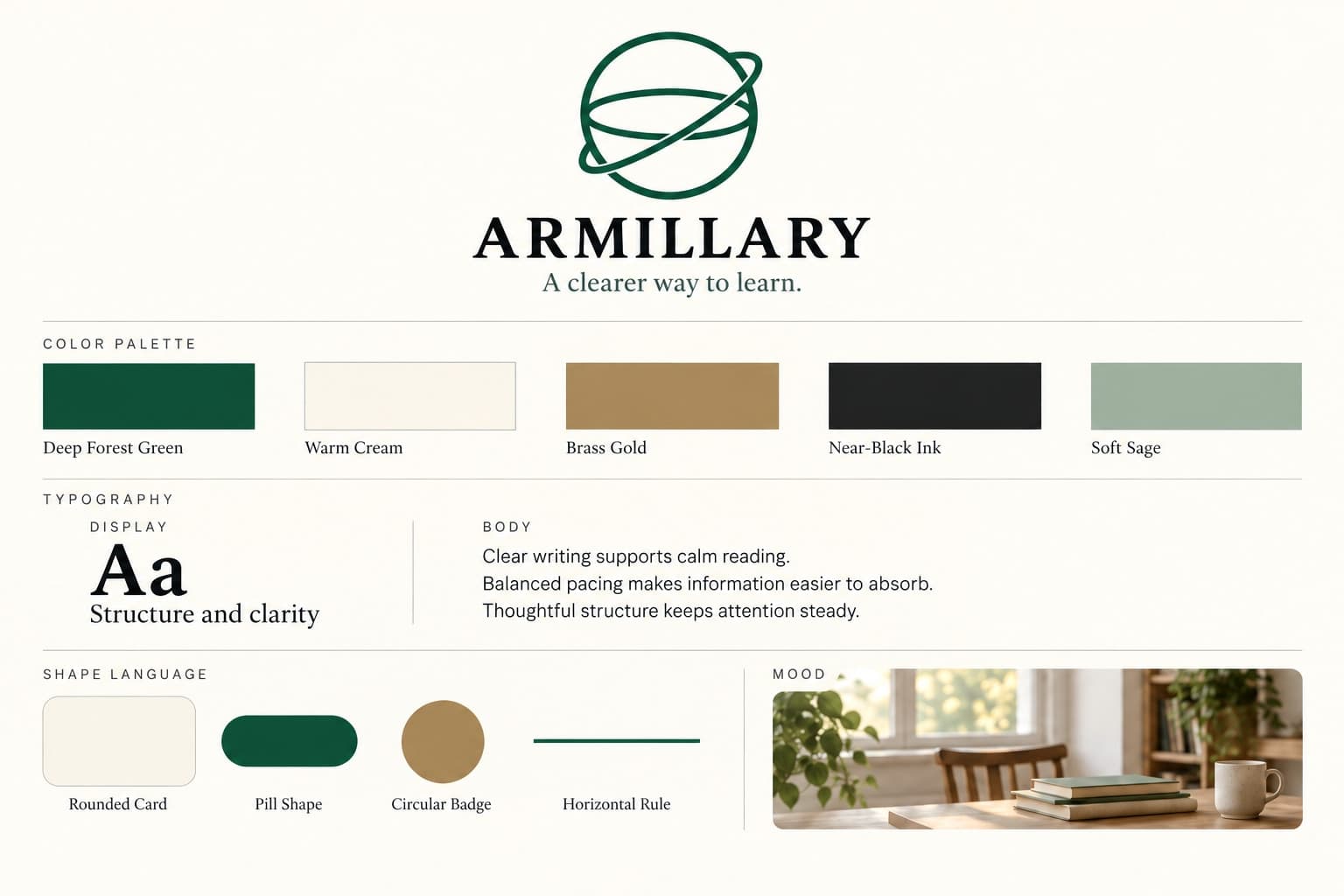
- 2Apply DNA to the prompt
Every generation runs through that DNA as hard constraints (colors, type, visual style, tone). The creative intent is entirely in the prompt already shown above.
- 3Final outputEducation
The same wording with different DNA would look like a different brand. This image used the Brand DNA from step 1.
Related guides
Related examples
More from this brand
Other outputs generated from the same brand reference.
More examples
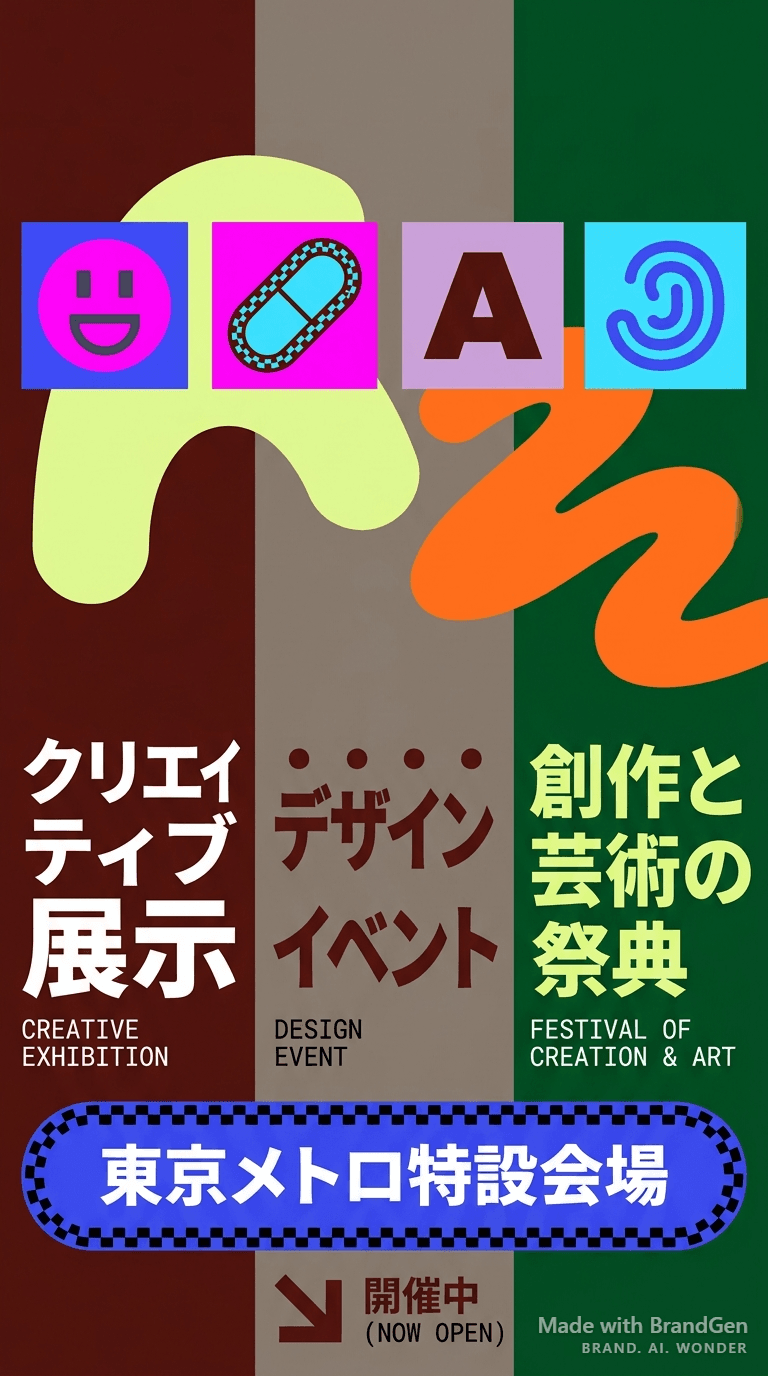
AI Figma-Style Tokyo Metro Poster

AI Editorial Fashion Brand Poster
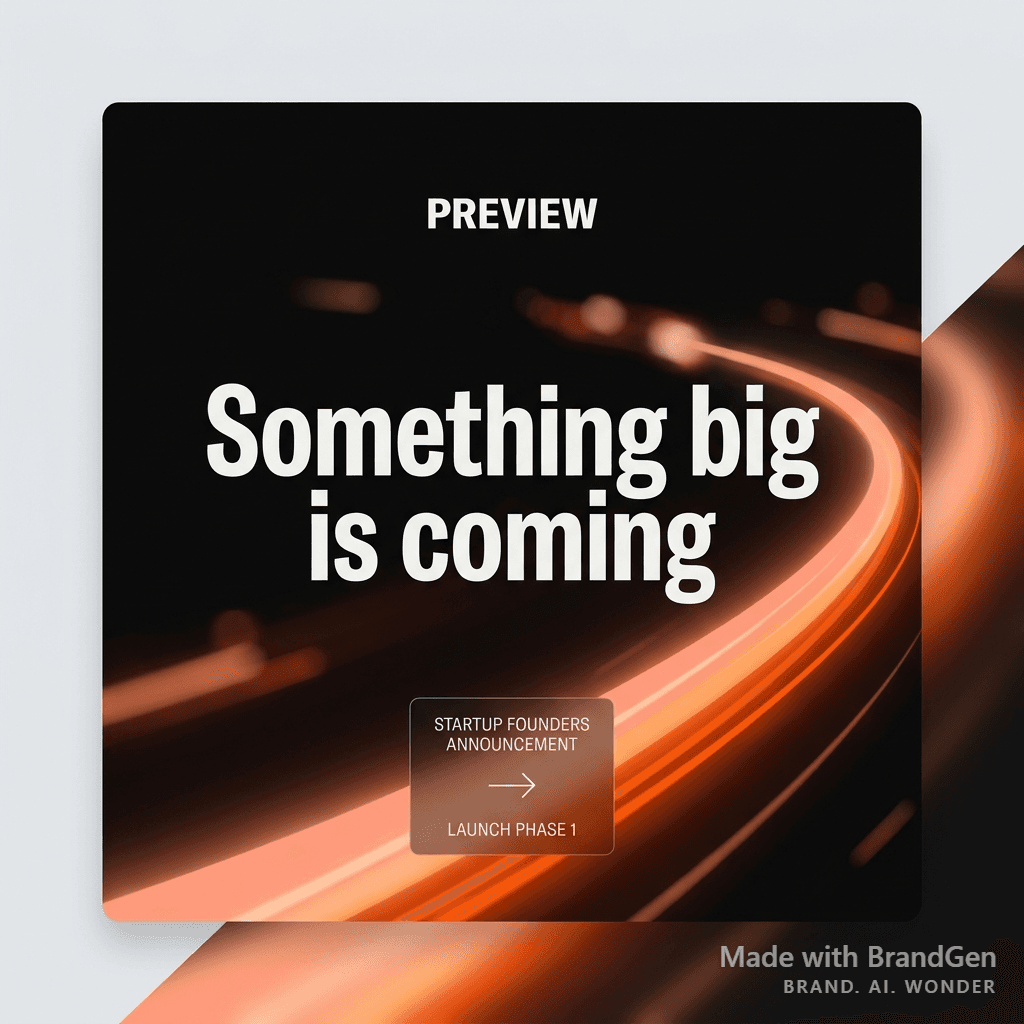
AI Startup Launch Social Post
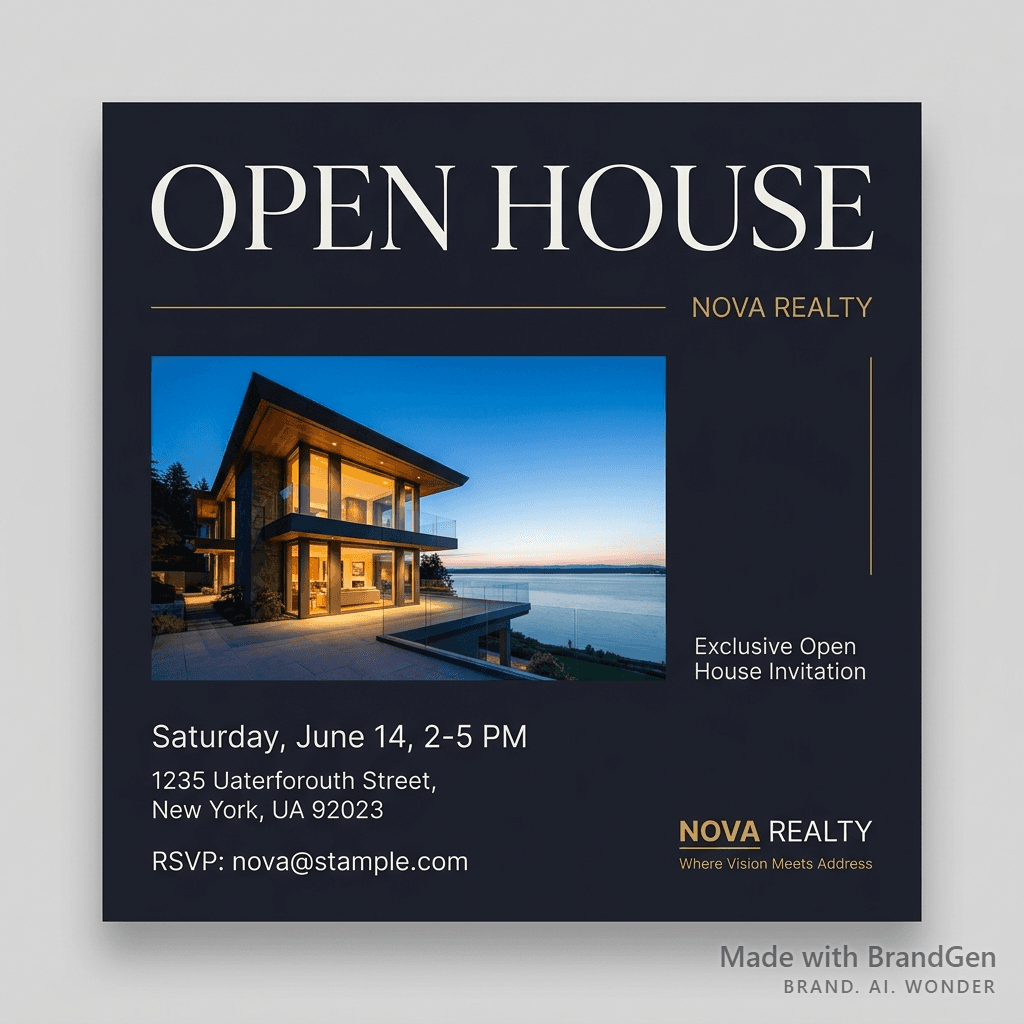
AI Luxury Real Estate Open House Invite
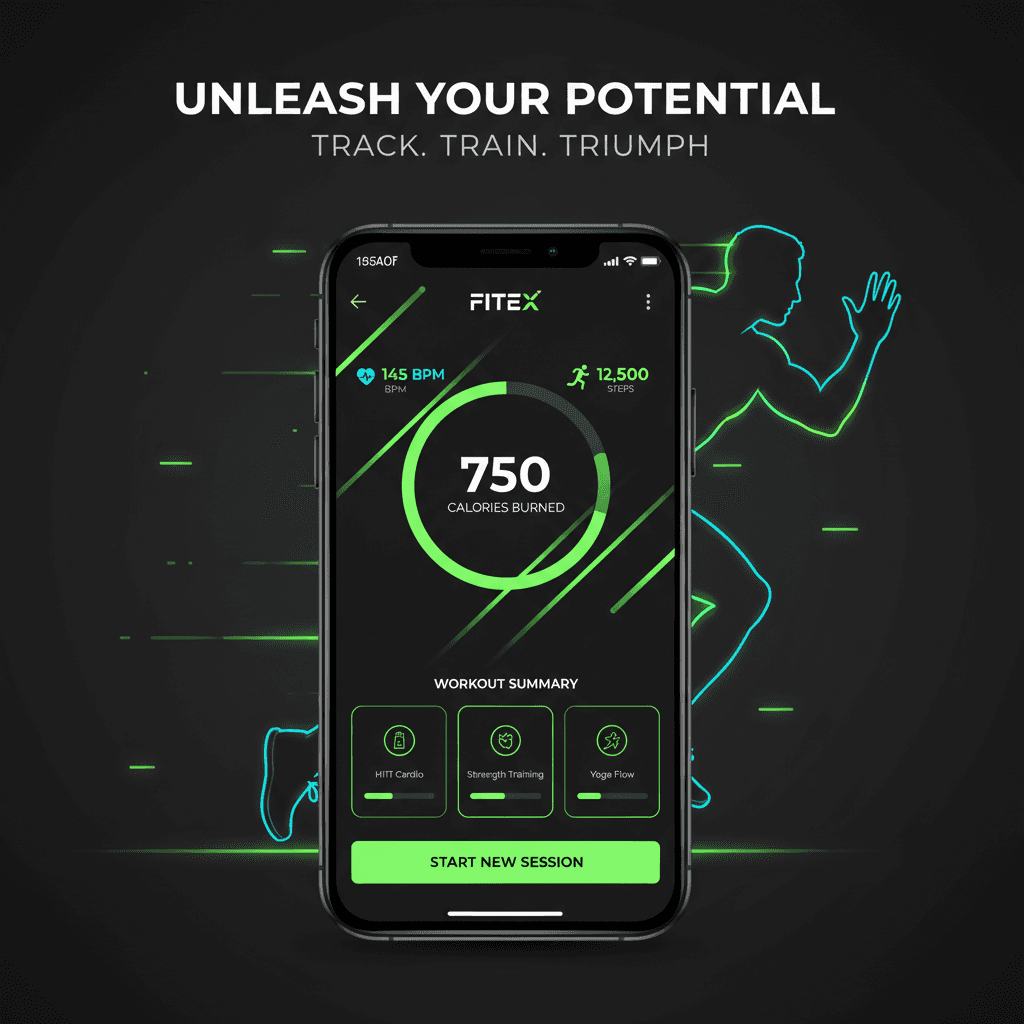
AI Fitness App Promotion Graphic
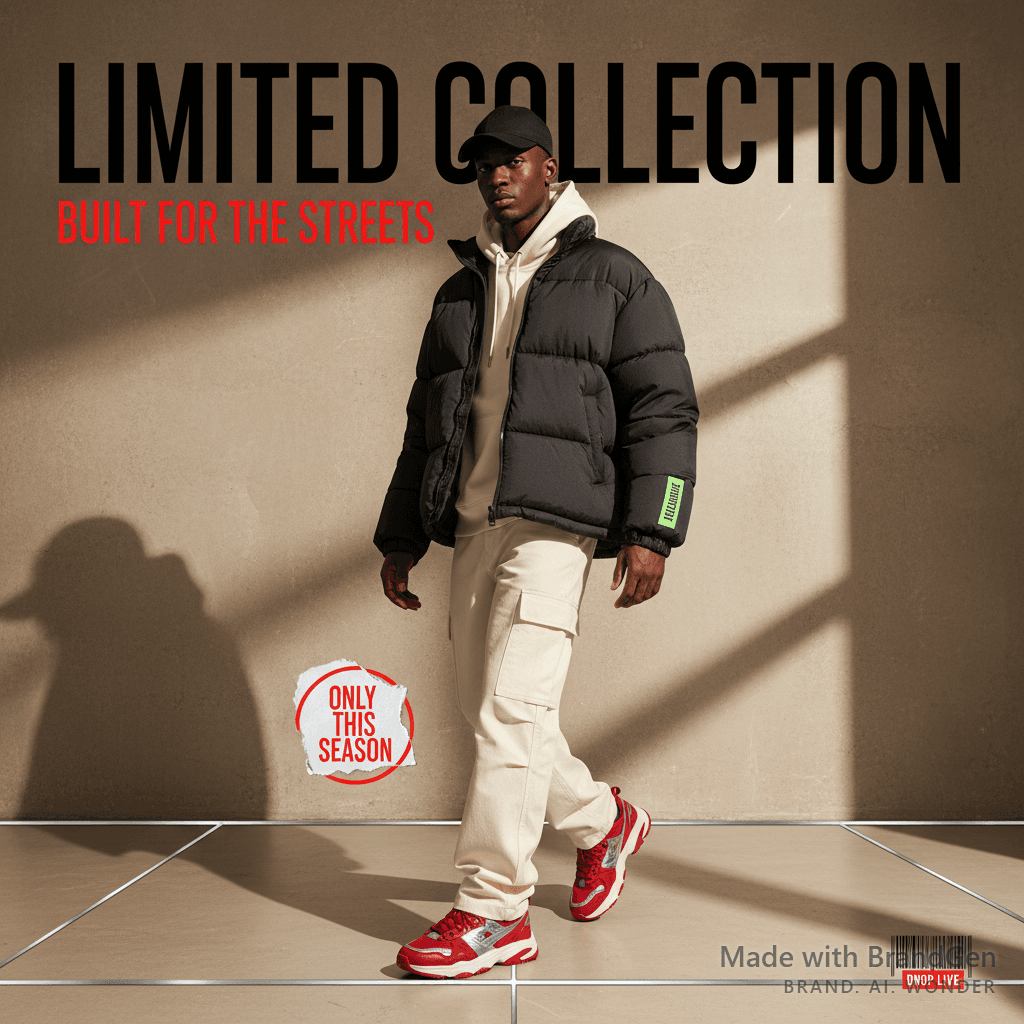
AI Streetwear Limited Drop Post
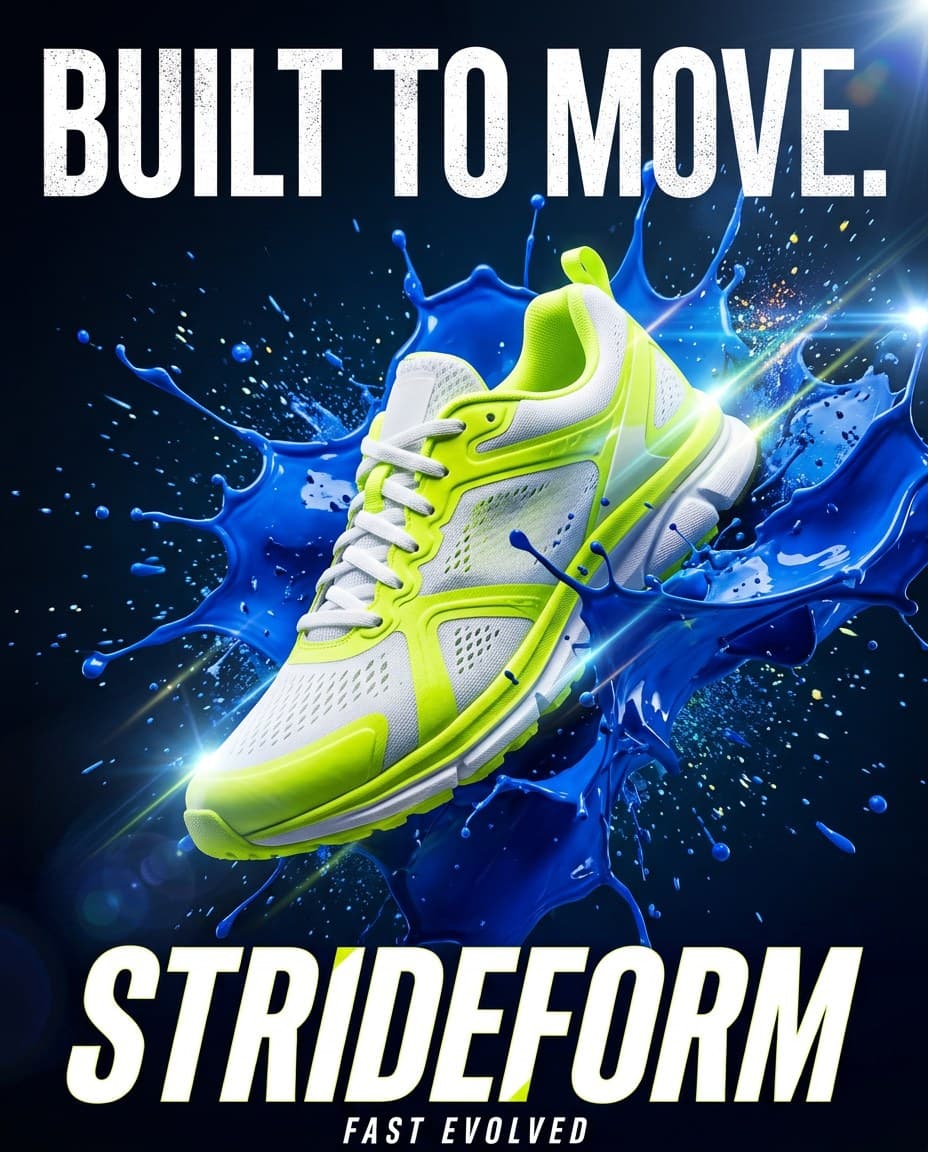
AI Strideform Running Sneaker Built to Move Launch Poster
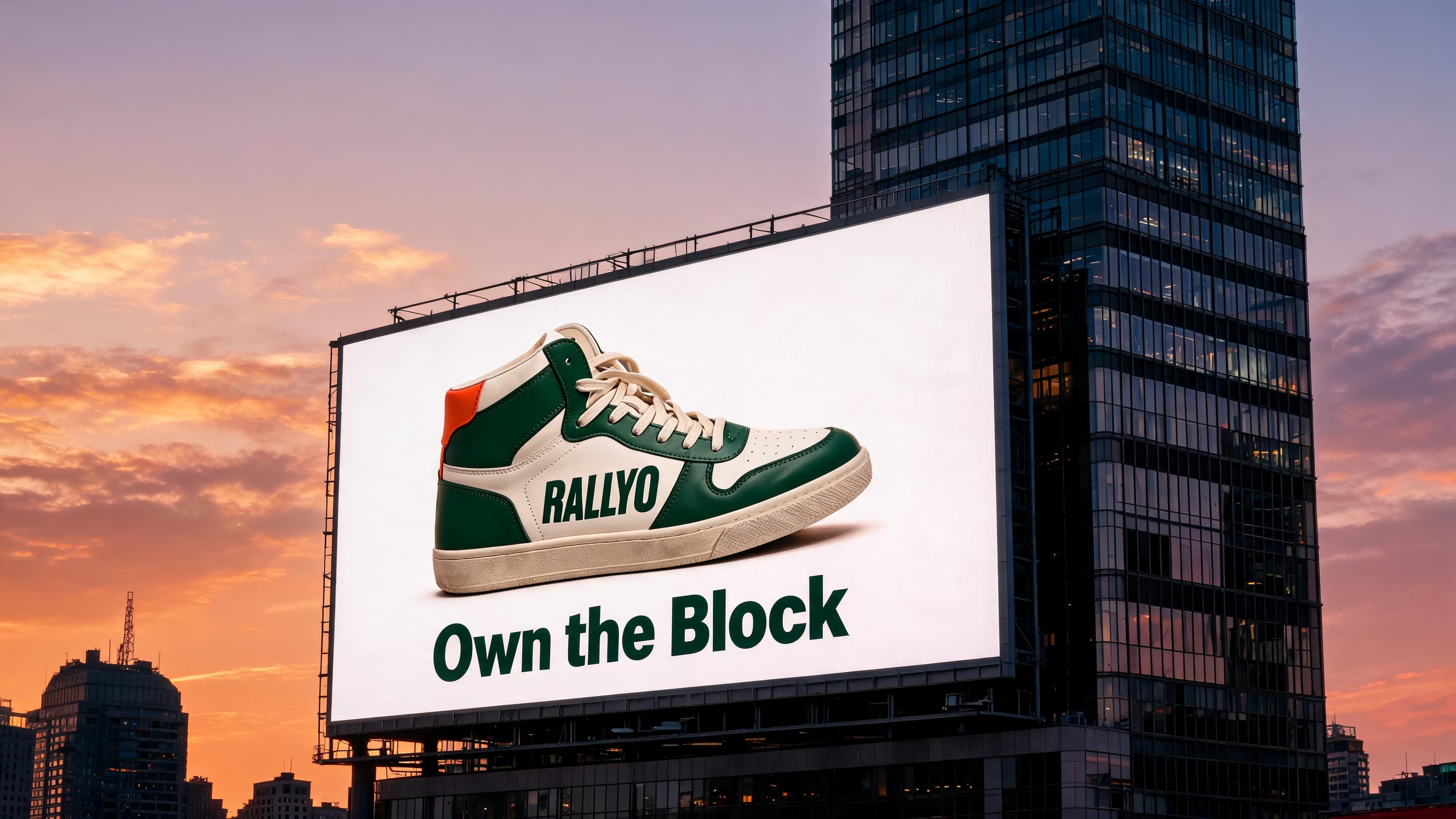
AI Sneaker Billboard on a City Building at Dusk