AI Compiler Pipeline Educational Infographic
See a seven-stage compiler pipeline infographic generated with GPT Image 2.5 Flare, built in the visual system of an uploaded reference on a completely different subject.
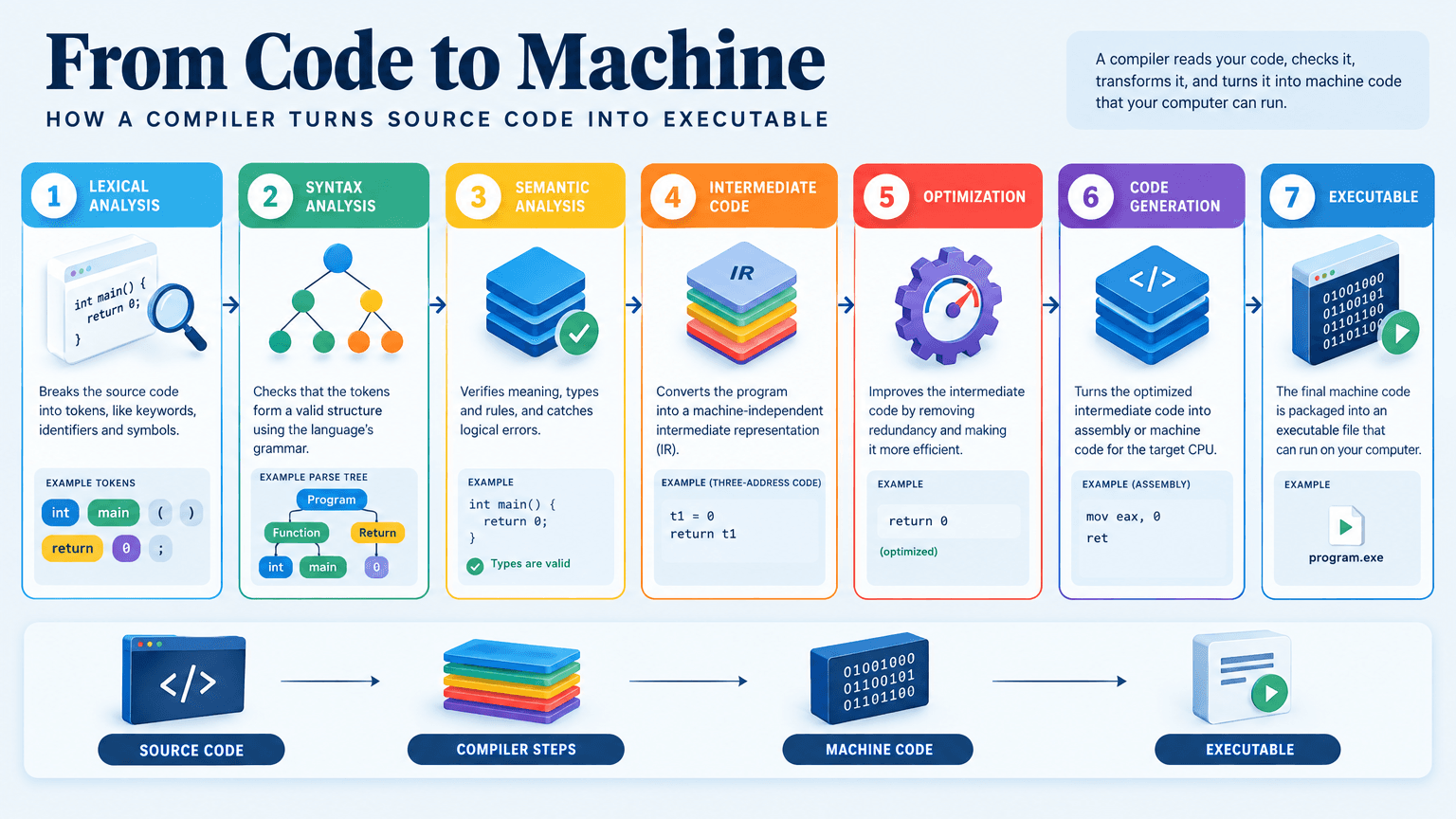
Example breakdown
Why it stays on-brand
The pale ground, navy structure, sequential step colours, numbered circular badges and serif-over-sans pairing all come from the reference, applied to subject matter it never covered.
Marketing use
Use it for course materials, technical explainers, lecture slides, documentation hero images, or educational social posts.
Prompt
Create a university-level educational infographic explaining how a compiler turns source code into executable machine code, showing the journey from source code through lexical analysis, syntax analysis, semantic analysis, intermediate code, optimization, code generation, and the final executable, with simple real-world examples, clear visual connections, helpful diagrams, and concise explanations that make the process easy for a student to understand.
How this was generated
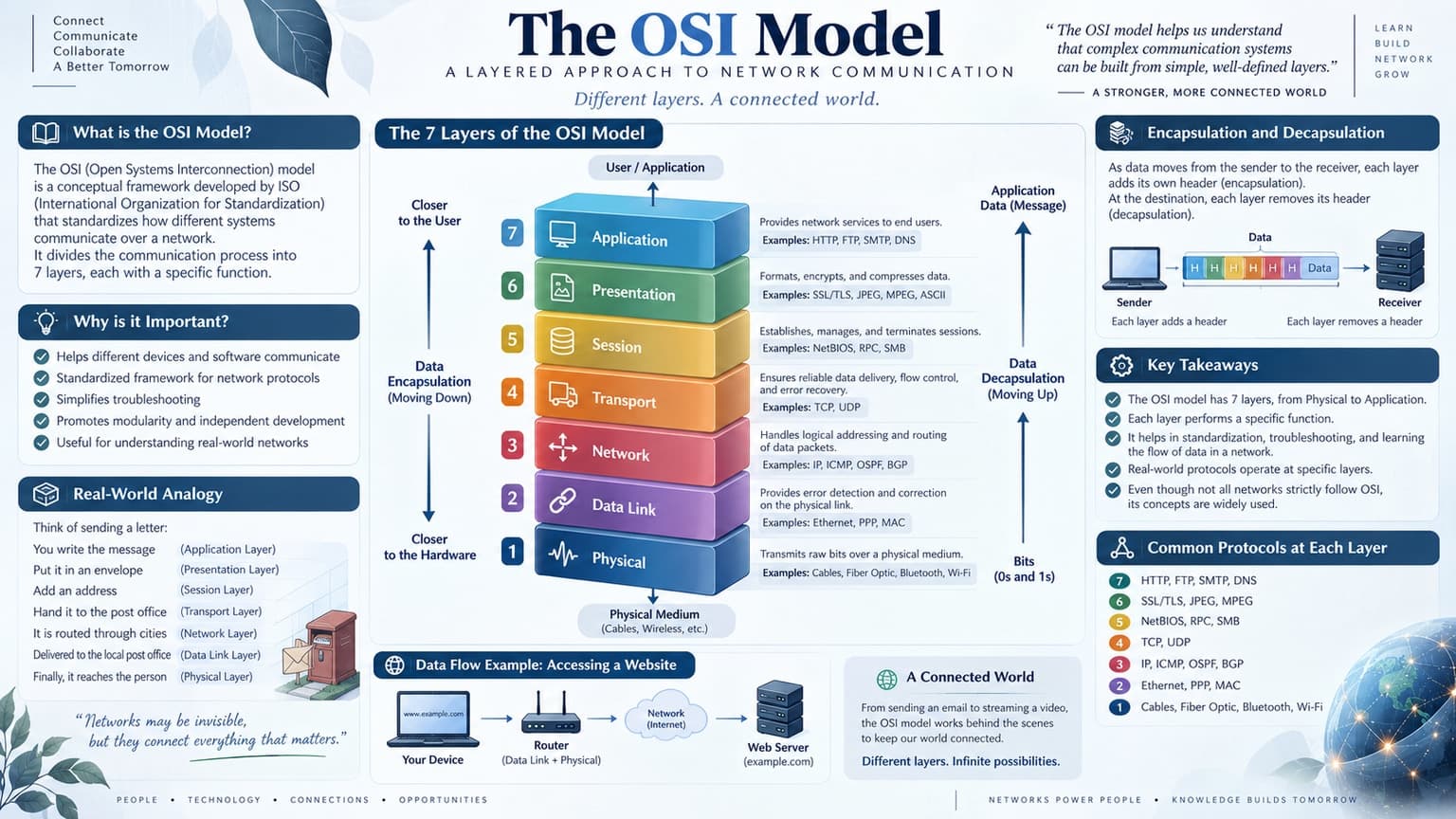
Brand DNA came from your reference visual. That DNA was applied as rules on top of the prompt used for this asset (shown in the Prompt section above).
- 1Reference creativeBrand DNA source
Upload path: BrandGen reads palette, typography, and style cues from one reference asset.
- 2Apply DNA to the prompt
Every generation runs through that DNA as hard constraints (colors, type, visual style, tone). The creative intent is entirely in the prompt already shown above.
- 3Final outputEducation
The same wording with different DNA would look like a different brand. This image used the Brand DNA from step 1.
Related guides
Same prompt, other model
The identical prompt and brand reference, run on a second model. Compare how each one handled it.
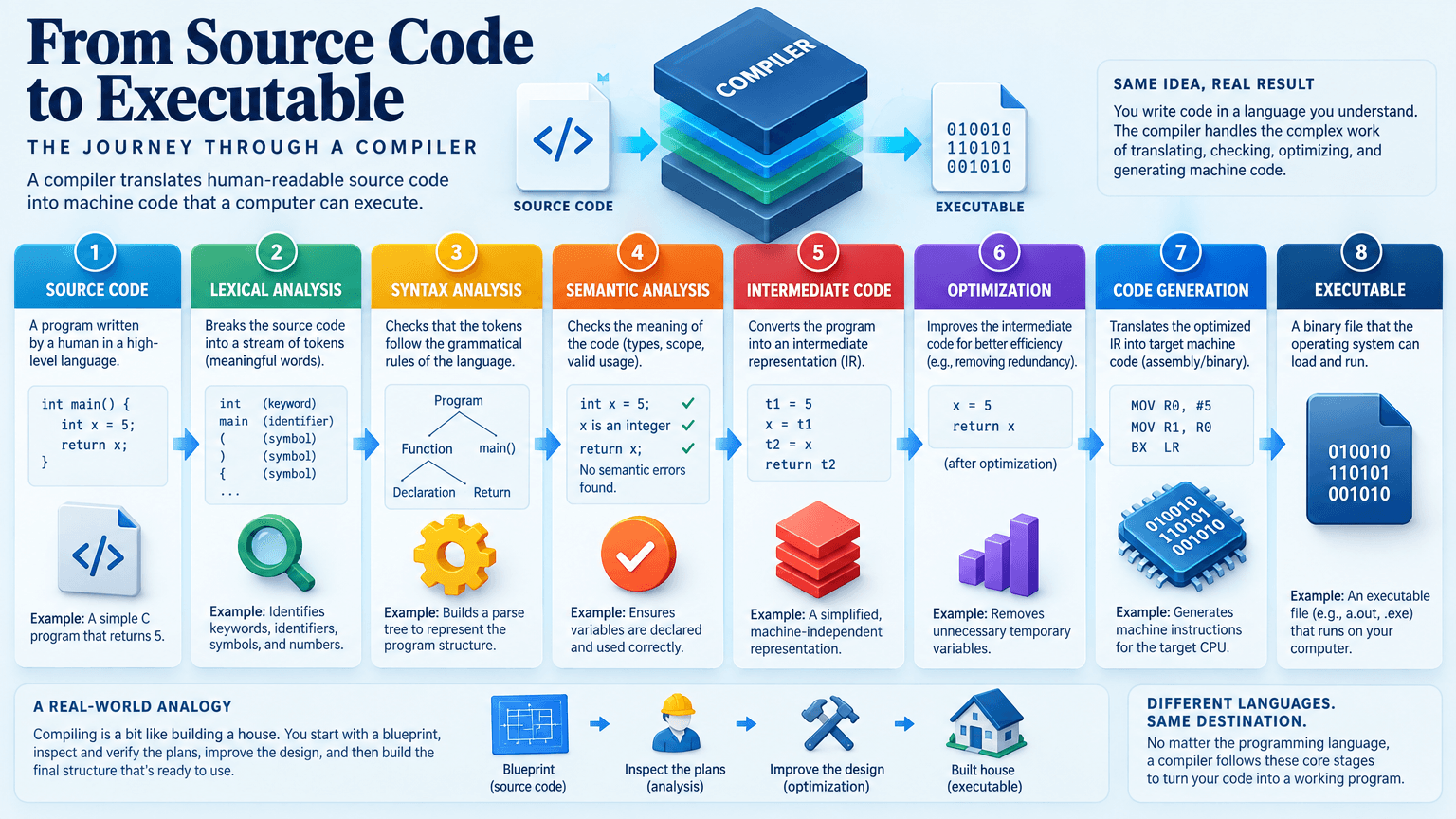 GPT Image 2.5 SunburstAI Compiler Pipeline Infographic, Sunburst Variant
Related examples

More examples
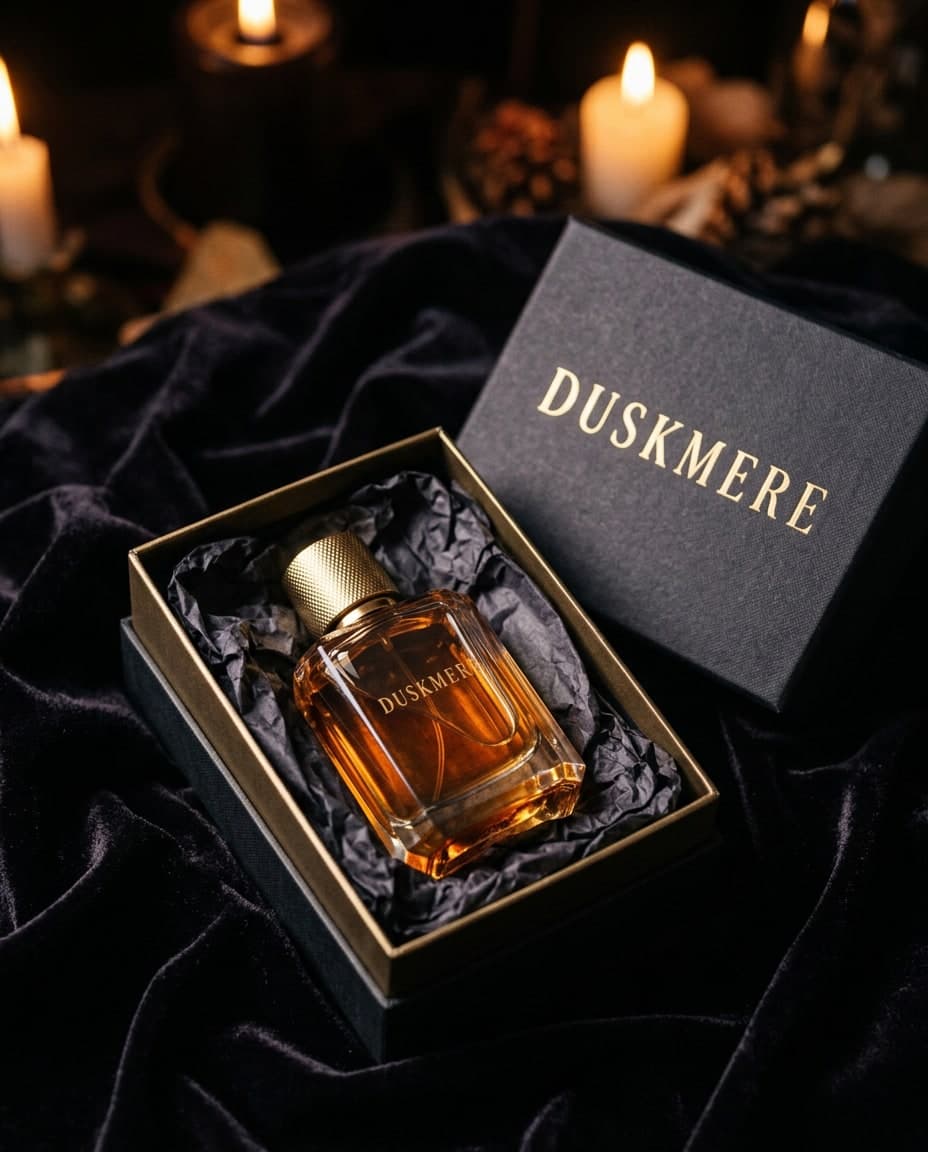
AI Duskmere Perfume Gift Box on Velvet
 AI-generated
AI Green Chilli Taqueria Wall Mural
 AI-generated
AI Orrery Bright Big Picture Social Banner
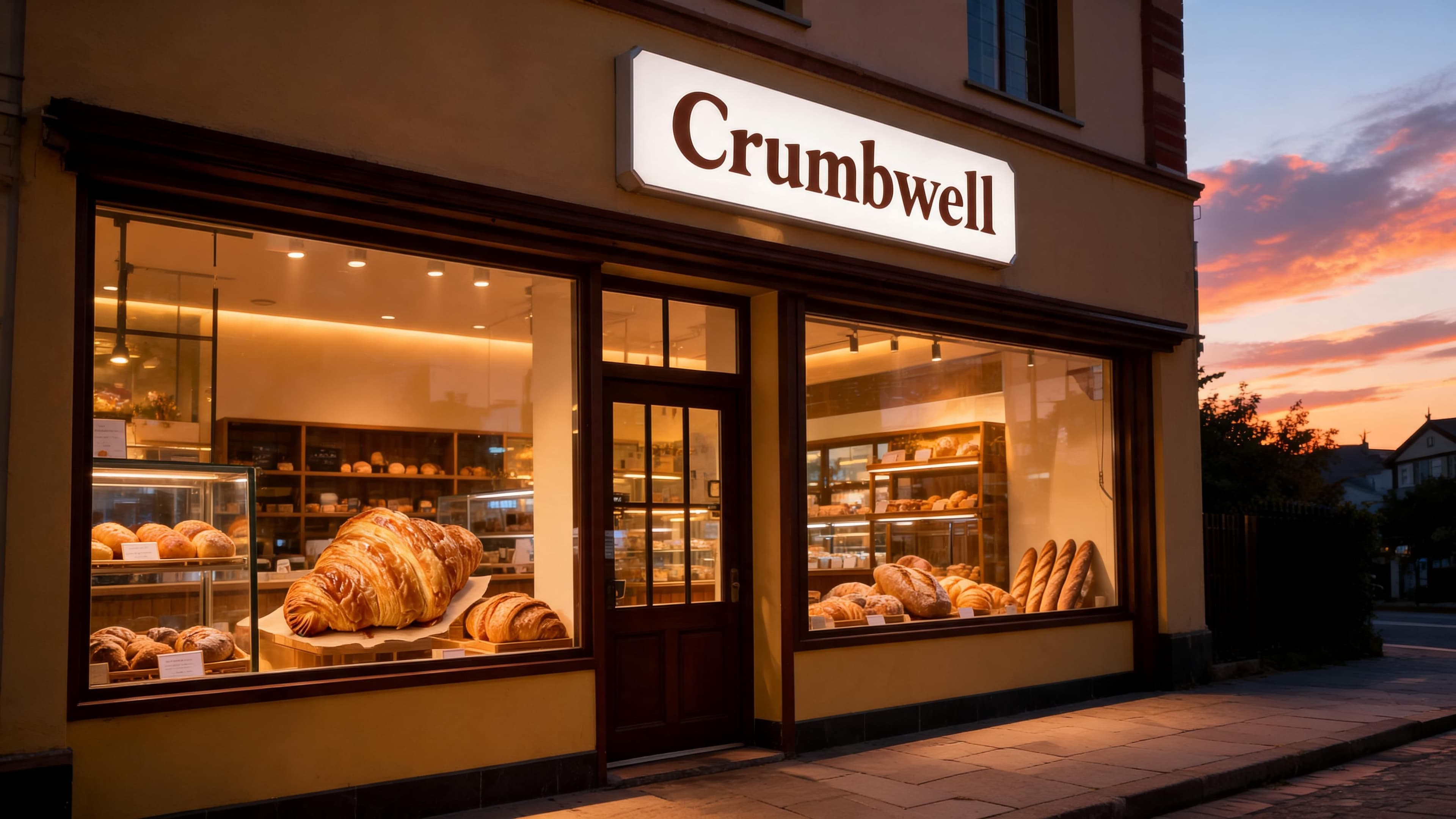
AI Bakery Storefront at Dusk, 4K, for Crumbwell
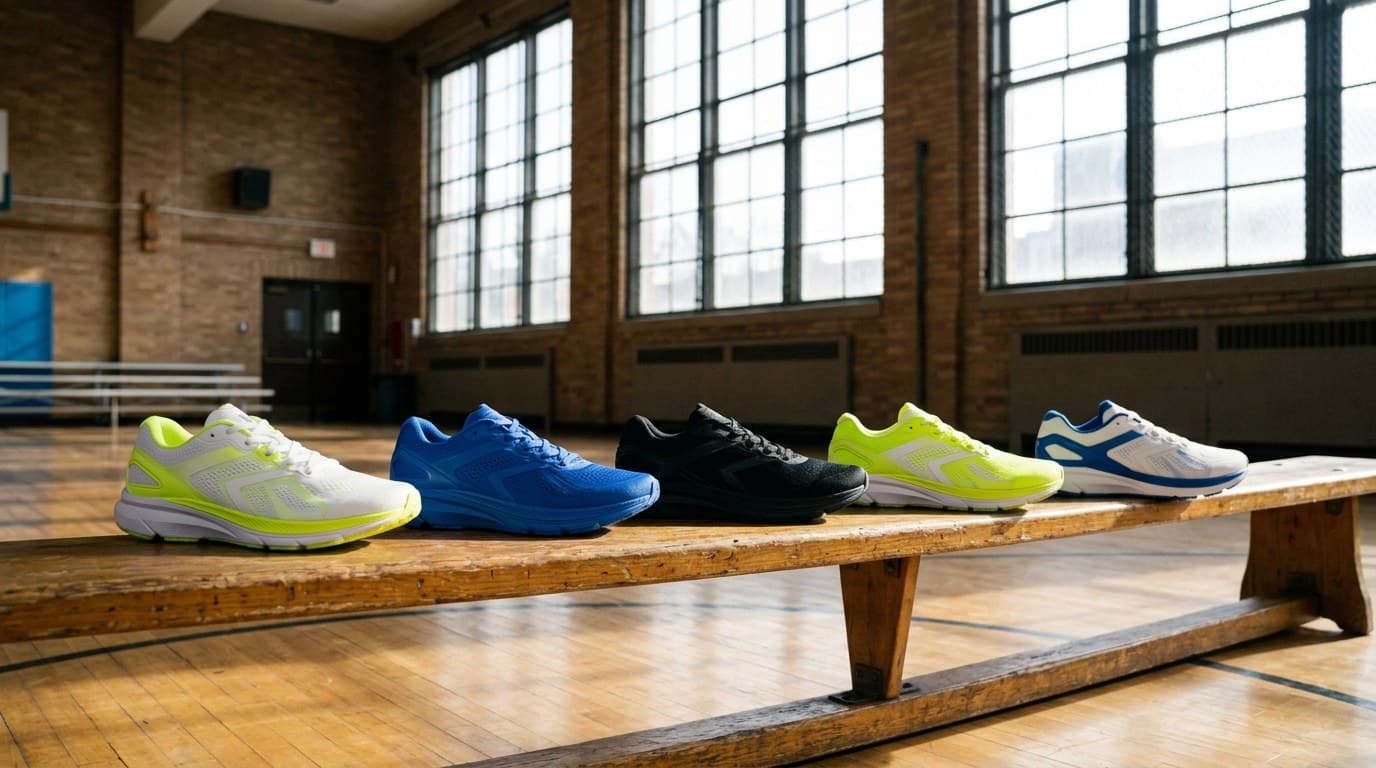
AI Strideform Five Colourways on a Gym Bench
AI Quillmere Ink Bottle Label Close-Up
 AI-generated
AI Spokeling Brass Bicycle Bell Macro
AI Tidewick Candle Jar Label and Wooden Lid