- Attach an image
One photo, any scene.
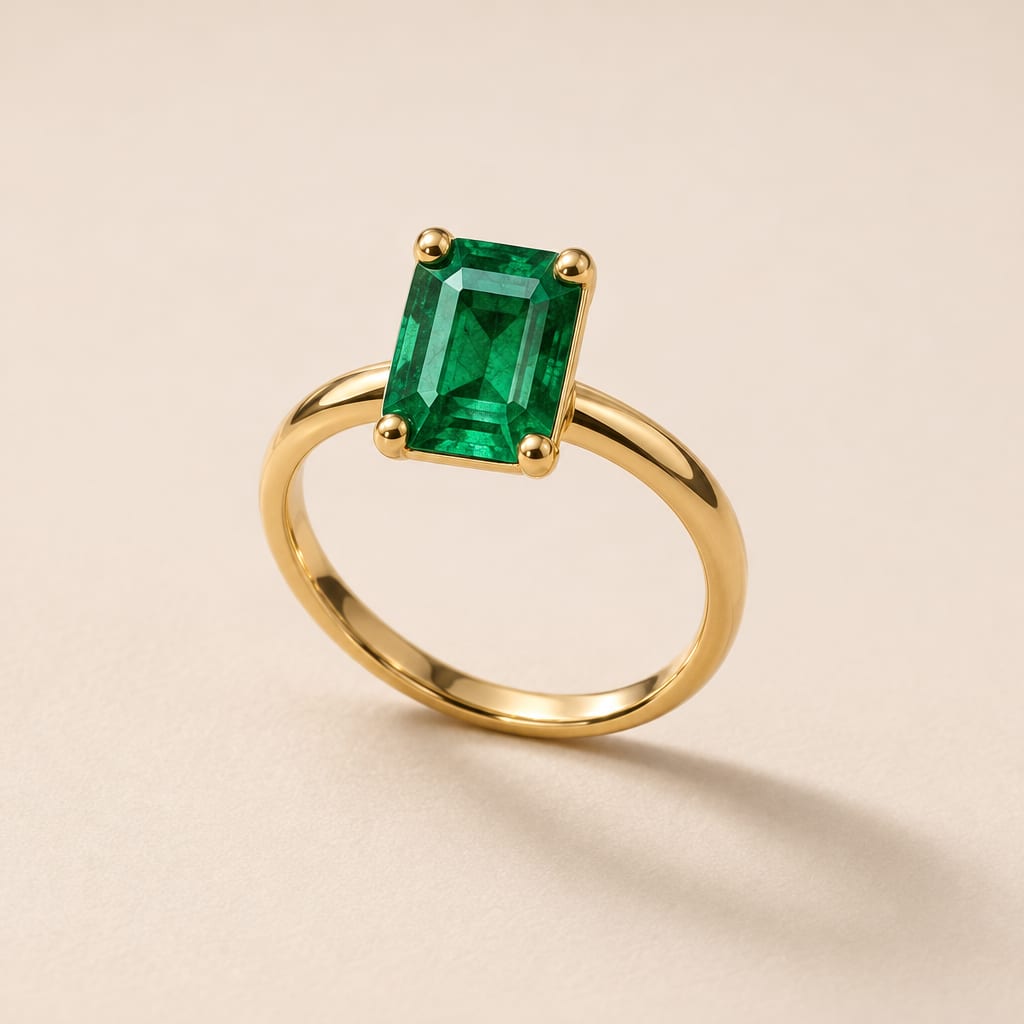
Attach a plain product photo and describe the scene. The ring keeps its stone, setting and band.
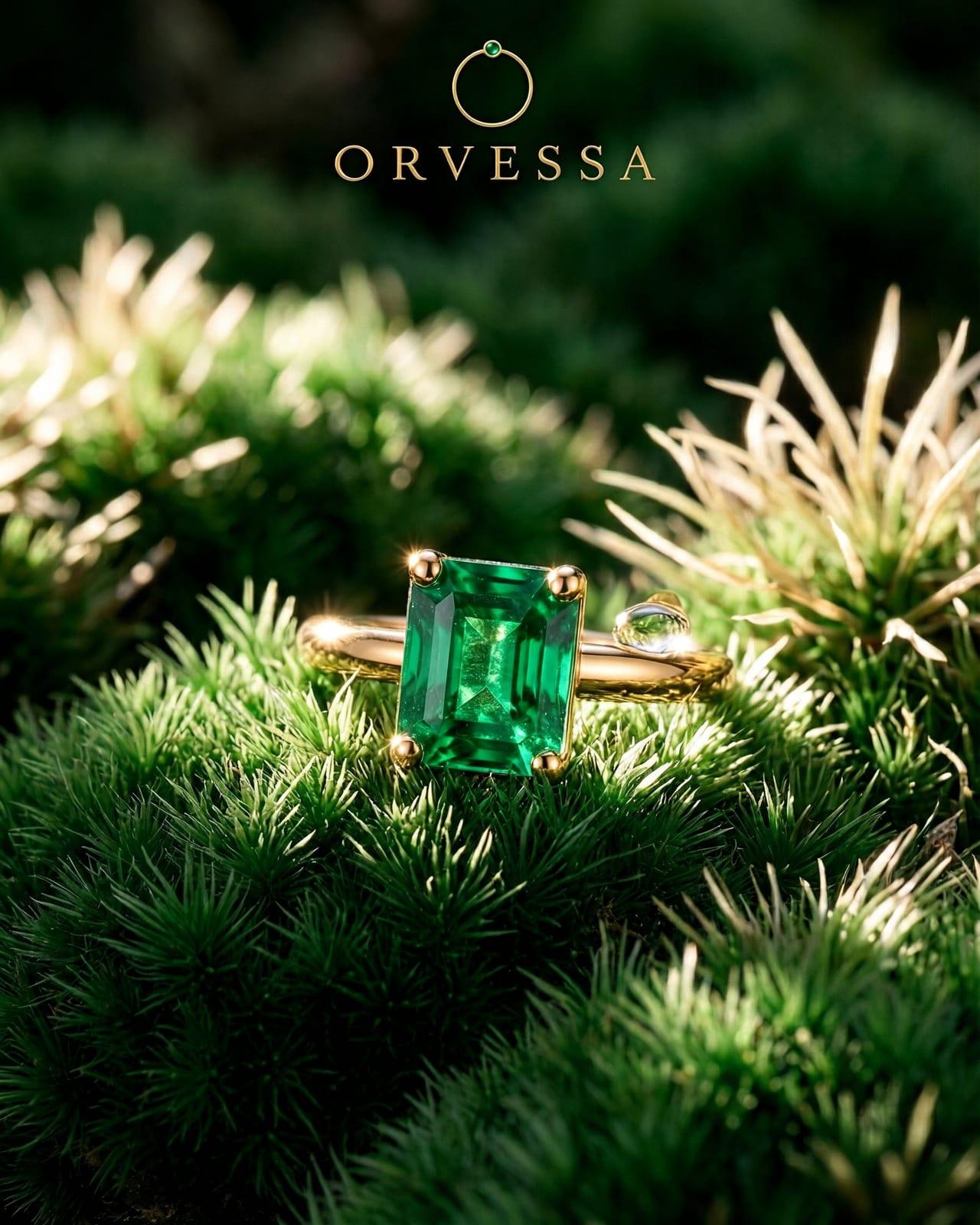
Attach one product photo and place it anywhere, from a moss bed to a market stall, up to 4K on Max.
 Orvessa
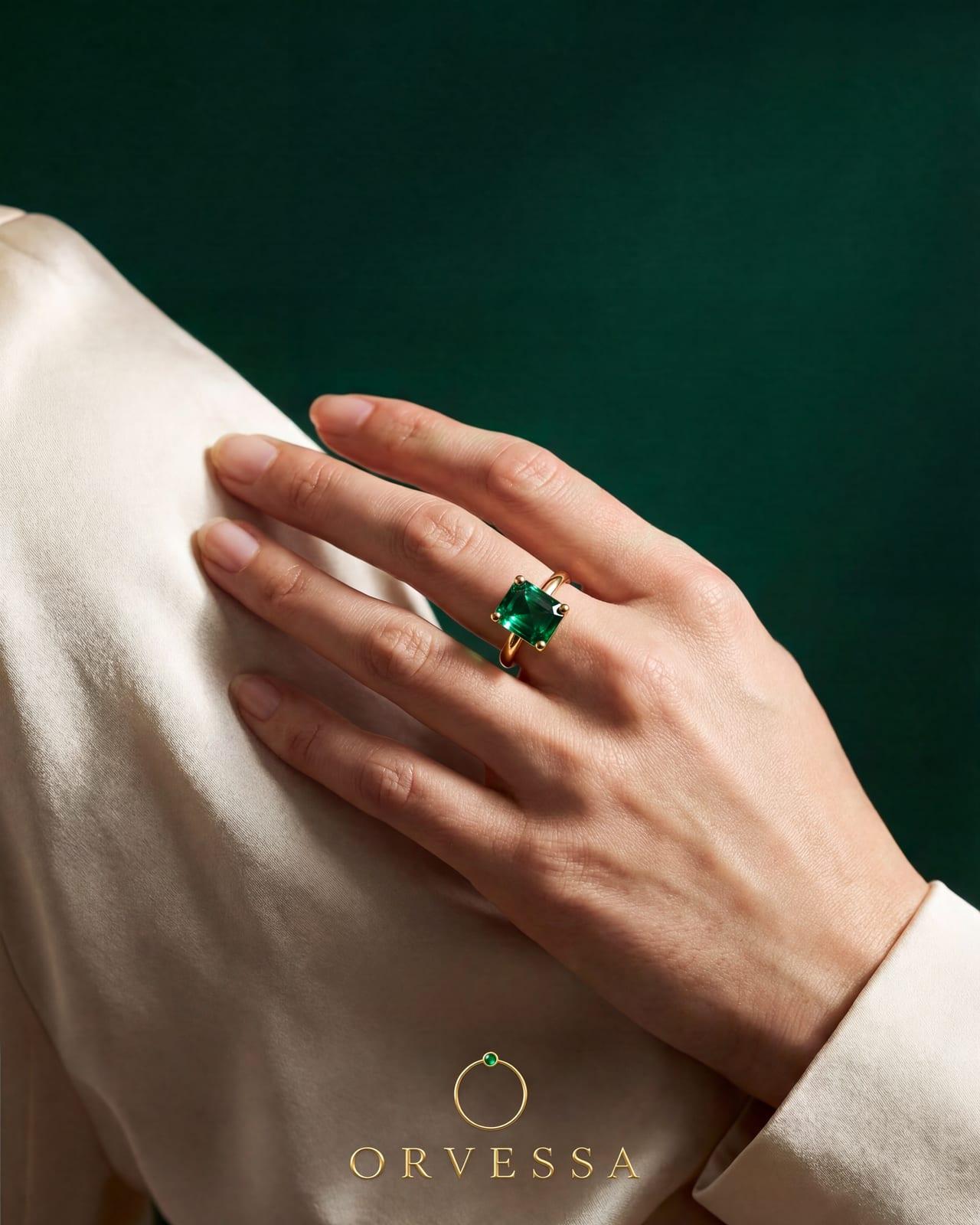
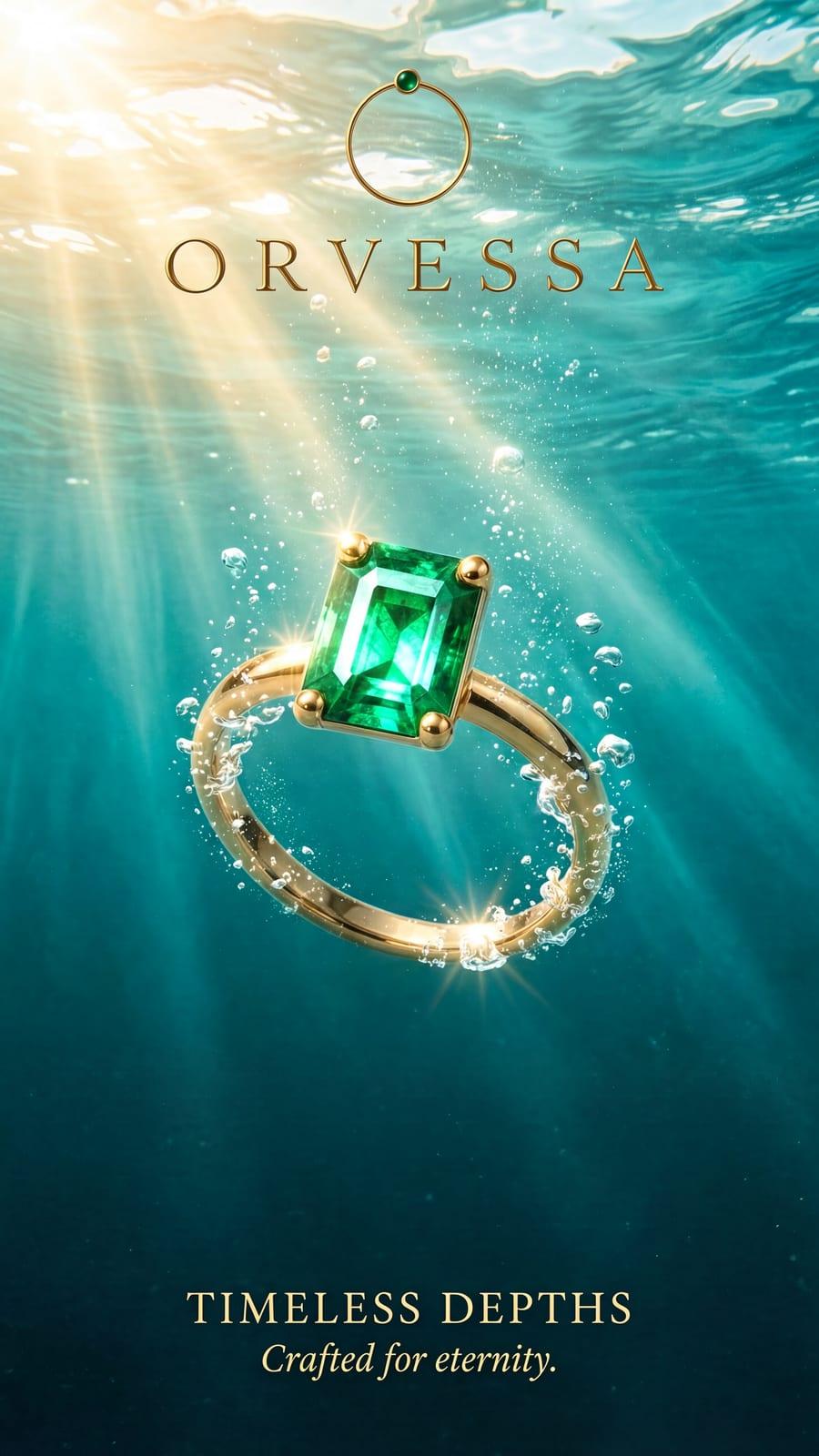
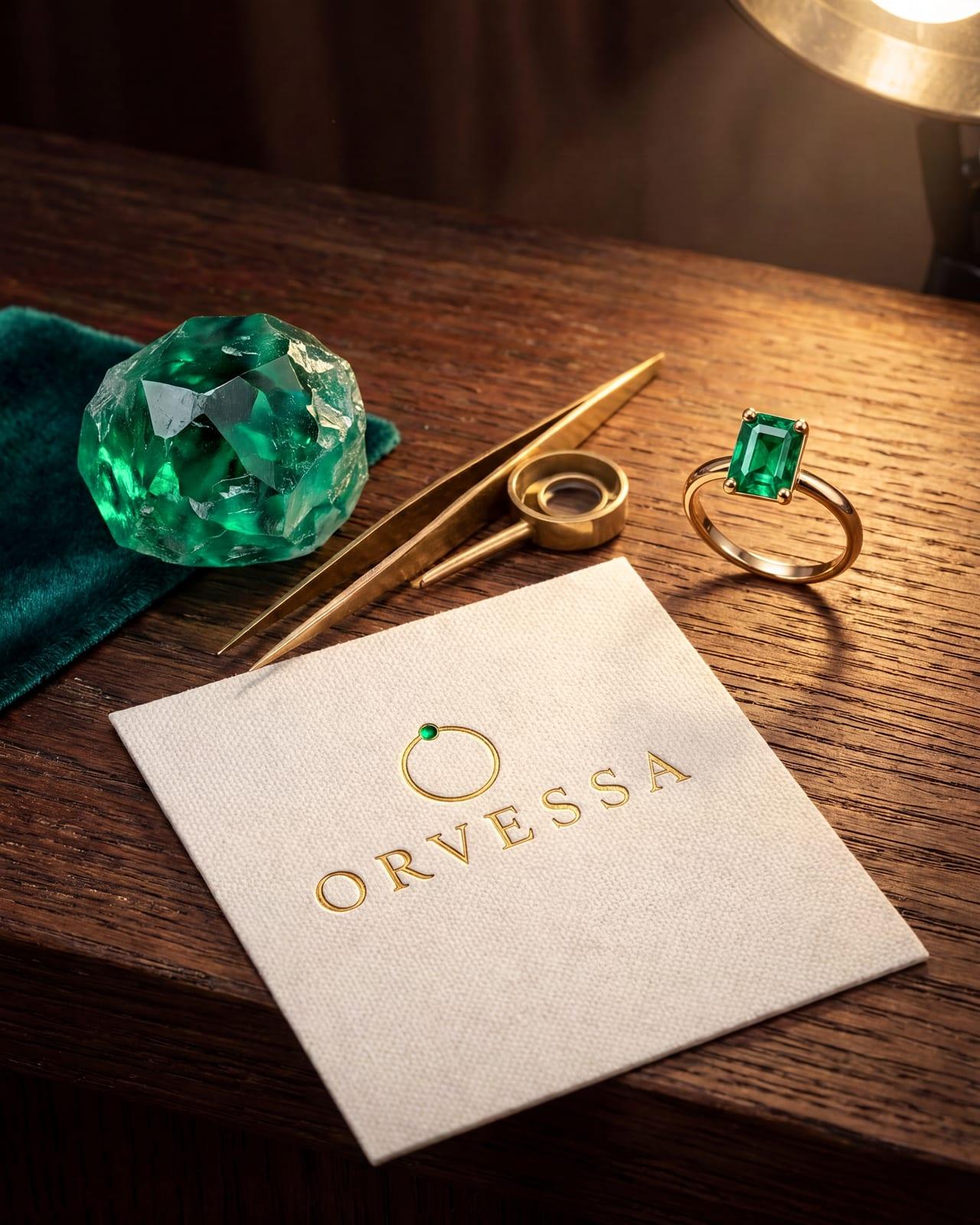
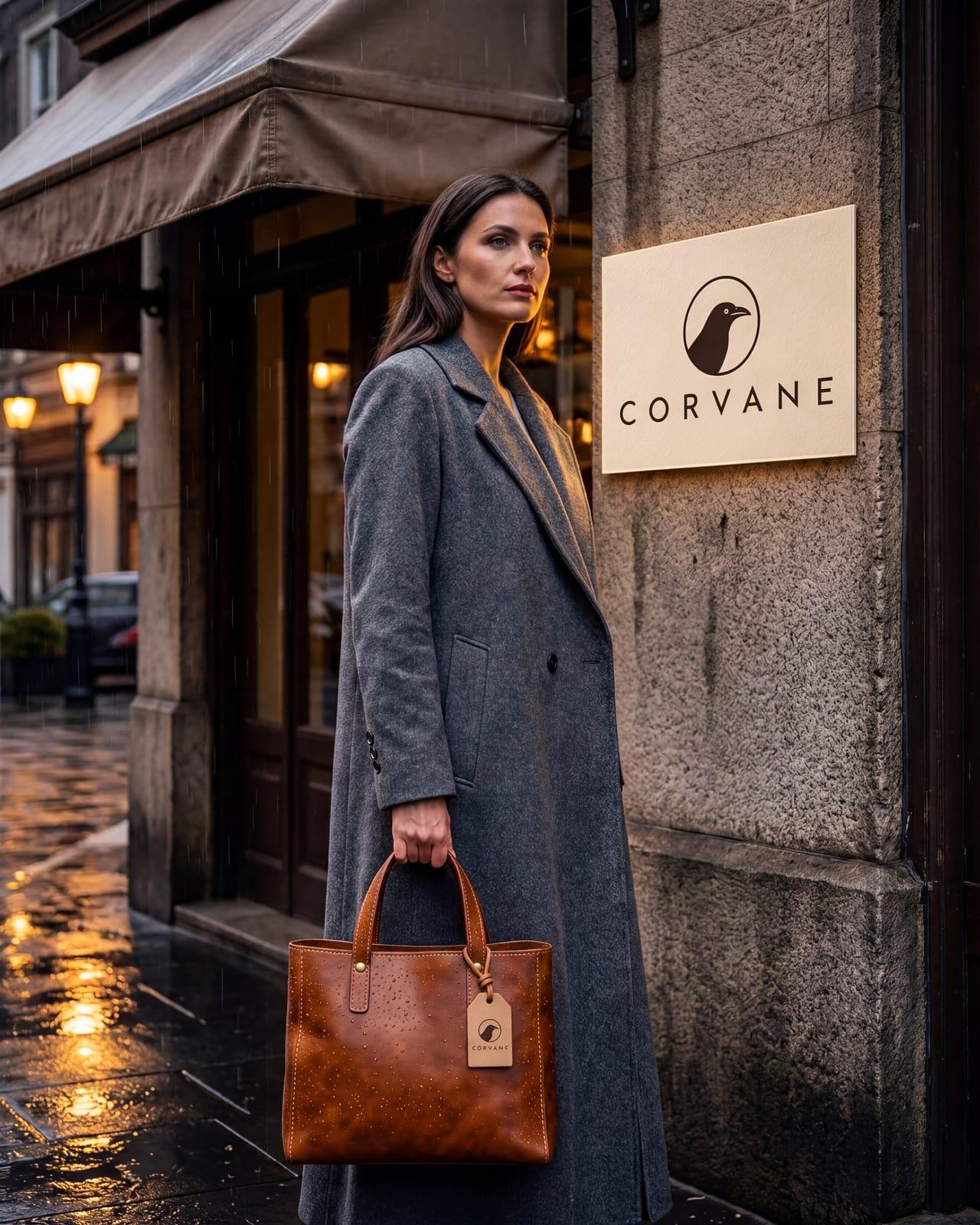
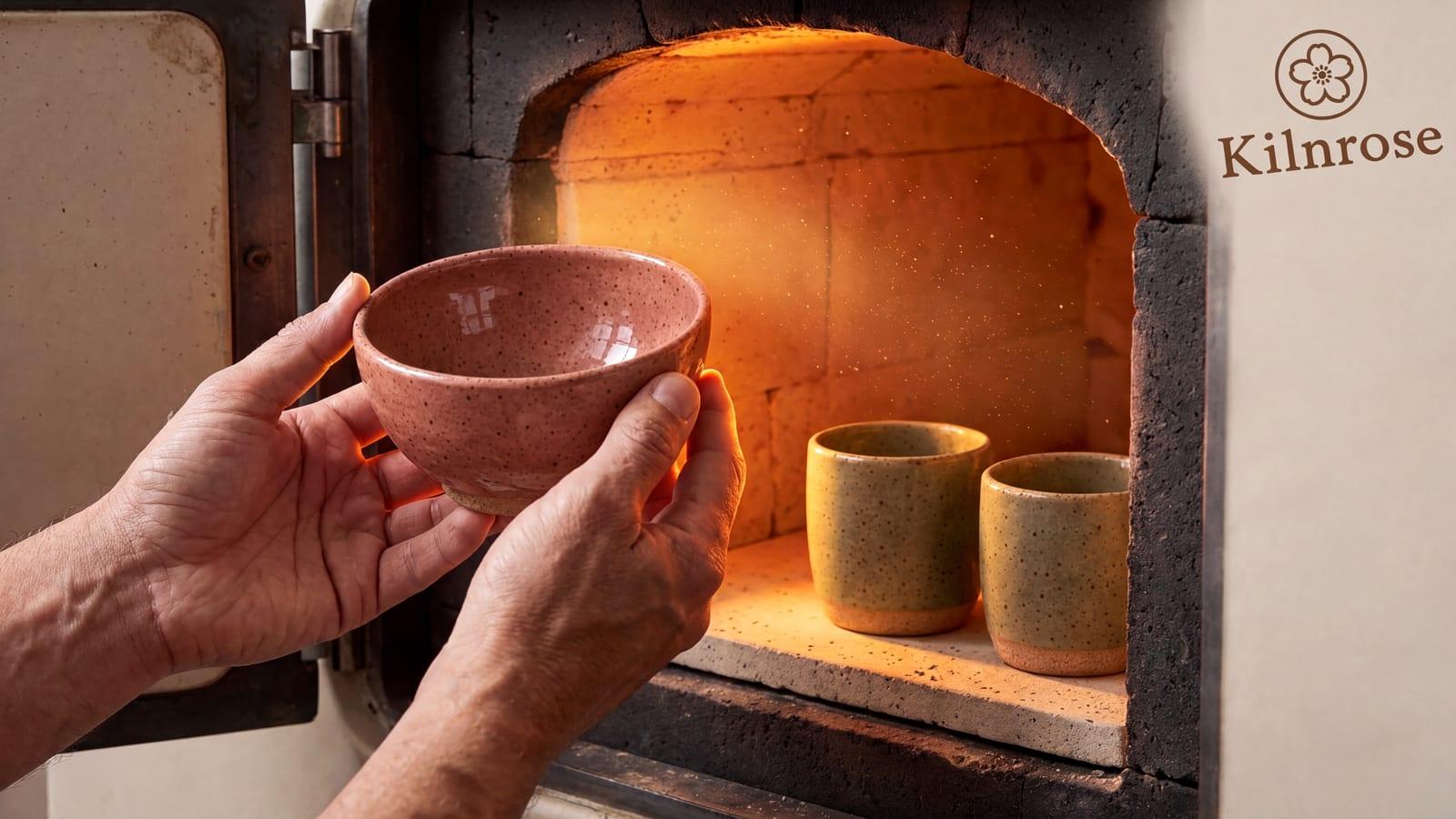
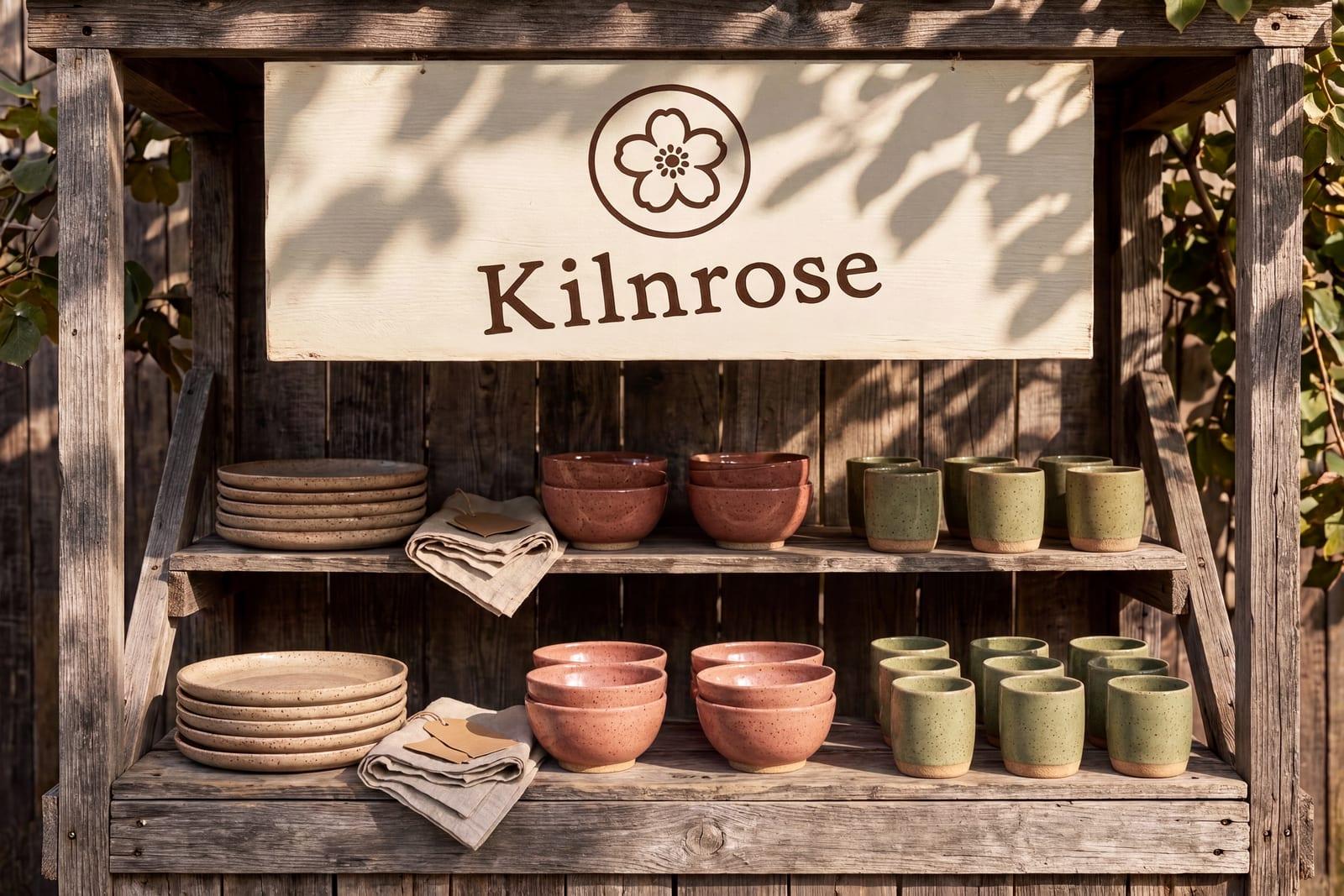
Attach a plain product photo and describe the scene. The ring keeps its stone, setting and band.
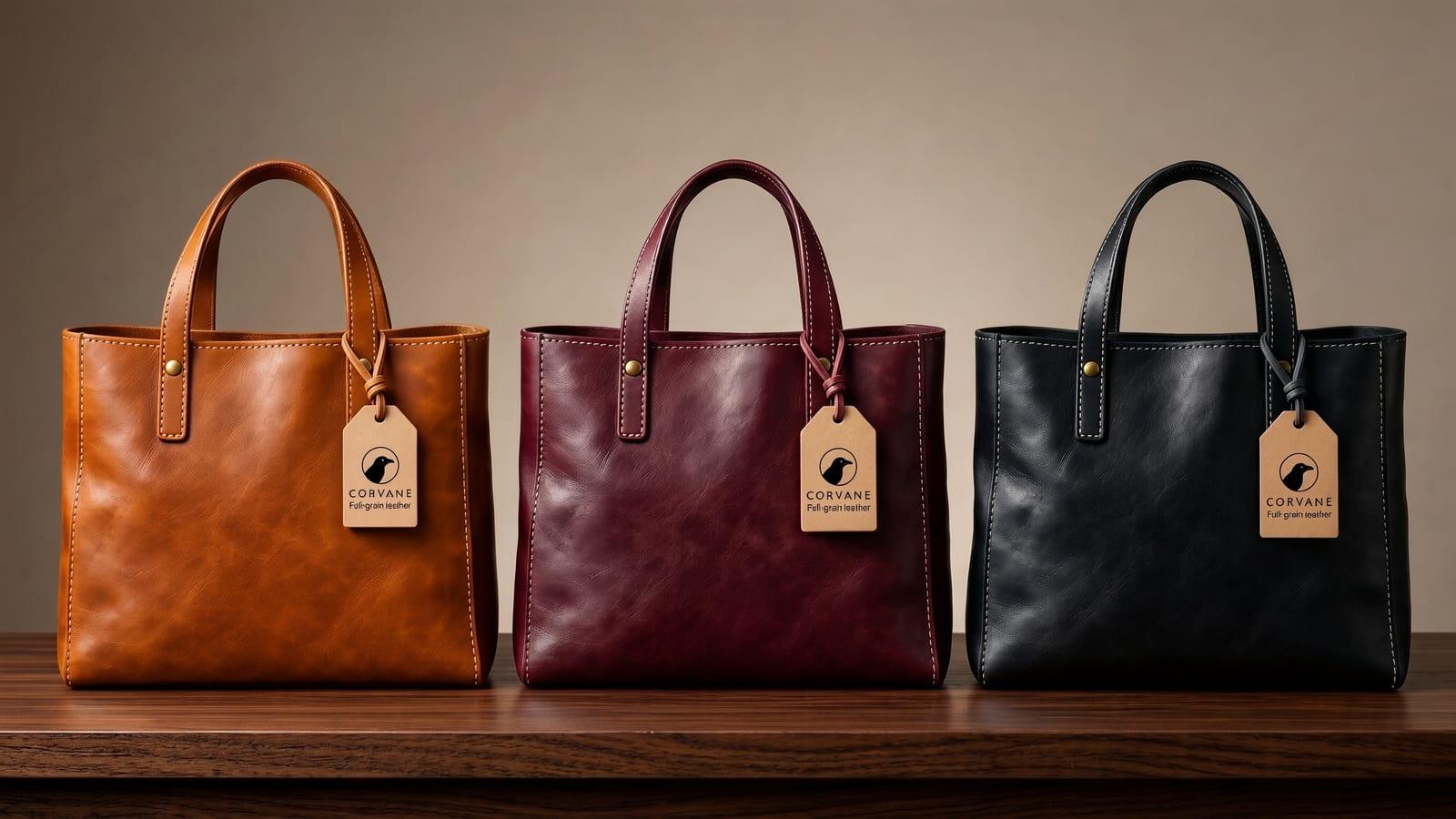
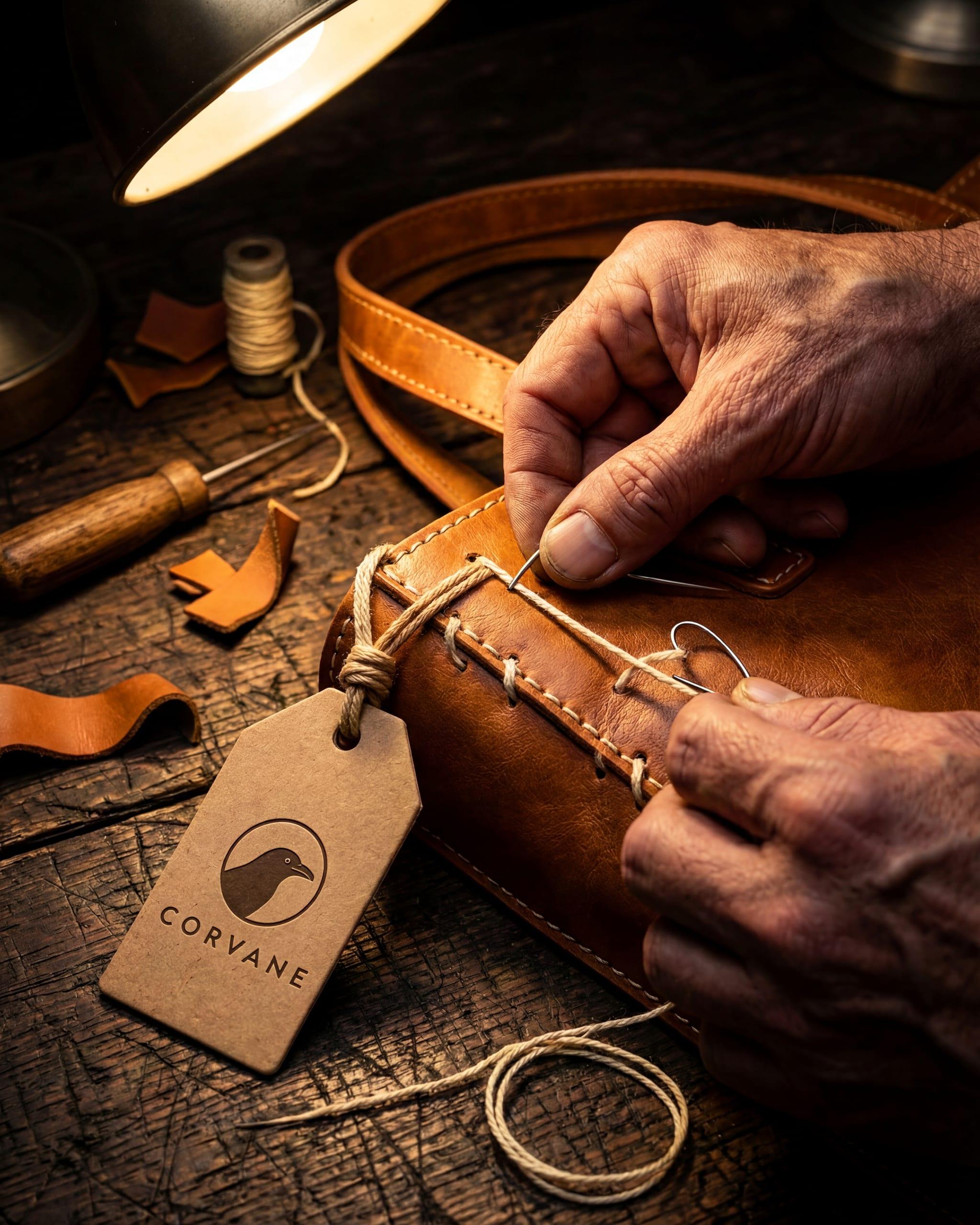
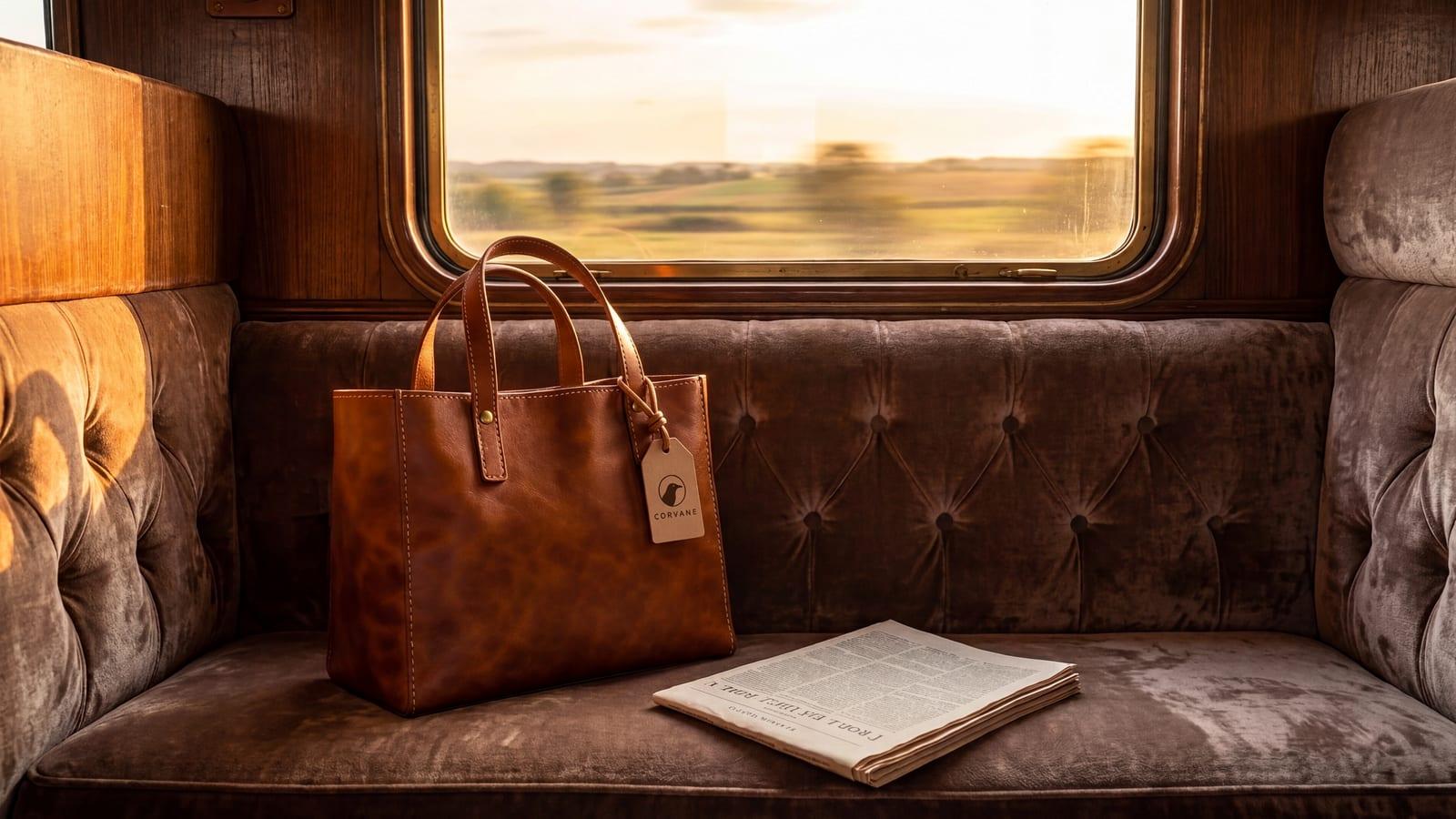
Made at 4K on Max: every stitch, the waxed thread and the grain of the leather stay sharp up close.
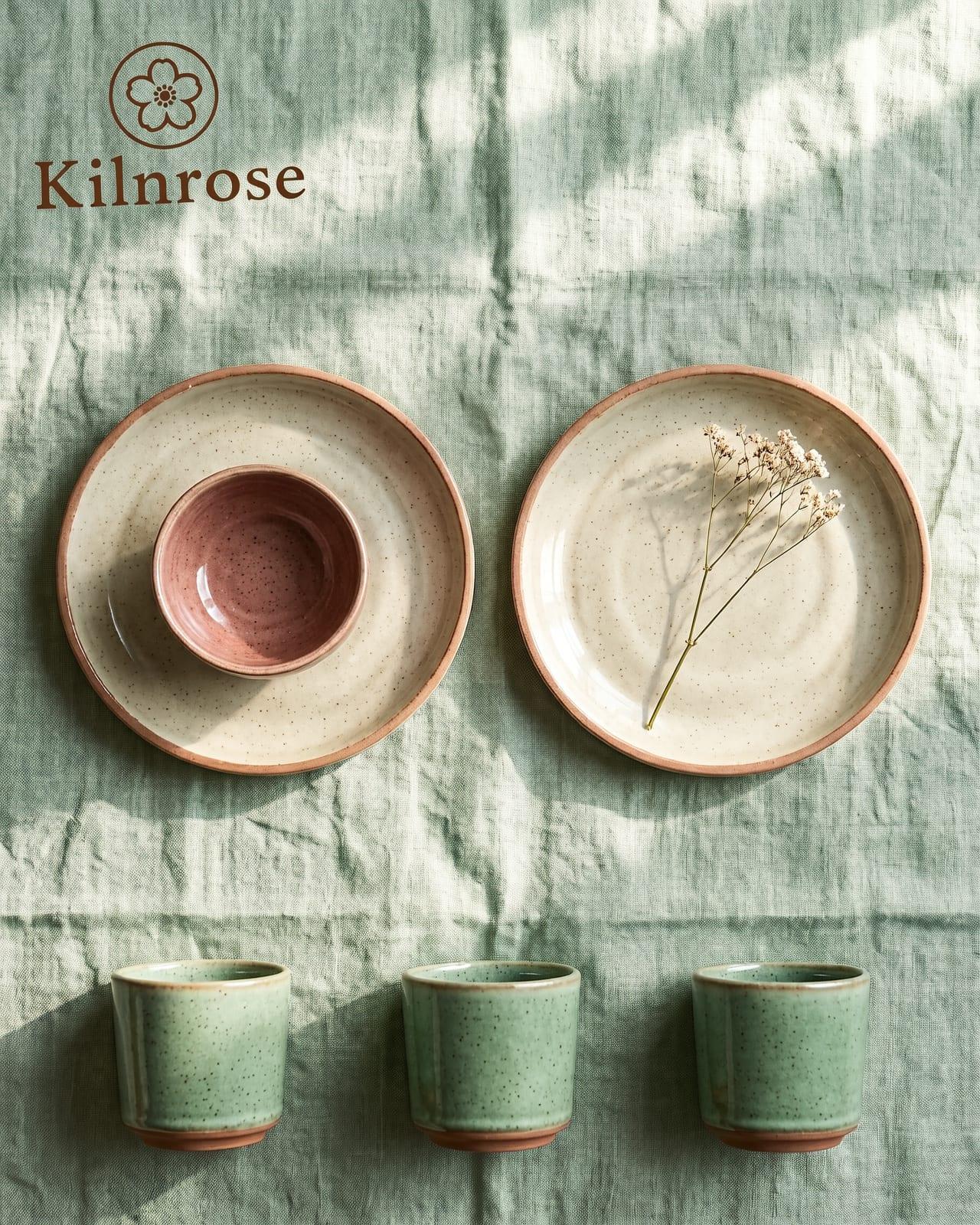
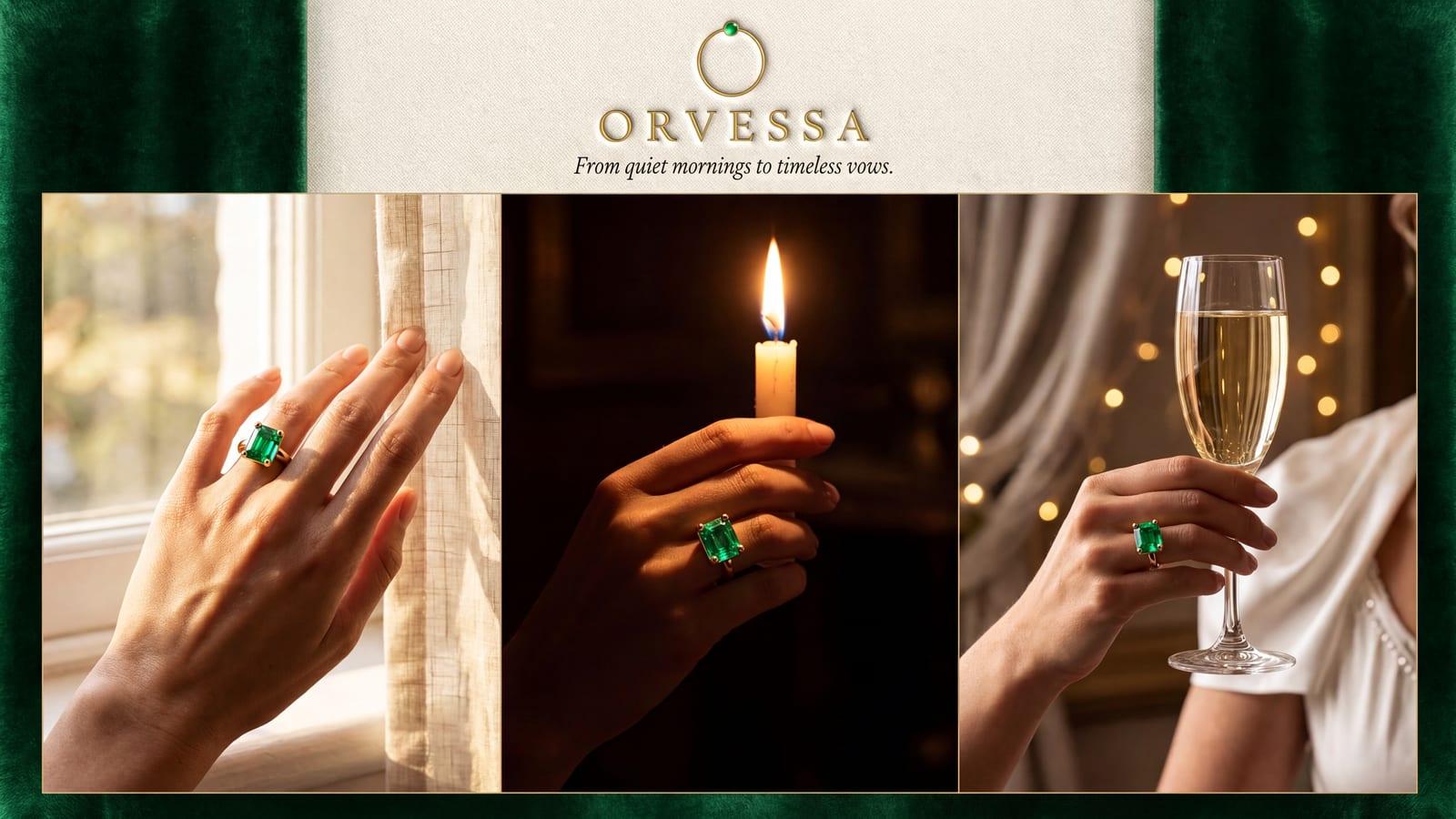
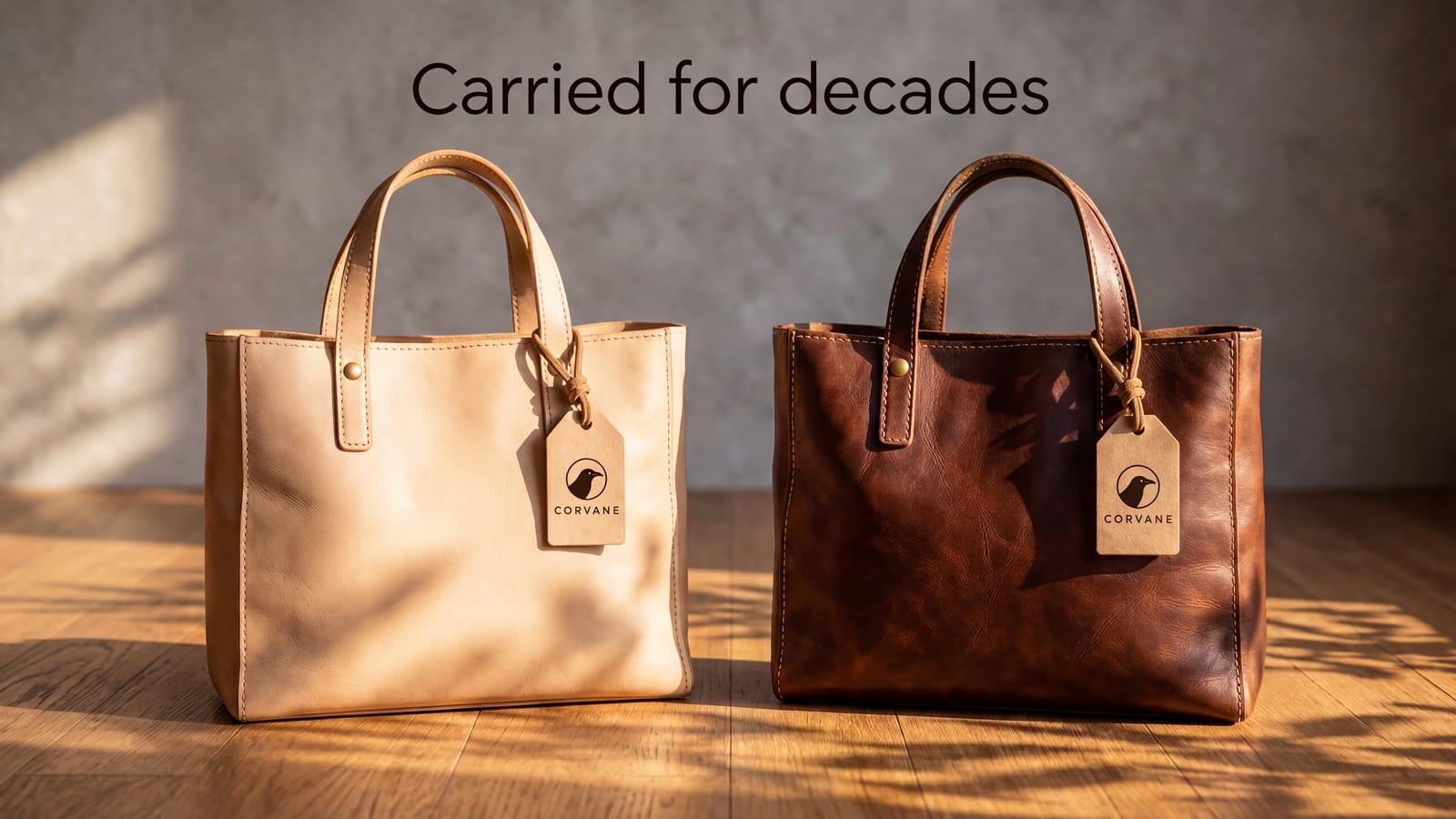
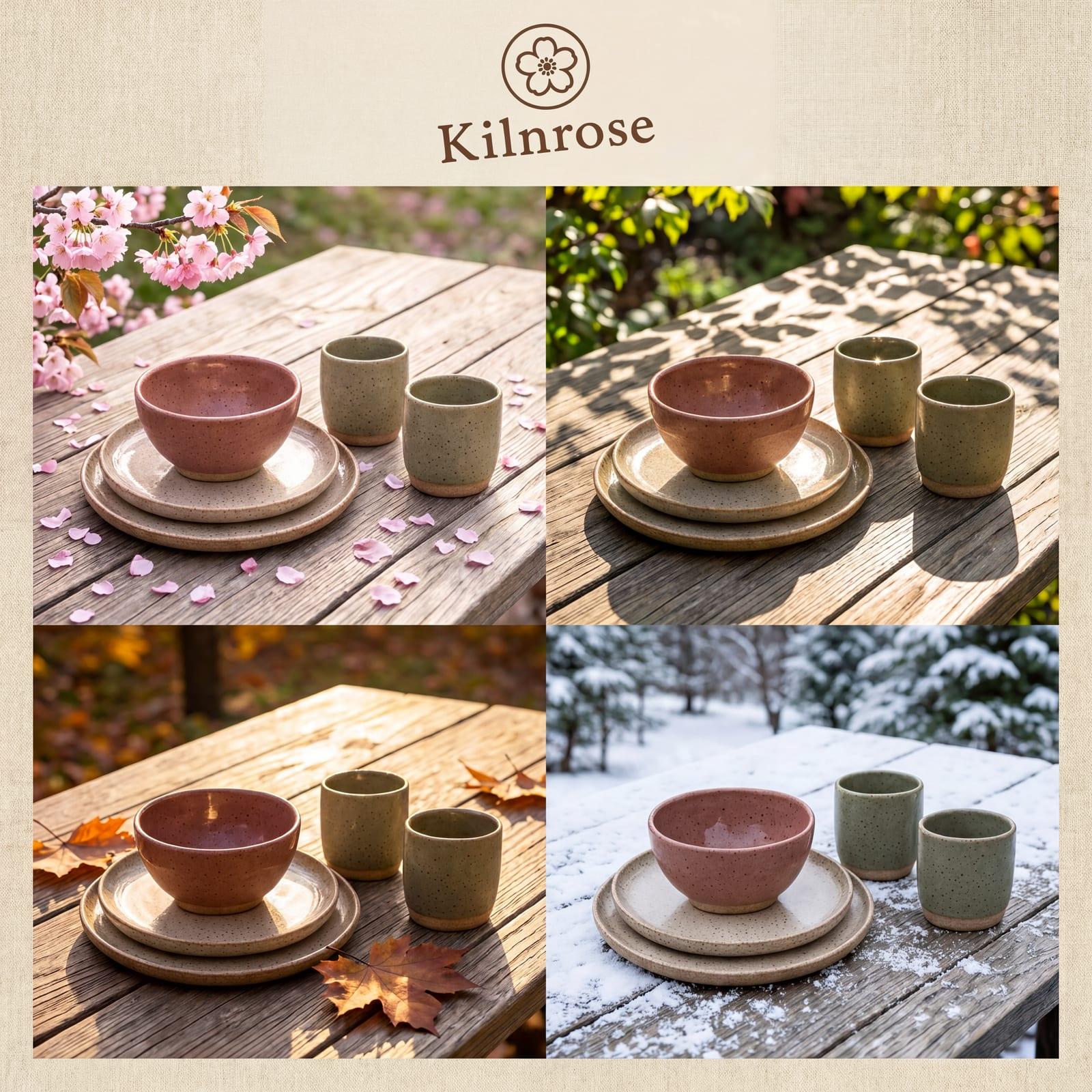
Ask for a grid, a triptych or a before and after. Every panel shows the same product.
All 12 images
Credits are what one image costs when you press Generate, at default settings. Each plan includes everything below it.
Default settingNeeds a higher plan
Resolution
Aspect ratio
Resolution
Aspect ratio
BrandGen reads your brand once, then applies it to every image you make in that project.
New project
Start from your website, or pick another way.
Reading your brand
0:41This takes about a minute. Keep this window open.
Found your logo
Upload a brand image, paste your website or write your guidelines. BrandGen reads the colours, type and logo into Brand DNA.
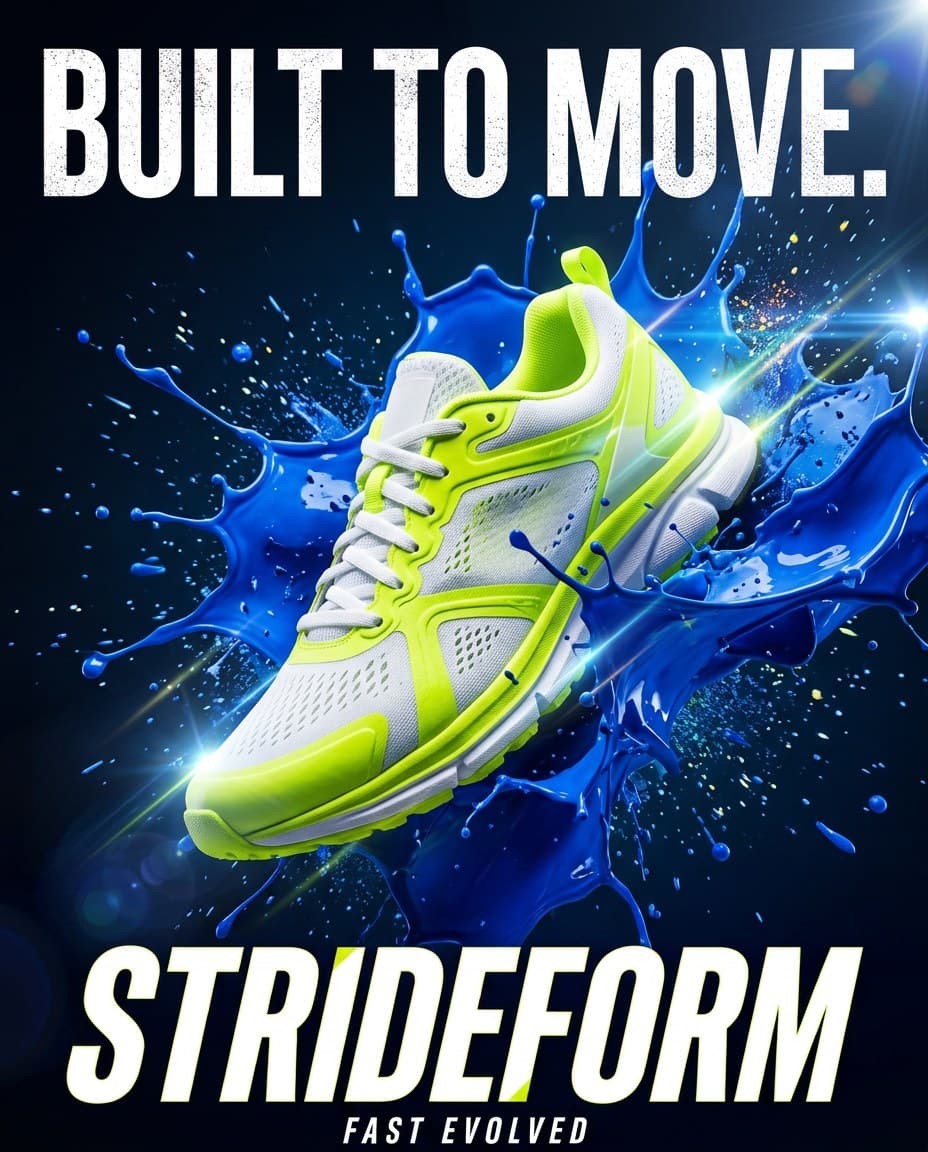
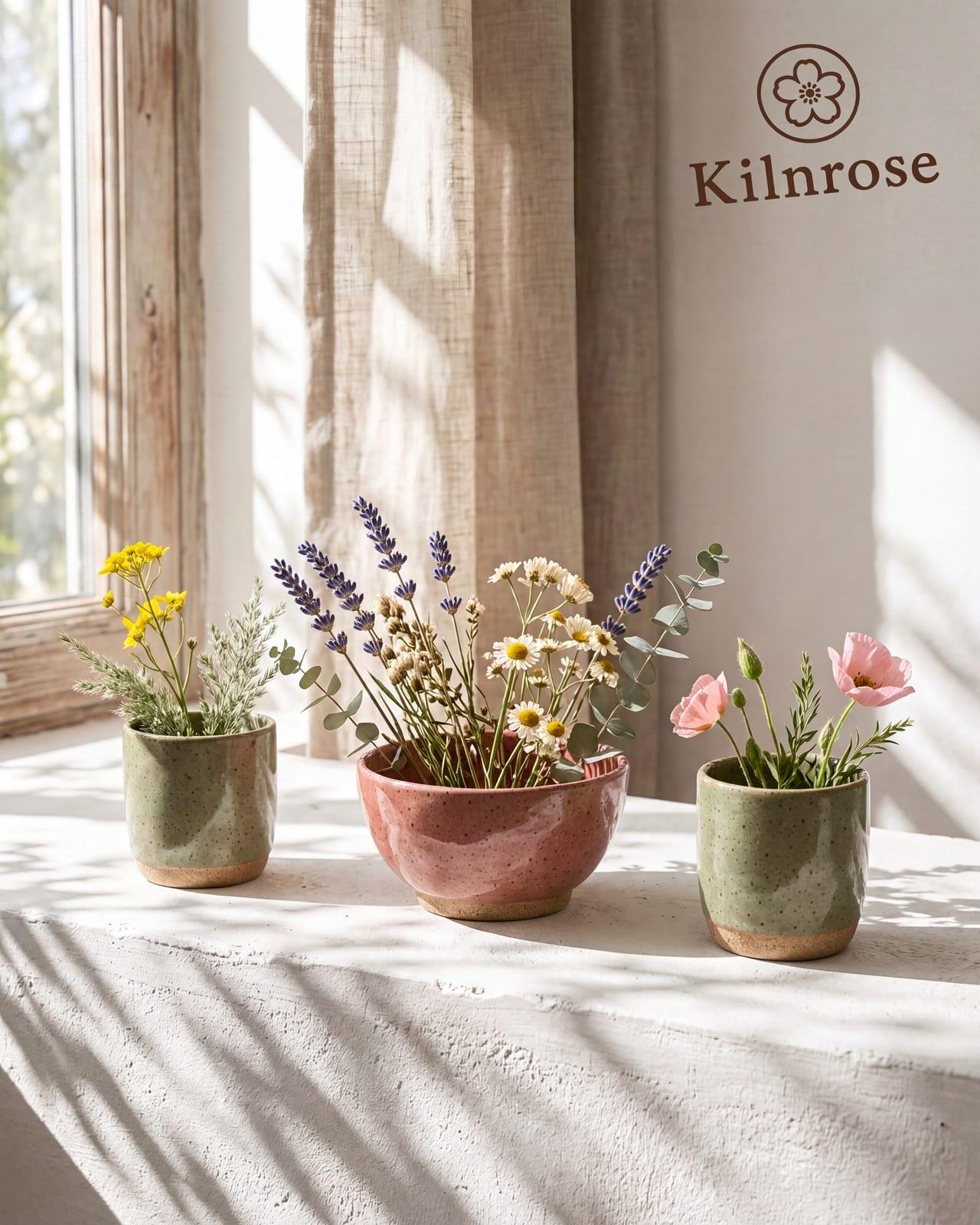
Describe the image in plain words. Brand DNA adds the colour codes, type and logo, so the prompt needs none of them.
 DNANano Banana 2.1
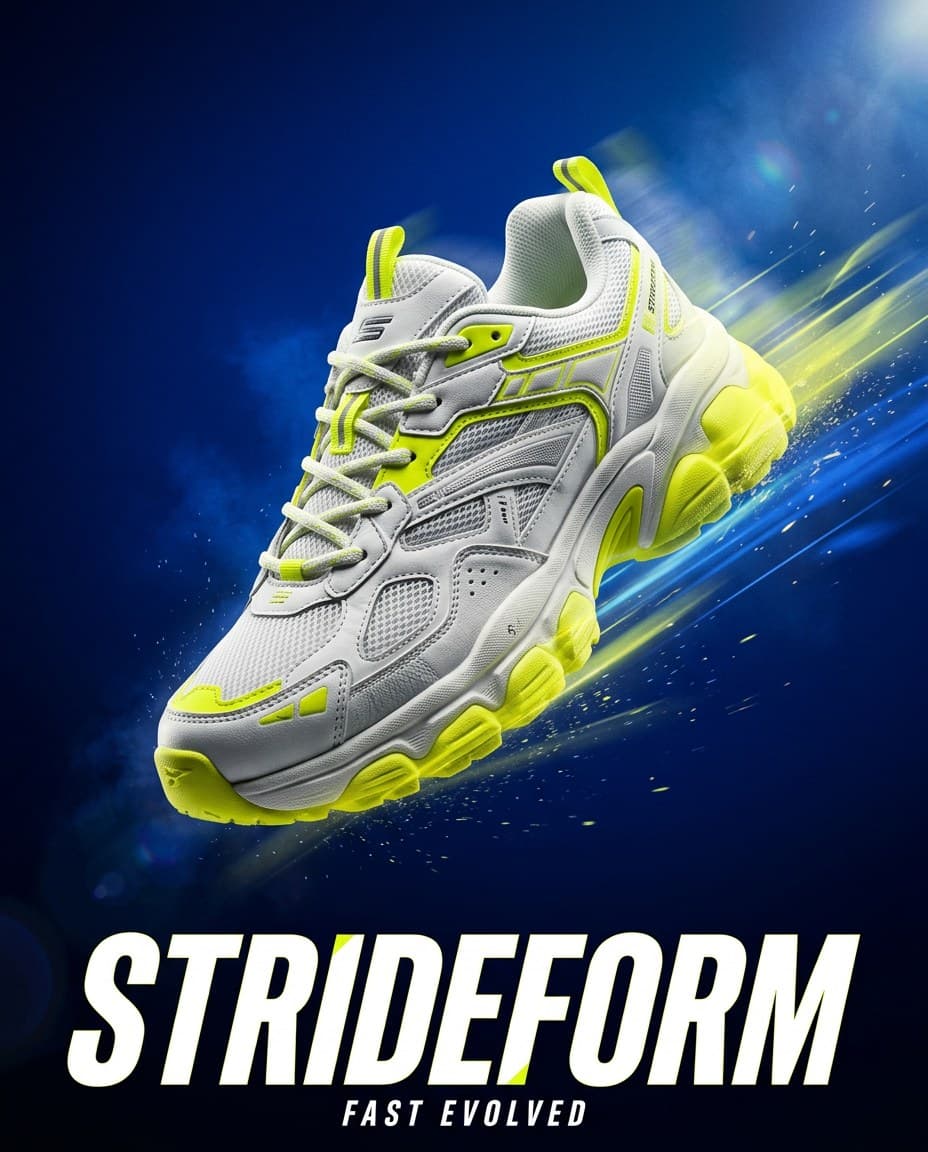
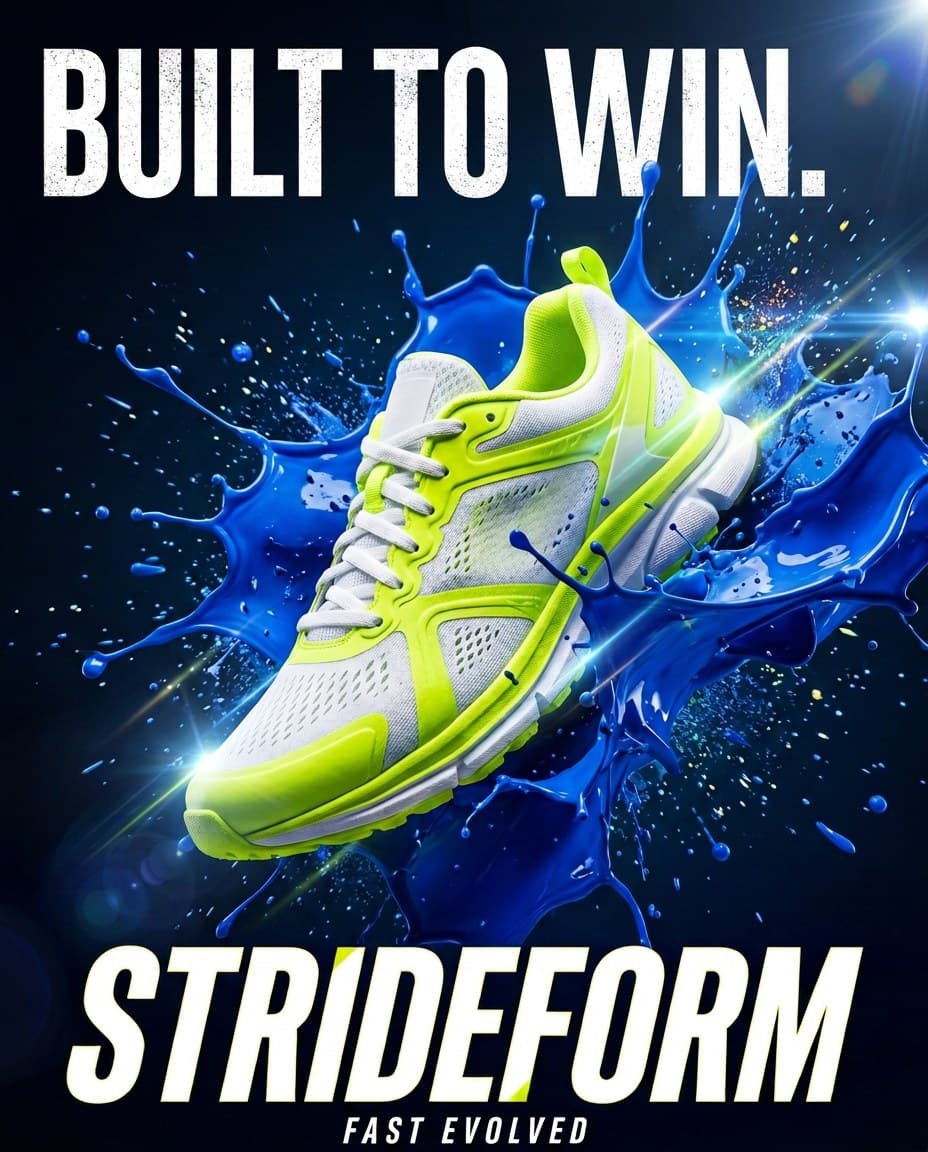
Change one thing in one line, like the headline. The shoe, the colours and the logo stay as they were.
BrandGen is an independent product and is not affiliated with MiniMax. BrandGen uses MiniMax as one of its image models to create the images you request. MiniMax is a trademark of MiniMax.
Credits, plans, and how Brand DNA keeps every image on brand.
Highspeed returns edits faster and uses 3 credits an image against 2 for H3 Image. H3 Image is on every plan, Free included. Highspeed is on Pro and Max.
Yes, on the Max plan. Most images on this page were made at 4K and resized for the web. A 4K image uses 3 credits on H3 Image and 6 on Highspeed.
Every BrandGen project carries Brand DNA, taken from a brand image, your website or written guidelines, and every generation uses it. You do not repeat colours, fonts or the logo in your prompt.
2 credits per image on default settings, from 2 to 3 depending on the settings you pick. Available on every plan from Free up.
3 credits per image on default settings, from 3 to 6 depending on the settings you pick. Available on every plan from Pro up.