- Brand DNA
Real light you never had to describe.
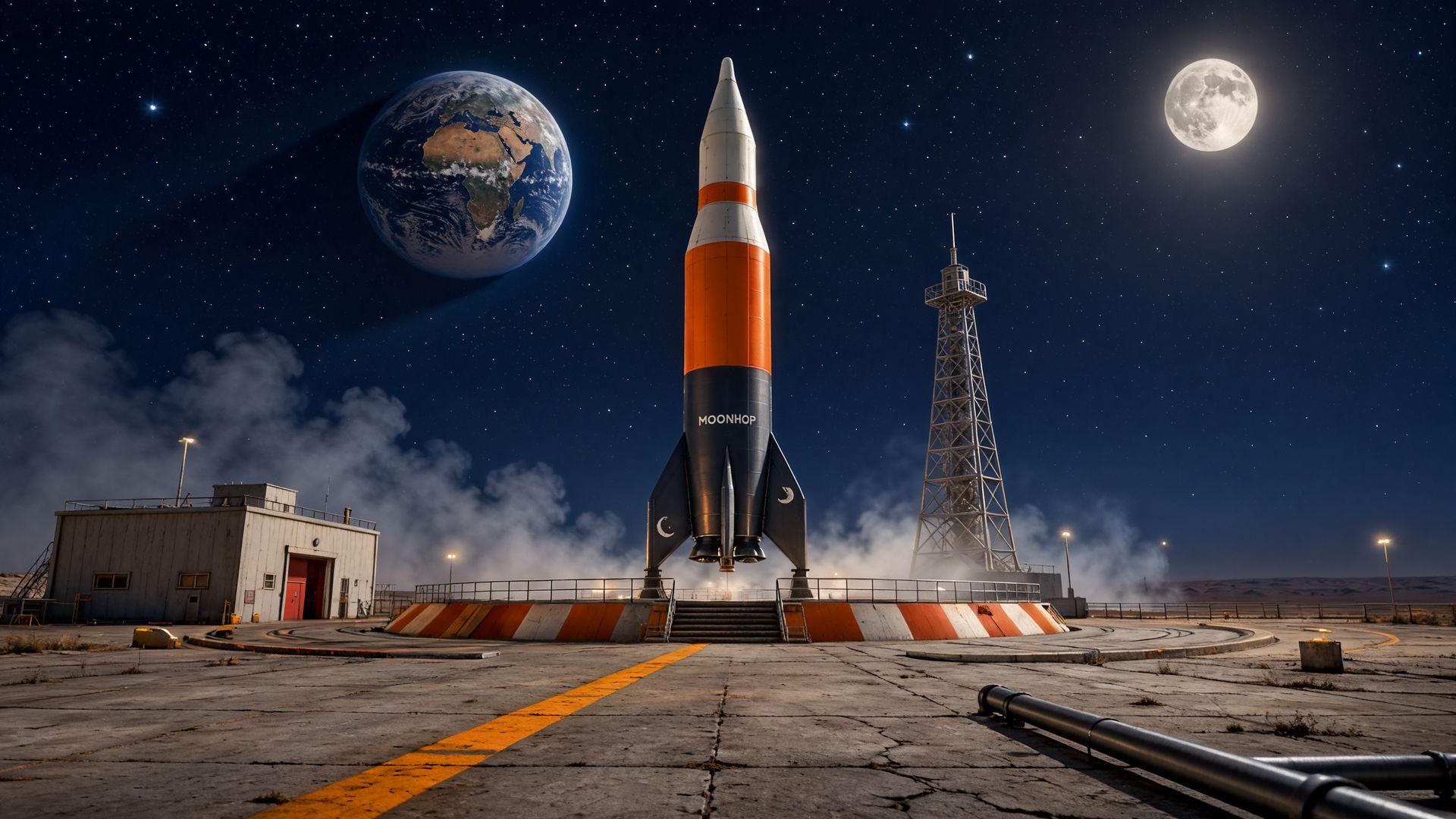
The prompt names a place and a time of day, nothing about light. Moonhop's guidelines ask for real light, so pad lamps, drifting steam and a raking sun on the Moon come back believable.
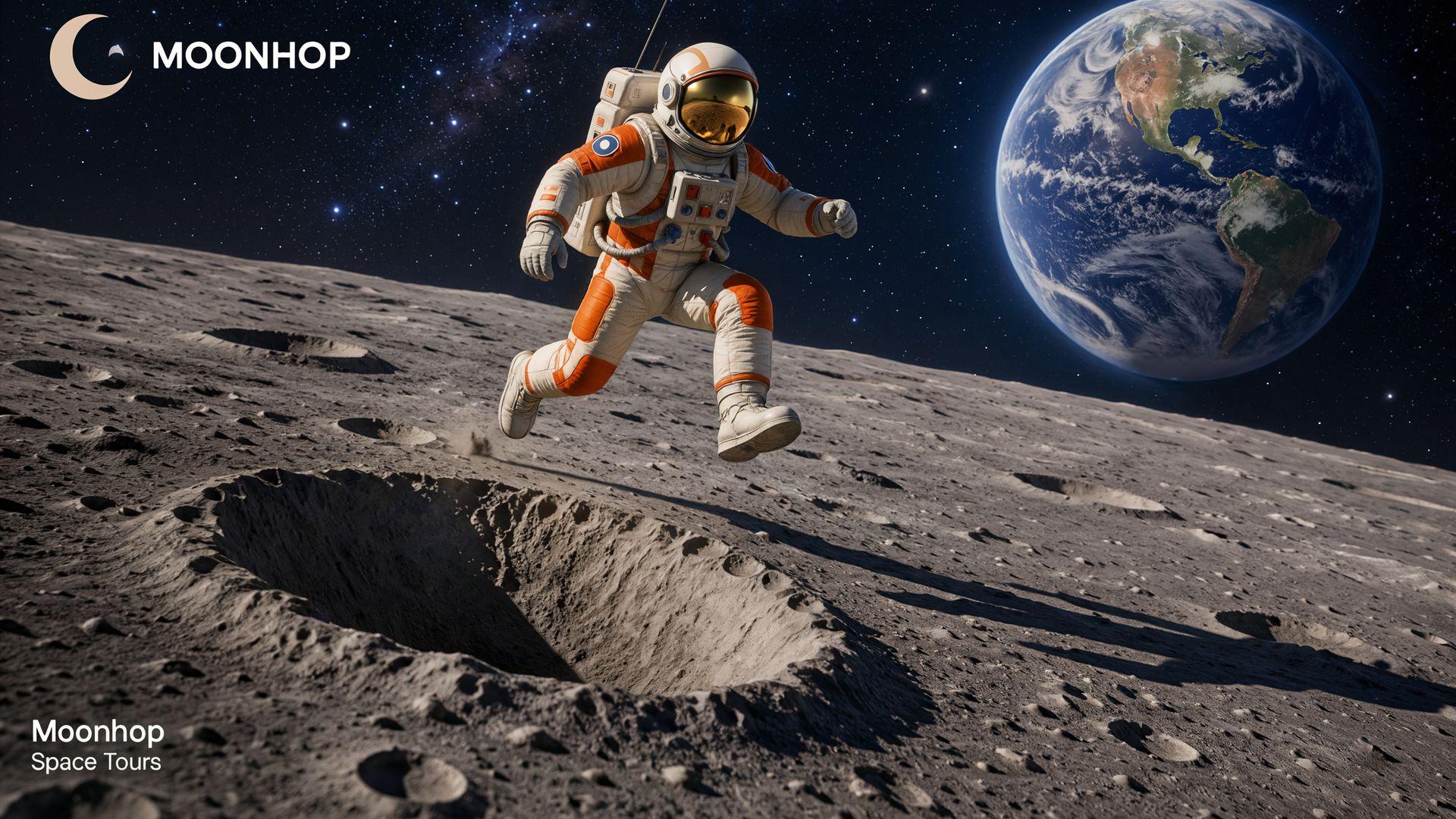
Kling Image 4.0 turns a one-line prompt into lifelike light, texture and clean type. Brand DNA does the rest. 2K on Basic, 4K on Max.
Moonhop Space Tours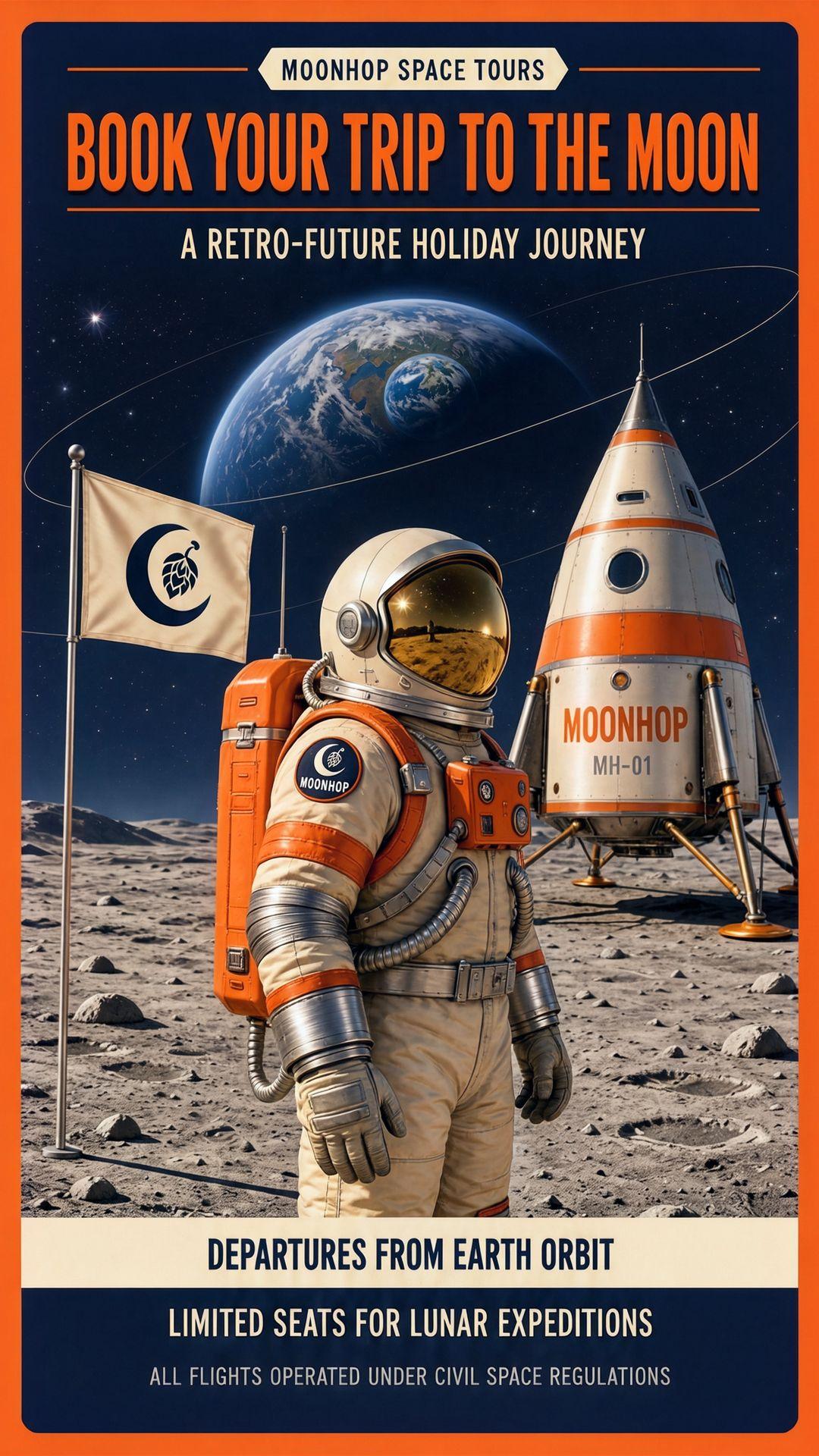
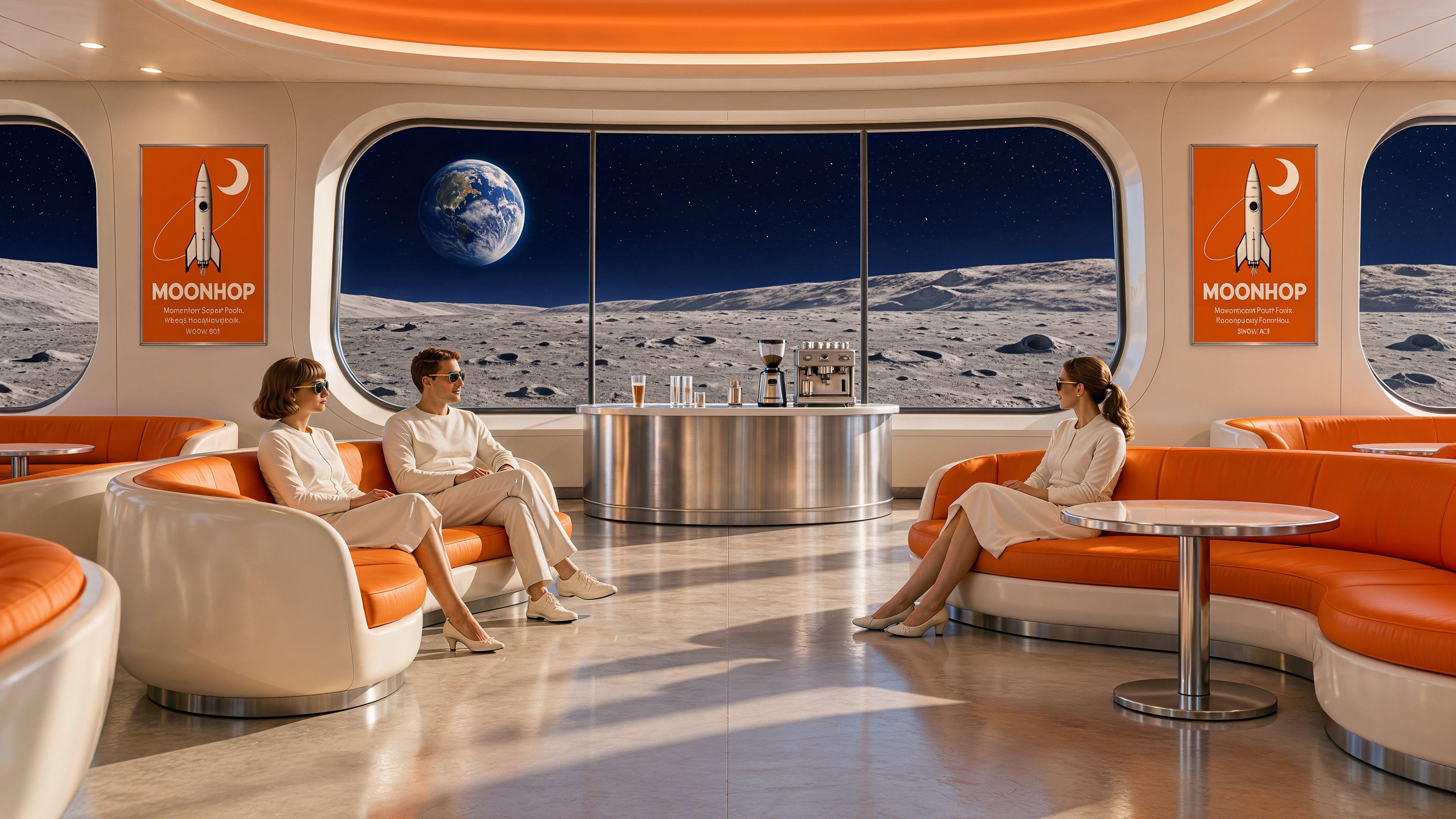
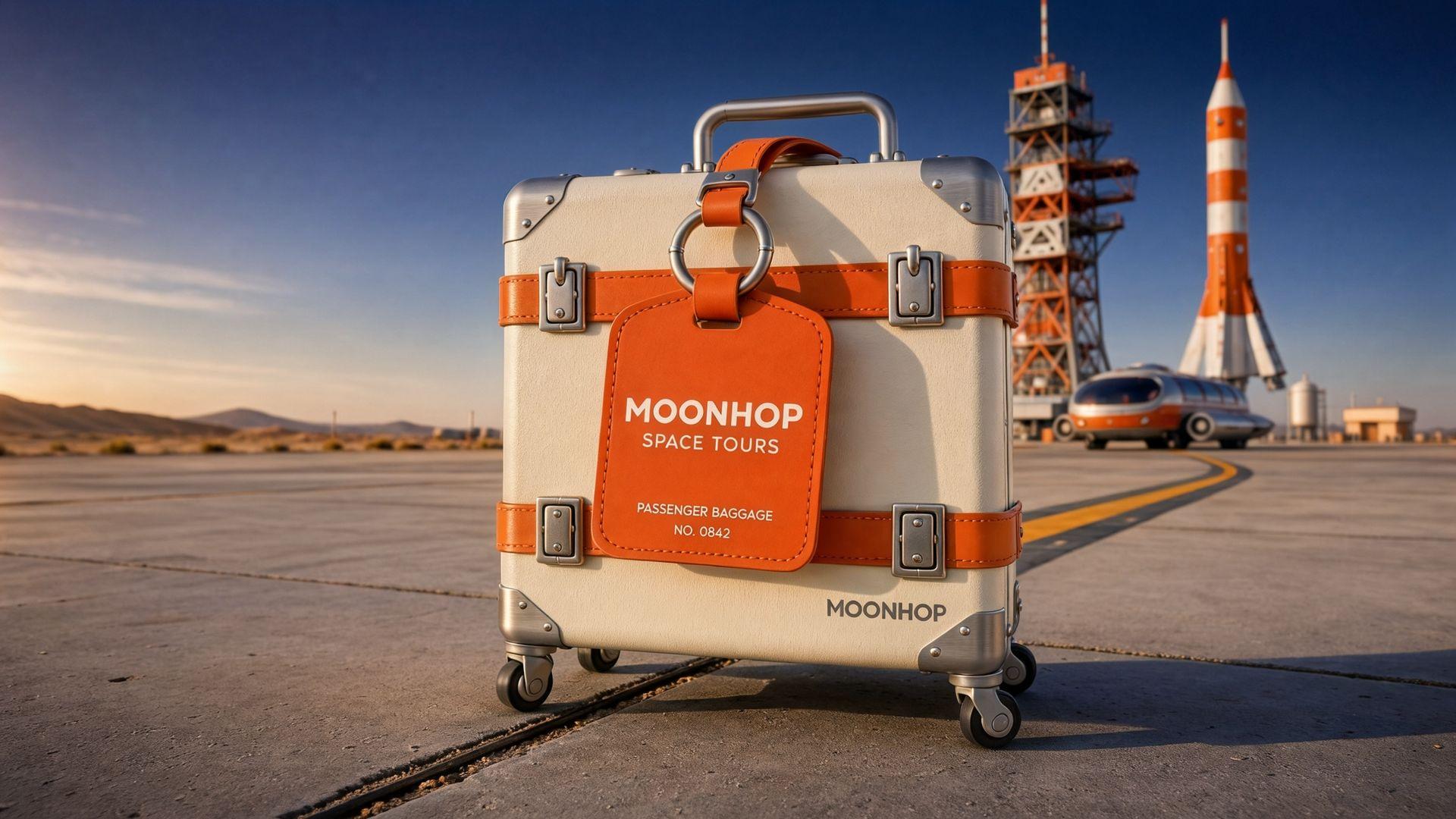
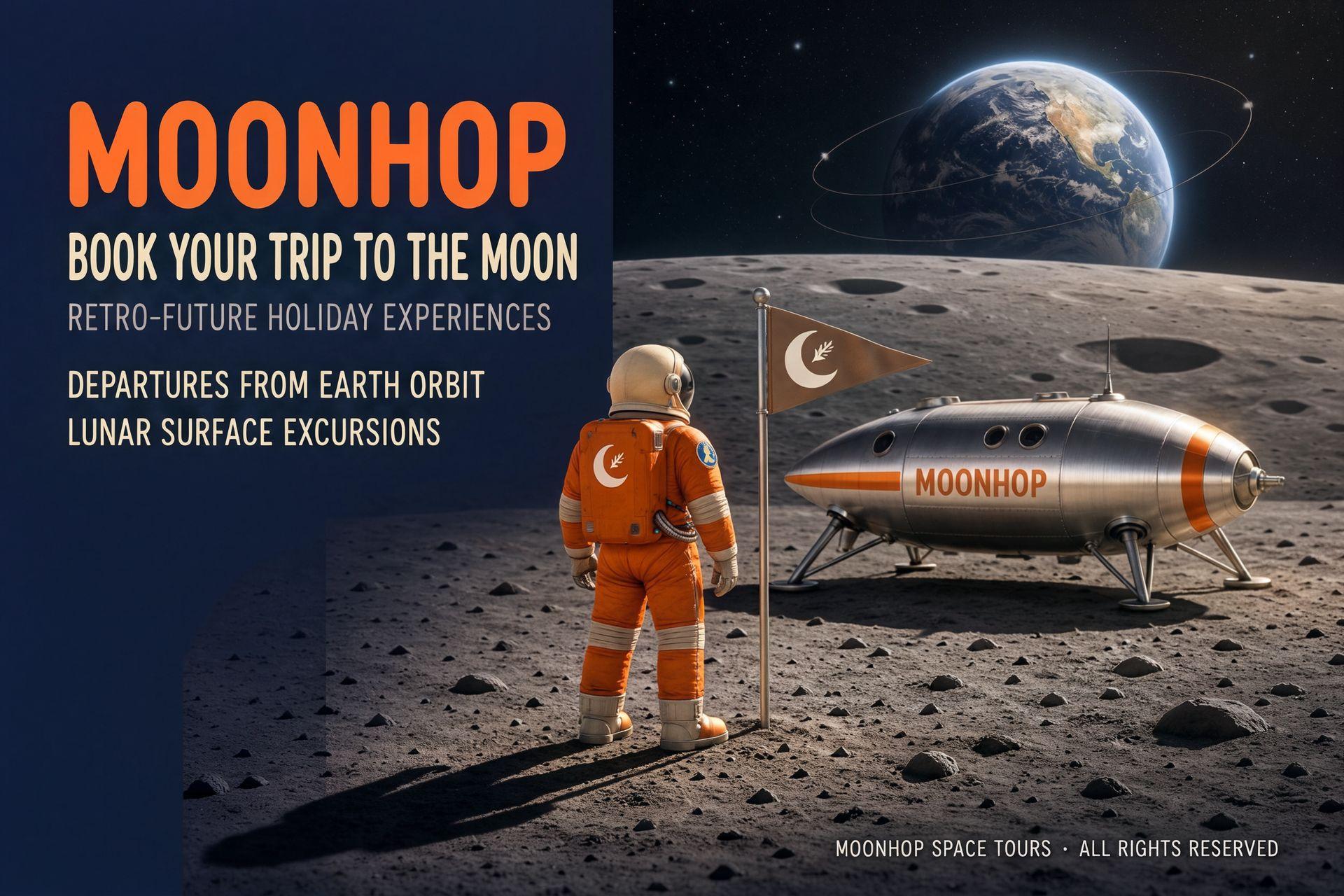
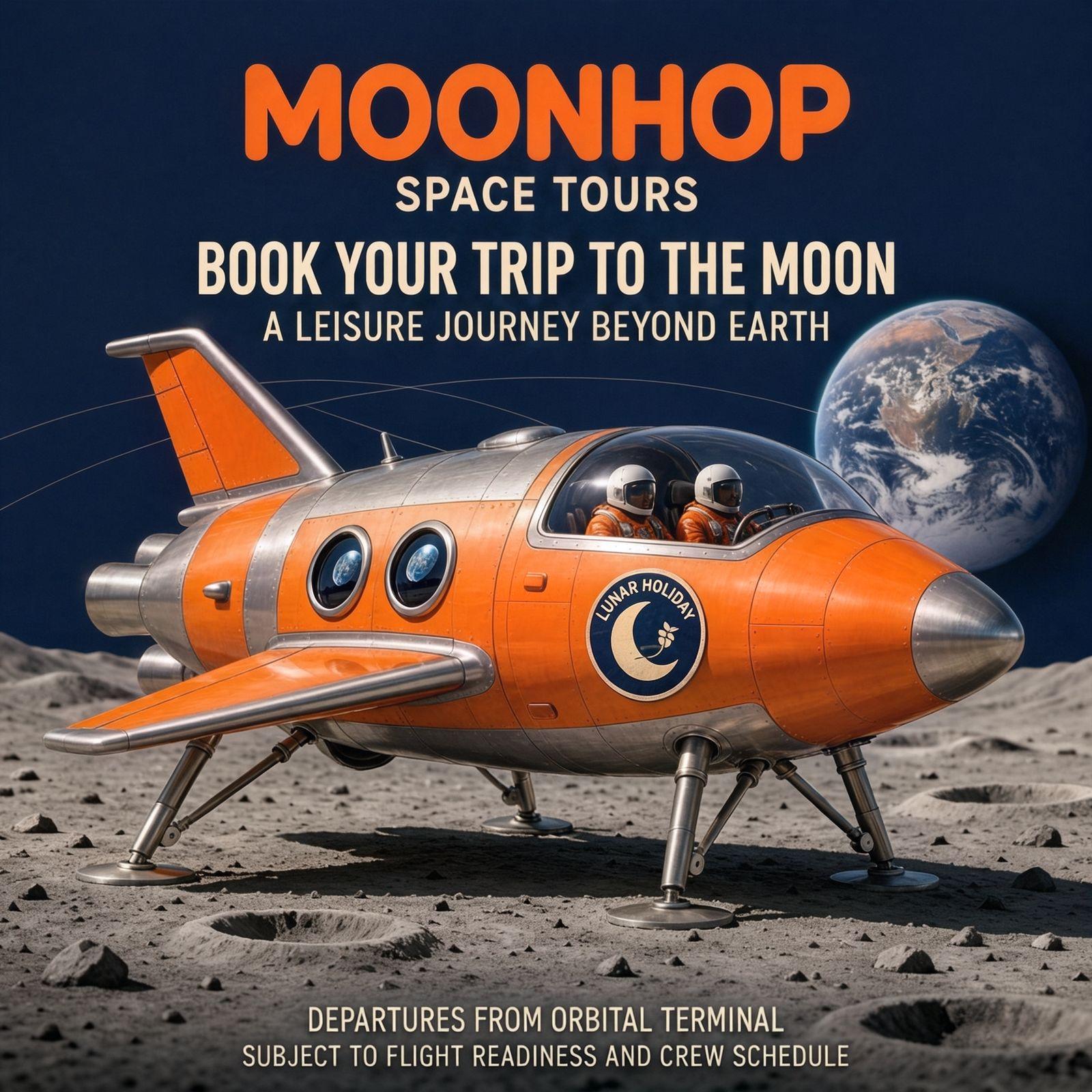
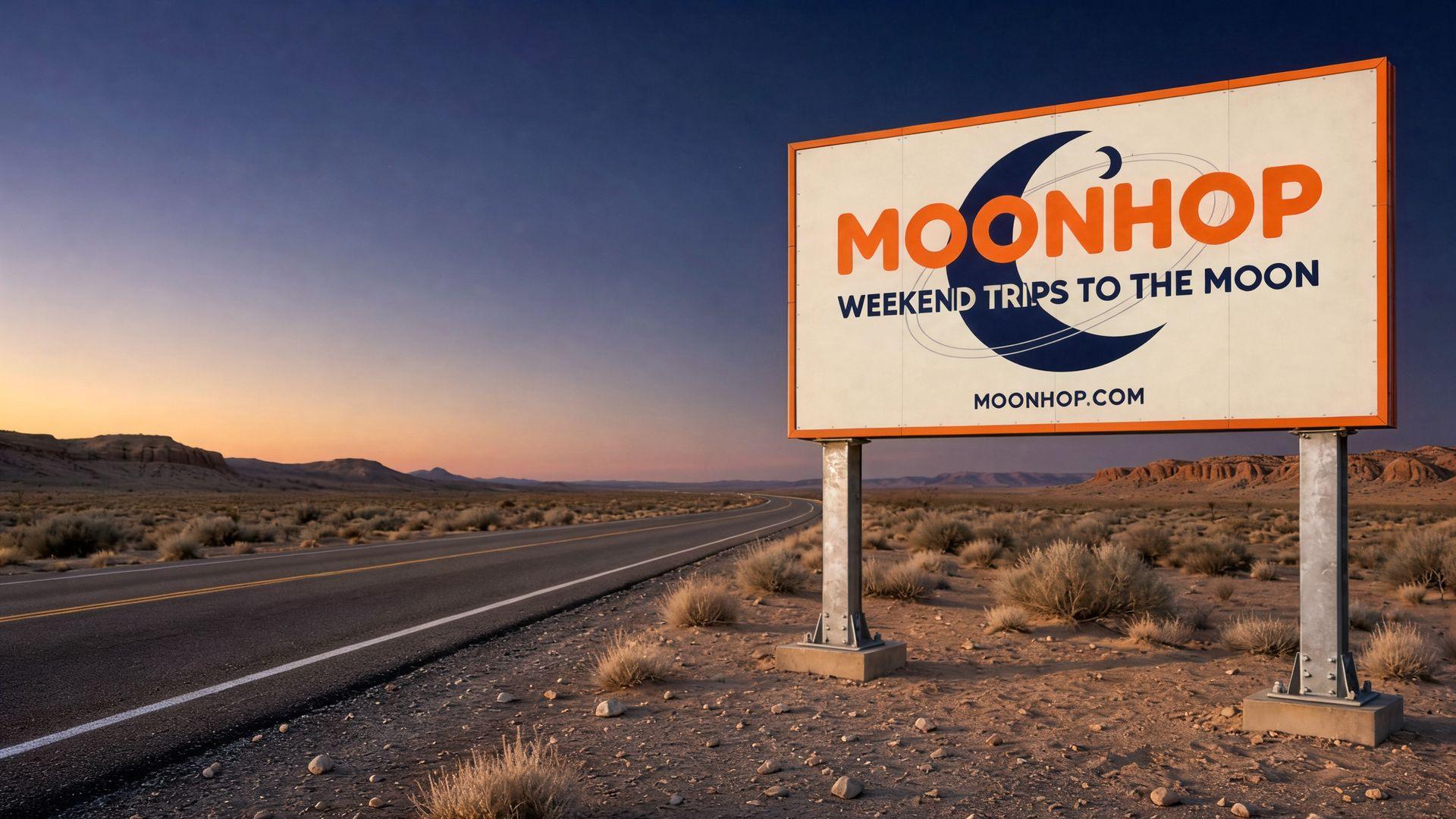
The prompt names a place and a time of day, nothing about light. Moonhop's guidelines ask for real light, so pad lamps, drifting steam and a raking sun on the Moon come back believable.
One line about a lounge on the Moon, rendered at 4K on the Max plan. Look closely: the espresso machine, the glasses and the craters outside all hold up.
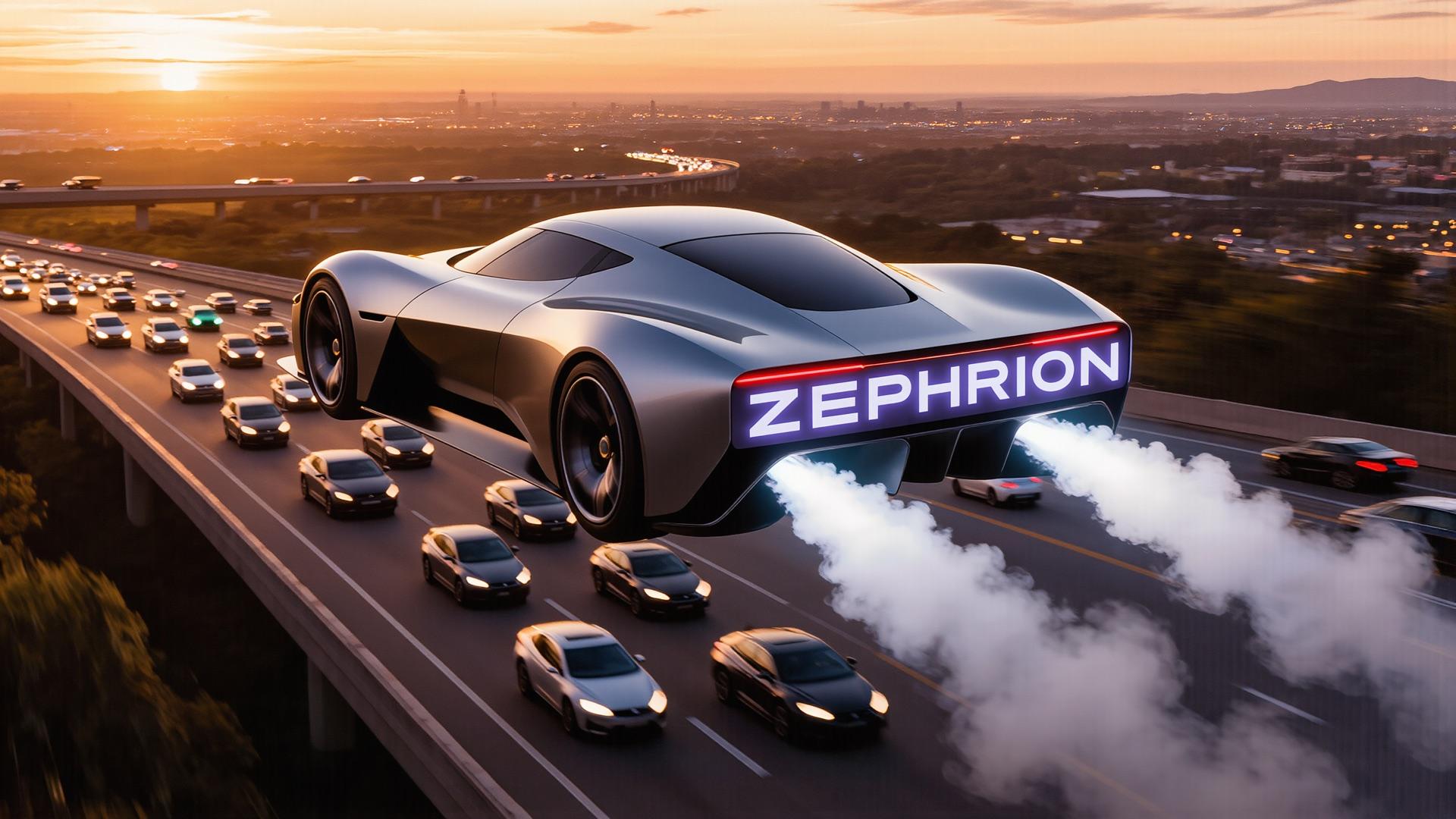
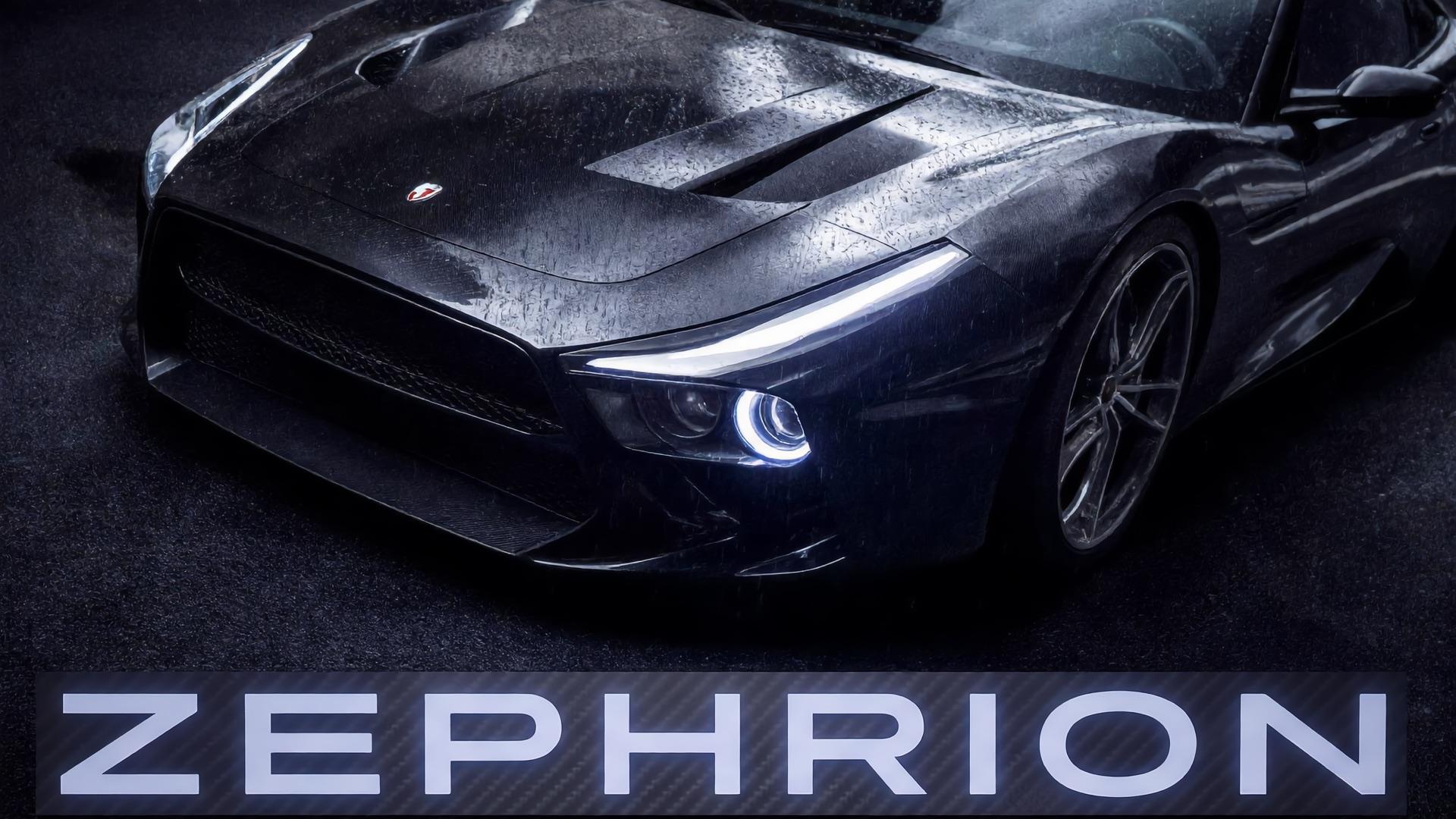
Kling Image 3.0 Omni put a Zephrion roadster in the air above the evening traffic. Kling Image O1 made the close-up of its front end, with the ZEPHRION name across the bottom. Both sit in the model menu next to Kling Image 4.0.
Credits are what one image costs when you press Generate, at default settings. Each plan includes everything below it.
Default settingNeeds a higher plan
Resolution
Aspect ratio
Resolution
Aspect ratio
Resolution
Aspect ratio
BrandGen reads your brand once, then applies it to every image you make in that project.
New project
Start from your website, or pick another way.
Reading your brand
0:41This takes about a minute. Keep this window open.
Found your logo
Upload a brand image, paste your website or write your guidelines. BrandGen reads the colours, type and logo into Brand DNA.
Describe the image in plain words. Brand DNA adds the colour codes, type and logo, so the prompt needs none of them.
 DNANano Banana 2.1
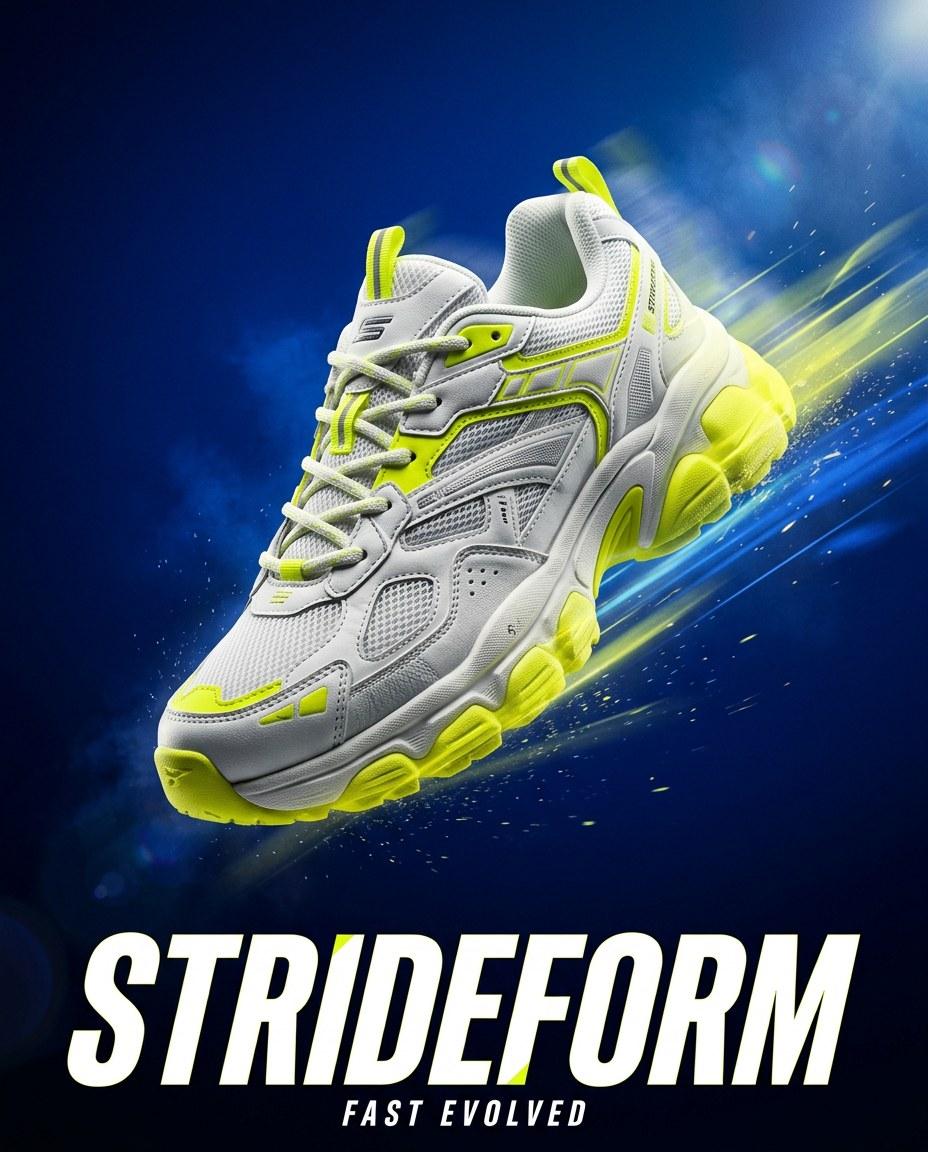
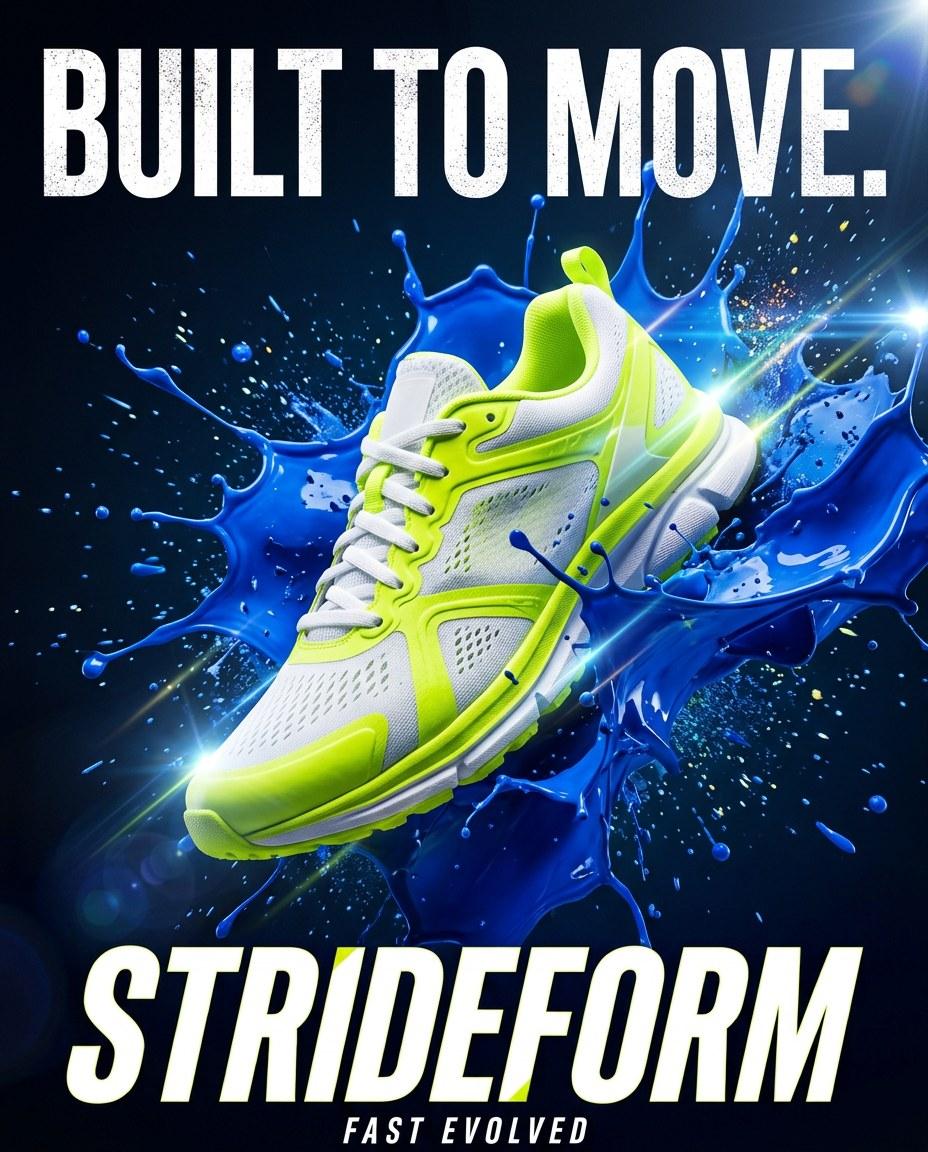
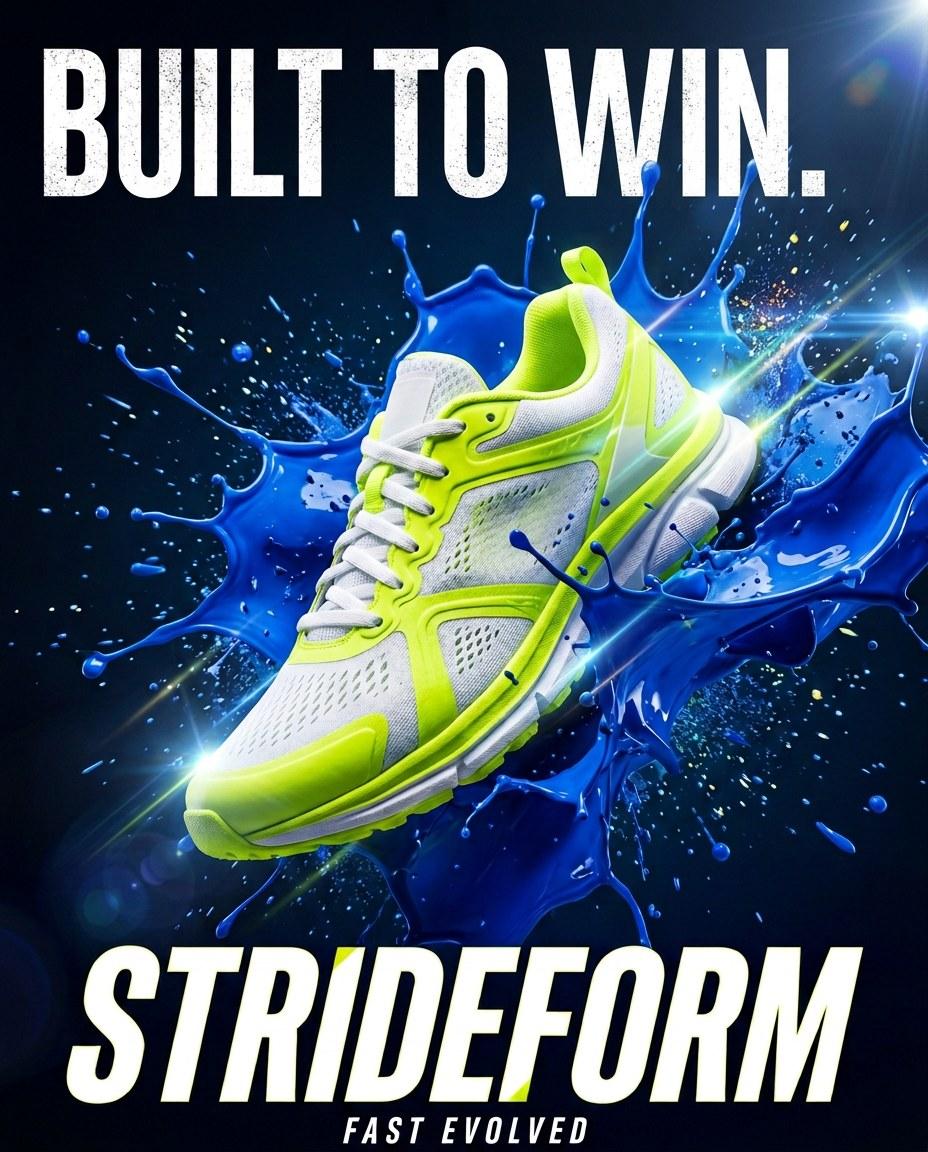
Change one thing in one line, like the headline. The shoe, the colours and the logo stay as they were.
BrandGen is an independent product and is not affiliated with Kuaishou. BrandGen uses Kling as one of its image models to create the images you request. Kling is a trademark of Kuaishou.
Credits, plans, and how Brand DNA keeps every image on brand.
Kling Image 4.0 is the newest, for photographic lighting, lifelike textures and crisp typography. Every prompt shown on this page went to it and is only a few words long. Kling Image 3.0 Omni suits high-definition posters, brand images and product texture shots. Kling Image O1 edits an image you attach and keeps its original style, lighting and texture.
Kling Image 4.0 makes 2K images on Basic and 4K on Max. Kling Image 3.0 Omni also makes 4K on Max. Kling Image O1 goes up to 2K.
Every BrandGen project carries Brand DNA, taken from a brand image, your website or written guidelines, and every generation uses it. You do not repeat colours, fonts or the logo in your prompt.
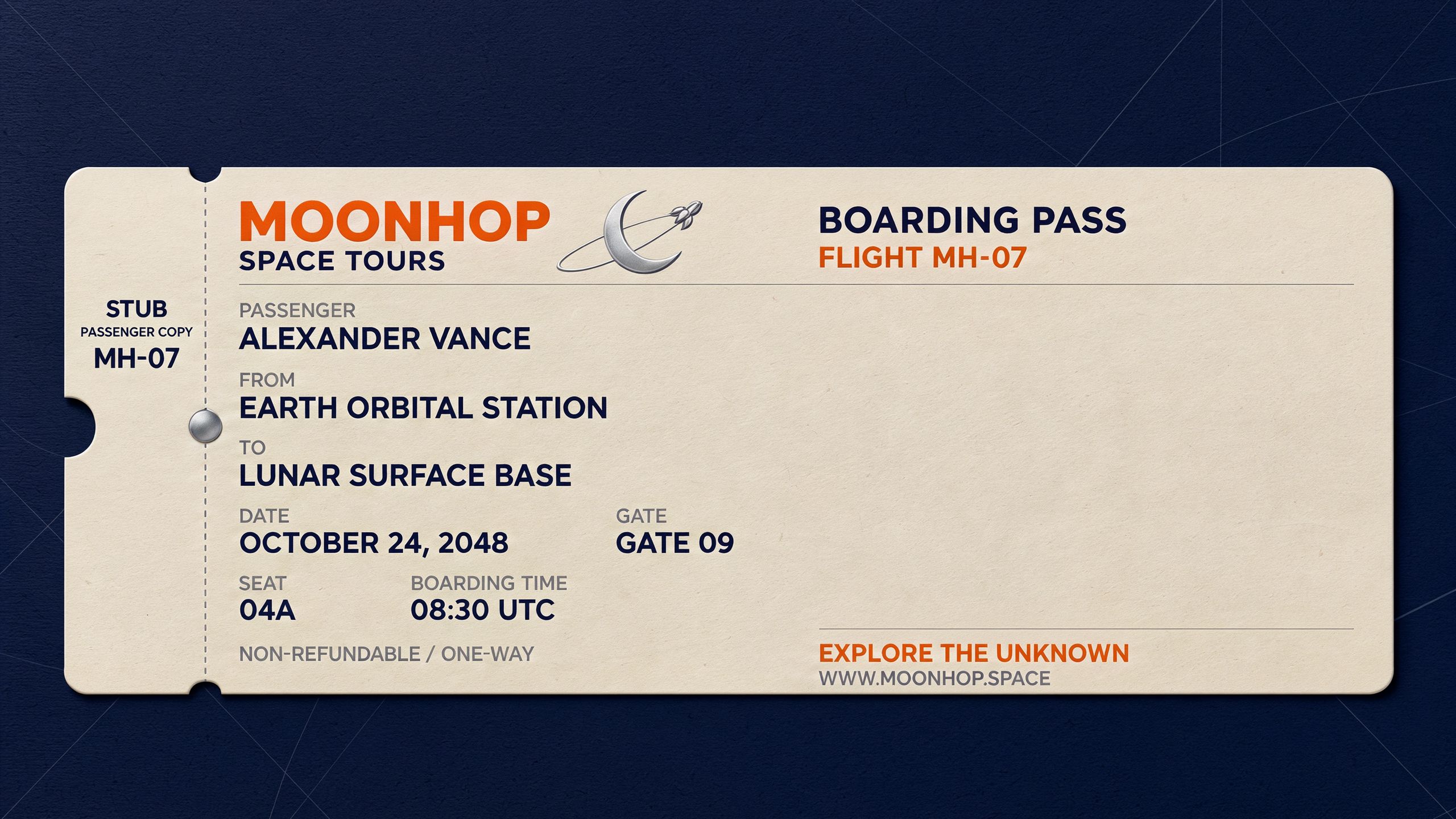
A few words is enough. Every Kling Image 4.0 output on this page came from one short line, such as "A coffee mug in a spaceship kitchen". Brand DNA from Moonhop's written guidelines added its palette, type and photo style.
3 credits per image on default settings, from 3 to 4 depending on the settings you pick. Available on every plan from Basic up.
1 credit per image on default settings, from 1 to 2 depending on the settings you pick. Available on every plan from Basic up.
1 credit per image, on every plan from Basic up.