AI Tangerine Vinyl Turntable at Night After Six Edits
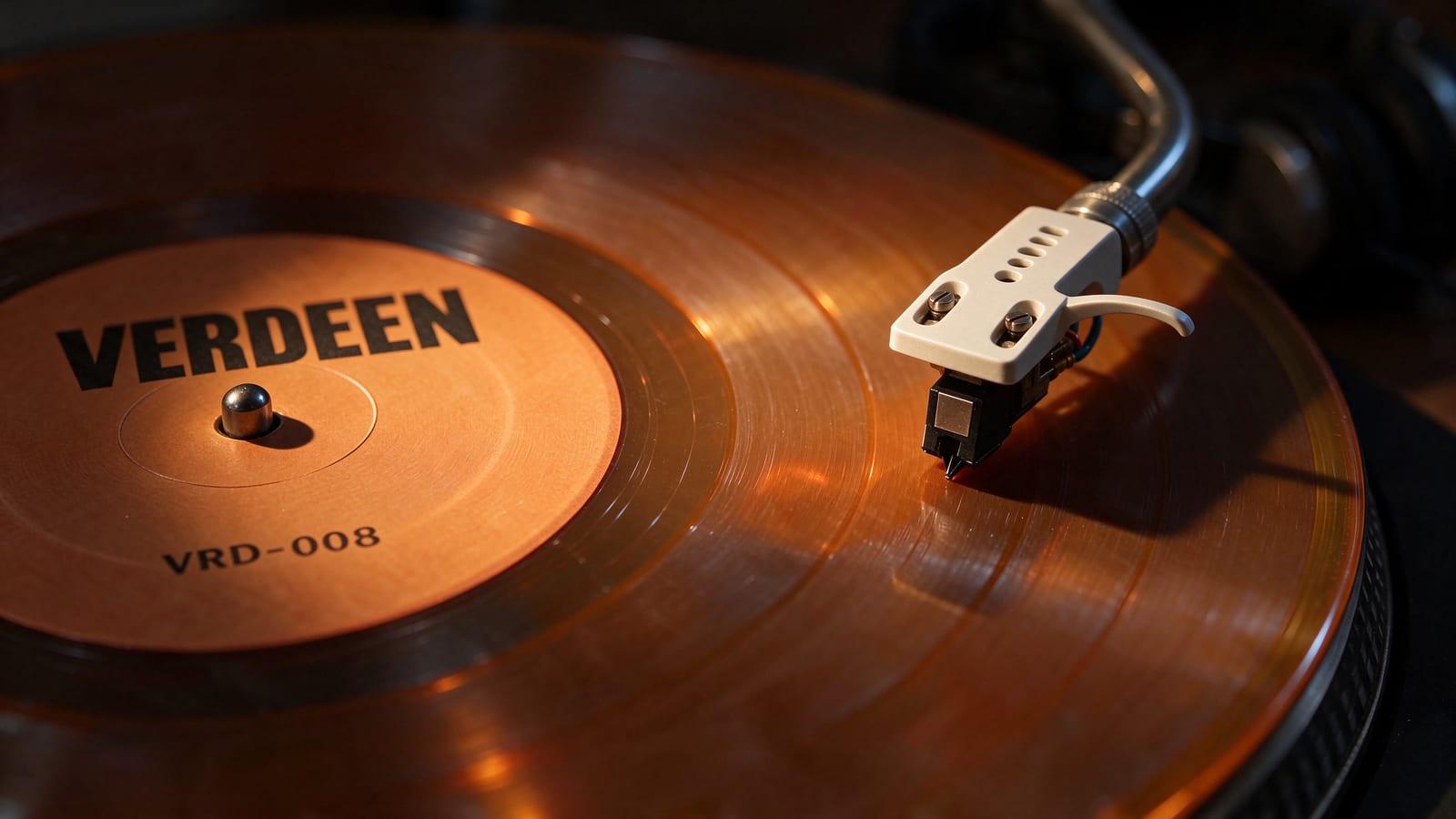
The 6th Refine edit of the stylus macro shot, made with Seedream 5.5 at 2K: across the chain the catalogue number went from VRD-007 to VRD-008, and a brass platter rim, headphones, tangerine vinyl and a white headshell were added, ending in late-night light from one desk lamp.
Example breakdown
Why it stays on-brand
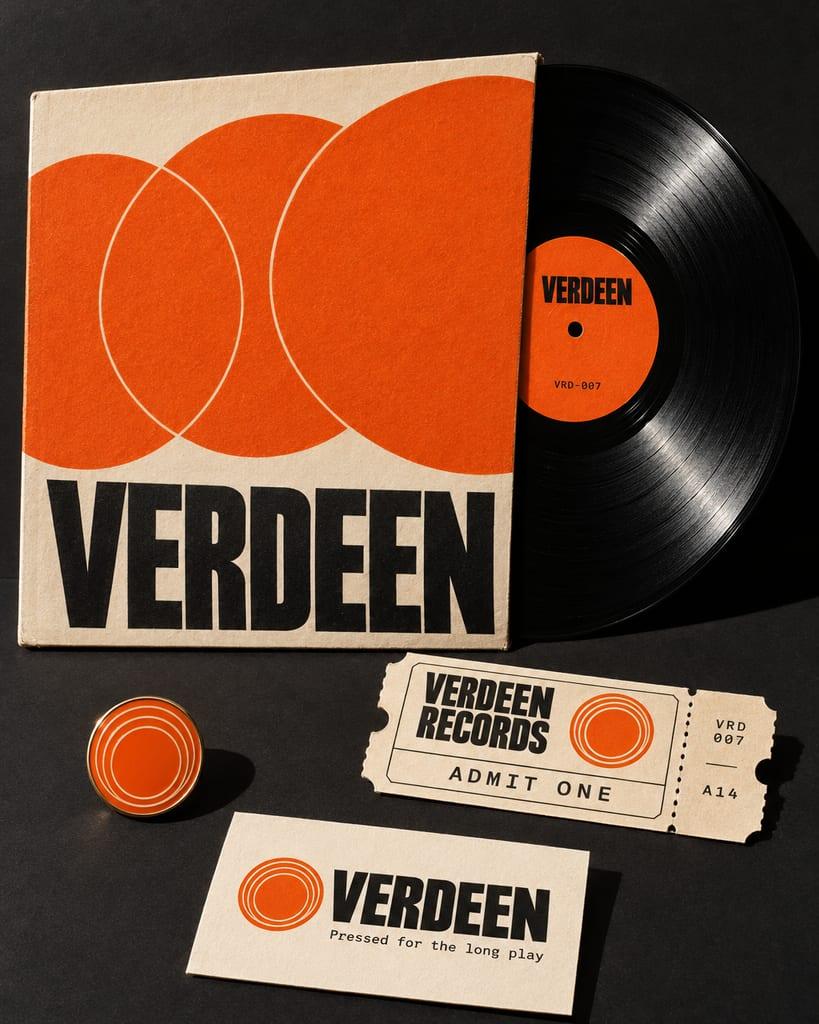
The orange label still reads VERDEEN with VRD-008 and nothing else after six edits, matching the Verdeen brand image's label.
Marketing use
Use it to show a brand image edited round after round, or as a limited-colour vinyl announcement.
Prompt
Change only the lighting to late at night: the room is now dark, almost black, and the only light is a single warm desk lamp shining from the left onto the turntable, leaving deep shadows around it. The record's centre label stays exactly as it is now: the word VERDEEN, the spindle and VRD-008, and nothing else printed on it. Keep every object and its position exactly as it is.
How this was generated
Brand DNA came from your reference visual. That DNA was applied as rules on top of the prompt used for this asset (shown in the Prompt section above).
- 1Reference creativeBrand DNA source
Upload path: BrandGen reads palette, typography, and style cues from one reference asset.
- 2Apply DNA to the prompt
Every generation runs through that DNA as hard constraints (colors, type, visual style, tone). The creative intent is entirely in the prompt already shown above.
- 3Final outputBrand Campaigns
The same wording with different DNA would look like a different brand. This image used the Brand DNA from step 1.
Related guides
Related examples
More from this brand
Other outputs generated from the same brand reference.
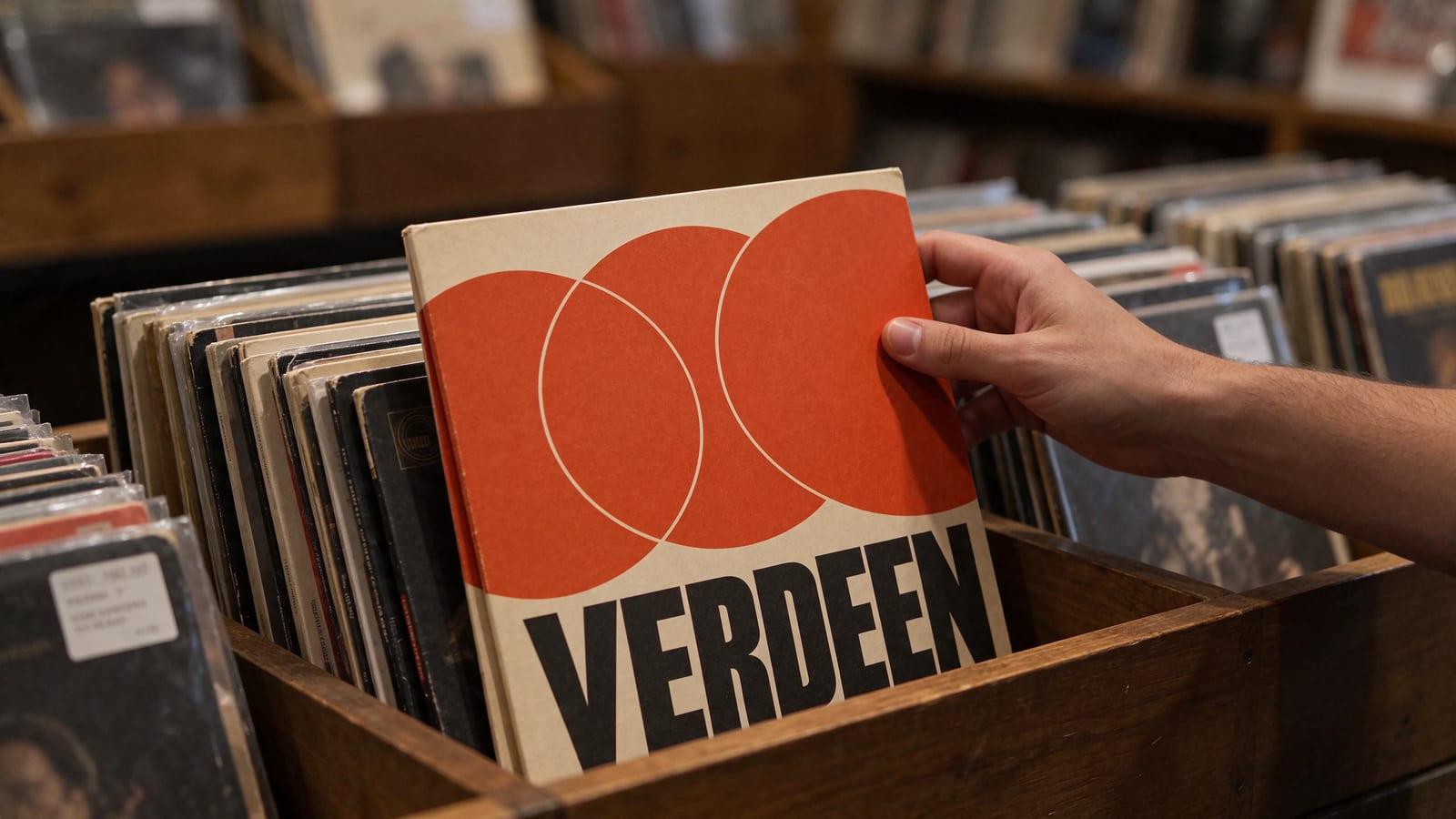
More examples
AI Armillary Open-Day Event Poster
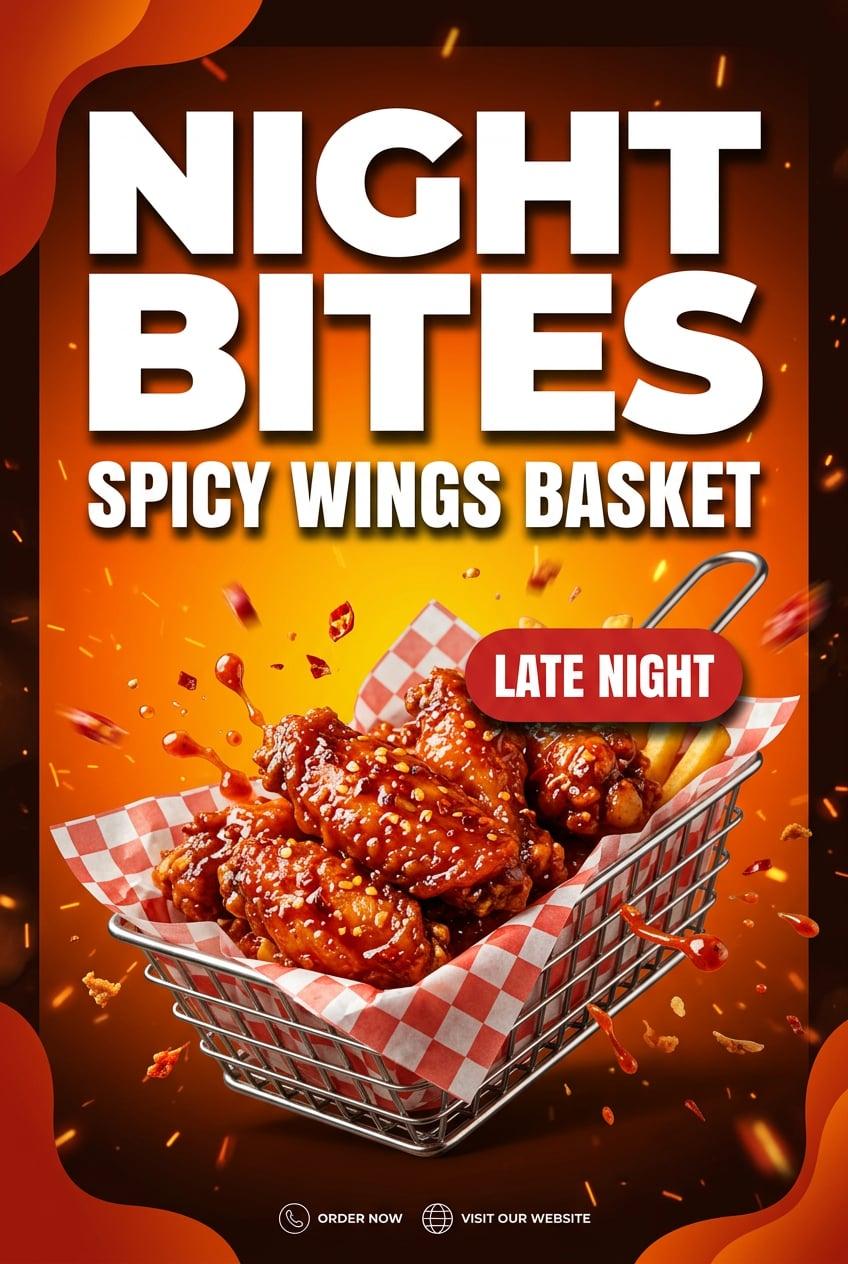
AI Fast Food Night Bites Spicy Wings Poster
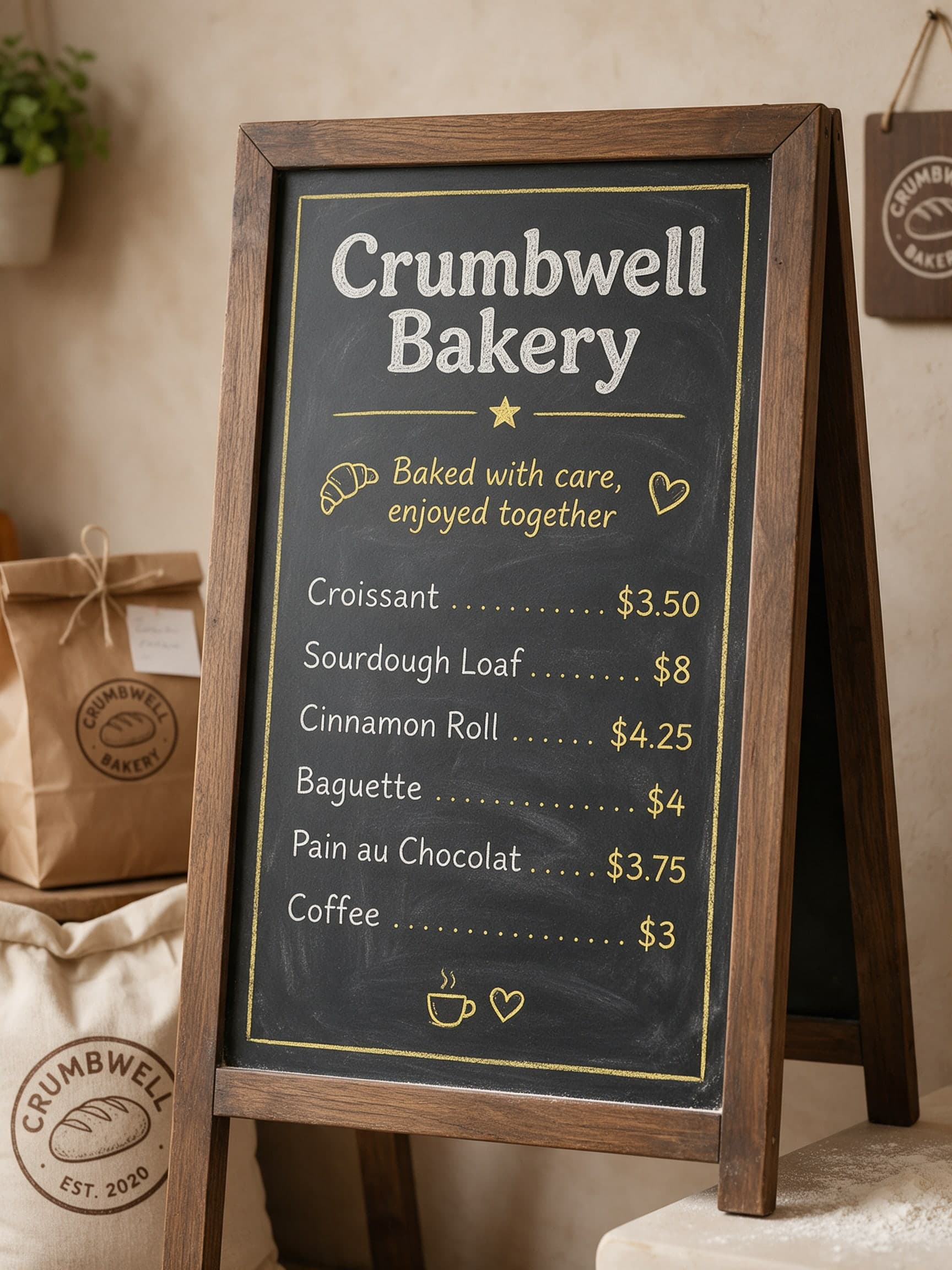
AI Bakery Chalkboard Menu with Prices for Crumbwell
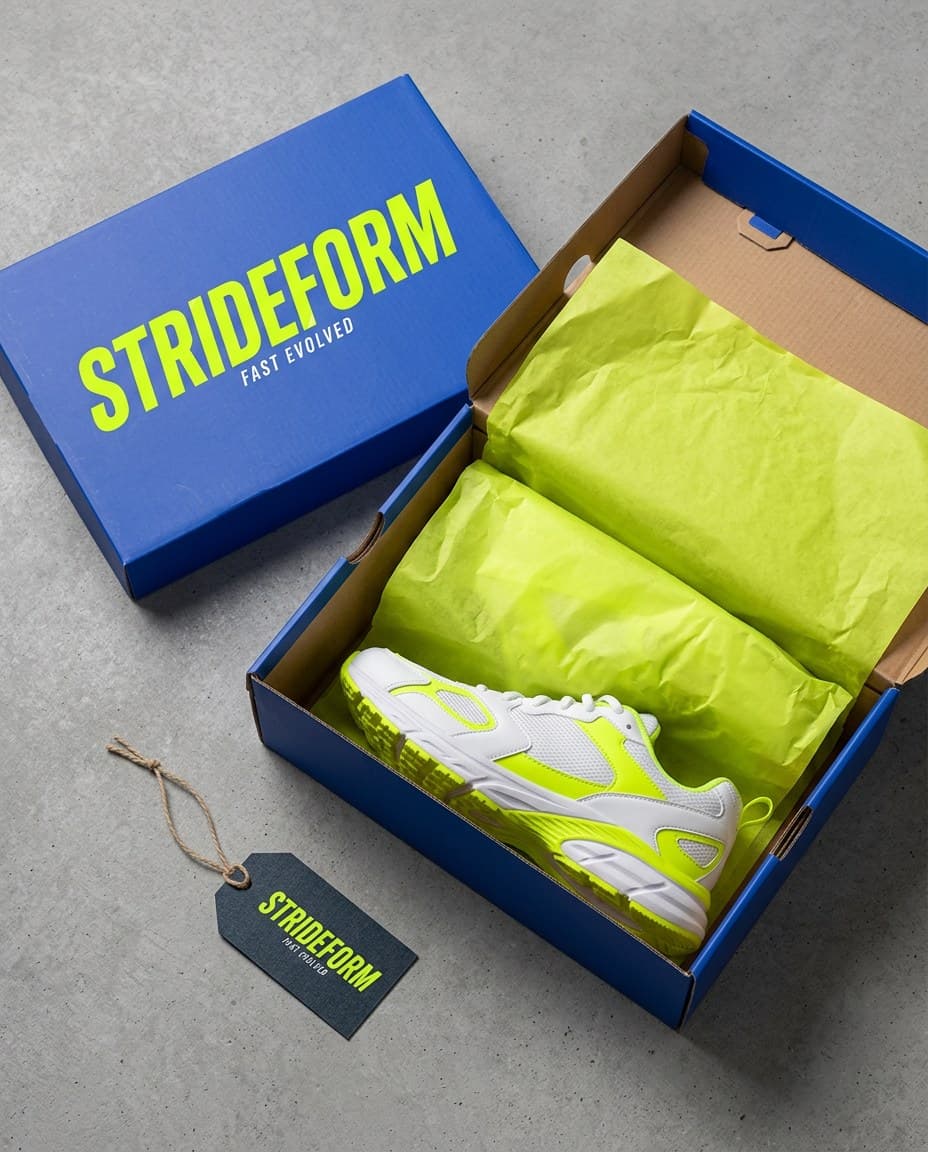
AI Strideform Shoebox Unboxing Flat Lay
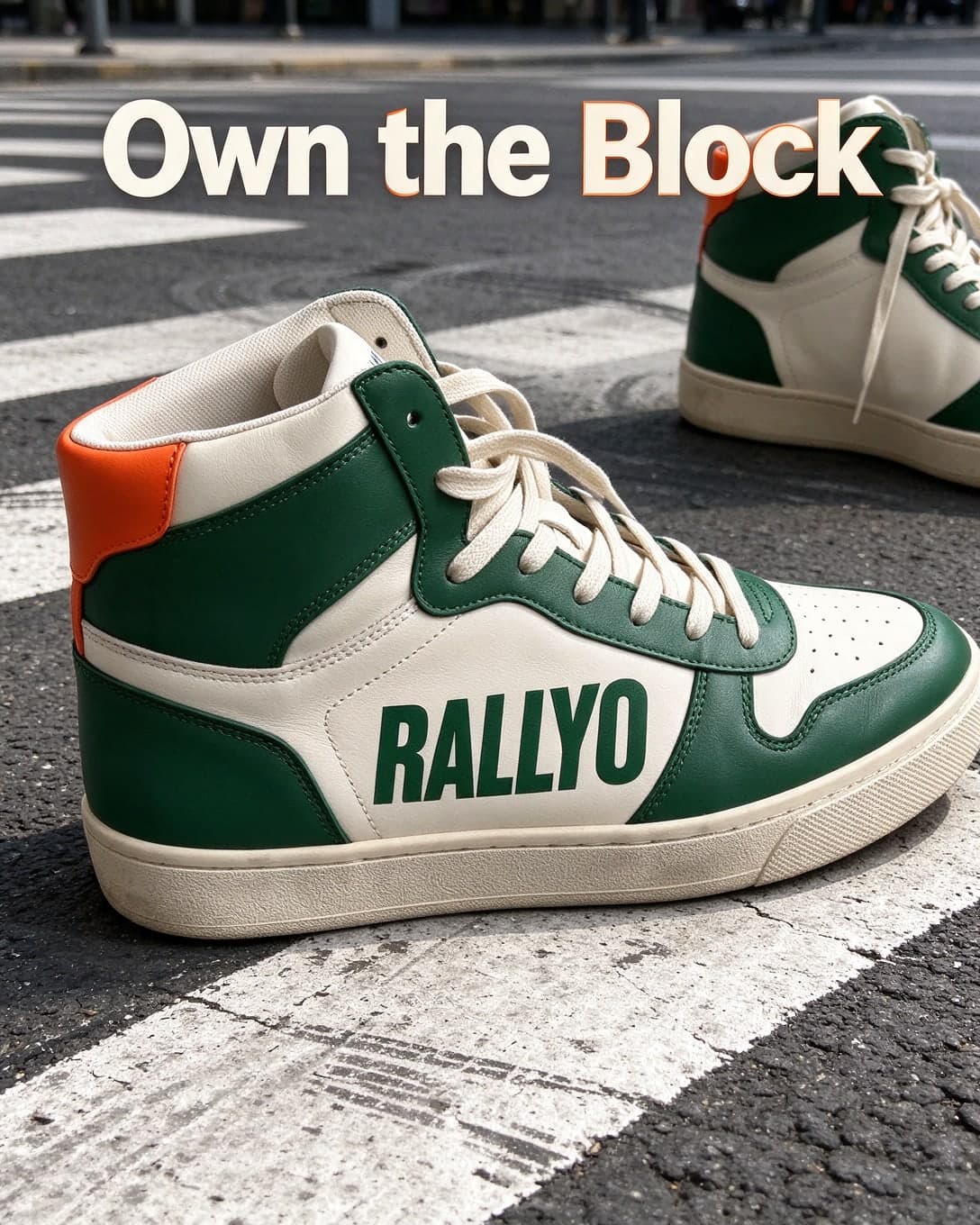
AI Street Style Sneaker Ad on a City Crosswalk

AI Duskmere Fragrance Notes Still Life
AI Ferncast Listener Growth Chart Infographic
AI Green Chilli Taqueria Staff Apron