AI Ploverleaf Write It Down Stationery Social Graphic
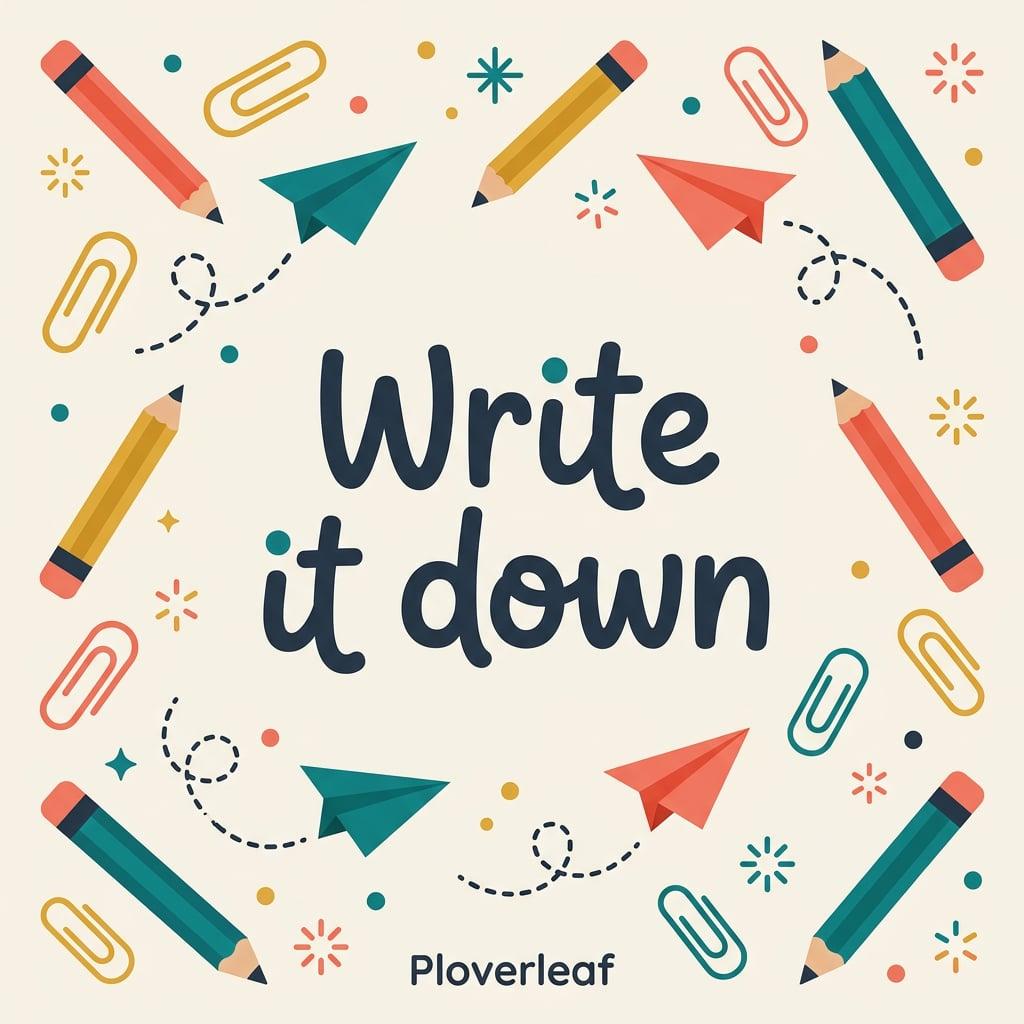
See an AI-generated flat social media graphic for Ploverleaf with pencils, paper clips and paper planes around the words Write it down, made with Nano Banana 2.1 from written brand guidelines.
Example breakdown
Why it stays on-brand
The teal, coral and mustard shapes sit on a warm cream background with dark navy rounded lettering, matching the written palette and flat geometric style. The Ploverleaf name appears at the bottom.
Marketing use
Use it as a square Instagram or Facebook post for a stationery shop, for back-to-school or journaling campaigns.
Prompt
A flat illustrated social media graphic for Ploverleaf: a playful pattern of pencils, paper clips and paper planes around the words "Write it down". No other text.
How this was generated
Brand DNA came from written guidelines using the same style of preset as in the live app. That DNA was applied as rules on top of the prompt used for this asset (shown in the Prompt section above).
- 1Written guidelinesBrand DNA source
Guidelines path: BrandGen turns pasted or typed brand specs into structured DNA.
Preset examplePloverleaf stationery guidelinesBRAND: Ploverleaf, a small paper-goods company making notebooks, greeting cards and desk stationery. Name always written "Ploverleaf".
COLORS Primary: #0F7C80 Secondary: #F26B5B Accent: #E3B23C Foreground: #1E2A3A Background: #F6F1E7
TYPOGRAPHY: rounded geometric sans-serif for headlines, a clean sans-serif for small text.
STYLE: flat, bold geometric shapes with generous whitespace. Photography is bright, natural daylight, simple desk scenes.
- 2Apply DNA to the prompt
Every generation runs through that DNA as hard constraints (colors, type, visual style, tone). The creative intent is entirely in the prompt already shown above.
- 3Final outputDesign & Creative
The same wording with different DNA would look like a different brand. This image used the Brand DNA from step 1.
Related guides
Same prompt, other model
The identical prompt and brand reference, run on a second model. Compare how each one handled it.
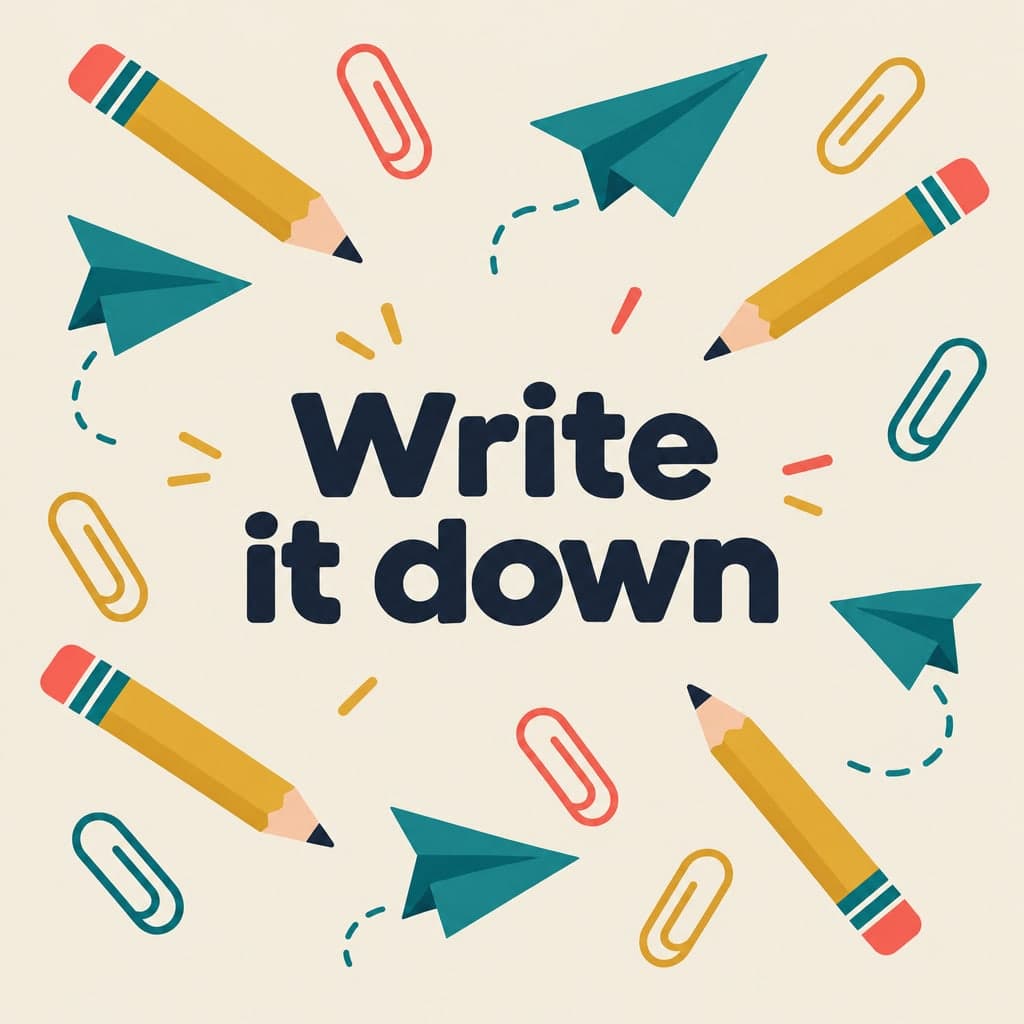 GPT Image 2.5 FlareAI Ploverleaf Write It Down Graphic, GPT Image 2.5 Flare
Related examples
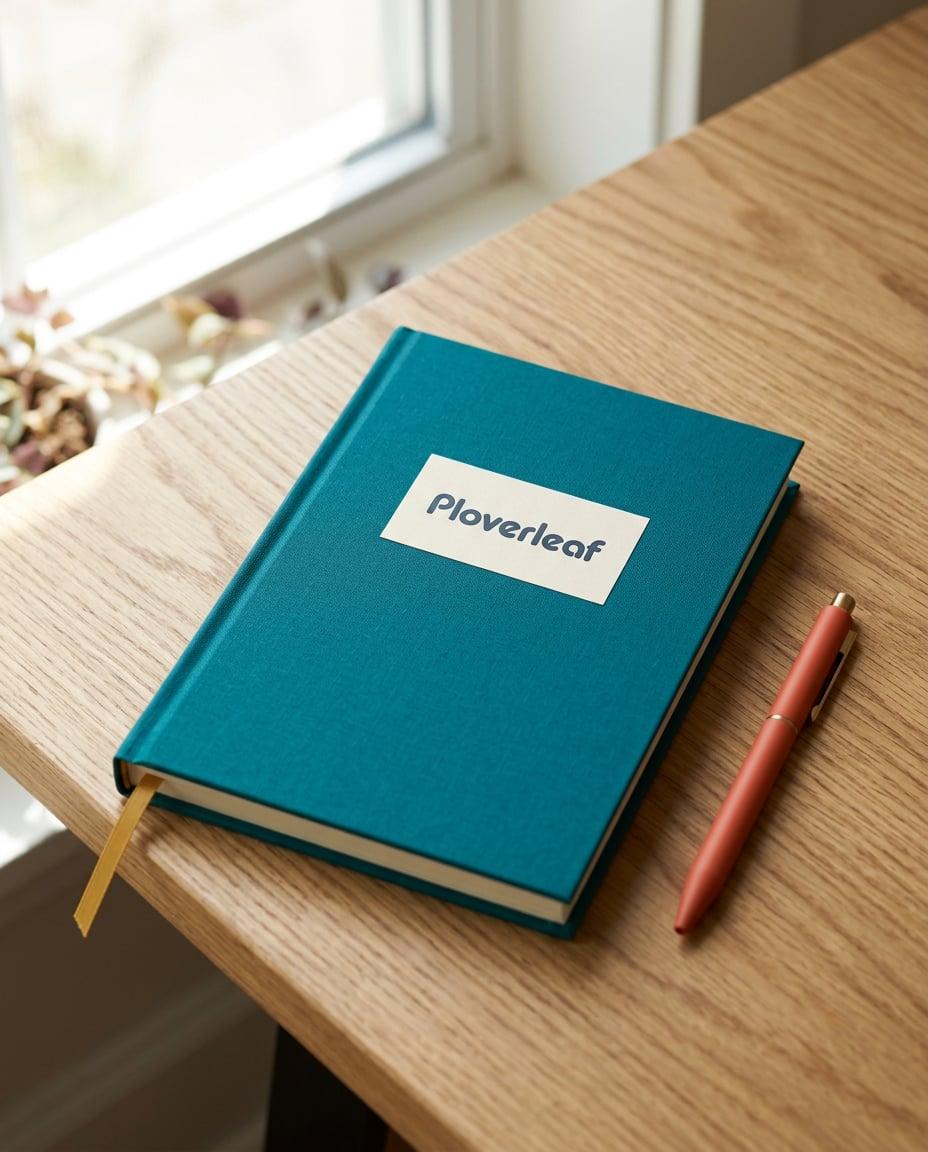
More from this brand
Other outputs generated from the same brand reference.