AI BrandGen Help Illustration: Refund for a Failed Generation
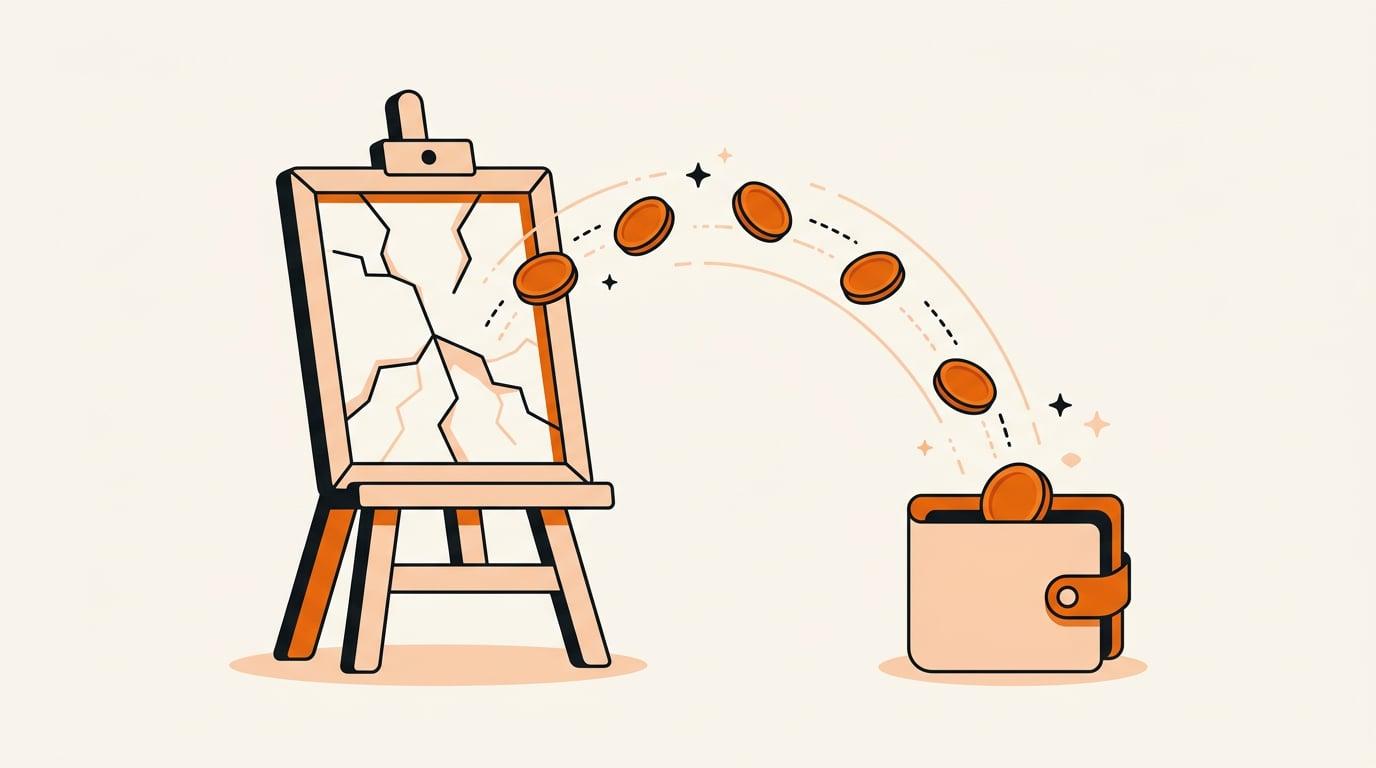
See an AI-generated illustration of a cracked canvas on an easel with coins arcing back to a wallet, showing a refund, made with Nano Banana 2.1 from written brand guidelines.
Example breakdown
Why it stays on-brand
The orange coins, peach easel and wallet, near-black outlines and cream background follow the written palette, with no words or logos anywhere.
Marketing use
Use it for a refund policy page, a support article or an email explaining that failed images are not charged.
Prompt
A picture frame on an easel with a cracked, empty canvas, and orange coins flying back in a gentle arc into an open wallet beside it, conveying a failed image with credits returned. Help-centre thumbnail illustration on a warm cream background. No text, no numbers, no letters, no logos.
How this was generated
Brand DNA came from written guidelines using the same style of preset as in the live app. That DNA was applied as rules on top of the prompt used for this asset (shown in the Prompt section above).
- 1Written guidelinesBrand DNA source
Guidelines path: BrandGen turns pasted or typed brand specs into structured DNA.
Preset exampleBrandGen help-centre illustration guidelinesBrandGen is a brand-consistent AI image generator for small businesses and marketers. Visual style for help-centre thumbnails: clean, modern flat editorial illustration with soft depth and gentle shadows, simple rounded geometric shapes, generous negative space, one clear central metaphor per image. Palette: warm orange #E6650A as the accent, warm cream #FBF9F6 background, near-black #1A1A1A for outlines and details, soft peach #F6D9C3 for secondary shapes. Calm, friendly, trustworthy tone. Never put words, letters, numbers or logos in the image.
- 2Apply DNA to the prompt
Every generation runs through that DNA as hard constraints (colors, type, visual style, tone). The creative intent is entirely in the prompt already shown above.
- 3Final outputIllustration & Concept Art
The same wording with different DNA would look like a different brand. This image used the Brand DNA from step 1.
Related guides
Related examples

More from this brand
Other outputs generated from the same brand reference.
AI BrandGen Help Illustration: Sign In to Unlock Your Account
AI BrandGen Help Illustration: Delete Your Account and Data
AI BrandGen Help Illustration: Checking Photo Details Up Close
AI BrandGen Help Illustration: Change or Cancel Your Plan
AI BrandGen Help Illustration: Attach a Logo or Product Photo
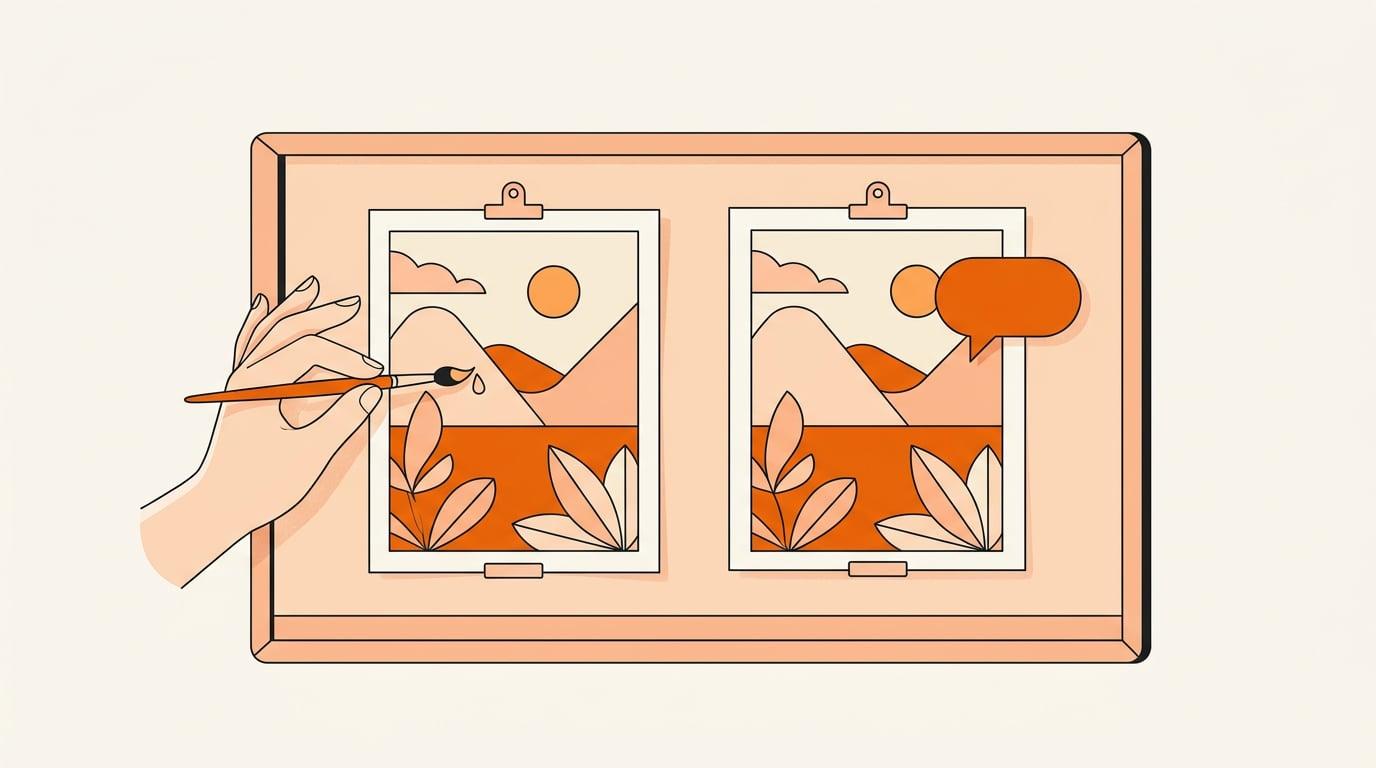
AI BrandGen Help Illustration: Refine, Compare and Comment
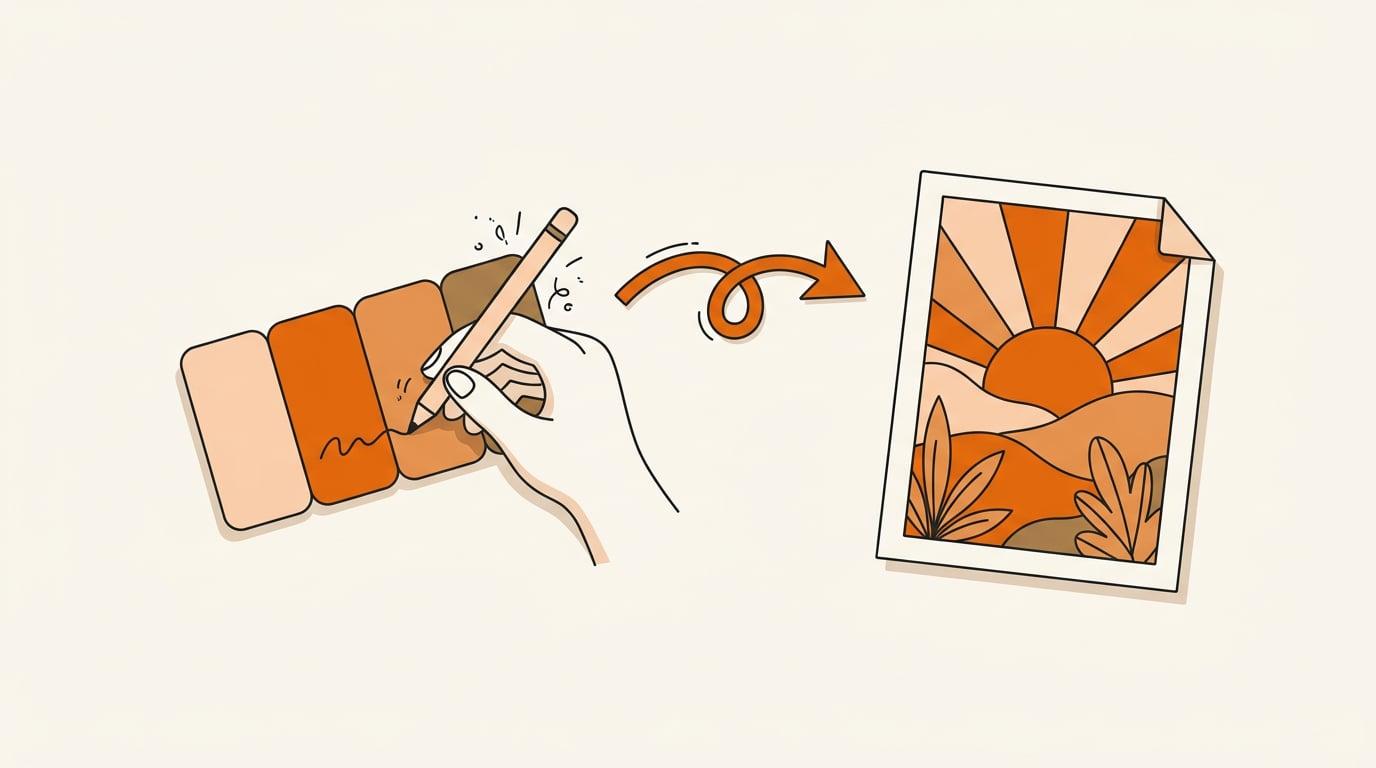
AI BrandGen Help Illustration: Writing an On-Brand Prompt
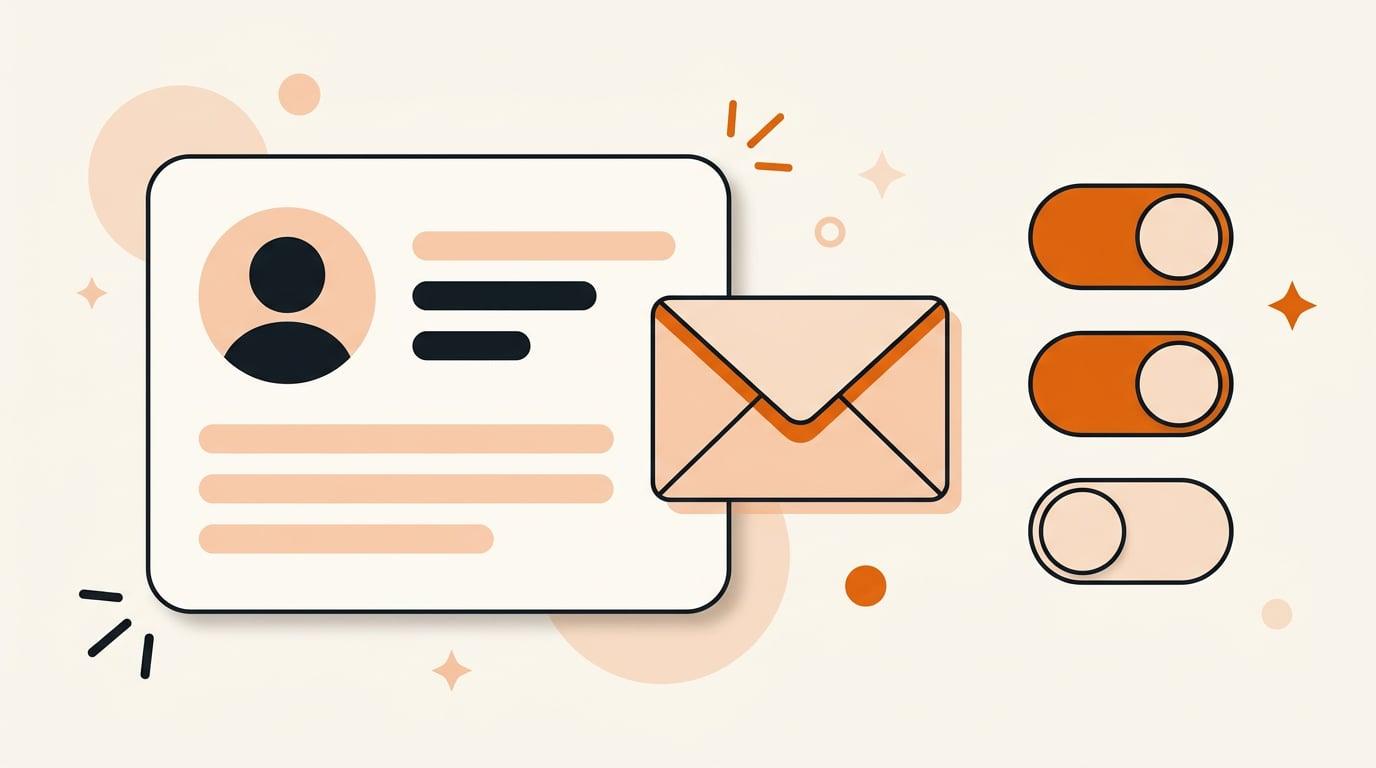
AI BrandGen Help Illustration: Profile and Email Settings
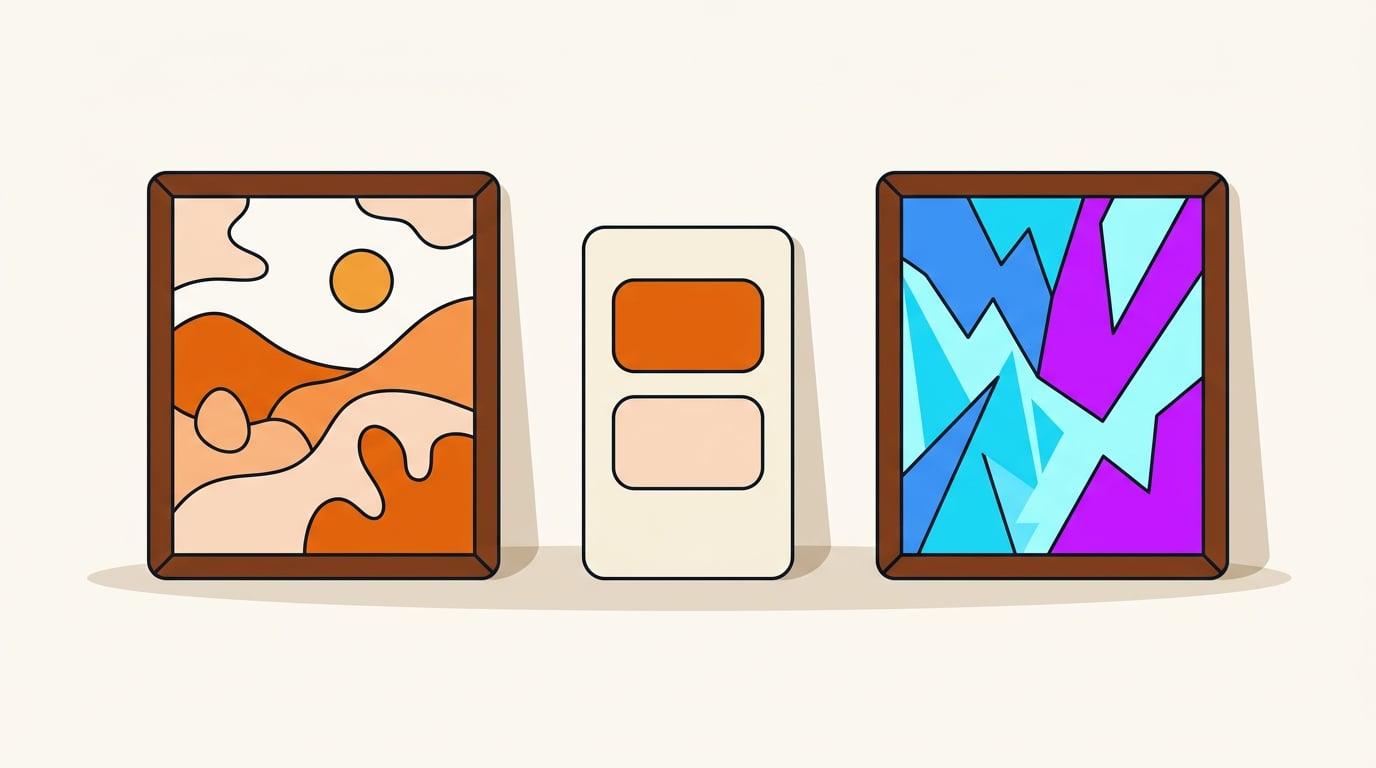
AI BrandGen Help Illustration: Off-Brand Palette Check
AI BrandGen Help Illustration: Best Photo to Upload
AI BrandGen Help Illustration: Top-Up Credits That Never Expire